 Physics Shark




























Build and Defend your Base
Looking for a Roblox-style tower defense game you can play at school? Build and Defend your Base loads straight in your browser on Physics Shark: free, unblocked and nothing to install.
Show moreShow less
Play Build and Defend your Base unblocked
Looking for a Roblox-style tower defense game you can play at school? Build and Defend your Base loads straight in your browser on Physics Shark: free, unblocked and nothing to install. Play it on a school Chromebook, a laptop, a phone or a tablet.
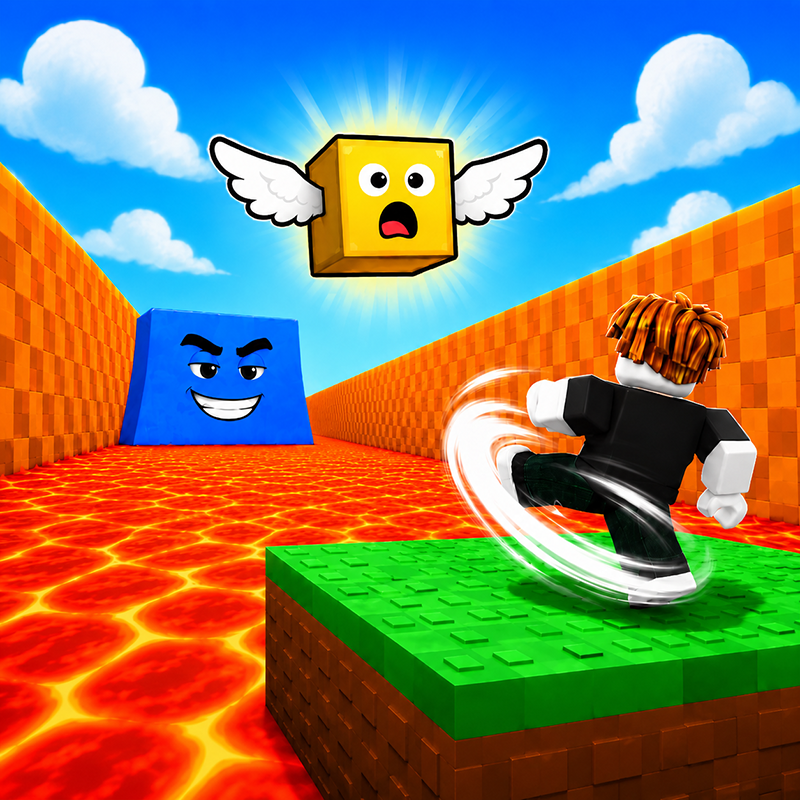
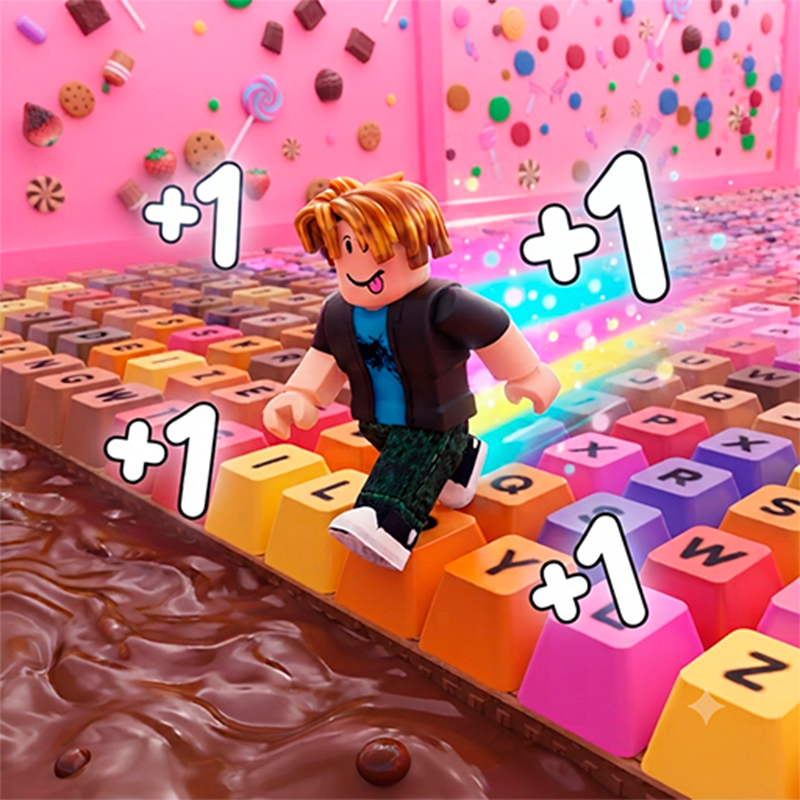
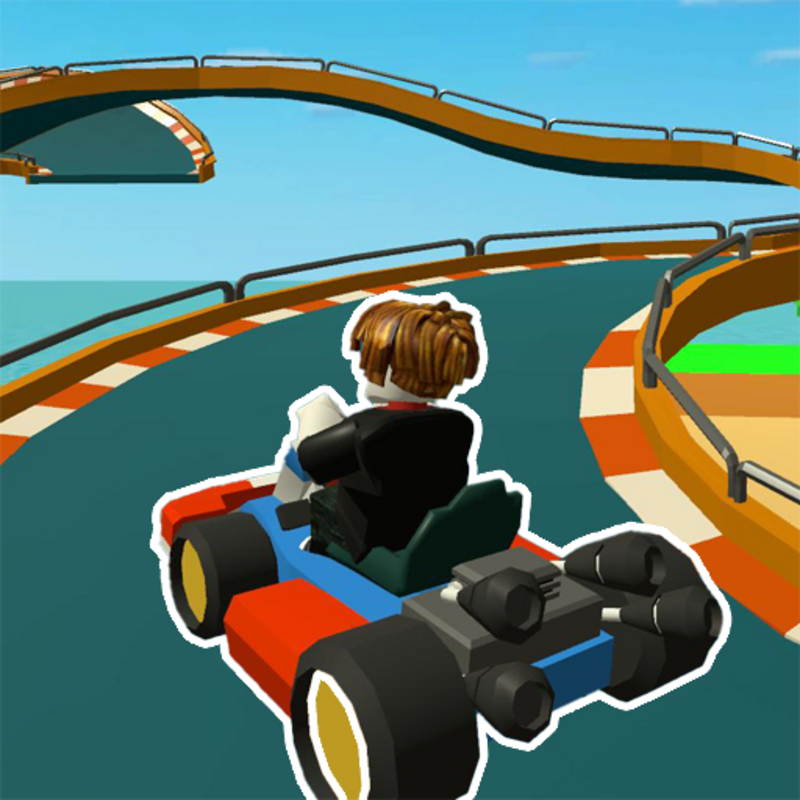
If you like Roblox obbies, Build and Defend your Base will feel familiar: jump across tricky platforms, dodge traps and reach the next checkpoint. The difference is that it runs right here in the browser, with no Roblox account, no app and no download, which makes it an easy Roblox-style game to play at school.
What is Build and Defend your Base?
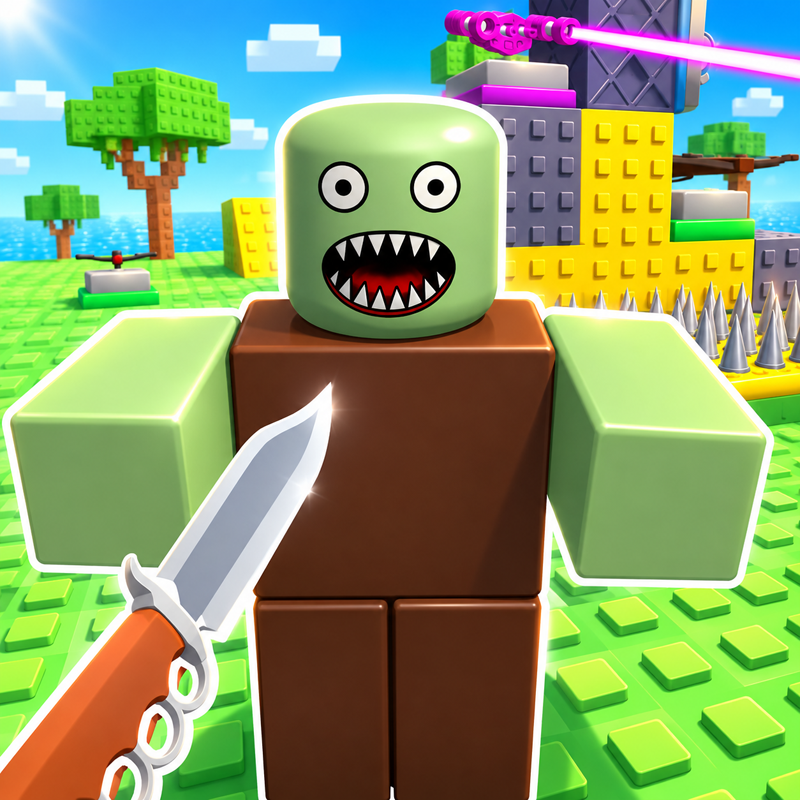
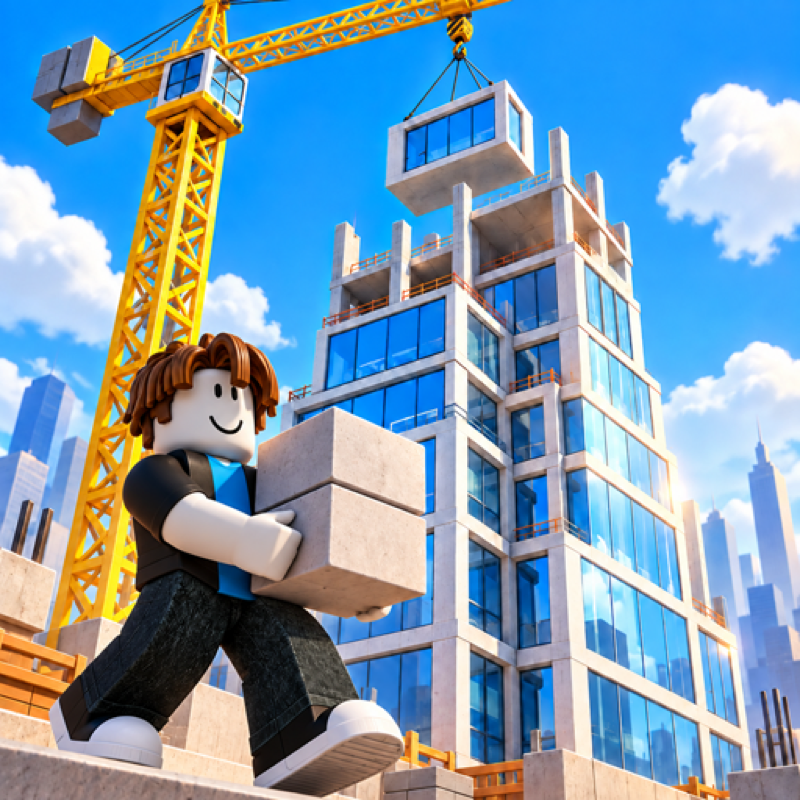
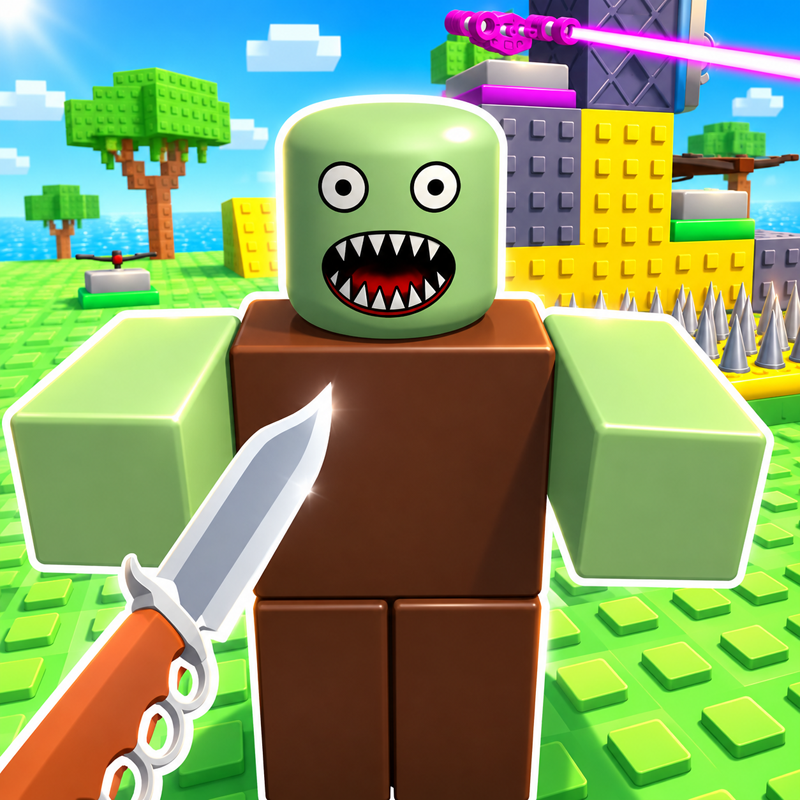
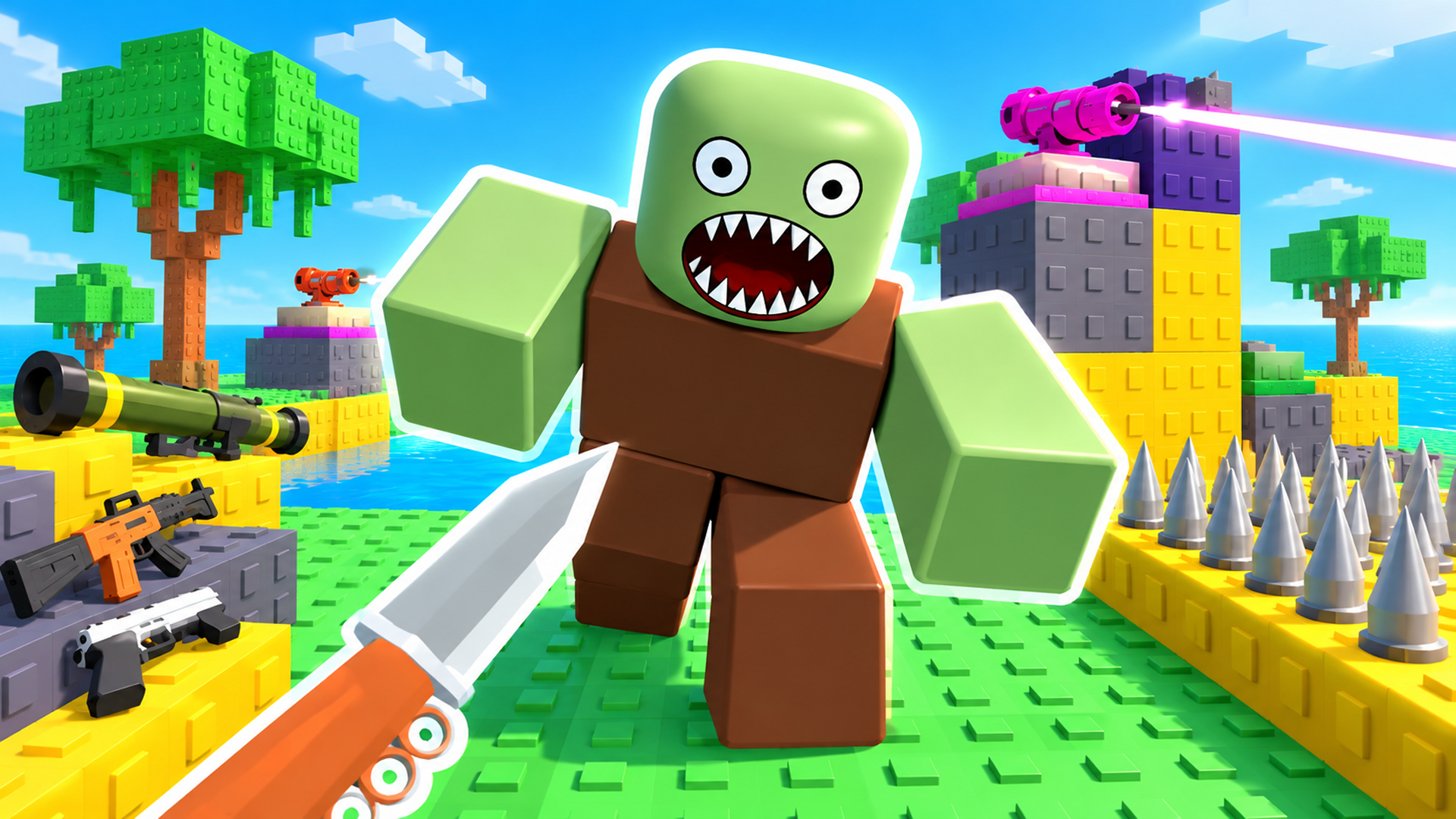
Build your own base block by block and defend it against endless waves of enemies! Place walls, turrets and traps, then grab your weapon and fight alongside your defenses. Zombies, skeletons, robots, pirates, aliens and demons attack in 200+ waves with bosses — each wave harder than the last. Earn coins and diamonds, unlock rare and mythic blocks, upgrade your weapons and collect skins. How long can your base hold out?
How to play Build and Defend your Base
Build your base in peaceful mode, then press "Battle" to start the waves. Enemies try to destroy your base block — stop them with walls, turrets and your weapon. Survive as many waves as you can to set a new record, and spend your rewards on new blocks, weapons and upgrades.
Controls (PC):
WASD — move
Space — jump
Hold right mouse button — rotate the camera
Mouse wheel — zoom
Left mouse button — attack / place a block
1 / 2 / 3 — build / remove blocks / weapon
R — reload
U — upgrades
Esc — settings
Mobile: joystick to move, on-screen buttons to jump and attack, swipe to rotate the camera.
Build and Defend your Base controls
- WASD: move
- Space: jump
- Hold right mouse button: rotate the camera
- Mouse wheel: zoom
- Left mouse button: attack / place a block
- R: reload
- U: upgrades
- Esc: settings
Build and Defend your Base FAQ
Is Build and Defend your Base free to play?
Yes. Build and Defend your Base is free on Physics Shark, with nothing to download and no account to make. The game has optional in-game purchases, but you never need them to play.
Can I play Build and Defend your Base unblocked at school?
Build and Defend your Base runs in a normal browser tab with no install, so it plays on school Chromebooks and laptops, with nothing to install and no account.
Does Build and Defend your Base work on phones and tablets?
Yes. It works with touch controls on phones and tablets, and with a keyboard and mouse on computers.
Is Build and Defend your Base a Roblox game?
No. Build and Defend your Base is a Roblox-style browser game by an independent developer. It plays a lot like a Roblox obby, but you don't need Roblox or a Roblox account to play it.
Build and Defend your Base is not made by, endorsed by or affiliated with Roblox Corporation. Roblox is a trademark of Roblox Corporation.
- LikedNo votes yet
- Rank#2628 of 2870
- PlaysBe the first!
- UpdatedNovember 2026
Gameplay
About this game
- Controls
- WASDmove
- Spacejump
- Hold right mouse buttonrotate the camera
- Mouse wheelzoom
- Left mouse buttonattack / place a block
- Rreload
- Uupgrades
- Escsettings
- Supported devices
- Desktop, phone and tablet














