 Physics Shark





















Wildkin Isles
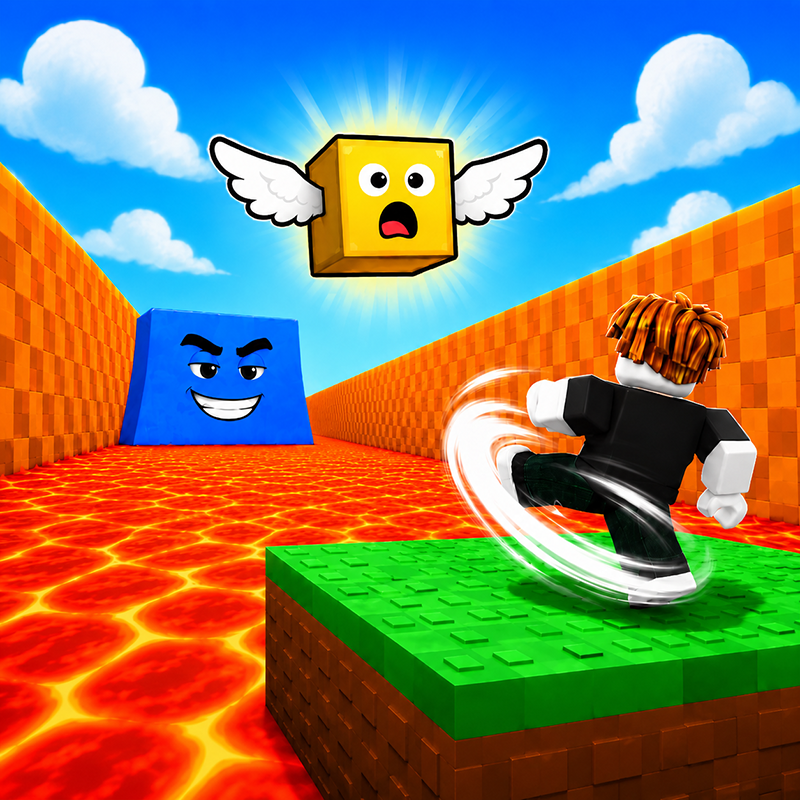
Looking for a Roblox-style obby you can play at school? Wildkin Isles loads straight in your browser on Physics Shark: free, unblocked and nothing to install.
Show moreShow less
Play Wildkin Isles unblocked
Looking for a Roblox-style obby you can play at school? Wildkin Isles loads straight in your browser on Physics Shark: free, unblocked and nothing to install. Play it on a school Chromebook, a laptop, a phone or a tablet.
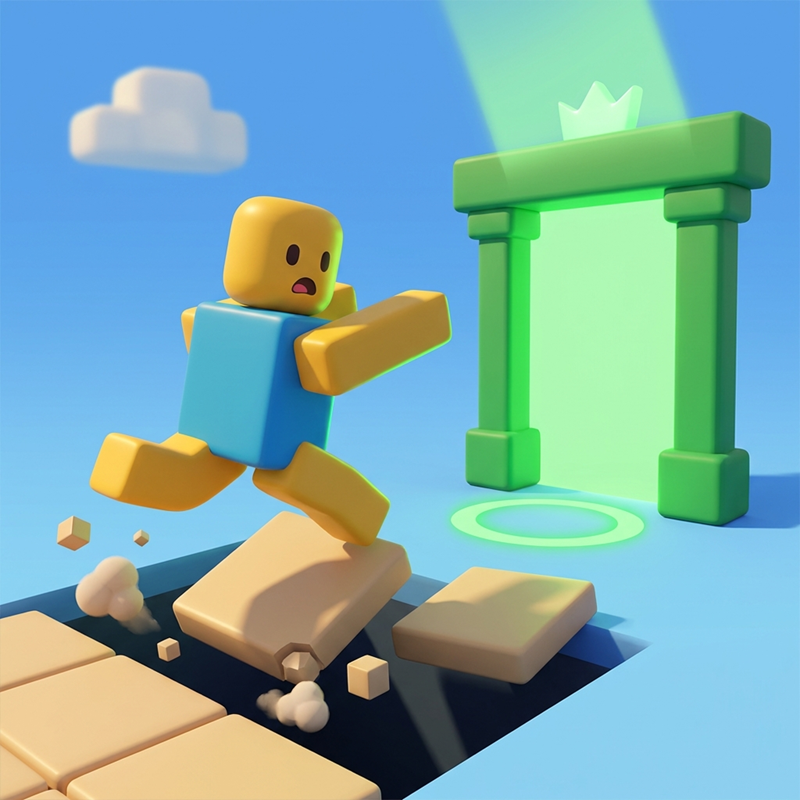
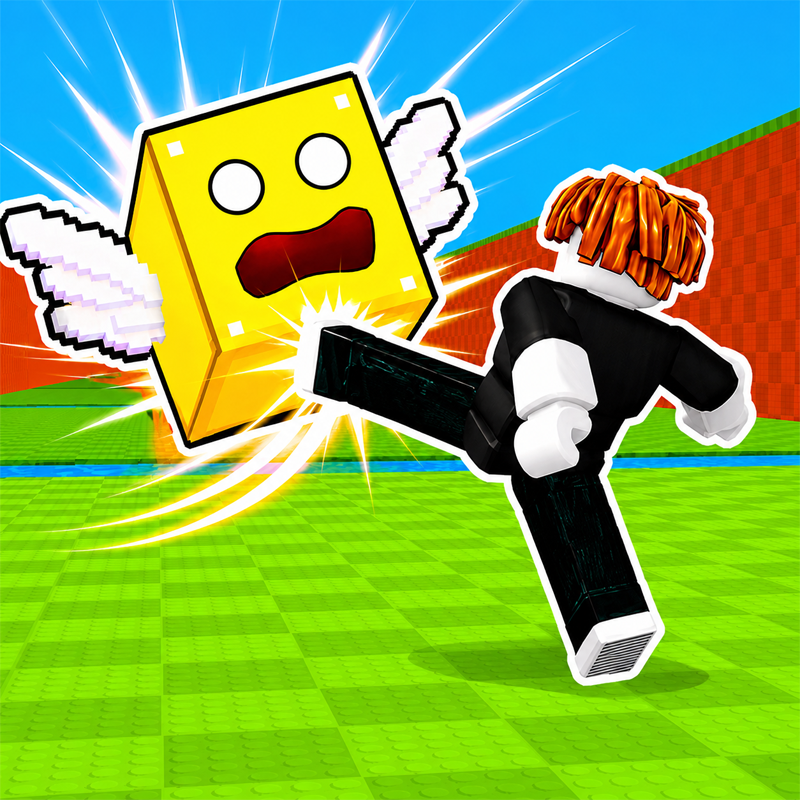
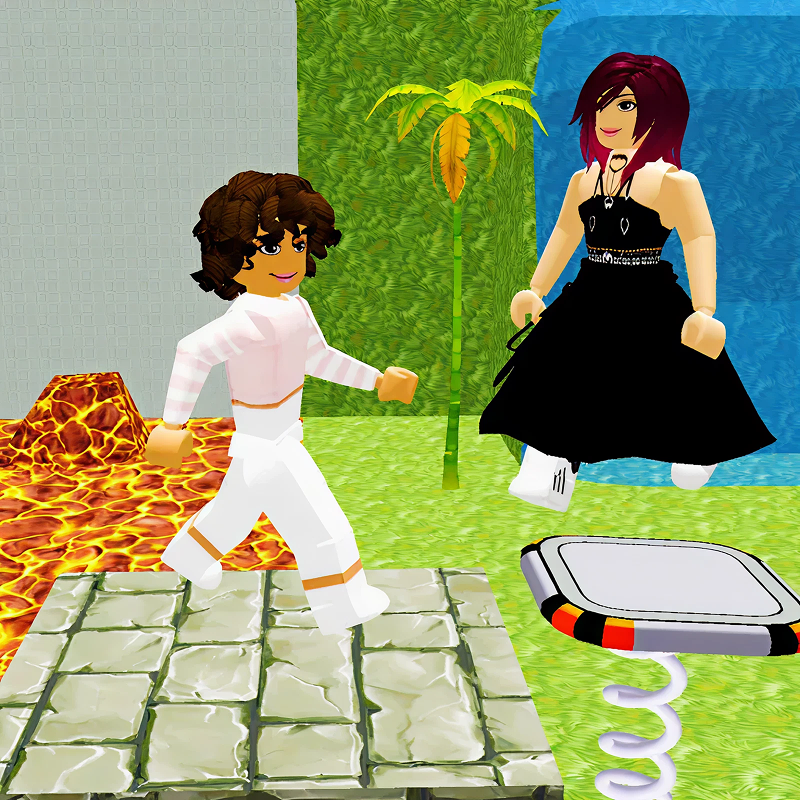
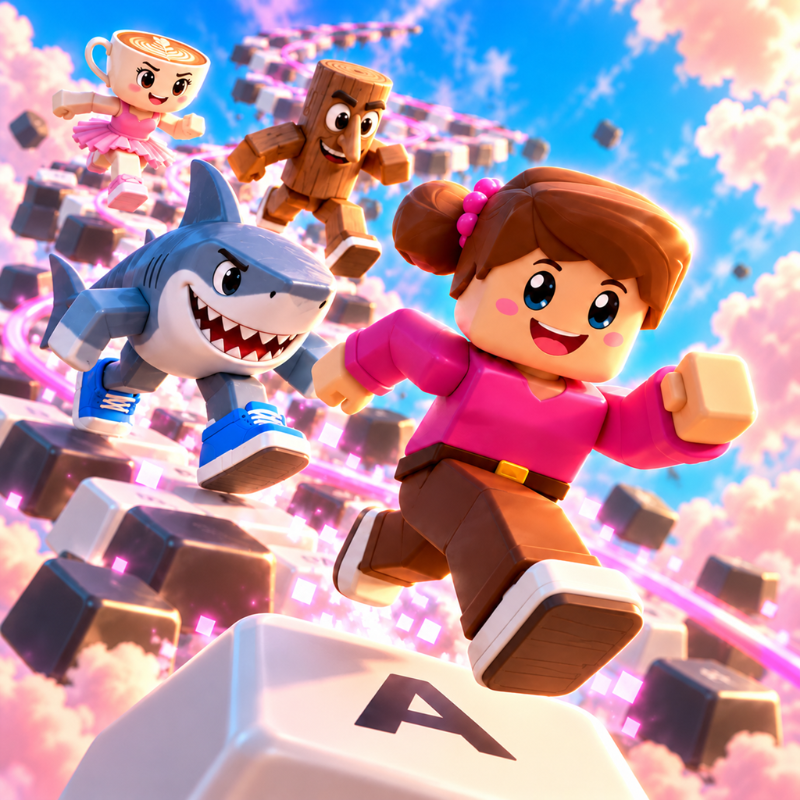
Wildkin Isles plays like the Roblox games everyone talks about: jump across tricky platforms, dodge traps and reach the next checkpoint. You don't need Roblox, an account or an install, just this page, so it works on school computers where apps are locked down.
What is Wildkin Isles?
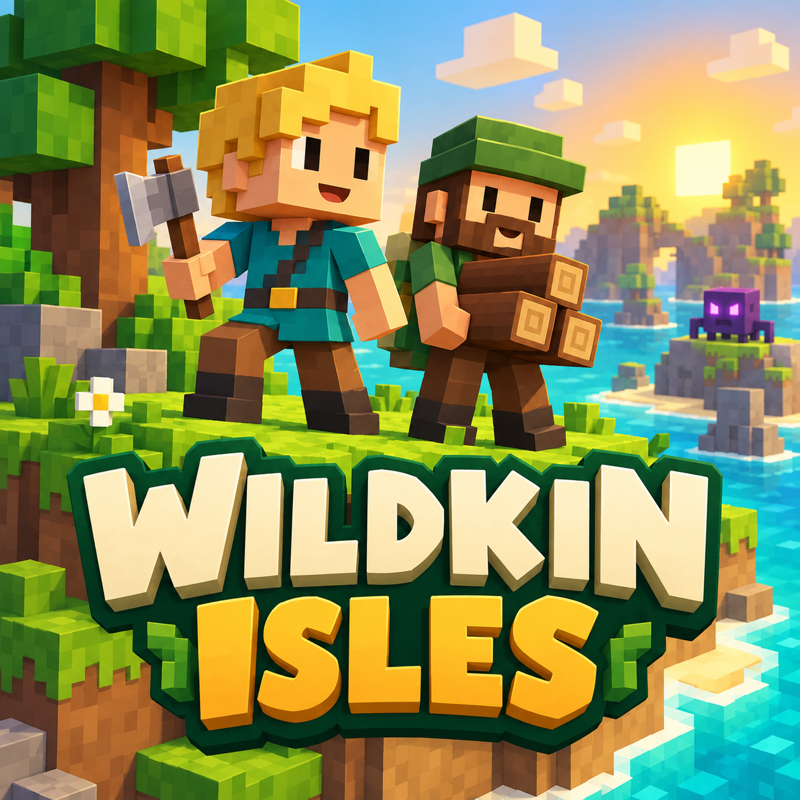
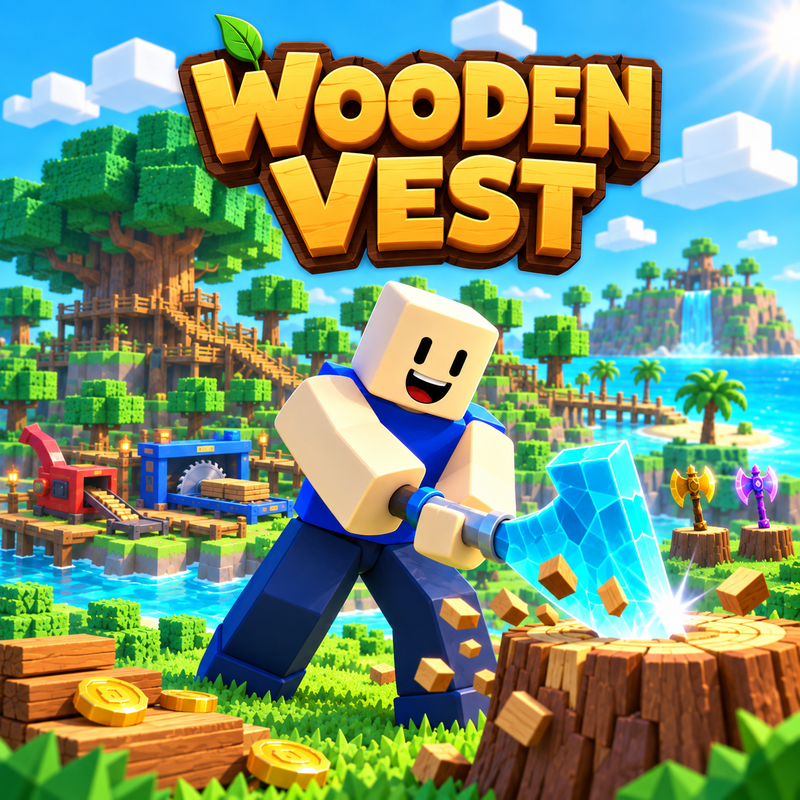
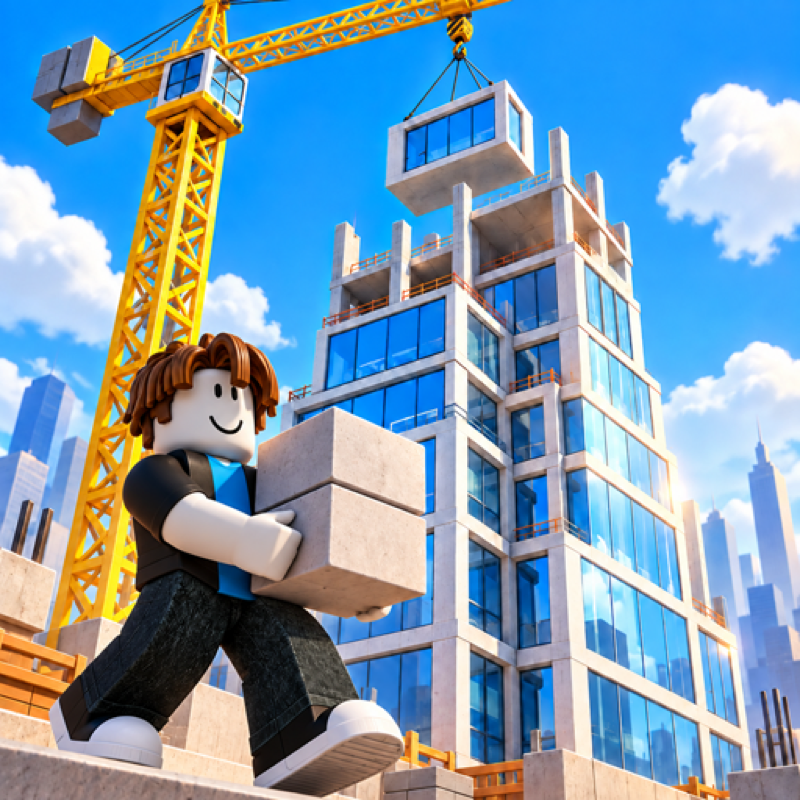
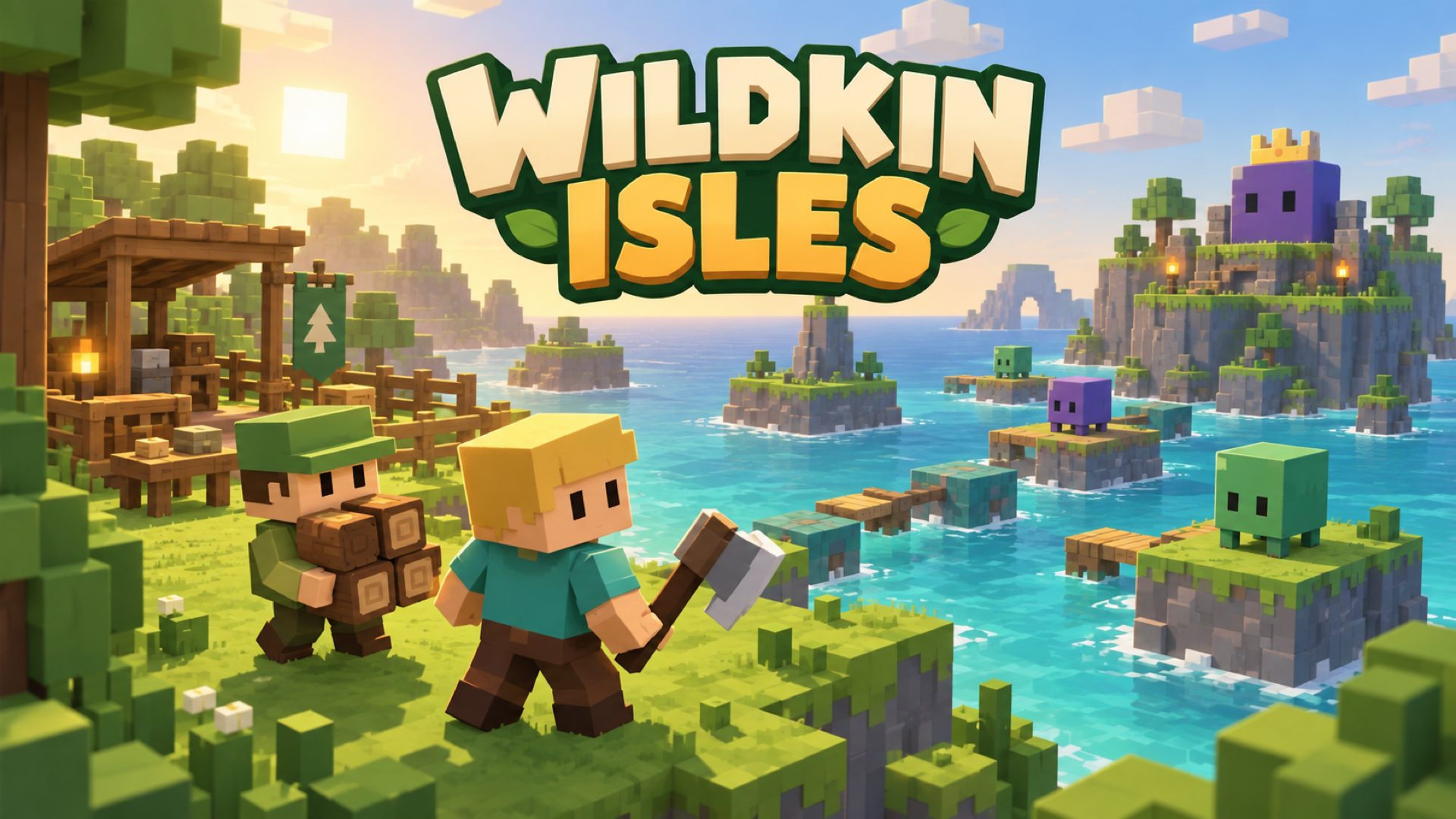
Explore, gather, and rescue in Wildkin Isles! Roam a colorful voxel world, collect resources, craft stronger axes, and bring stranded specialists safely back to camp. Each rescued helper brings a useful skill, from gathering materials to unlocking upgrades.
Prepare for tougher monsters after dark, cross Cloudstep’s tricky platforms, and defeat the island guardian. Bring your whole crew home and reach the finish to earn a Cloudstep Win.
How to play Wildkin Isles
Desktop: Move with WASD or arrow keys, jump with Space, and hit or interact with left-click or P. Press Escape to pause.
Mobile: Use the touch joystick to move and the Jump and Hit/Use buttons.
Hit trees and rocks to gather materials. Carry up to five items; heavier loads slow you down.
Enter marked circles to deposit materials or craft equipment when requirements are met.
Rescue specialists and escort them safely to camp to activate their roles.
Monster hits remove your carried materials. Losing all hearts lets you return to camp with resource and weapon losses, or watch an available rewarded ad to revive with one heart and preserve your belongings.
Rescue the entire crew, defeat the Cloudstep guardian, and enter the finish arch to complete your adventure.
Wildkin Isles controls
- Keyboard / mouse: Move with WASD or arrow keys, jump with Space, and hit or interact with left-click or P. Press Escape to pause
Wildkin Isles FAQ
Is Wildkin Isles free to play?
Yes. Wildkin Isles is free on Physics Shark, with nothing to download and no account to make.
Can I play Wildkin Isles unblocked at school?
Wildkin Isles runs in a normal browser tab with no install, so it plays on school Chromebooks and laptops, with nothing to install and no account.
Does Wildkin Isles work on phones and tablets?
Yes. It works with touch controls on phones and tablets, and with a keyboard and mouse on computers.
Is Wildkin Isles a Roblox game?
No. Wildkin Isles is a Roblox-style browser game by an independent developer. It plays a lot like a Roblox obby, but you don't need Roblox or a Roblox account to play it.
Wildkin Isles is not made by, endorsed by or affiliated with Roblox Corporation. Roblox is a trademark of Roblox Corporation.
- LikedNo votes yet
- Rank#1812 of 2870
- PlaysBe the first!
- UpdatedNovember 2026
Gameplay
About this game
- Controls
- Keyboard / mouseMove with WASD or arrow keys, jump with Space, and hit or interact with left-click or P. Press Escape to pause
- Supported devices
- Desktop, phone and tablet
- Genre
- Obbyarcadesimulationmanagementadventurestrategycozy














