 Physics Shark






Craft the War
Play Craft the War online for free on Physics Shark. This multiplayer first-person shooter runs in a normal browser tab, so there's nothing to download and no sign-up, and it works on a school…
Show moreShow less
Play Craft the War unblocked
Play Craft the War online for free on Physics Shark. This multiplayer first-person shooter runs in a normal browser tab, so there's nothing to download and no sign-up, and it works on a school Chromebook, a laptop, a phone or a tablet.
What is Craft the War?
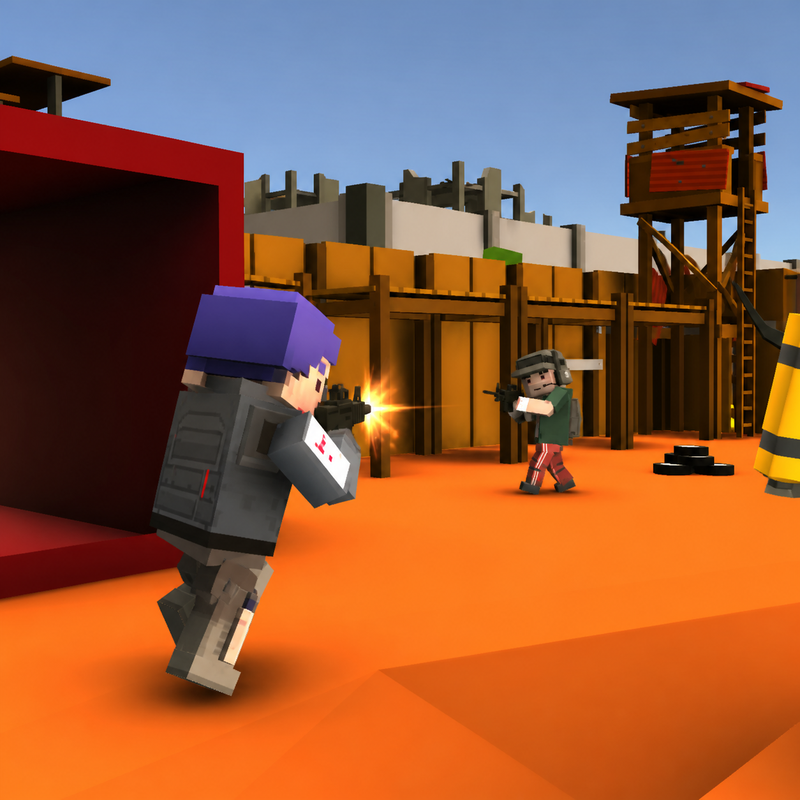
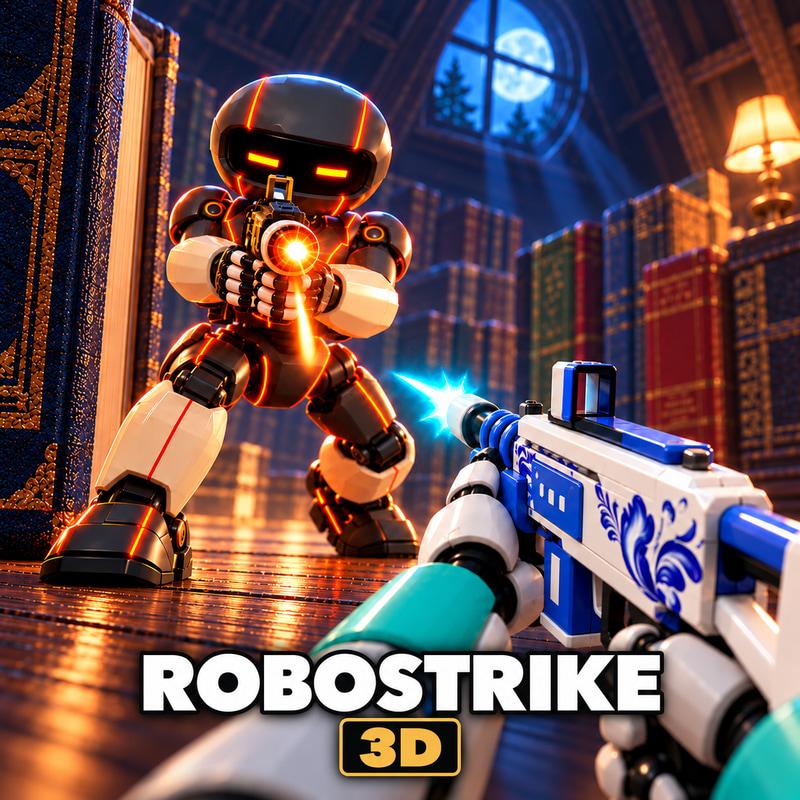
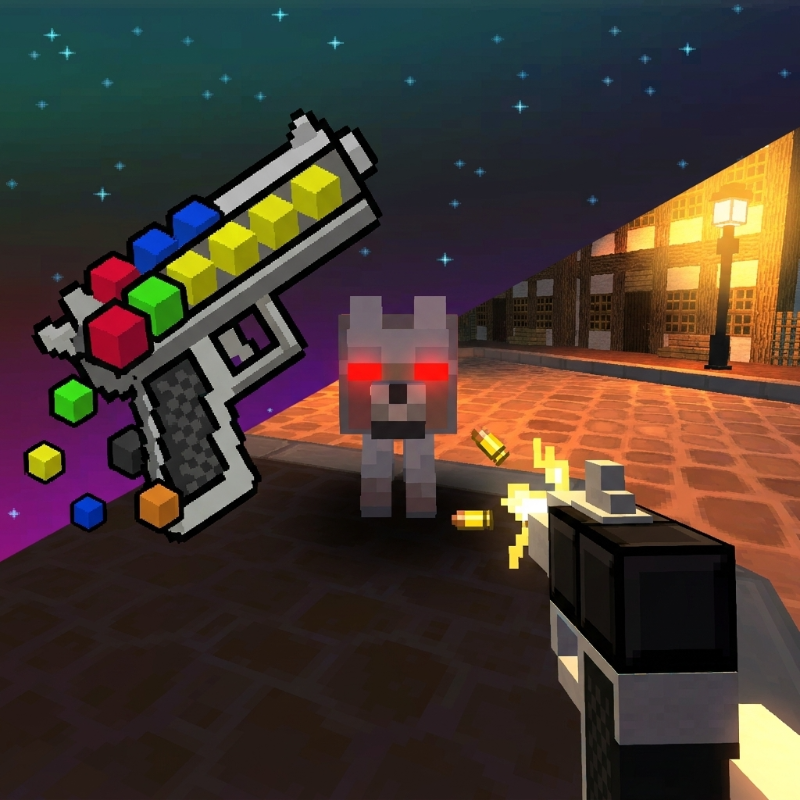
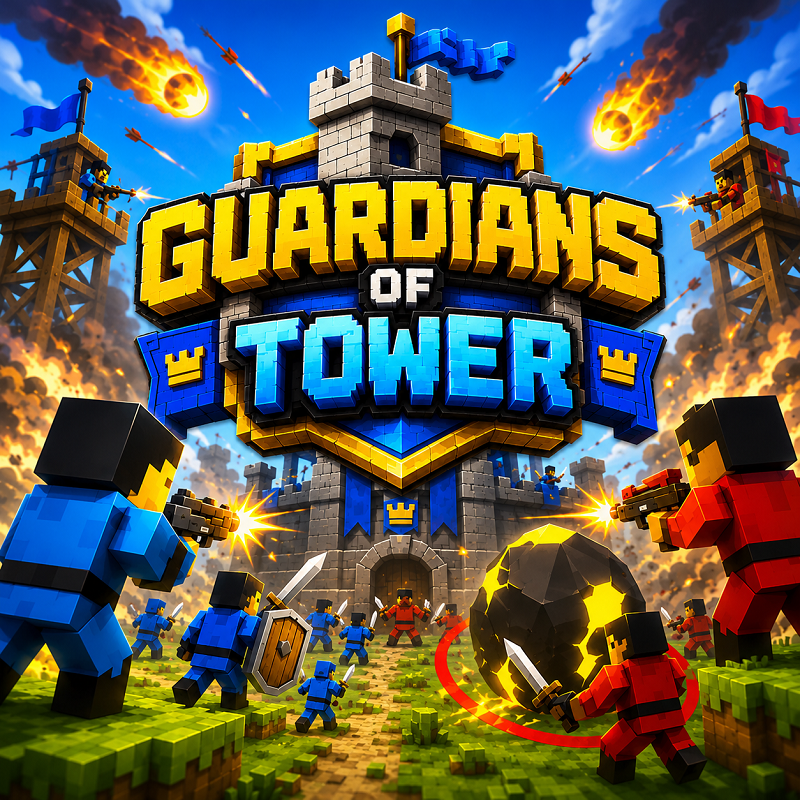
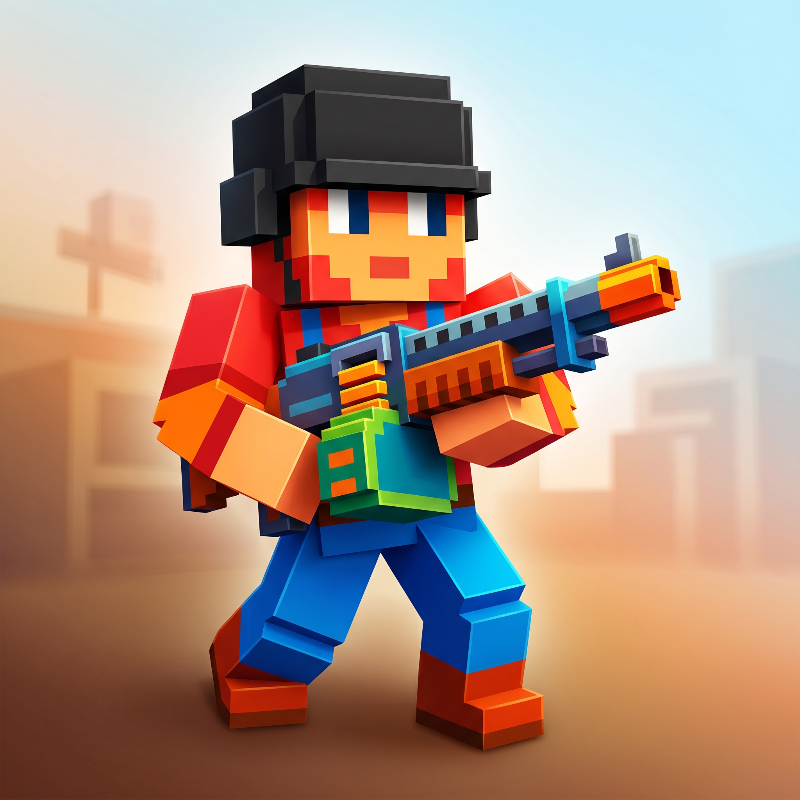
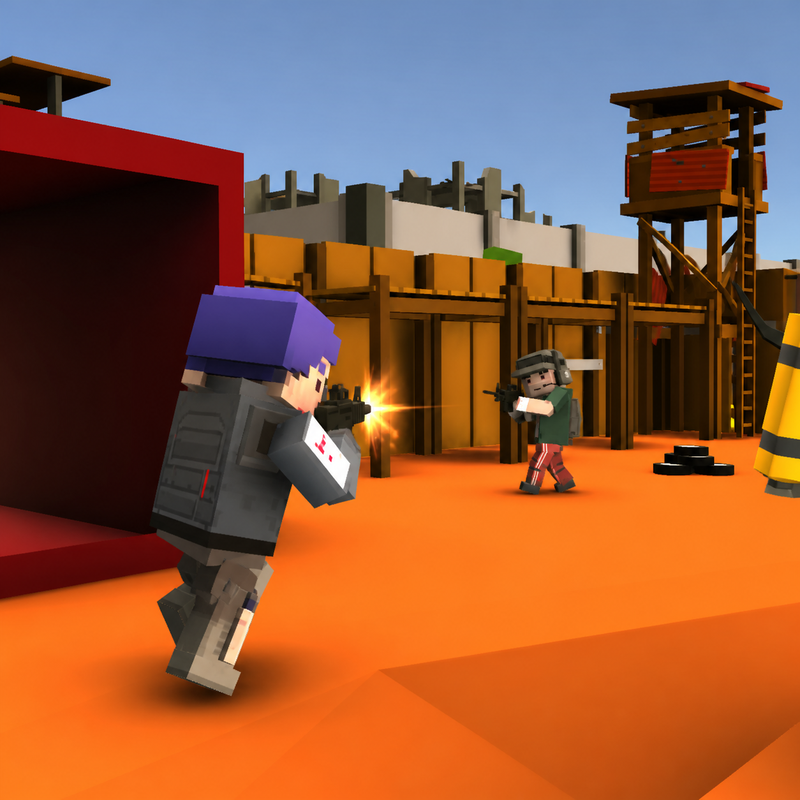
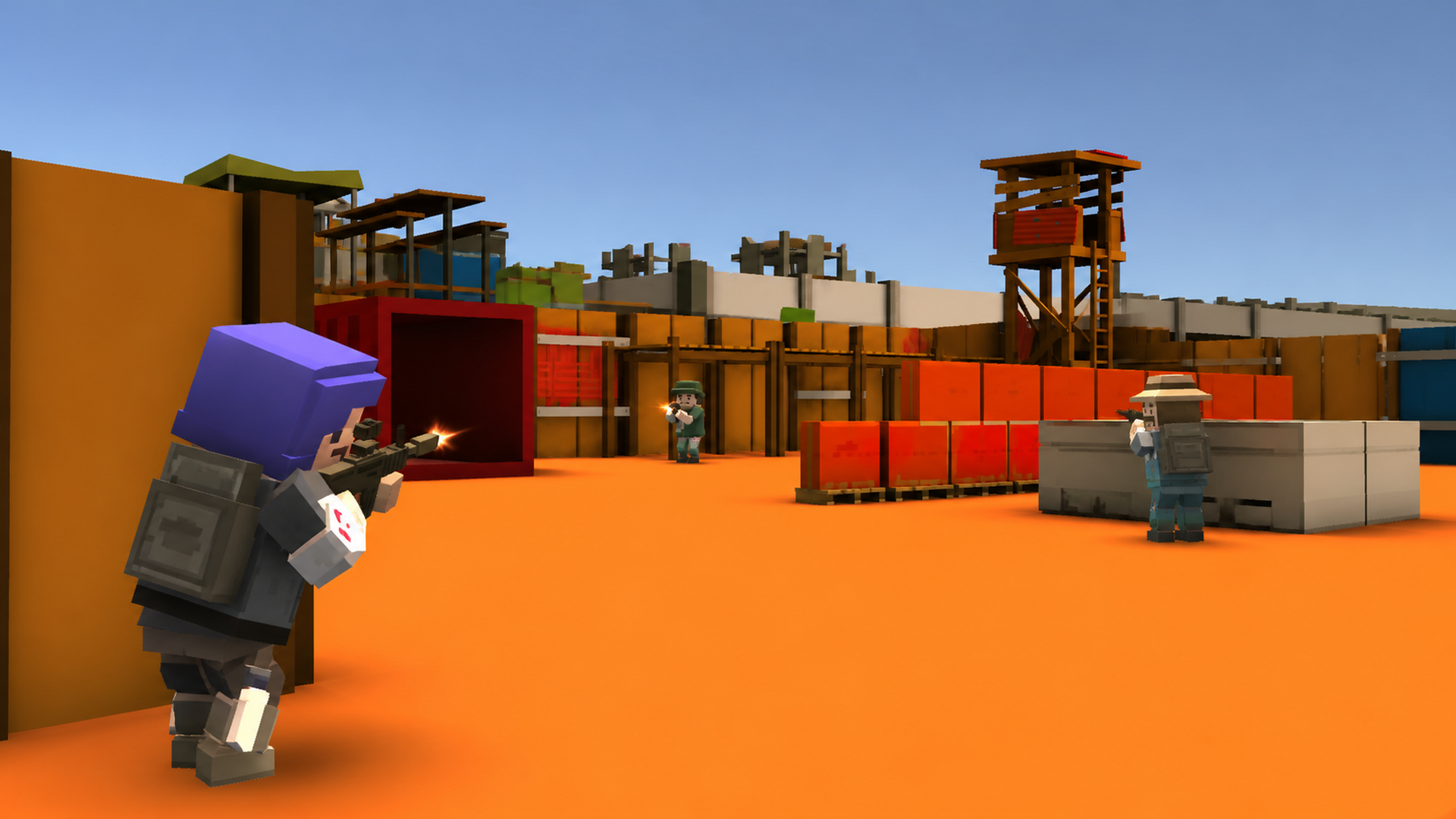
Craft Theft War is a fast-paced online first-person shooter set across compact industrial battlefields. Join or create multiplayer rooms, choose your loadout, and outmaneuver rival soldiers in team and free-for-all combat. Responsive gunplay, multiple weapon types, vehicles, character selection, and varied match modes make every battle play differently.
How to play Craft the War
Objective
Join or create a multiplayer room, defeat opponents, and help your team reach the match score or objective before the other side. In free-for-all modes, earn the highest score before time runs out.
Controls
WASD — Move
Mouse — Look and aim
Left Mouse Button — Fire
Right Mouse Button — Aim
R — Reload
Space — Jump
Shift — Sprint
Ctrl or C — Crouch
Number keys / Mouse wheel — Switch weapons
Tab — Scoreboard
Esc — Pause menu
Mobile devices use the on-screen movement, aim, fire, jump, reload, and weapon controls.
Craft the War controls
- WASD: Move
- Mouse: Look and aim
- Left Mouse Button: Fire
- Right Mouse Button: Aim
- R: Reload
- Space: Jump
- Shift: Sprint
- Ctrl or C: Crouch
Craft the War FAQ
Is Craft the War free to play?
Yes. Craft the War is free on Physics Shark, with nothing to download and no account to make.
Can I play Craft the War unblocked at school?
Craft the War runs in a normal browser tab with no install, so it plays on school Chromebooks and laptops, with nothing to install and no account.
Does Craft the War work on phones and tablets?
Yes. It works with touch controls on phones and tablets, and with a keyboard and mouse on computers.
- LikedNo votes yet
- Rank#2869 of 2870
- PlaysBe the first!
- UpdatedNovember 2026
Gameplay
About this game
- Controls
- WASDMove
- MouseLook and aim
- Left Mouse ButtonFire
- Right Mouse ButtonAim
- RReload
- SpaceJump
- ShiftSprint
- Ctrl or CCrouch
- TabScoreboard
- EscPause menu
- Supported devices
- Desktop, phone and tablet
- Genre
- Shooteractionmultiplayershootinggunpvpwar














