 Physics Shark


























Cut In Half
Play Cut In Half online for free on Physics Shark. This platformer runs in a normal browser tab, so there's nothing to download and no sign-up, and it works on a school Chromebook, a laptop, a phone or a tablet.
Show moreShow less
Play Cut In Half unblocked
Play Cut In Half online for free on Physics Shark. This platformer runs in a normal browser tab, so there's nothing to download and no sign-up, and it works on a school Chromebook, a laptop, a phone or a tablet.
What is Cut In Half?
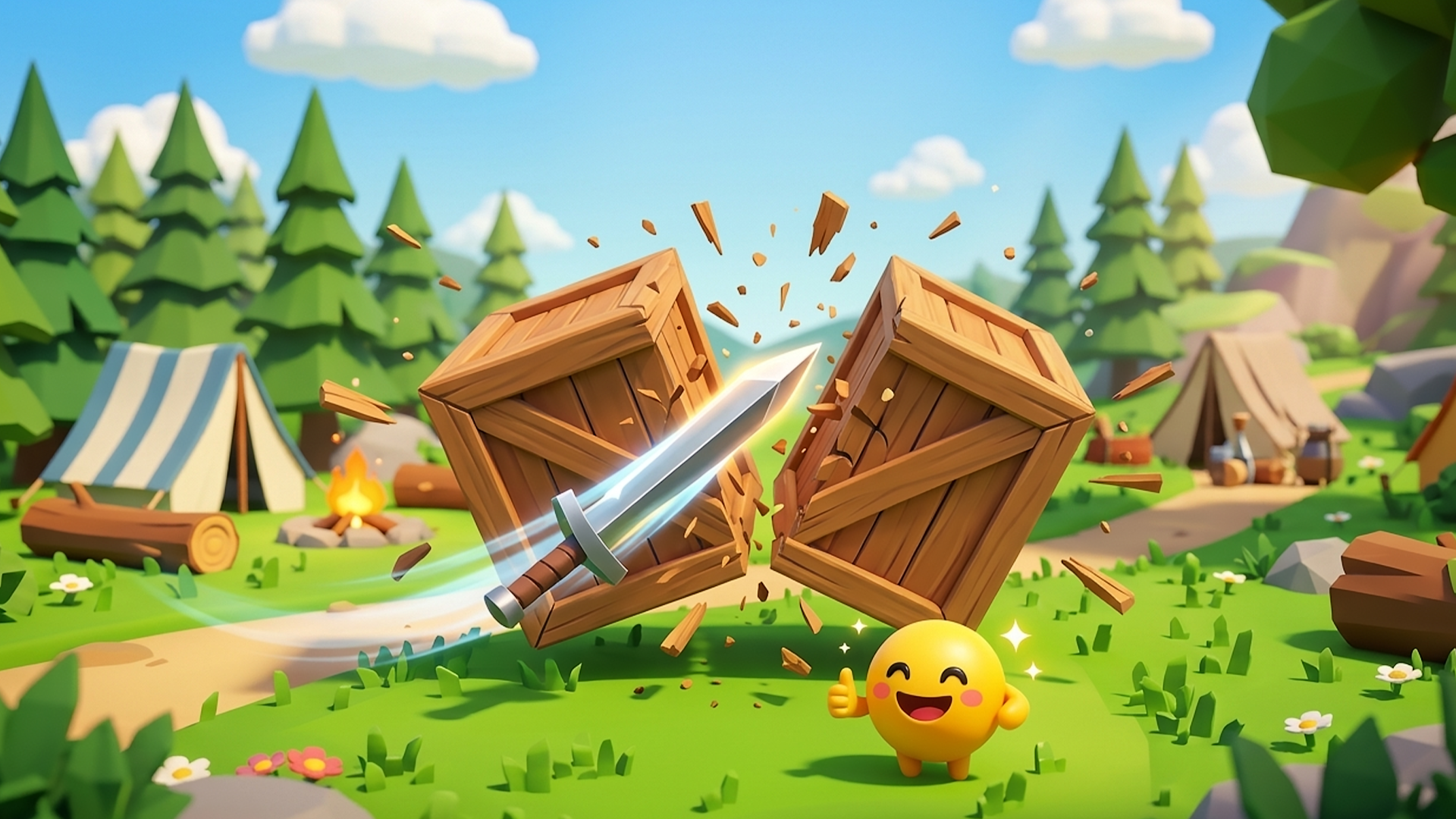
Cut In Half is a casual mobile slicing action game where the core concept revolves around precisely cutting objects, obstacles, and elements in half using a knife or sword to clear paths and advance. In its vibrant low-poly 3D cartoon world of grassy campsites and nature scenery, players simply tap to start each stage, collect coins for upgrades, and boost attack power (shown at 100% Lv. 1 in the screenshot) while navigating cute characters like the smiling yellow emoji ball. What makes it unique is the satisfying physics-based cutting mechanic combined with effortless one-tap controls, an intuitive upgrade system, and rewarding progression that turns simple slices into addictive, visually charming challenges.
How to play Cut In Half
Become a Slicing Master! Step into the shoes of a precision slicer and cut in half every object, obstacle, and element that crosses your path. In this thrilling casual slicing action game, you’ll use your knife or sword to clear paths and advance through stages in a vibrant low-poly 3D cartoon world. Navigate the grassy campsites and nature scenery, tap to start each stage, collect coins to boost your attack power, and guide the cute smiling yellow emoji ball to show them who’s the master slicer!
Desktop Controls:
↑ (Up Arrow): Move upward.
↓ (Down Arrow): Move downward.
← (Left Arrow): Move left.
→ (Right Arrow): Move right.
Spacebar: Slice with the knife or sword.
Shift: Activate boost.
Mobile Controls:
On-Screen Joystick: Move the smiling yellow emoji ball in all directions by dragging the joystick.
Slice Button: Tap to cut objects, obstacles, and elements in half.
Upgrade Button: Tap to boost your attack power with collected coins.
Cut In Half controls
- ↑ (Up Arrow): Move upward
- ↓ (Down Arrow): Move downward
- ← (Left Arrow): Move left
- → (Right Arrow): Move right
- Spacebar: Slice with the knife or sword
- Shift: Activate boost
- On-Screen Joystick: Move the smiling yellow emoji ball in all directions by dragging the joystick
- Slice Button: Tap to cut objects, obstacles, and elements in half
Cut In Half FAQ
Is Cut In Half free to play?
Yes. Cut In Half is free on Physics Shark, with nothing to download and no account to make.
Can I play Cut In Half unblocked at school?
Cut In Half runs in a normal browser tab with no install, so it plays on school Chromebooks and laptops, with nothing to install and no account.
Does Cut In Half work on phones and tablets?
Yes. It works with touch controls on phones and tablets, and with a keyboard and mouse on computers.
- LikedNo votes yet
- Rank#241 of 2870
- PlaysBe the first!
- UpdatedNovember 2026
Gameplay
About this game
- Controls
- ↑ (Up Arrow)Move upward
- ↓ (Down Arrow)Move downward
- ← (Left Arrow)Move left
- → (Right Arrow)Move right
- SpacebarSlice with the knife or sword
- ShiftActivate boost
- On-Screen JoystickMove the smiling yellow emoji ball in all directions by dragging the joystick
- Slice ButtonTap to cut objects, obstacles, and elements in half
- Upgrade ButtonTap to boost your attack power with collected coins
- Supported devices
- Desktop, phone and tablet
- Genre
- Platformerarcadephysicsskillplatformcasualslicing
- Games like Cut In Half
- Only Up Parkour 2Cosmic DashBall Bounce: Try ItSwing HeroSpaceball JumpRed Ball Bounce














