 Physics Shark








Bridge
Bridge is a platformer you can play unblocked right here on Physics Shark. It runs in your browser with no download, no install and no account, so you can play it on a school Chromebook, a laptop, a phone or a tablet.
Show moreShow less
Play Bridge unblocked
Bridge is a platformer you can play unblocked right here on Physics Shark. It runs in your browser with no download, no install and no account, so you can play it on a school Chromebook, a laptop, a phone or a tablet.
What is Bridge?
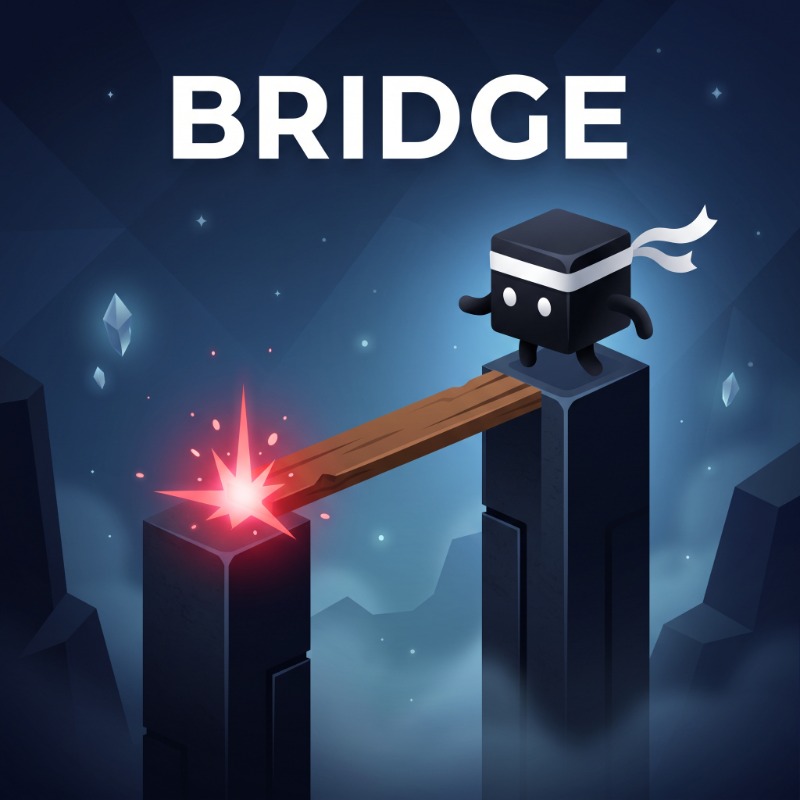
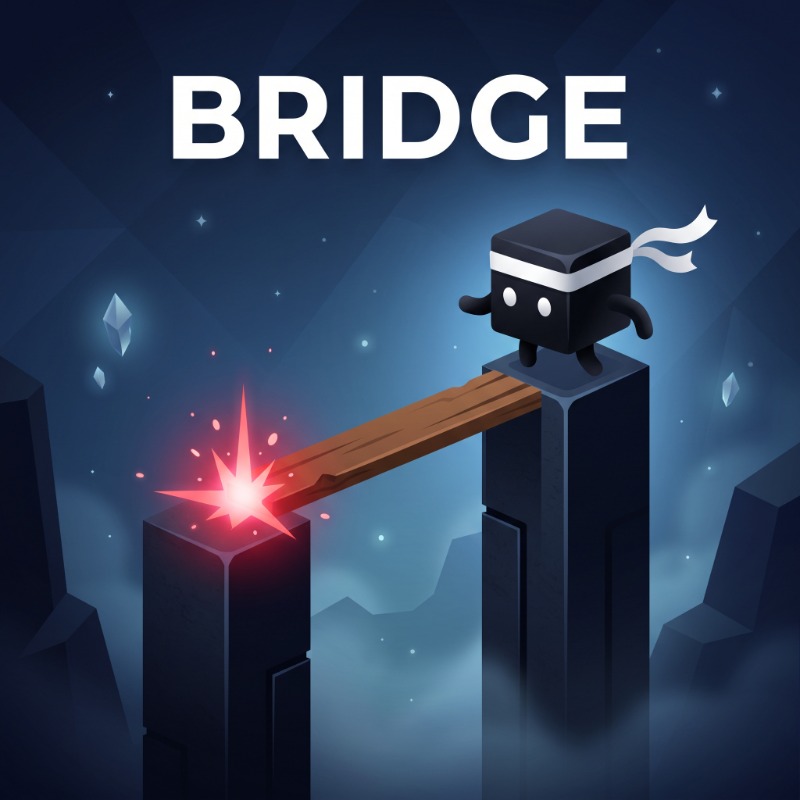
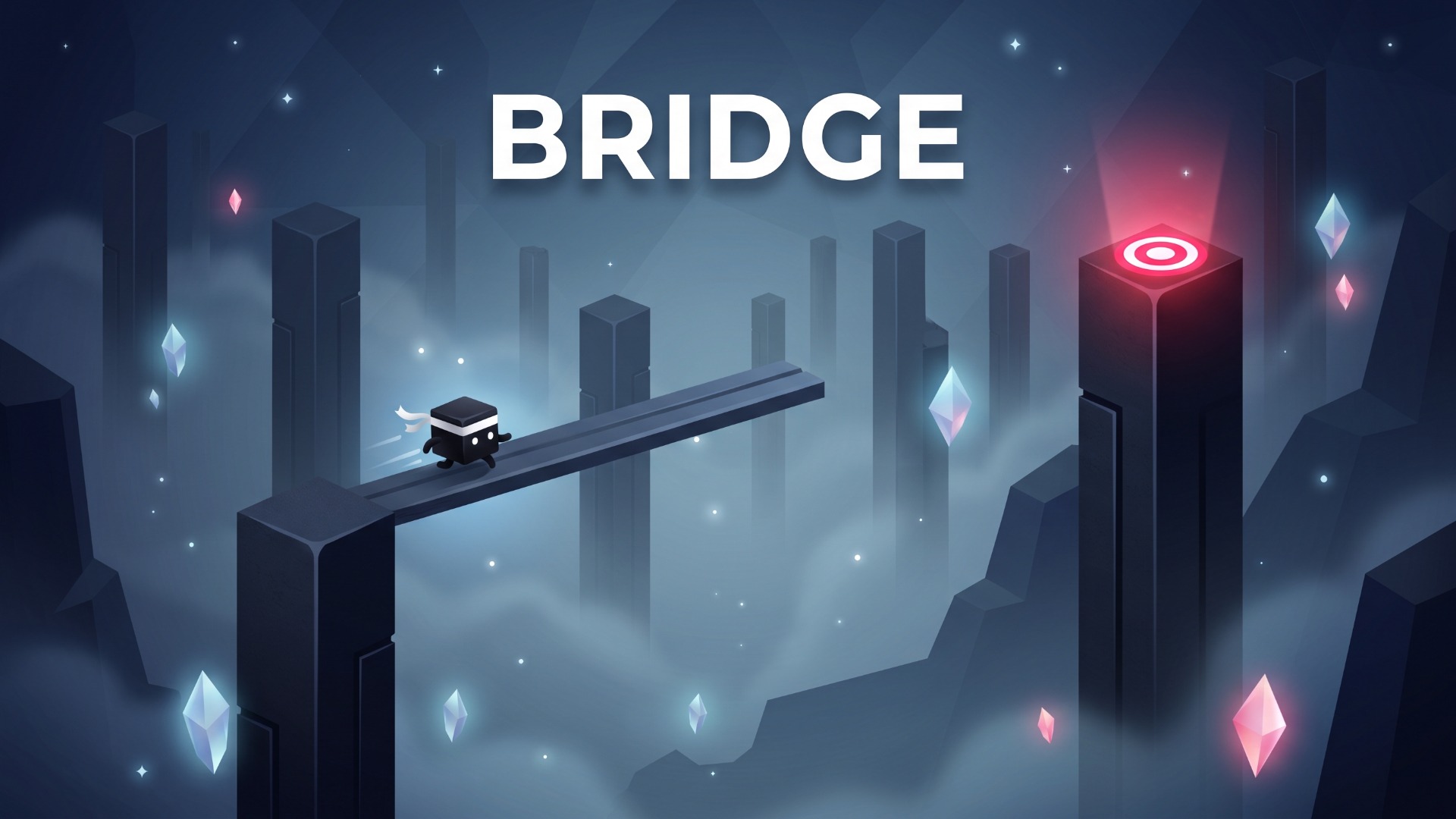
BRIDGE is a stylish, minimalist physics platformer and timing runner where precision and composure are everything.
Build bridges of exact lengths to leap across towering obsidian monoliths suspended over a bottomless chasm. Time your releases perfectly to hit the ruby sweet spots in the center of platforms, trigger satisfying Perfect-combos, and rack up high scores!
Key Features:
Clutch Edge-Grab Mechanic: Made a near miss? Catch the crumbling ledge by your fingertips and pull yourself up in the nick of time.
Dynamic Obstacles: Face moving monoliths, varying elevations, and crumbling towers that collapse into the void.
2 Game Modes: Endless High-Score Runner and a handcrafted 15-stage Campaign across 3 unique worlds.
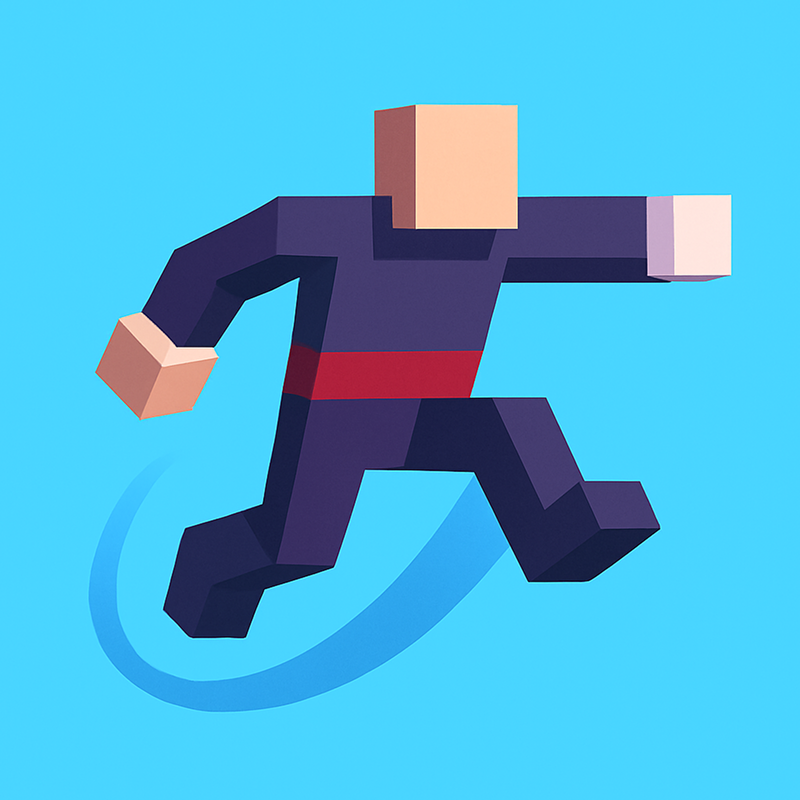
Metagame & Wardrobe: Collect crystal shards during runs to unlock and equip unique cube skins (Shinobi, Ronin, Cyber, Oni).
Organic Soundscape: Pure, tactile procedural acoustic audio with resonant marimba notes and crisp wood transients.
How to play Bridge
Goal: Build a bridge just long enough to reach the next pillar. If the bridge is too short or too long, it will tumble into the abyss! Aim for the red center dot for bonus shards and combo multipliers.
Controls:
Mobile & Tablet: Tap and hold anywhere on the screen to extend the bridge
release to drop it.
Desktop / PC: Click and hold the Left Mouse Button (LMB) or Spacebar to grow the bridge
release to lower it.
Pro Tips:
Landing in the exact red center awards double points and bonus crystals.
On crumbling towers, don't hesitate — the platform will collapse if you wait too long!
Use your Second Chance (Revive) once per run to save a record-breaking streak.
Bridge controls
- Mobile & Tablet: Tap and hold anywhere on the screen to extend the bridge
- Desktop / PC: Click and hold the Left Mouse Button (LMB) or Spacebar to grow the bridge
Bridge FAQ
Is Bridge free to play?
Yes. Bridge is free on Physics Shark, with nothing to download and no account to make.
Can I play Bridge unblocked at school?
Bridge runs in a normal browser tab with no install, so it plays on school Chromebooks and laptops, with nothing to install and no account.
Does Bridge work on phones and tablets?
Yes. It works with touch controls on phones and tablets, and with a keyboard and mouse on computers.
- LikedNo votes yet
- Rank#1504 of 2870
- PlaysBe the first!
- UpdatedNovember 2026
Gameplay
About this game
- Controls
- Mobile & TabletTap and hold anywhere on the screen to extend the bridge
- Desktop / PCClick and hold the Left Mouse Button (LMB) or Spacebar to grow the bridge
- Supported devices
- Desktop, phone and tablet
- Genre
- Platformerarcadeplatformskill2dagilitycasual














