 Physics Shark
















Origin
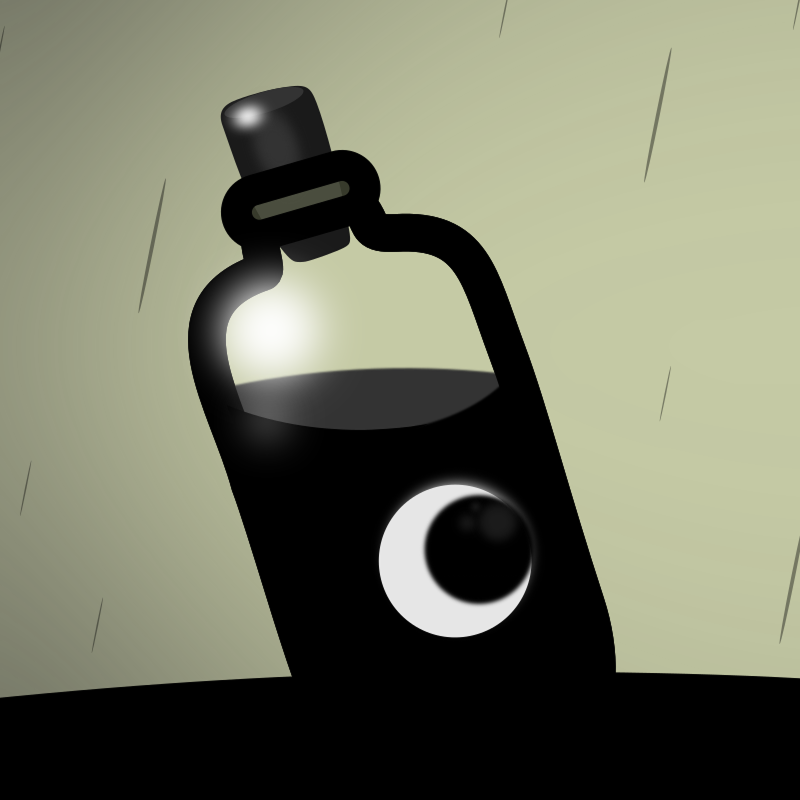
Origin is a platformer you can play unblocked right here on Physics Shark. It runs in your browser with no download, no install and no account, so you can play it on a school Chromebook, a laptop, a phone or a tablet.
Show moreShow less
Play Origin unblocked
Origin is a platformer you can play unblocked right here on Physics Shark. It runs in your browser with no download, no install and no account, so you can play it on a school Chromebook, a laptop, a phone or a tablet.
What is Origin?
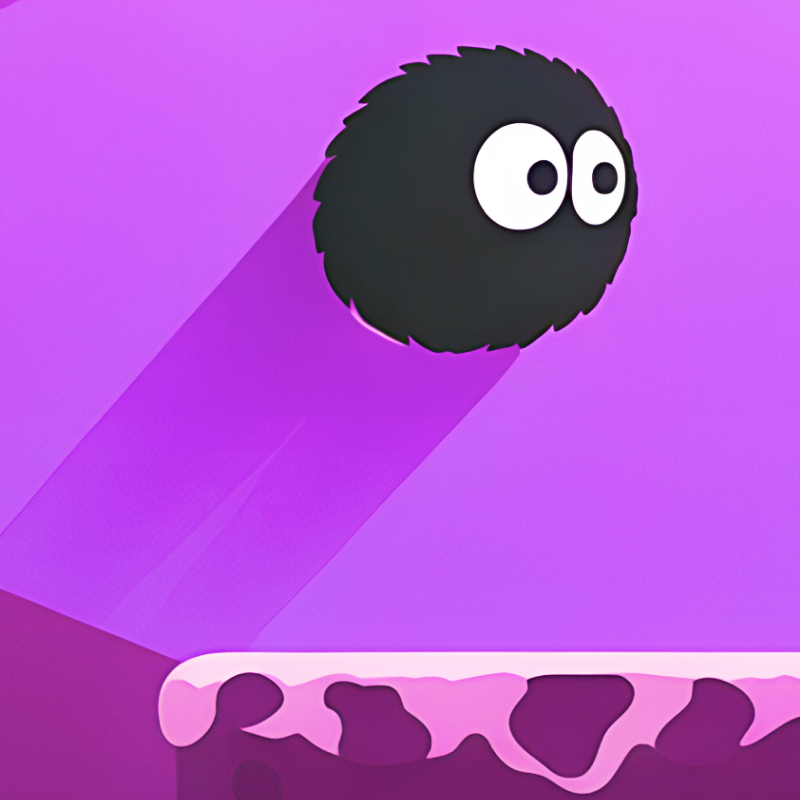
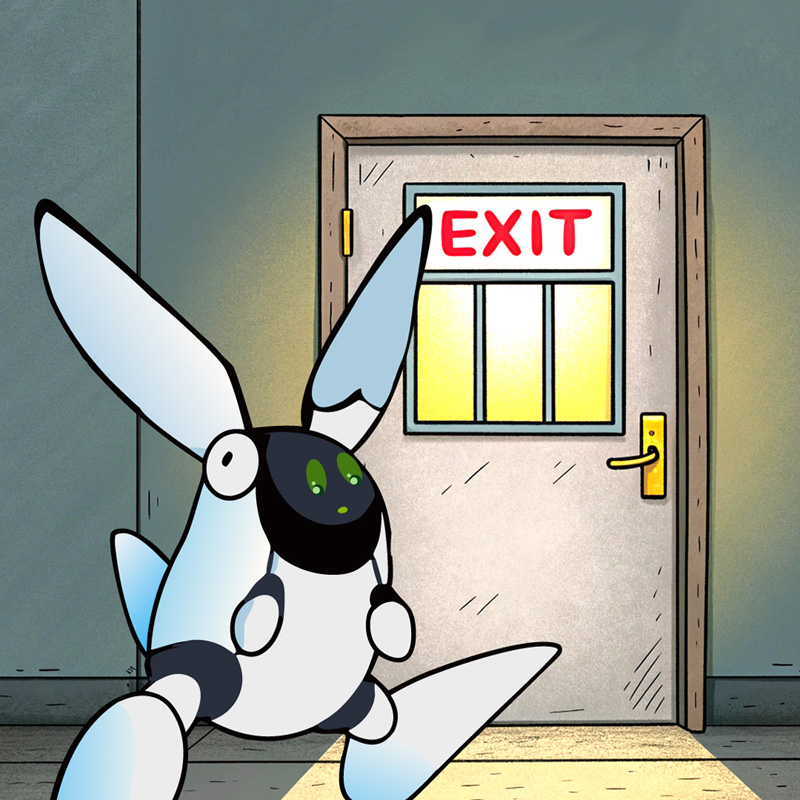
Collect the orbs to unlock the door and escape! Use the Arrow Keys or WASD to move and jump. To activate the door, collect all the black orbs.
In later levels, you'll be able to double jump. You can press W or UP twice to double jump. However, you only have a limited amount of chances to do this, indicated by the JUMP counter in the upper left corner of the screen.
Make sure you avoid the spikes!
How to play Origin
Desktop Controls:
← (Left Arrow) / A: Move left.
→ (Right Arrow) / D: Move right.
↑ (Up Arrow) / Space / W: Jump.
R: Restart.
Q: To Menu.
M: Mute.
Mobile Controls:
On-screen Buttons.
Origin controls
- R: Restart
- Q: To Menu
- M: Mute
Origin FAQ
Is Origin free to play?
Yes. Origin is free on Physics Shark, with nothing to download and no account to make.
Can I play Origin unblocked at school?
Origin runs in a normal browser tab with no install, so it plays on school Chromebooks and laptops, with nothing to install and no account.
Does Origin work on phones and tablets?
Yes. It works with touch controls on phones and tablets, and with a keyboard and mouse on computers.
- LikedNo votes yet
- Rank#2769 of 2870
- PlaysBe the first!
- UpdatedNovember 2026
Gameplay
About this game
- Controls
- RRestart
- QTo Menu
- MMute
- Supported devices
- Desktop, phone and tablet
- Genre
- Platformerplatformarcade2djumpingagilityreaction














