 Physics Shark
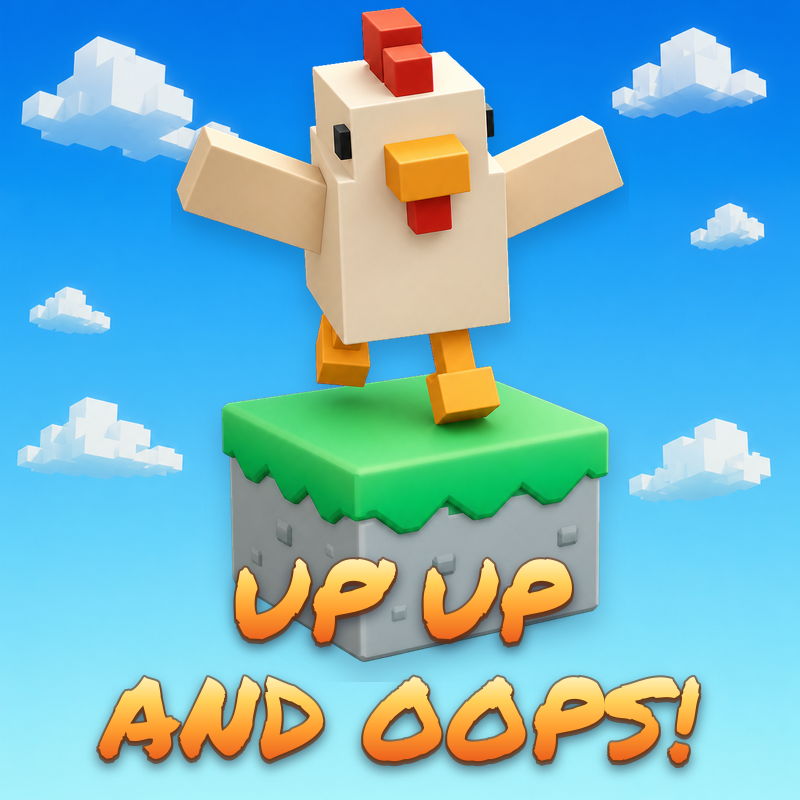




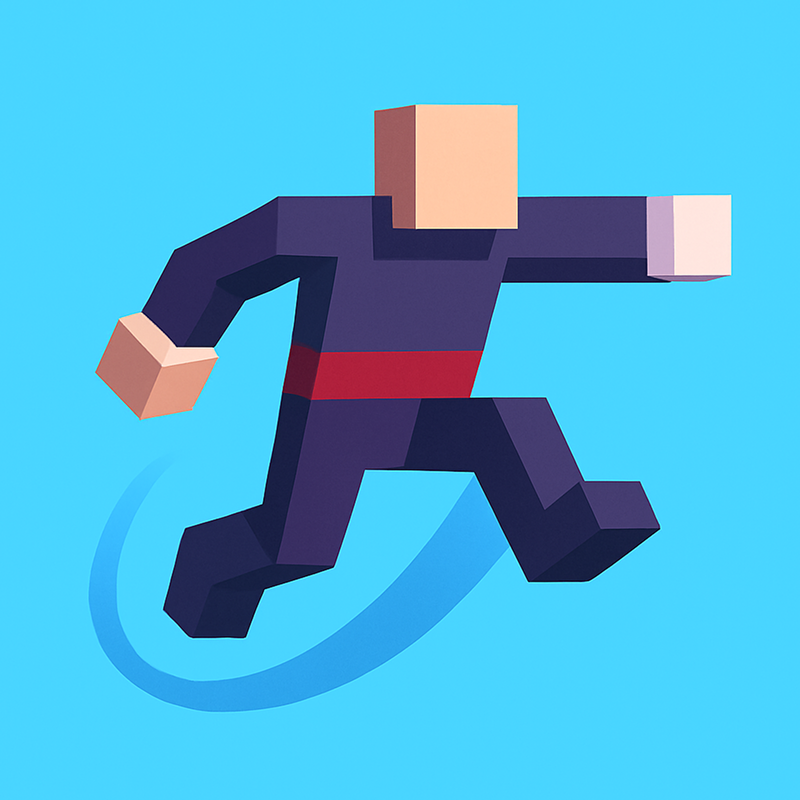










Up, Up, and Oops!
Looking for a 3D platformer you can play at school? Up, Up, and Oops! loads straight in your browser on Physics Shark: free, unblocked and nothing to install.
Show moreShow less
Play Up, Up, and Oops! unblocked
Looking for a 3D platformer you can play at school? Up, Up, and Oops! loads straight in your browser on Physics Shark: free, unblocked and nothing to install. Play it on a school Chromebook, a laptop, a phone or a tablet.
What is Up, Up, and Oops!?
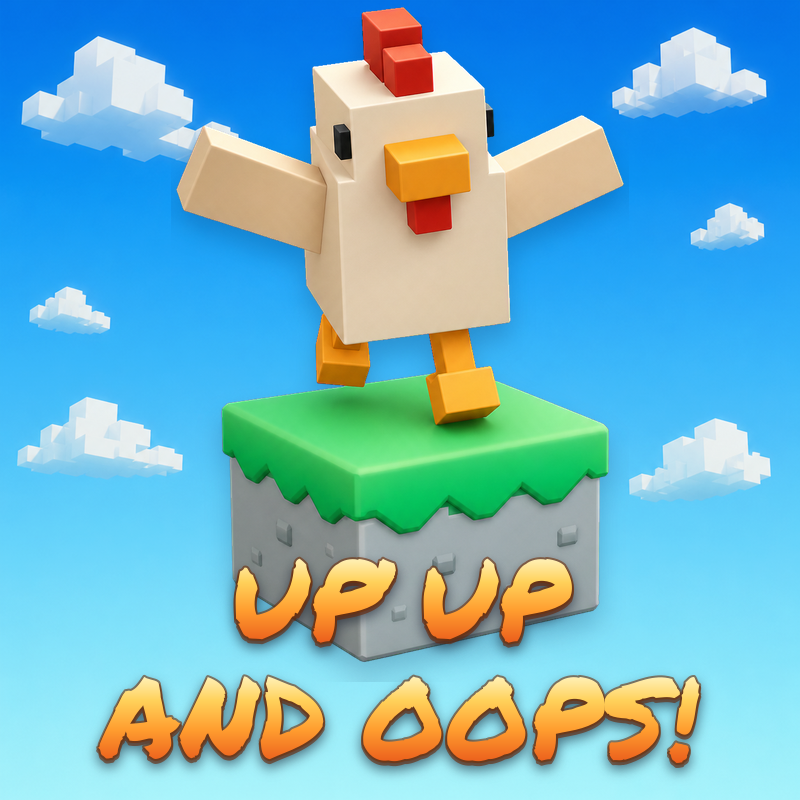
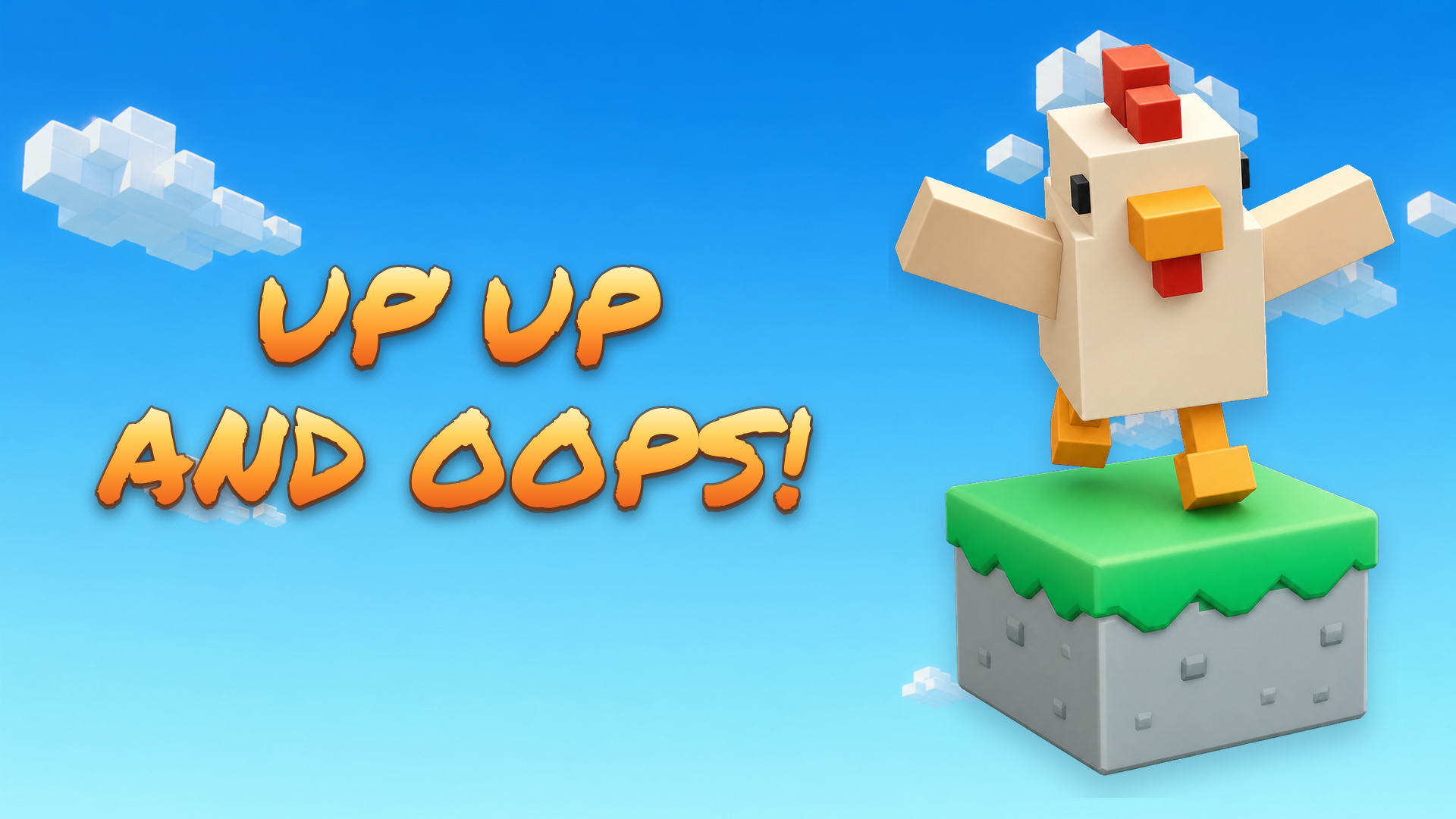
Climb floating paths in this fast-paced 3D arcade action game. Read the path, choose the correct direction, and move before the tiles collapse. Progress through increasingly challenging levels in Classic mode, aim for your highest score in Endless mode, or race against up to six players in Online Race. Earn stars, unlock new characters, tiles, and titles, and compete on the all-time leaderboards.
How to play Up, Up, and Oops!
Climb the floating path by choosing the correct action for the next tile. If the path continues straight ahead, jump forward. If it turns, press the direction in which the path continues. Make your choice before the gauge runs out.
In Classic mode, clear every step to unlock the next level. Each level becomes longer and more difficult, and your next run starts after the latest level you cleared. You can earn rewards for reaching new steps even if you fail, and you may watch an advertisement to double the reward earned from that run.
In Endless mode, climb as high as possible and aim for a new high score. Classic and Endless give you three lives. After losing all three, you may use one available revive.
In Online Race, compete against 2–6 players for two minutes. Reach a higher step than the other racers to finish ahead of them. Falling returns you to your latest checkpoint, placed every 20 steps.
Desktop Controls:
W or ↑: Move upward.
S or ↓: Move downward.
A or ←: Move left.
D or →: Move right.
Spacebar: Jump forward.
Mobile Controls:
UP, DOWN, LEFT, and RIGHT Buttons: Move in the selected screen direction.
JUMP Button: Jump forward in the direction your character is facing.
Up, Up, and Oops! controls
- W or ↑: Move upward
- S or ↓: Move downward
- A or ←: Move left
- D or →: Move right
- Spacebar: Jump forward
Up, Up, and Oops! FAQ
Is Up, Up, and Oops! free to play?
Yes. Up, Up, and Oops! is free on Physics Shark, with nothing to download and no account to make.
Can I play Up, Up, and Oops! unblocked at school?
Up, Up, and Oops! runs in a normal browser tab with no install, so it plays on school Chromebooks and laptops, with nothing to install and no account.
Does Up, Up, and Oops! work on phones and tablets?
Yes. It works with touch controls on phones and tablets, and with a keyboard and mouse on computers.
- LikedNo votes yet
- Rank#2658 of 2870
- PlaysBe the first!
- UpdatedNovember 2026
Gameplay
About this game
- Controls
- W or ↑Move upward
- S or ↓Move downward
- A or ←Move left
- D or →Move right
- SpacebarJump forward
- Supported devices
- Desktop, phone and tablet
- Genre
- Platformerarcaderunner3dplatformrunningendless
- Games like Up, Up, and Oops!
- Only Up Parkour 2Cosmic DashBall Bounce: Try ItSwing HeroCut In HalfSpaceball Jump














