 Physics Shark











PLAYMUSIC
PLAYMUSIC is a platformer you can play unblocked right here on Physics Shark. It runs in your browser with no download, no install and no account, so you can play it on a school Chromebook, a laptop, a phone or a tablet.
Show moreShow less
Play PLAYMUSIC unblocked
PLAYMUSIC is a platformer you can play unblocked right here on Physics Shark. It runs in your browser with no download, no install and no account, so you can play it on a school Chromebook, a laptop, a phone or a tablet.
What is PLAYMUSIC?
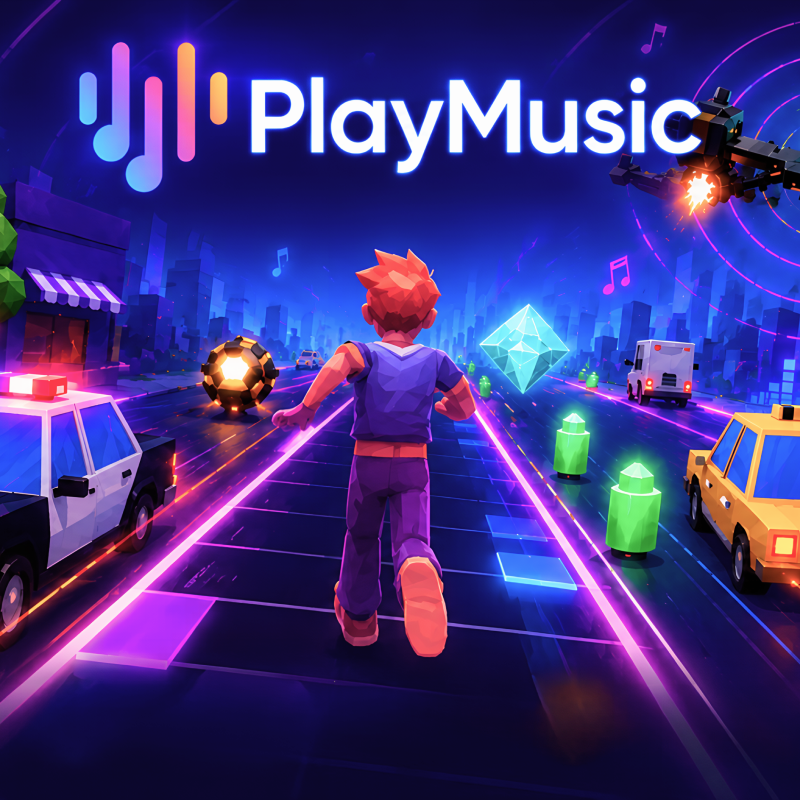
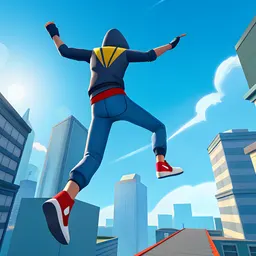
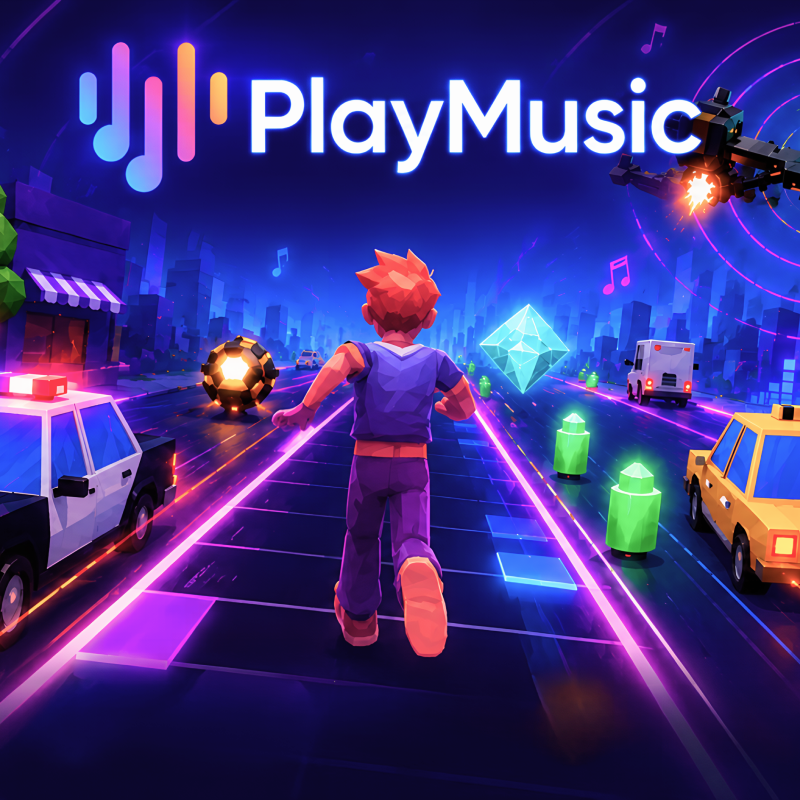
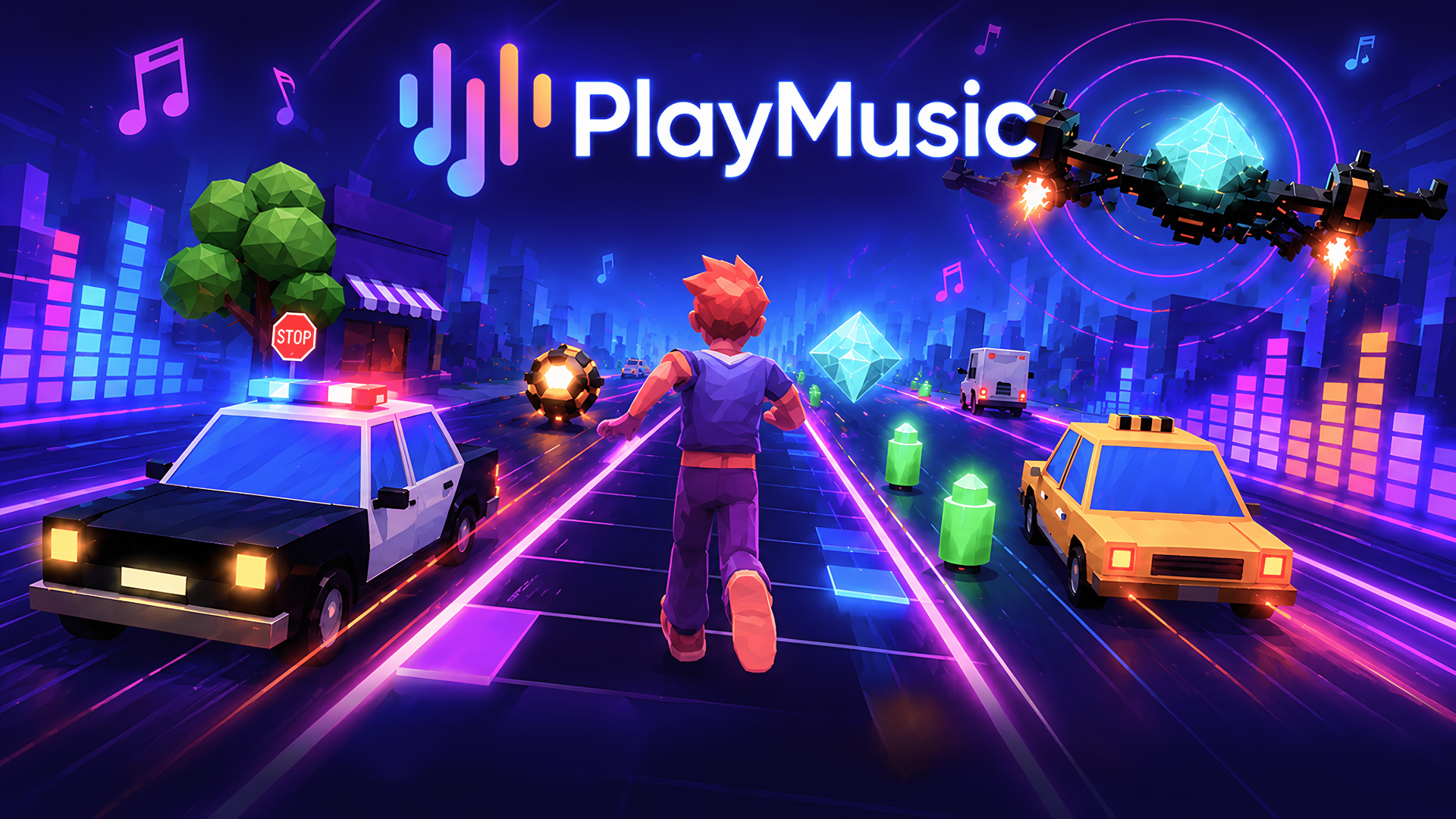
PlayMusic turns your favorite songs into a living, reactive game world where every beat shapes the action. Dodge obstacles, collect gems, and stay alive as the rhythm intensifies around you. Run, jump, fly, drift, and shoot your way through dynamic environments that pulse with the music. Stay in the zone, keep the groove alive, and master the rhythm to survive.
Core Gameplay & Story
Q: What is the game about? What do you need to do?
A: It is a collection of runners with a lot of licensed music that is constantly updated. Each runner features one super popular track.
Q: Is there a storyline in the game?
A: There is no specific storyline, just enjoy your favorite music while playing the runner.
Q: What is the unique feature of the game? What can hook players?
A: The huge library of licensed music. A vast variety of runners and music games.
Q: Are there bosses in the game and how are they different?
A: There are no bosses, but the game's difficulty adapts to the music and player's skill.
Q: What currencies are there and what can they be spent on (regular - gold, premium - crystals, etc.)?
A: There are no currencies, everything is available from the start.
Mechanics & Progression
Q: How does leveling up work exactly? What needs to be done to level up faster?
A: There is no leveling up, only the player's skill grows.
Economy & Customization
Q: Are there in-game purchases? What can be bought and what does it affect? Does making purchases speed up game progress?
A: There are no in-game purchases, everything is available from the start with soft monetization through ads.
Retention & Engagement
Q: Are there leaderboards? How to access them? What types are there (weekly, monthly, all-time, etc.)?
A: There are leaderboards, you need to complete runner-songs and earn points.
Q: What are the engaging content elements (weapons, cars, locations, skills, references to famous franchises, etc.)?
A: A wide range of licensed and popular music.
Q: Is there customization in the game? Can you customize the appearance of the hero, location editor, car tuning, etc.?
A: Each song-game has its own hero.
Q: Are there daily rewards or something similar that encourages players to come back?
A: Regular updates to games and songs.
Q: Is it preferable to play with sound to better immerse yourself in the atmosphere, or will there be difficulties in passing without sound?
A: Playing with sound is a must, it's the game's unique feature. There is a lot of good and licensed music.
Q: Are there mini-games within the main storyline? For example, match-three puzzles within a strategy game.
A: A huge variety of musical and rhythm games.
Q: Is the number of levels clear? How many are there? (skip if unclear)
A: The number of levels constantly increases.
How to play PLAYMUSIC
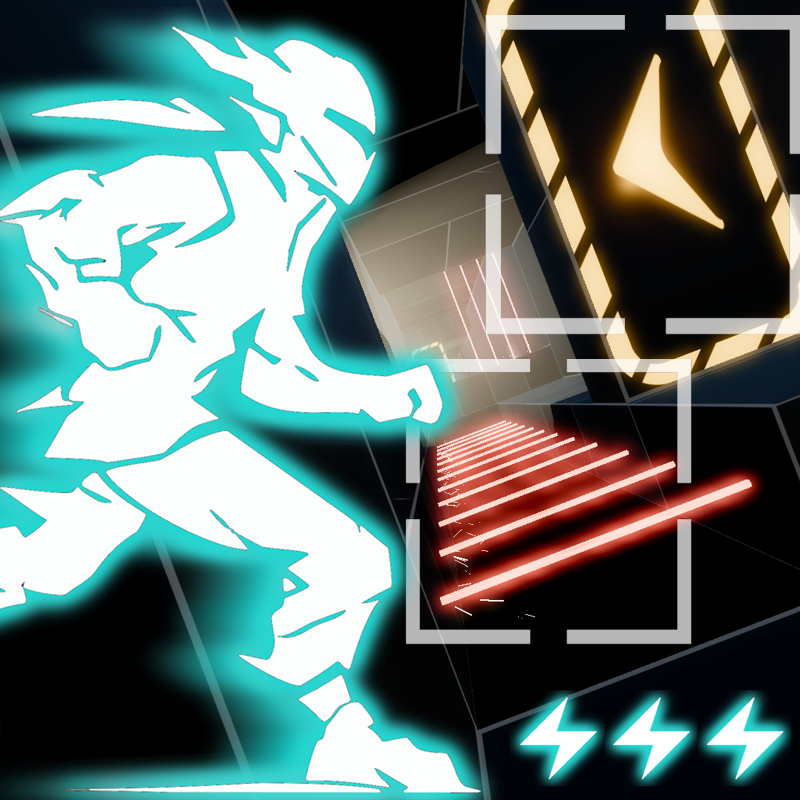
Cyber Run/Cosmo Run
- Move Left: ← Arrow/Swipe Left
- Move Right:→ Arrow/Swipe Right
- Jump: ↑ Arrow/Swipe Up / Tap
- Slide: ↓ Arrow/Swipe Down
Neon Flyer
- Move Left: ← Arrow/Swipe Left
- Move Right: → Arrow/Swipe Right
- Move Up: ↑ Arrow/Swipe Up
- Move Down: ↓ Arrow/Swipe Down
Taxi Drift
- Steer Left: ← Arrow Swipe Left / Tilt Left
- Steer Right: → Arrow Swipe Right / Tilt Right
- Drift: Hold controls arrow/swipe
Clouscape:
- Move Left: ← Arrow/Swipe Left
- Move Right: → Arrow/Swipe Right
- Jump: ↑Arrow/ Swipe Up / space bar
- Double Jump: double ↑Arrow/ Swipe Up
Zombie Slayer/Ironclad Shooter
- Move Left: ← Arrow/Swipe Left
- Move Right: → Arrow/Swipe Right
- Jump: ↑Arrow/ Swipe Up / space bar
- Tap: shoot
PLAYMUSIC controls
- ← Arrow/Swipe Left: Move Left
- → Arrow/Swipe Right: Move Right
- ↑ Arrow/Swipe Up / Tap: Jump
- ↓ Arrow/Swipe Down: Slide
- ← Arrow/Swipe Left: Move Left
- → Arrow/Swipe Right: Move Right
- ↑ Arrow/Swipe Up: Move Up
- ↓ Arrow/Swipe Down: Move Down
PLAYMUSIC FAQ
Is PLAYMUSIC free to play?
Yes. PLAYMUSIC is free on Physics Shark, with nothing to download and no account to make.
Can I play PLAYMUSIC unblocked at school?
PLAYMUSIC runs in a normal browser tab with no install, so it plays on school Chromebooks and laptops, with nothing to install and no account.
Does PLAYMUSIC work on phones and tablets?
Yes. It works with touch controls on phones and tablets, and with a keyboard and mouse on computers.
- LikedNo votes yet
- Rank#2686 of 2870
- PlaysBe the first!
- UpdatedNovember 2026
Gameplay
About this game
- Controls
- ← Arrow/Swipe LeftMove Left
- → Arrow/Swipe RightMove Right
- ↑ Arrow/Swipe Up / TapJump
- ↓ Arrow/Swipe DownSlide
- ← Arrow/Swipe LeftMove Left
- → Arrow/Swipe RightMove Right
- ↑ Arrow/Swipe UpMove Up
- ↓ Arrow/Swipe DownMove Down
- Steer Left← Arrow Swipe Left / Tilt Left
- Steer Right→ Arrow Swipe Right / Tilt Right
- DriftHold controls arrow/swipe
- ← Arrow/Swipe LeftMove Left
- Supported devices
- Desktop, phone and tablet
- Genre
- Platformerarcademusicrunningplatformfast paced actionaction fighting














