 Physics Shark































Deepglow
Play Deepglow online for free on Physics Shark. This pixel-art idle game runs in a normal browser tab, so there's nothing to download and no sign-up, and it works on a school Chromebook, a laptop, a phone or a tablet.
Show moreShow less
Play Deepglow unblocked
Play Deepglow online for free on Physics Shark. This pixel-art idle game runs in a normal browser tab, so there's nothing to download and no sign-up, and it works on a school Chromebook, a laptop, a phone or a tablet.
What is Deepglow?
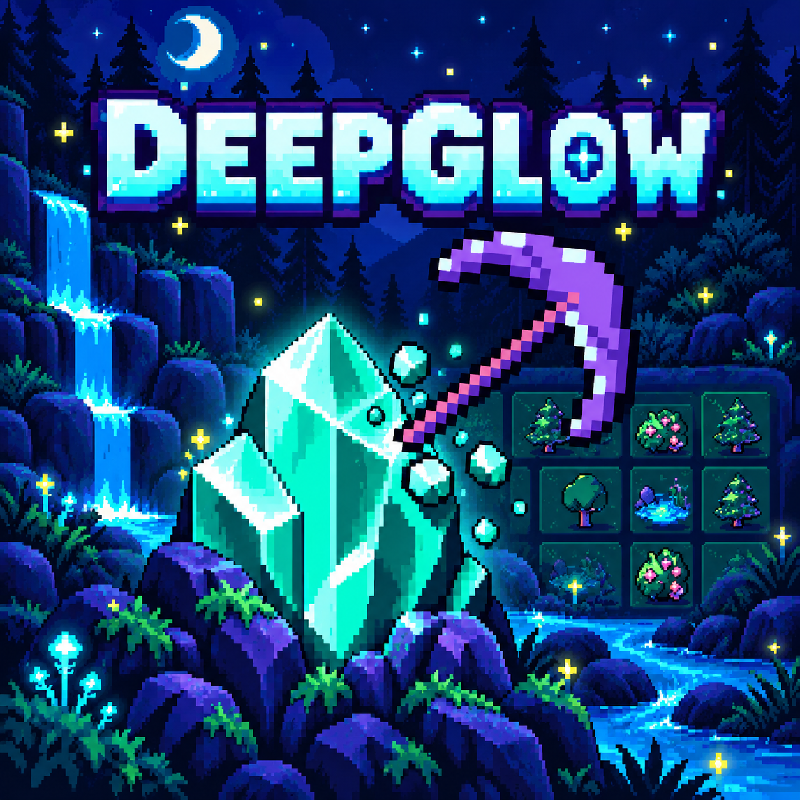
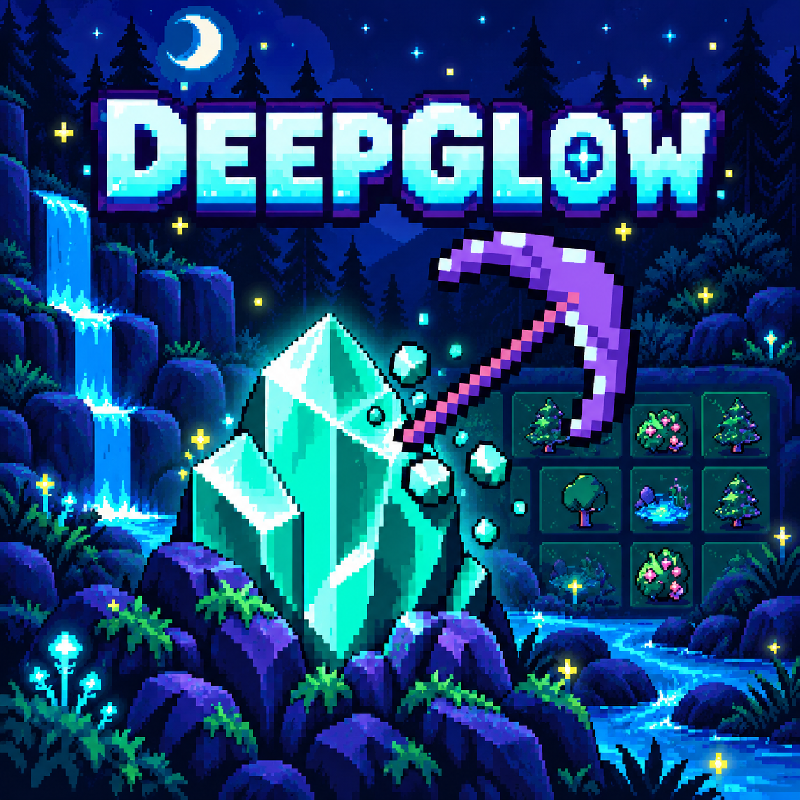
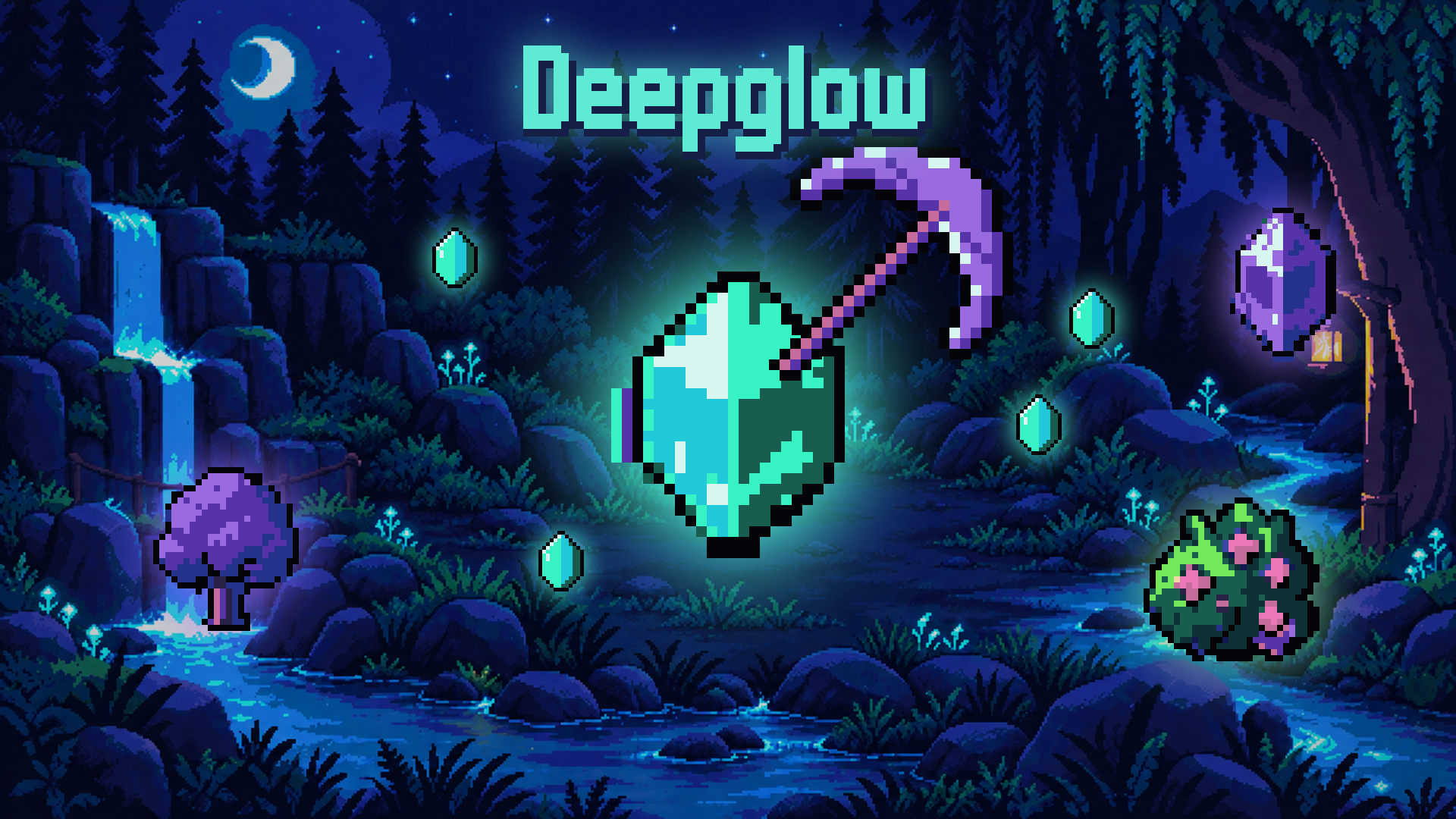
Deepglow is a cozy pixel-art clicker in a bioluminescent night world. Each phase is a race against the timer: tap glowing trees, fruit bushes, springs, rocks and crystals to harvest them, then spend what you gathered on a branching upgrade tree with sharper tools, bigger yields and longer days. Watch your hunger and thirst, travel through six biomes and reach the heart of the Deepglow. No game over: every phase moves you forward.
How to play Deepglow
Click or tap a resource to harvest it before the timer runs out. Between phases, spend your resources on the upgrade tree to get stronger and unlock new biomes. Keep hunger and thirst up: hungry = weak hits, thirsty = half the materials.
Desktop: mouse, or Arrows/WASD + Space to move and harvest; P or Esc to pause.
Mobile: tap resources and upgrades; II button to pause.
Deepglow controls
- Keyboard / mouse: mouse, or Arrows/WASD + Space to move and harvest; P or Esc to pause
Deepglow FAQ
Is Deepglow free to play?
Yes. Deepglow is free on Physics Shark, with nothing to download and no account to make.
Can I play Deepglow unblocked at school?
Deepglow runs in a normal browser tab with no install, so it plays on school Chromebooks and laptops, with nothing to install and no account.
Does Deepglow work on phones and tablets?
Yes. It works with touch controls on phones and tablets, and with a keyboard and mouse on computers.
- LikedNo votes yet
- Rank#473 of 2870
- PlaysBe the first!
- UpdatedNovember 2026
Gameplay
About this game
- Controls
- Keyboard / mousemouse, or Arrows/WASD + Space to move and harvest; P or Esc to pause
- Supported devices
- Desktop, phone and tablet














