 Physics Shark






































Merge a Rocket!
Looking for a 3D merge game you can play at school? Merge a Rocket! loads straight in your browser on Physics Shark: free, unblocked and nothing to install. Play it on a school Chromebook, a laptop, a phone or a tablet.
Show moreShow less
Play Merge a Rocket! unblocked
Looking for a 3D merge game you can play at school? Merge a Rocket! loads straight in your browser on Physics Shark: free, unblocked and nothing to install. Play it on a school Chromebook, a laptop, a phone or a tablet.
What is Merge a Rocket!?
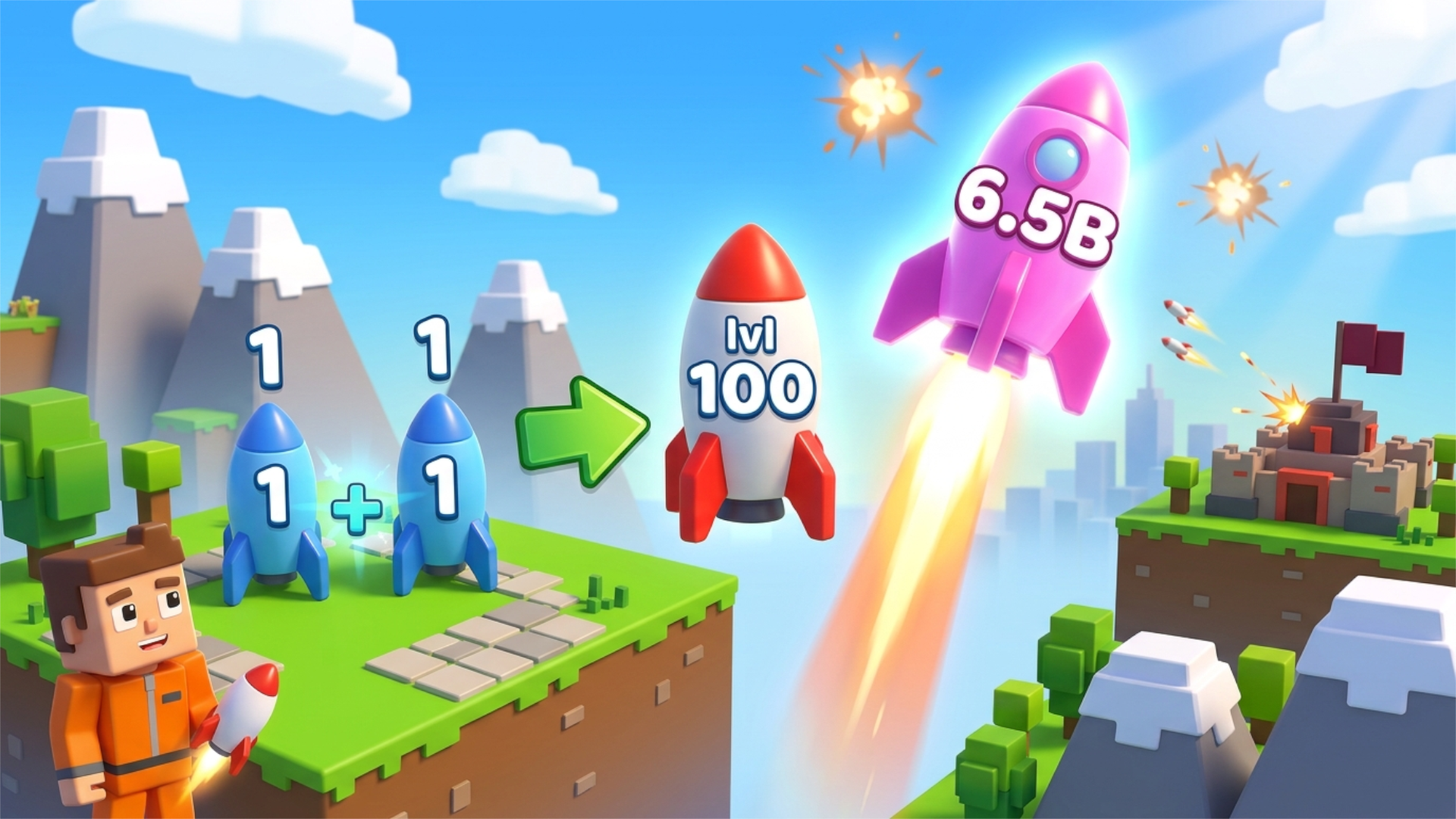
Merge rockets and defend your city! Pick up rockets, combine two of the same level to make a stronger one, then launch them at the enemy base before it destroys your town. Spend in-game coins on upgrades, raise your shield for protection, and use Rebirth to start over with bigger in-game bonuses.
How to play Merge a Rocket!
Walk up to a rocket to pick it up.
Carry it to another rocket of the same level to merge them into a higher-level rocket.
Press Launch to fire your rocket at the enemy base, or Drop to put it down.
Collect in-game coins and open Upgrades to get better rockets and carry more of them. Activate the Shield when the enemy attacks.
Use Rebirth to reset your progress for an in-game bonus. You can also watch an optional ad to boost your rocket's damage or double your in-game coins.
Controls:
PC: WASD or arrow keys to move, mouse to look around, Space to jump, Shift to sprint.
Mobile: on-screen joystick to move, swipe the screen to look around, Jump button to jump.
Use the on-screen buttons for Launch, Drop, Shield, Upgrades, Shop, Rebirth and the sound toggle.
Merge a Rocket! controls
- Keyboard / mouse: WASD or arrow keys to move, mouse to look around, Space to jump, Shift to sprint
Merge a Rocket! FAQ
Is Merge a Rocket! free to play?
Yes. Merge a Rocket! is free on Physics Shark, with nothing to download and no account to make.
Can I play Merge a Rocket! unblocked at school?
Merge a Rocket! runs in a normal browser tab with no install, so it plays on school Chromebooks and laptops, with nothing to install and no account.
Does Merge a Rocket! work on phones and tablets?
Yes. It works with touch controls on phones and tablets, and with a keyboard and mouse on computers.
- LikedNo votes yet
- Rank#1271 of 2870
- PlaysBe the first!
- UpdatedNovember 2026
Gameplay
About this game
- Controls
- Keyboard / mouseWASD or arrow keys to move, mouse to look around, Space to jump, Shift to sprint
- Supported devices
- Desktop, phone and tablet
- Games like Merge a Rocket!
- Epic Mine IdleIdle Airport TycoonMoney Ping PongAquarium of SurprisesMerge Cats Idle ArmyHarvest Rush














