 Physics Shark

































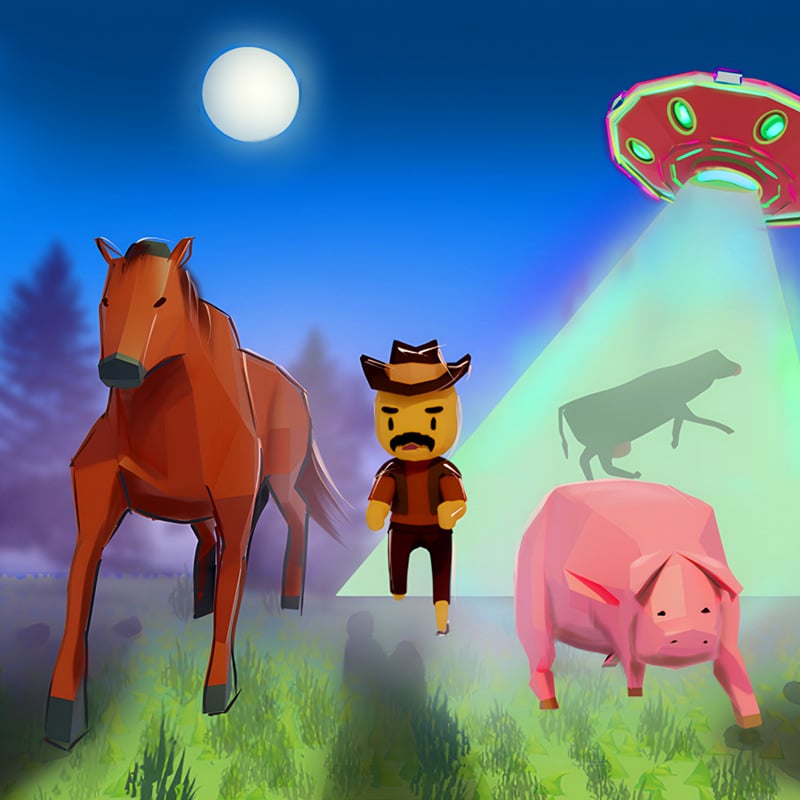
Farmers vs. Aliens
Farmers vs. Aliens is an arcade game you can play unblocked right here on Physics Shark.
Show moreShow less
Play Farmers vs. Aliens unblocked
Farmers vs. Aliens is an arcade game you can play unblocked right here on Physics Shark. It runs in your browser with no download, no install and no account, so you can play it on a school Chromebook, a laptop, a phone or a tablet.
What is Farmers vs. Aliens?
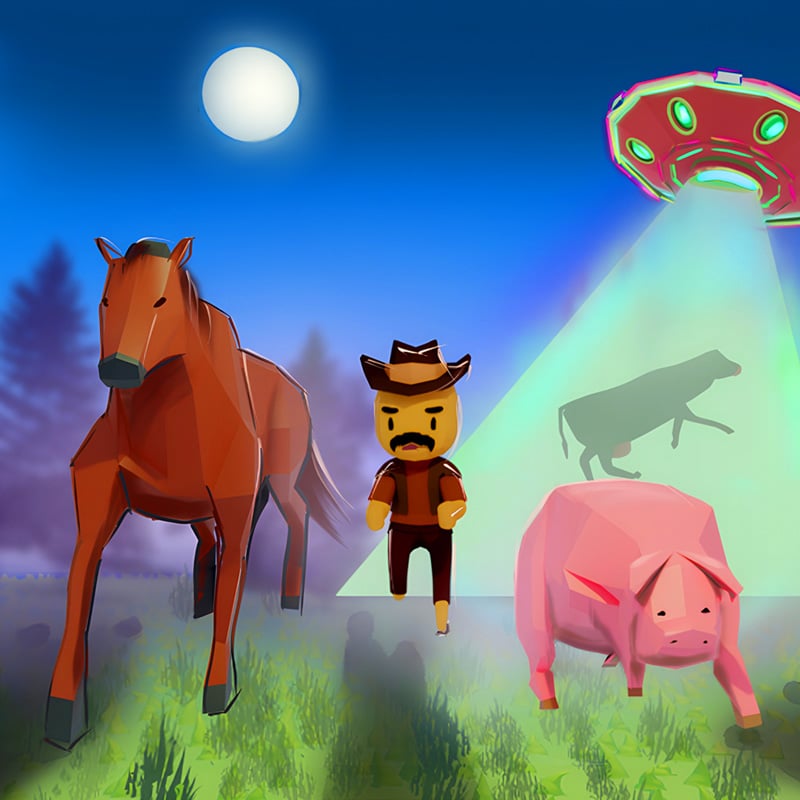
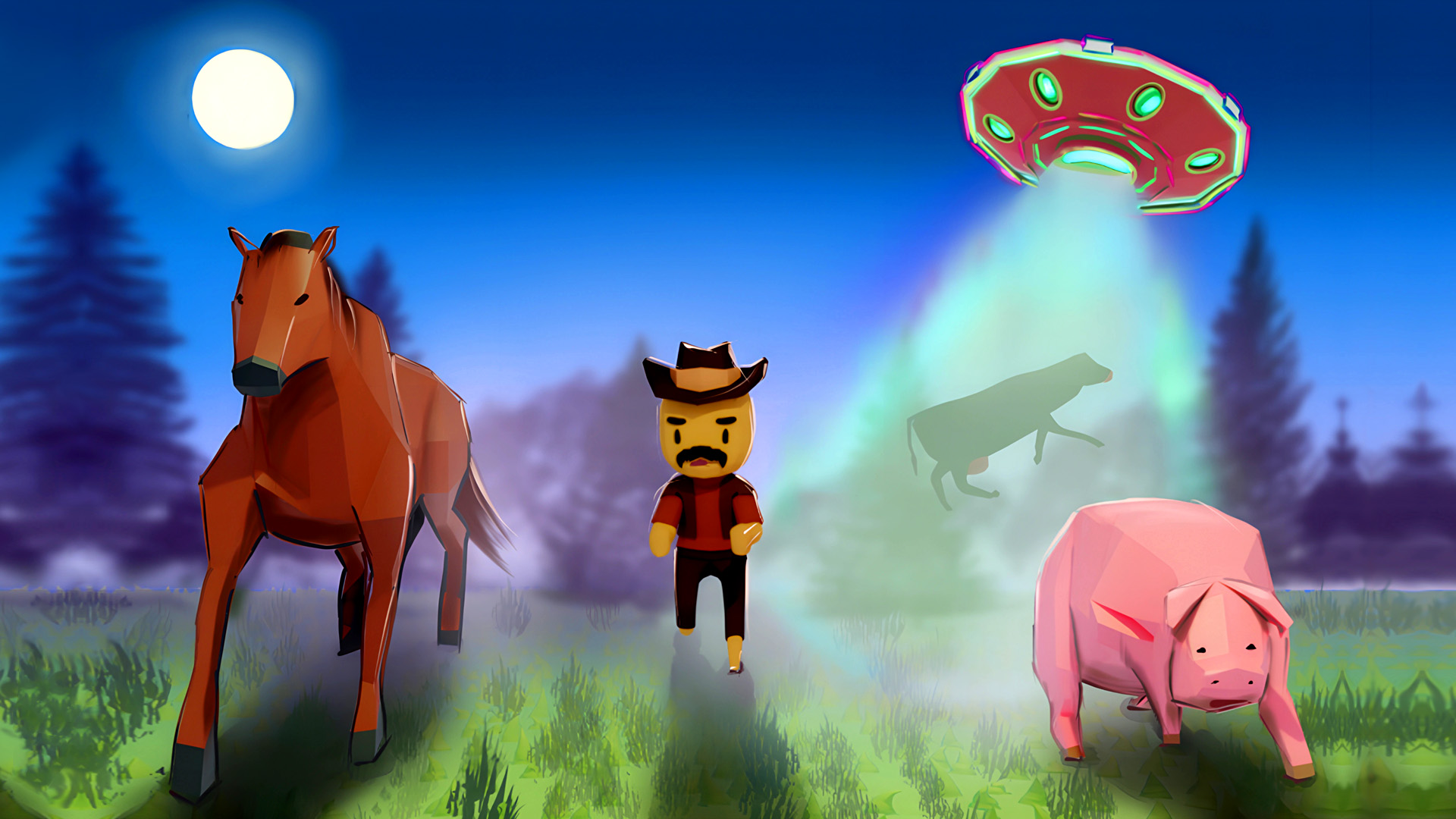
Lead the animals to their enclosures, identified by green arrows and matching images. Keep them inside the green zone to prevent alien abductions! As the game progresses, it slows down at a certain point. If you don't gather the animals in time, aliens will arrive to take them. Leaving the green zone—whether it's you or the animals—will trigger a UFO to appear and abduct them. If aliens take more than two animals or capture you, it's game over. Stay fast and remain in the green zone to survive!
How to play Farmers vs. Aliens
PC: Use the mouse to control the character. Clicking the left mouse button will make the player follow the cursor.
Mobile: Drag the on-screen joystick in the direction you want the character to move.
Gamepad: Move the left stick to make the character run in the direction of the tilt.
Farmers vs. Aliens controls
- Keyboard / mouse: Use the mouse to control the character. Clicking the left mouse button will make the player follow the cursor
- Gamepad: Move the left stick to make the character run in the direction of the tilt
Farmers vs. Aliens FAQ
Is Farmers vs. Aliens free to play?
Yes. Farmers vs. Aliens is free on Physics Shark, with nothing to download and no account to make.
Can I play Farmers vs. Aliens unblocked at school?
Farmers vs. Aliens runs in a normal browser tab with no install, so it plays on school Chromebooks and laptops, with nothing to install and no account.
Does Farmers vs. Aliens work on phones and tablets?
Yes. It works with touch controls on phones and tablets, and with a keyboard and mouse on computers.
- LikedNo votes yet
- Rank#902 of 2870
- PlaysBe the first!
- UpdatedNovember 2026
Gameplay
About this game
- Controls
- Keyboard / mouseUse the mouse to control the character. Clicking the left mouse button will make the player follow the cursor
- GamepadMove the left stick to make the character run in the direction of the tilt
- Supported devices
- Desktop, phone and tablet
- Genre
- Simulationfarmanimalsarcadeconstruct games onlinecontroller compatiblealien














