 Physics Shark























I am Monkey
I am Monkey is a 3D simulator you can play unblocked right here on Physics Shark. It runs in your browser with no download, no install and no account, so you can play it on a school Chromebook, a…
Show moreShow less
Play I am Monkey unblocked
I am Monkey is a 3D simulator you can play unblocked right here on Physics Shark. It runs in your browser with no download, no install and no account, so you can play it on a school Chromebook, a laptop, a phone or a tablet.
What is I am Monkey?
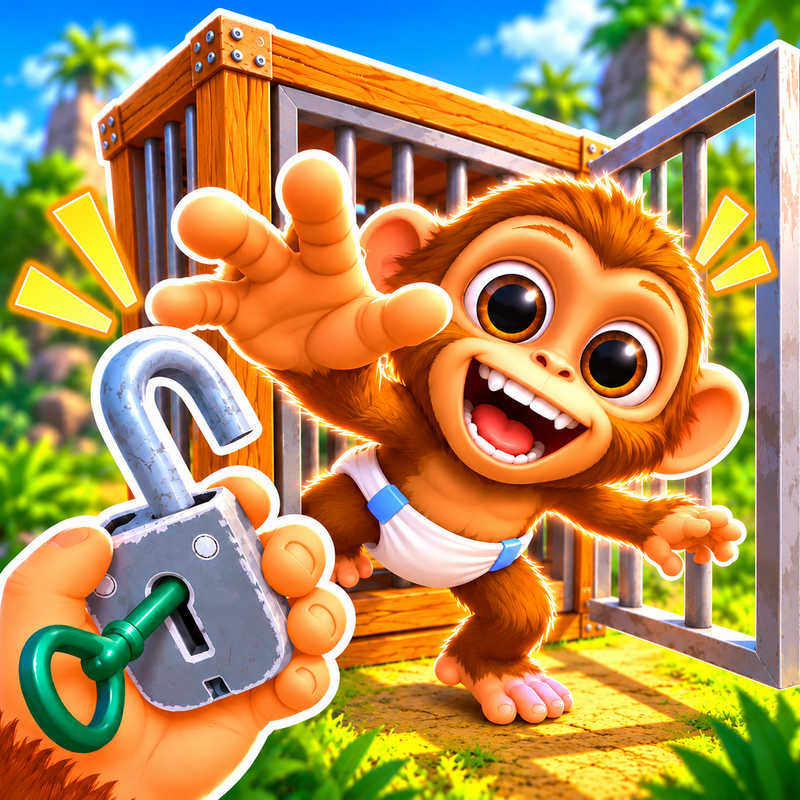
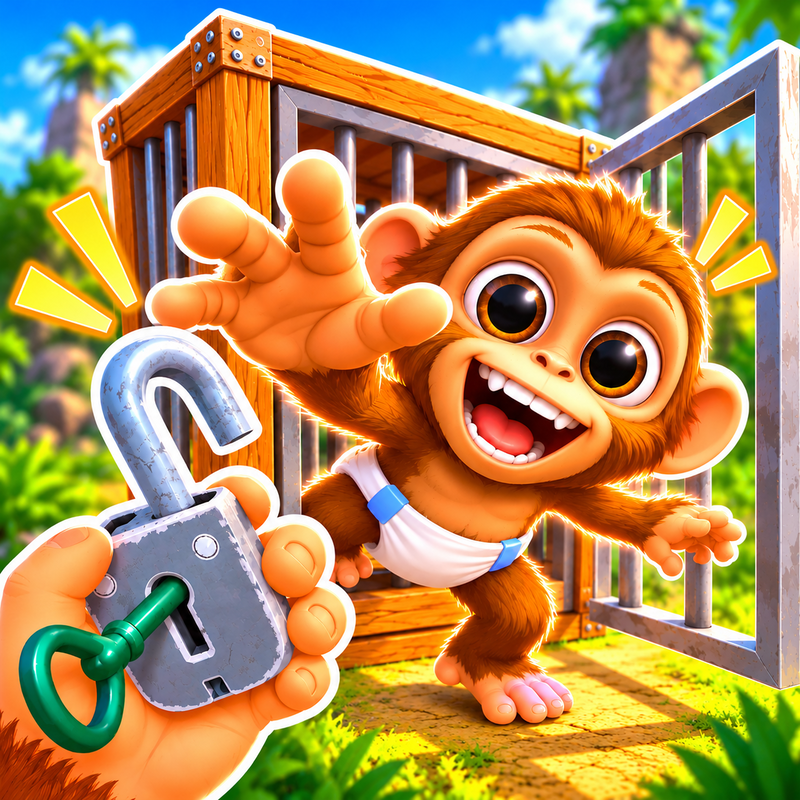
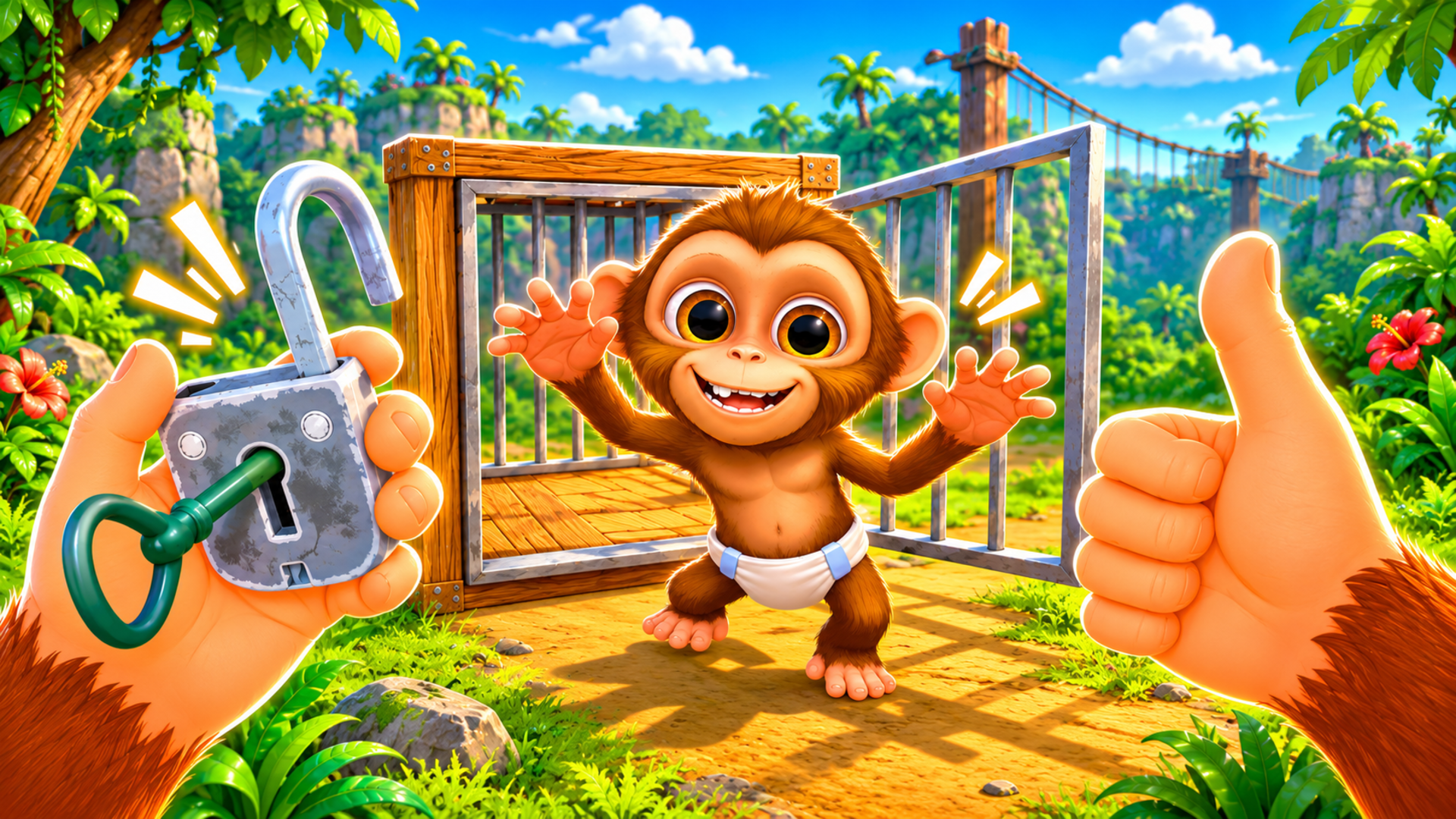
Dive into the fun world of the zoo 🦍, where you play as a quick and clever monkey.
Jump and run around your enclosure 🏃♂️, collect various items 🎒, and deal with annoying visitors 😄.
Complete funny tasks given by the wise elephant 🐘, unlock new abilities 🔓, and take on exciting challenges 🎯.
The game combines humor 🤭, fast-paced action, and the lively atmosphere of a real zoo, turning every moment into an unforgettable adventure! 🌟
How to play I am Monkey
🖥️ On PC:
Movement: use W/A/S/D to move the monkey.
Jump: press Space to jump around the enclosure and climb objects.
Attack / Hit: press LMB (left mouse button) to hit annoying visitors.
Interact with Items: press E to pick up, R to drop, F to throw objects
Elephant Tasks: approach the elephant and press to receive a new task.
Camera: control the view with the mouse.
📱 On Mobile:
Movement: use the on-screen joystick to move the monkey.
Jump: tap the Jump button to leap over obstacles and climb objects.
Attack / Hit: tap the Attack button to hit annoying visitors.
Interact with Items: tap the Interact button to pick up and use objects.
Elephant Tasks: approach the elephant and tap Interact to receive a new task.
Camera: swipe on the screen to change the camera angle.
I am Monkey controls
- Movement: use W/A/S/D to move the monkey
- Jump: press Space to jump around the enclosure and climb objects
- Attack / Hit: press LMB (left mouse button) to hit annoying visitors
- Interact with Items: press E to pick up, R to drop, F to throw objects
- Elephant Tasks: approach the elephant and press to receive a new task
- Camera: control the view with the mouse
I am Monkey FAQ
Is I am Monkey free to play?
Yes. I am Monkey is free on Physics Shark, with nothing to download and no account to make. The game has optional in-game purchases, but you never need them to play.
Can I play I am Monkey unblocked at school?
I am Monkey runs in a normal browser tab with no install, so it plays on school Chromebooks and laptops, with nothing to install and no account.
Does I am Monkey work on phones and tablets?
Yes. It works with touch controls on phones and tablets, and with a keyboard and mouse on computers.
- LikedNo votes yet
- Rank#642 of 2870
- PlaysBe the first!
- UpdatedNovember 2026
Gameplay
About this game
- Controls
- Movementuse W/A/S/D to move the monkey
- Jumppress Space to jump around the enclosure and climb objects
- Attack / Hitpress LMB (left mouse button) to hit annoying visitors
- Interact with Itemspress E to pick up, R to drop, F to throw objects
- Elephant Tasksapproach the elephant and press to receive a new task
- Cameracontrol the view with the mouse
- Supported devices
- Desktop, phone and tablet
- Genre
- Simulationarcade3dfunnyanimalsmissionfast paced














