 Physics Shark




































Fruit Mahjong
Looking for a 3D mahjong puzzle you can play at school? Fruit Mahjong loads straight in your browser on Physics Shark: free, unblocked and nothing to install.
Show moreShow less
Play Fruit Mahjong unblocked
Looking for a 3D mahjong puzzle you can play at school? Fruit Mahjong loads straight in your browser on Physics Shark: free, unblocked and nothing to install. Play it on a school Chromebook, a laptop, a phone or a tablet.
What is Fruit Mahjong?
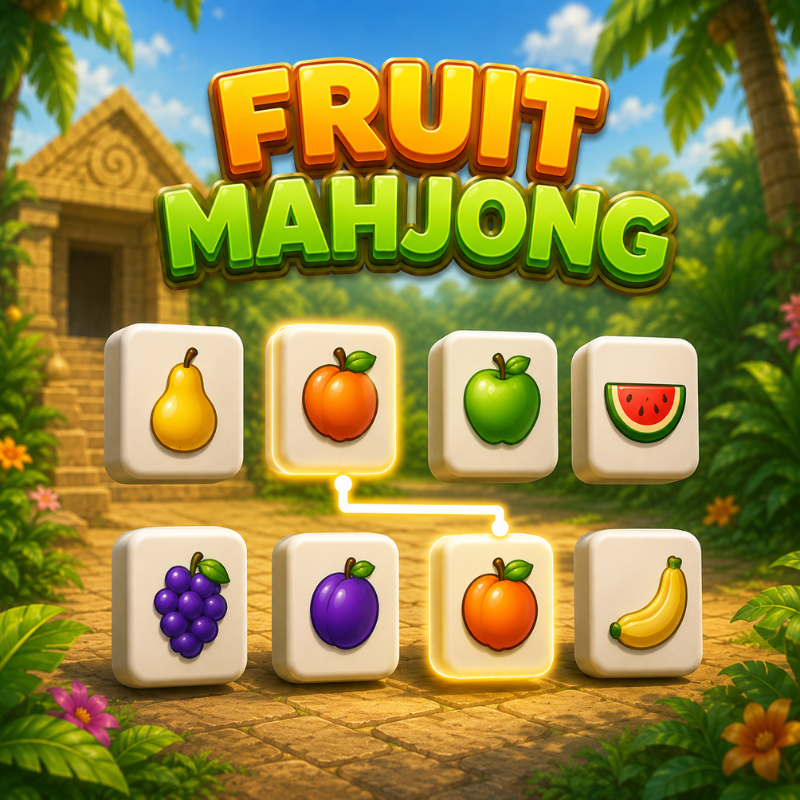
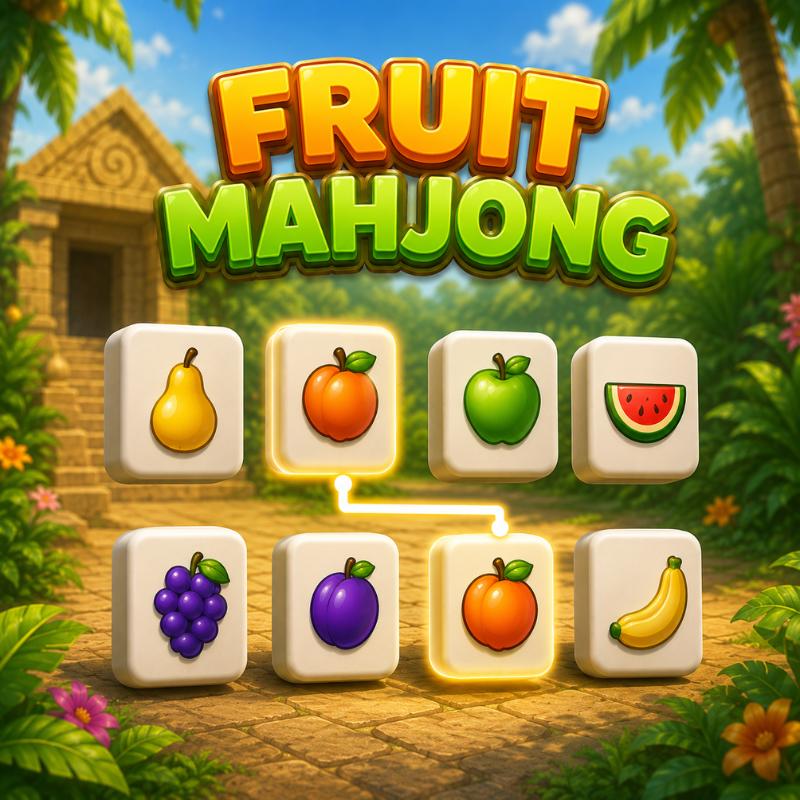
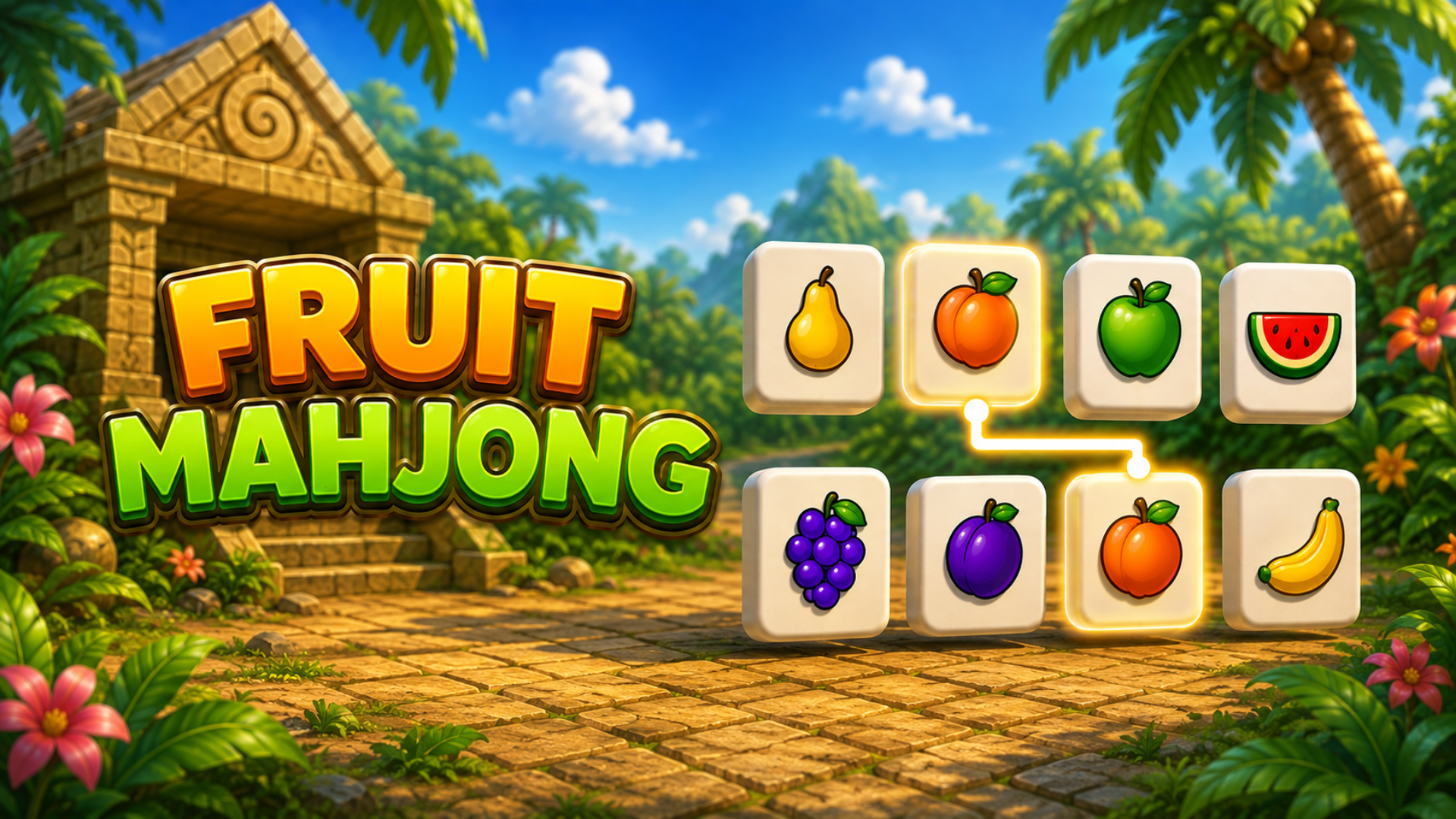
Fruit Mahjong is mahjong solitaire with a twist you can see from every angle. Juicy fruit tiles are stacked into layered arrangements in front of an ancient jungle temple — and the match you're hunting for might be sitting on the far side. Drag to orbit the board, spot the pair, clear the stack.
One six-minute clock runs across all 50 levels. Every board you clear buys you ten more seconds, so the deeper you go, the tighter it gets. Match fast to build a combo: each pair in a chain scores more than the last, and the match chime climbs in pitch as your streak grows — break the chain and the multiplier resets.
Boxed in? Burn a hint to clear a pair for you, or shuffle the remaining tiles into a fresh layout. Run out and you can watch a short video to earn another. Your best score is saved, so every run is a chance to beat it.
Tags: mahjong, match, puzzle, solitaire, 3D, fruit, casual, timed, brain
Rules
Clear the board by matching two identical fruit tiles.
A tile can only be taken if it has a clear side. Tiles hemmed in on both left and right, or both front and back, are locked until you clear around them.
Pick a tile, then pick its match. A wrong pair makes both tiles wobble and stay put.
Chain your matches. Land the next pair within about two seconds to keep the combo going — pair one scores 100, the next 200, then 300, and so on.
Watch the clock. You start with 6:00 for the whole run, and each cleared level adds 10 seconds. Hit 0:00 and the run ends.
Hint reveals and clears a matching pair. Shuffle rearranges the tiles still on the board. You get one of each; a short video earns another.
Lost a run? Play Again drops you back on the level you lost, not at the start.
How to play Fruit Mahjong
Controls
Select a tile — click or tap it. Your pick is shown at the top of the screen.
Rotate the board — drag with the mouse or one finger. It spins a full 360°.
Zoom — mouse wheel, or pinch with two fingers.
Fruit Mahjong controls
- Select a tile: click or tap it. Your pick is shown at the top of the screen
- Rotate the board: drag with the mouse or one finger. It spins a full 360°
- Zoom: mouse wheel, or pinch with two fingers
Fruit Mahjong FAQ
Is Fruit Mahjong free to play?
Yes. Fruit Mahjong is free on Physics Shark, with nothing to download and no account to make.
Can I play Fruit Mahjong unblocked at school?
Fruit Mahjong runs in a normal browser tab with no install, so it plays on school Chromebooks and laptops, with nothing to install and no account.
Does Fruit Mahjong work on phones and tablets?
Yes. It works with touch controls on phones and tablets, and with a keyboard and mouse on computers.
- LikedNo votes yet
- Rank#1176 of 2870
- PlaysBe the first!
- UpdatedNovember 2026
Gameplay
About this game
- Controls
- Select a tileclick or tap it. Your pick is shown at the top of the screen
- Rotate the boarddrag with the mouse or one finger. It spins a full 360°
- Zoommouse wheel, or pinch with two fingers
- Supported devices
- Desktop, phone and tablet














