 Physics Shark
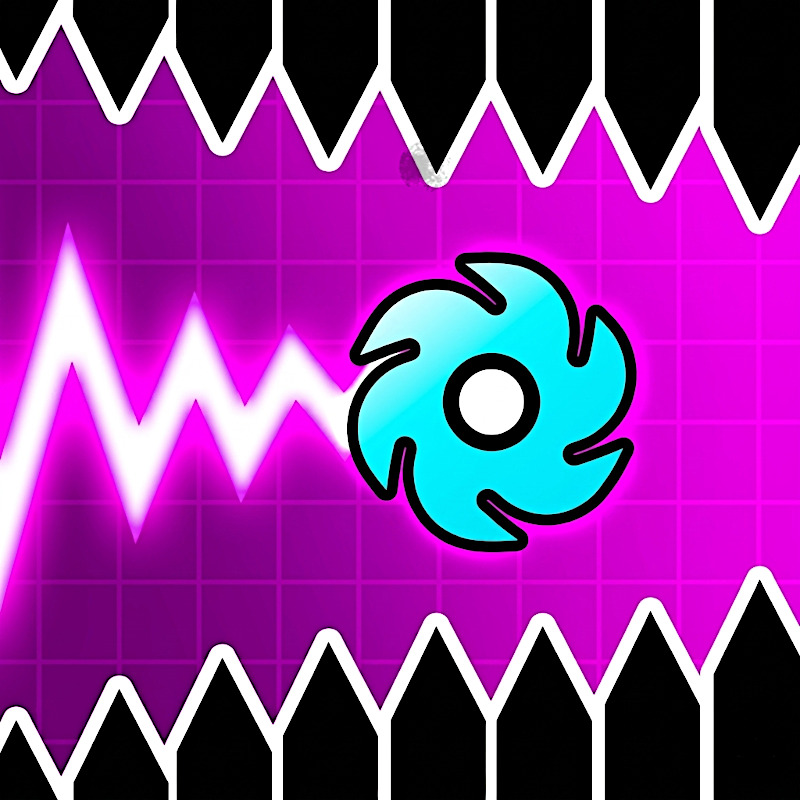












Geometry Vibes X-Ball
Looking for an arcade game you can play at school? Geometry Vibes X-Ball loads straight in your browser on Physics Shark: free, unblocked and nothing to install.
Show moreShow less
Play Geometry Vibes X-Ball unblocked
Looking for an arcade game you can play at school? Geometry Vibes X-Ball loads straight in your browser on Physics Shark: free, unblocked and nothing to install. Play it on a school Chromebook, a laptop, a phone or a tablet.
What is Geometry Vibes X-Ball?
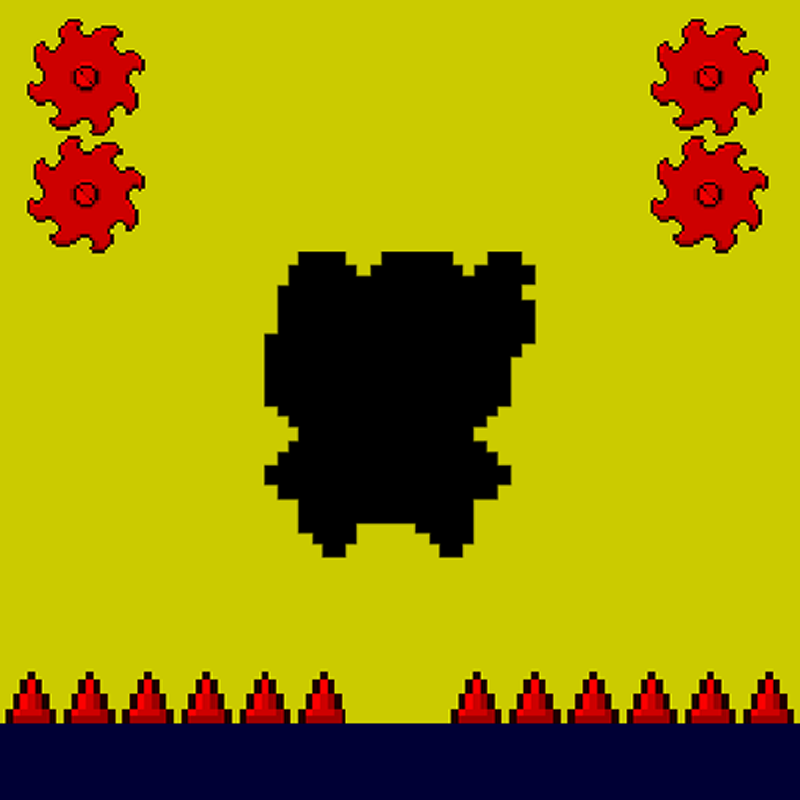
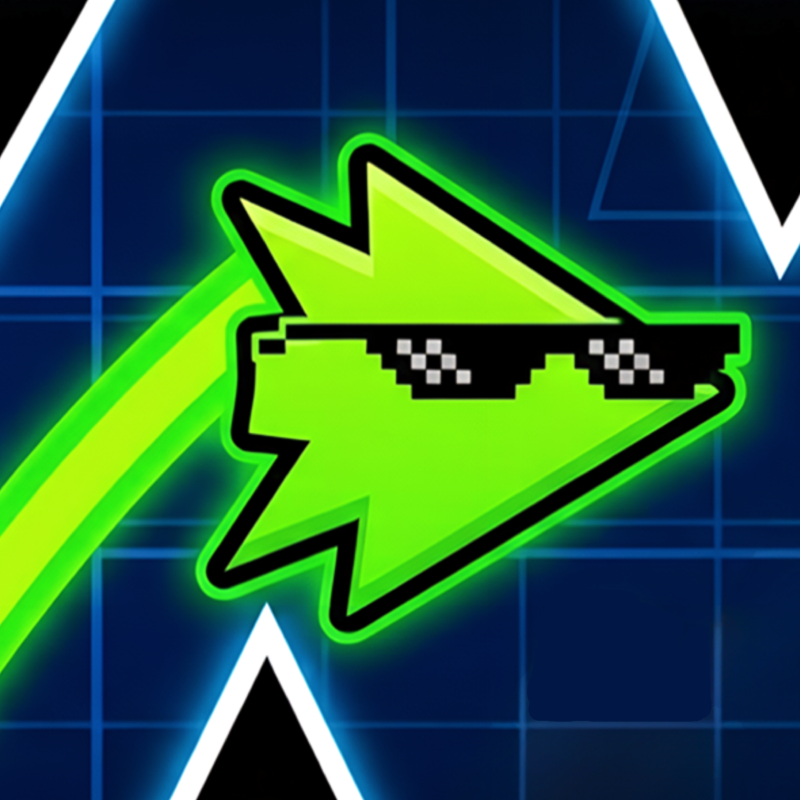
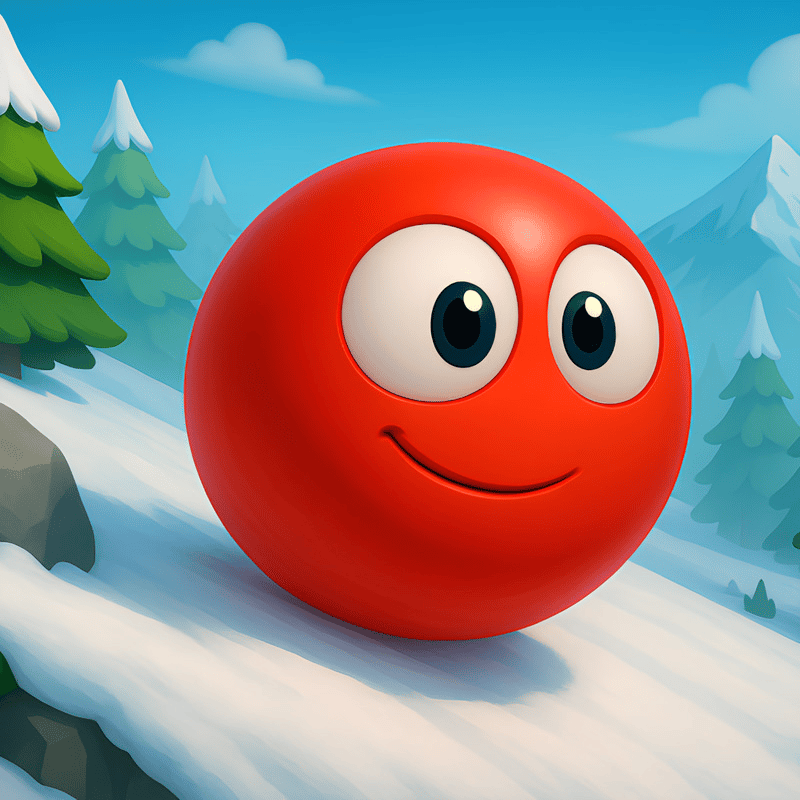
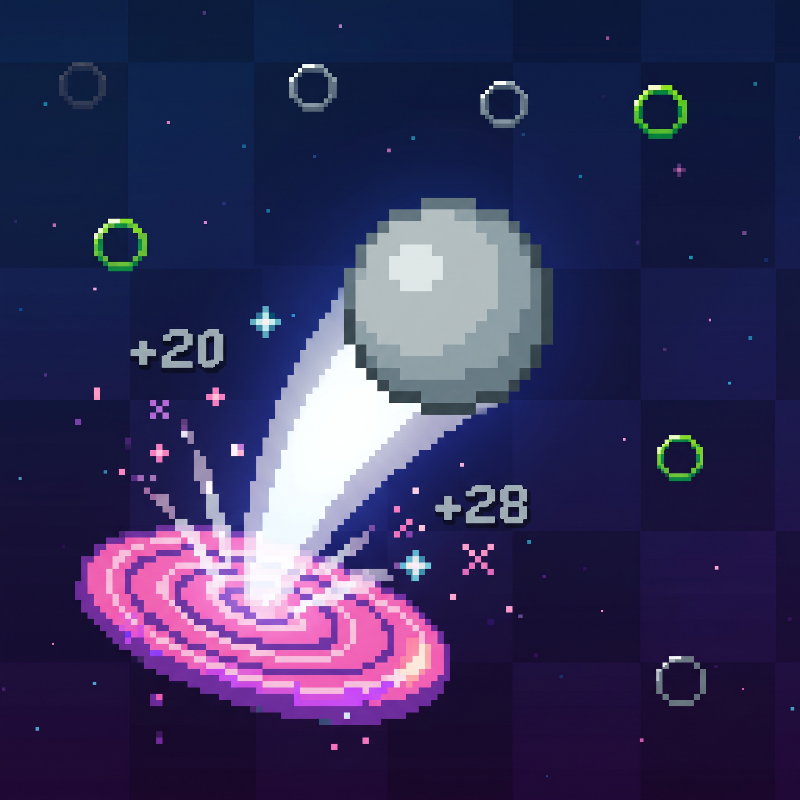
Geometry Vibes X-Ball is ready to give you a completely different gaming experience! After the first game of the series, interactive new levels, challenge section and completely new store are waiting for you in X-Ball mode. Start your new adventure now in Geometry Vibes X-Ball game where you will find yourself avoiding obstacles, traps and gears in each level!
What are Geometry Vibes X-Ball Game Modes?
Classic Mode: Try to reach the portals at the end of a total of 10 levels that get harder as the levels pass. The last 3 levels are quite challenging!
Endless Mode: Try to go as far as you can without hitting obstacles and traps.
Challenge Mode: Challenging stages designed for master players are located in this section. Prove how good a Geometry Vibe X-Ball player you are with 5 different challenge levels.
Race Mode: You can compete with your friends locally by playing levels with 2-3-4 player.
Is Geometry Vibes X-Ball a Difficult Game?
Geometry Vibes X-Ball is definitely not a difficult game and you can complete 10 levels in the classic section if you practice enough.
Can Geometry Vibes X-Ball be played on mobile devices?
Yes, you can play the game smoothly on your mobile devices such as tablets and phones. The game has simple touch controls and you only need to touch the screen to play.
How to play Geometry Vibes X-Ball
The aim of the game is to reach the portal at the end without hitting anything.
Click "MOUSE LEFT-CLICK" or "SPACE" to accelerate upwards. Release the button to go down.
In 2,3,4 Player Modes, other players are controlled with "H", "L" and "UP ARROW KEY".
You can use touch controls on mobile devices such as tablets and phones.
Geometry Vibes X-Ball FAQ
Is Geometry Vibes X-Ball free to play?
Yes. Geometry Vibes X-Ball is free on Physics Shark, with nothing to download and no account to make.
Can I play Geometry Vibes X-Ball unblocked at school?
Geometry Vibes X-Ball runs in a normal browser tab with no install, so it plays on school Chromebooks and laptops, with nothing to install and no account.
Does Geometry Vibes X-Ball work on phones and tablets?
Yes. It works with touch controls on phones and tablets, and with a keyboard and mouse on computers.
- LikedNo votes yet
- Rank#1505 of 2870
- PlaysBe the first!
- UpdatedNovember 2026
Gameplay
About this game
- Supported devices
- Desktop, phone and tablet
- Genre
- Arcade2 player partyobstaclesendless2 player platformavoid2 player racing
- Games like Geometry Vibes X-Ball
- Paper IO 2Stickman Kart HeroMexico Rex 2Ole BunnyGeometry Arrow 2Hungry Cats














