 Physics Shark













StickerBall
Looking for an arcade game you can play at school? StickerBall loads straight in your browser on Physics Shark: free, unblocked and nothing to install. Play it on a school Chromebook, a laptop, a phone or a tablet.
Show moreShow less
Play StickerBall unblocked
Looking for an arcade game you can play at school? StickerBall loads straight in your browser on Physics Shark: free, unblocked and nothing to install. Play it on a school Chromebook, a laptop, a phone or a tablet.
What is StickerBall?
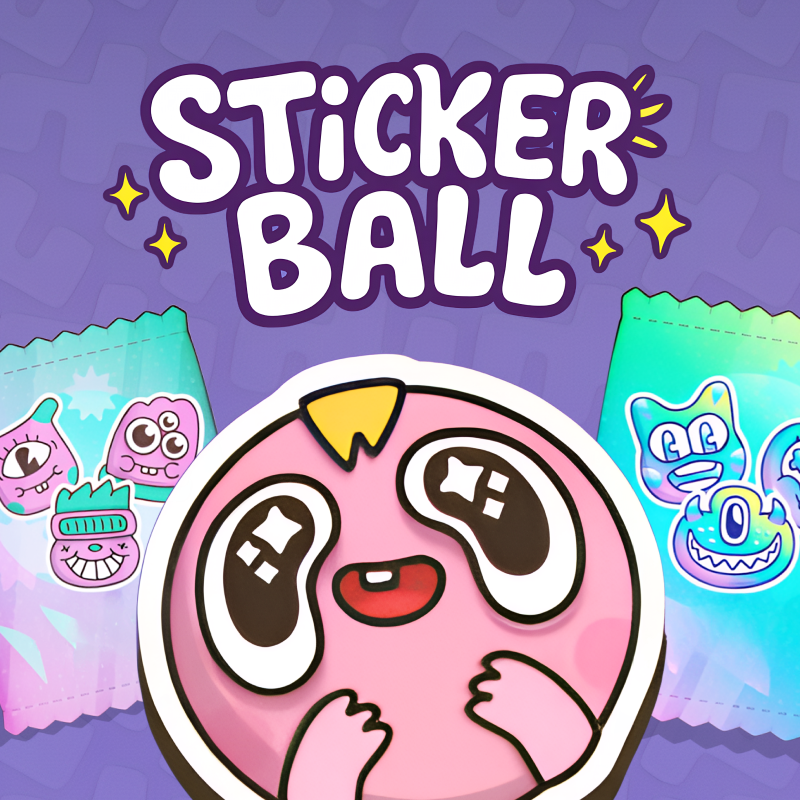
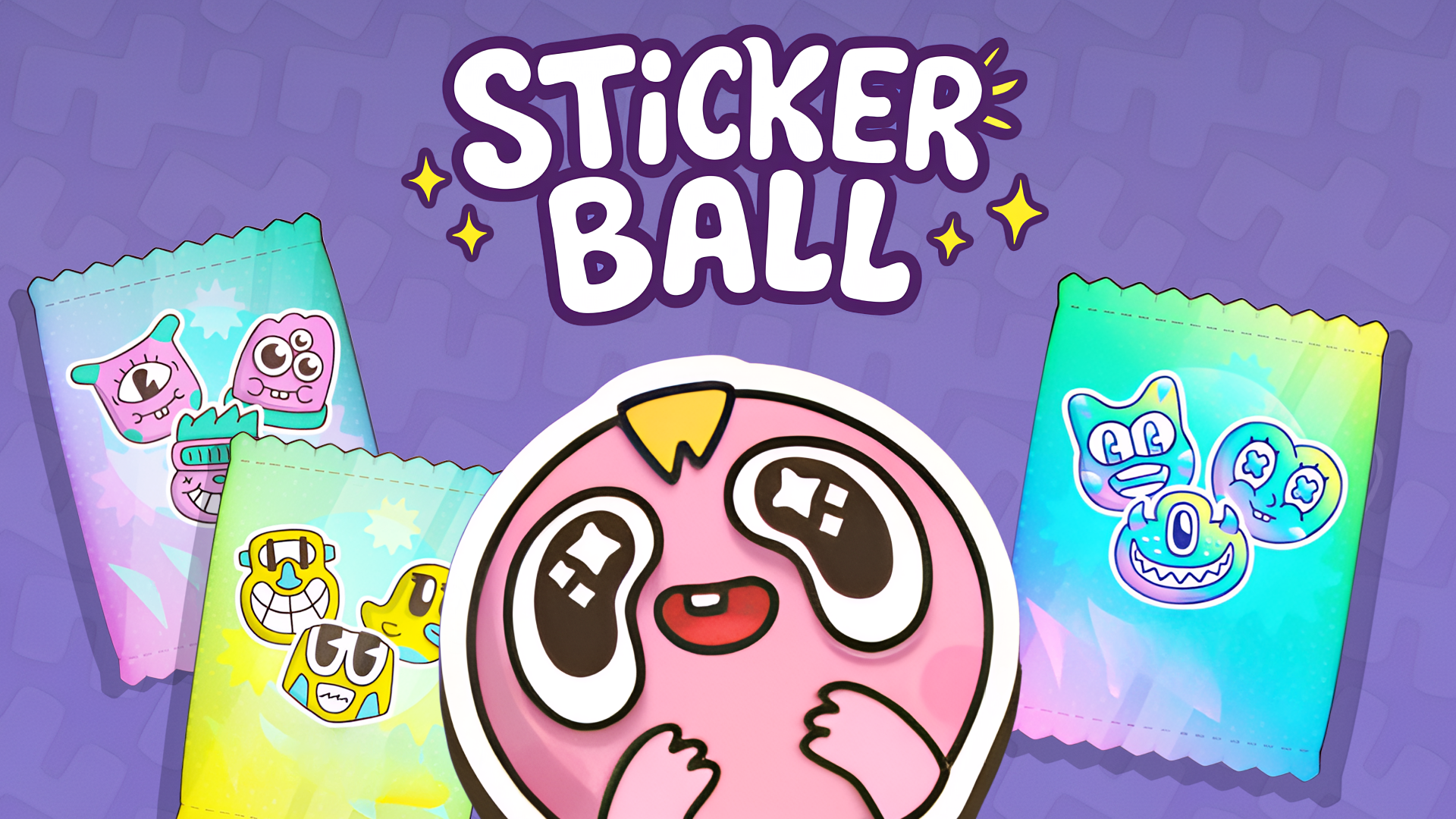
Stickerball is a fast-paced game where you collect stickers using a ball with unique abilities! Your goal is to collect 180 colorful stickers across 9 levels by completing challenges and activating triggers that change the game’s rules. Each turn, 10 stickers fly onto the field from a purchased pack, but any uncollected ones disappear—act quickly and precisely!
The game shines with 14 dynamic triggers: freeze stickers, double rewards with "x2," turn the ball into a magnet or ghost, activate "disco" mode, or control a dual ball! The more stickers you collect in one turn, the higher your combo and the more coins you earn. Holo-stickers, with their unique designs, grant double the currency!
Play across 12 vibrant, randomly changing fields. Buy sticker packs, upgrade your collection, and strategize by activating triggers at the perfect moment to maximize rewards.
How to play StickerBall
How to play:
1. Aiming:
Move your cursor to aim-the arrow on the ball shows the strike direction.
2. Power Charging:
Hold LMB to fill the arrow’s power gauge. Release to launch the ball! Striking too early cancels the shot.
3. Collecting Stickers:
After striking, the ball bounces off walls, collecting stickers, coins, and crystals. The more you gather in one turn, the higher your combo and bonuses!
4. Triggers:
Collect special icons (magnet, x2, freeze, etc.) to power up the ball or alter sticker behavior. For example, "Ghost" lets the ball pass through triggers, while "Double Move" grants a second strike without new stickers appearing.
5. Buying Packs:
Before your first turn, choose a free Level 1 pack. Each pack contains 100 stickers, with 10 appearing per turn.
6. Strategy Tips:
Use "Freeze" or "Bonus" to increase the number of stickers on the field.
Combine triggers like "Magnet" + "x2" for double rewards.
Prioritize Holo-stickers - they grant x2 coins!
StickerBall FAQ
Is StickerBall free to play?
Yes. StickerBall is free on Physics Shark, with nothing to download and no account to make.
Can I play StickerBall unblocked at school?
StickerBall runs in a normal browser tab with no install, so it plays on school Chromebooks and laptops, with nothing to install and no account.
Does StickerBall work on phones and tablets?
Yes. It works with touch controls on phones and tablets, and with a keyboard and mouse on computers.
- LikedNo votes yet
- Rank#1323 of 2870
- PlaysBe the first!
- UpdatedNovember 2026
Gameplay
About this game
- Supported devices
- Desktop, phone and tablet
- Genre
- Arcadeballmousedefold games online
- Games like StickerBall
- Paper IO 2Stickman Kart HeroMexico Rex 2Ole BunnyGeometry Arrow 2Hungry Cats














