 Physics Shark



























JigRot
Play JigRot online for free on Physics Shark. This jigsaw puzzle runs in a normal browser tab, so there's nothing to download and no sign-up, and it works on a school Chromebook, a laptop, a phone or a tablet.
Show moreShow less
Play JigRot unblocked
Play JigRot online for free on Physics Shark. This jigsaw puzzle runs in a normal browser tab, so there's nothing to download and no sign-up, and it works on a school Chromebook, a laptop, a phone or a tablet.
What is JigRot?
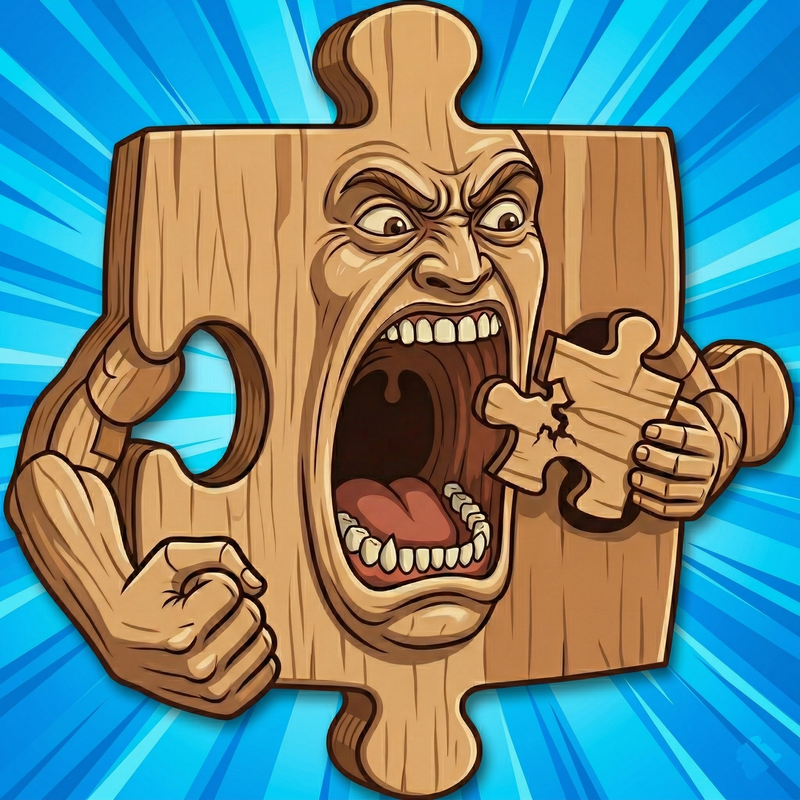
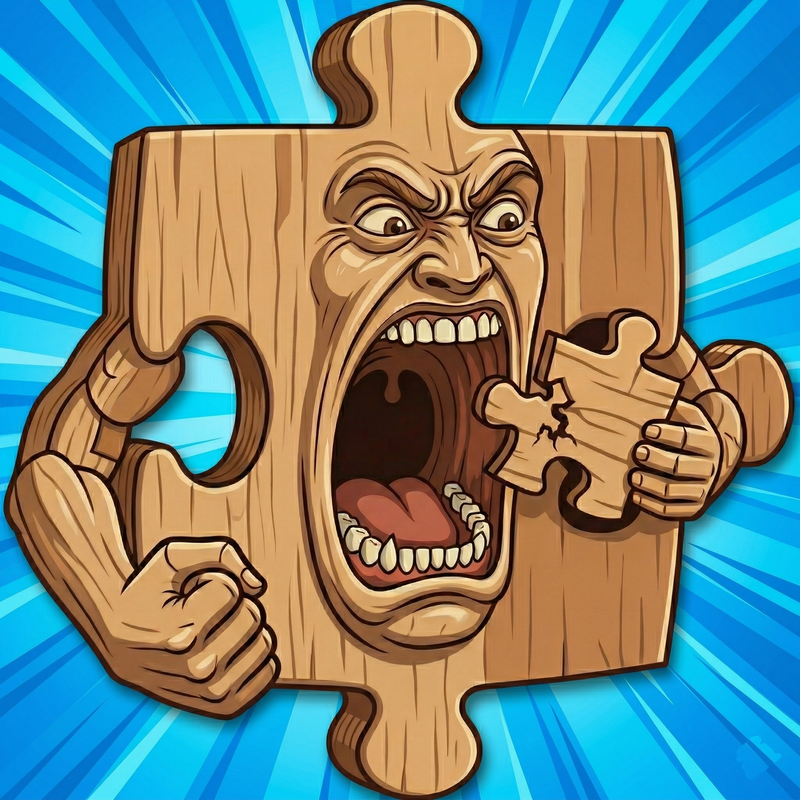
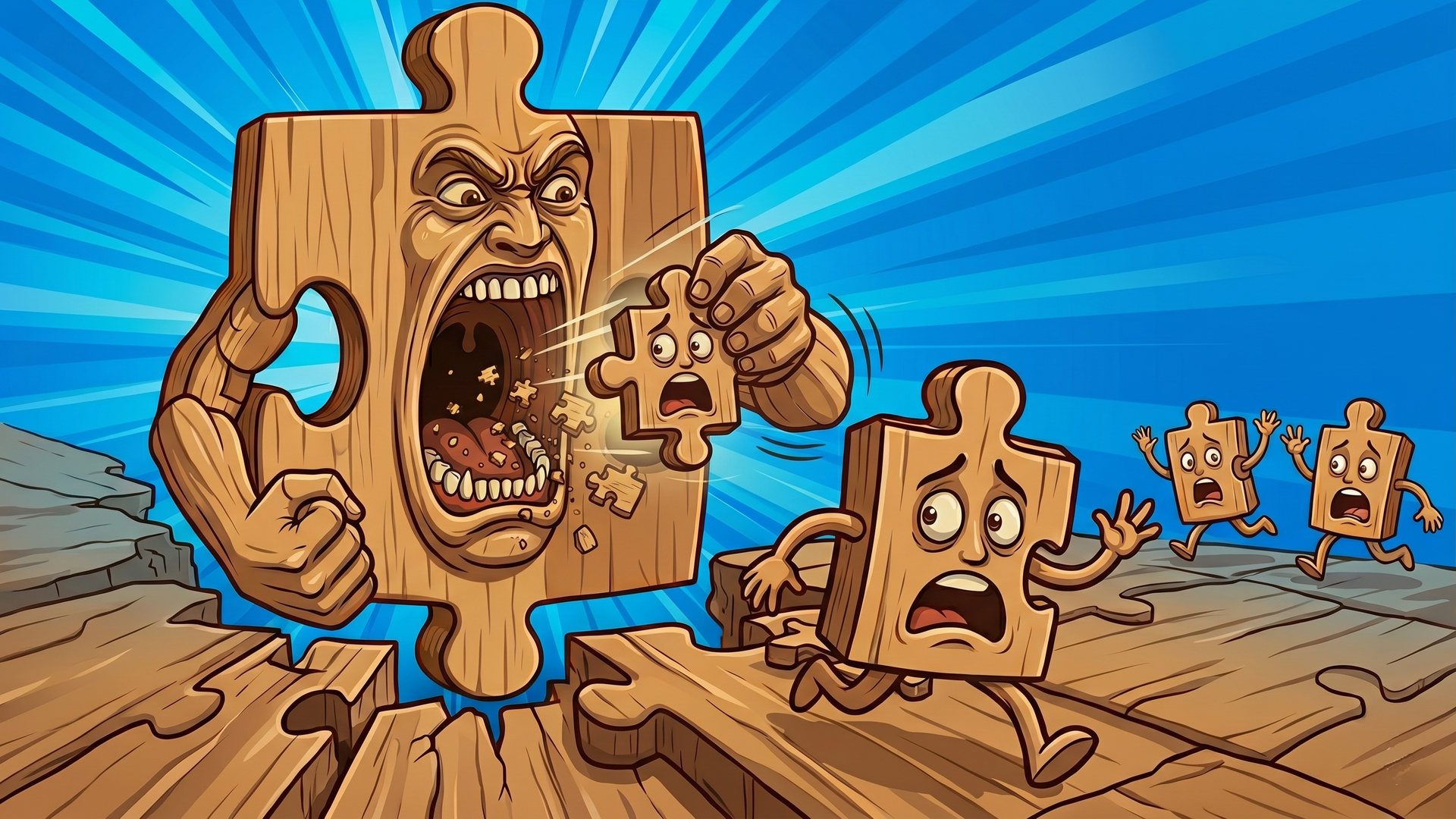
JigRot is a chill puzzler: drag scattered pieces, snap them together, and merge clusters until the full crazy brainrot picture locks in. Easy to learn, smooth to play, and built for a relaxing flow — one oddball pack after another when you want to unwind without pressure.
How to play JigRot
Desktop (mouse & keyboard)
Move pieces: Click and hold a piece or cluster, drag it, then release to drop. Matching edges snap together when they line up.
Mobile (touch)
Move pieces: Touch and drag a piece or cluster, then lift your finger to place. Edges merge when they align.
JigRot controls
- Move pieces: Click and hold a piece or cluster, drag it, then release to drop. Matching edges snap together when they line up
- Move pieces: Touch and drag a piece or cluster, then lift your finger to place. Edges merge when they align
JigRot FAQ
Is JigRot free to play?
Yes. JigRot is free on Physics Shark, with nothing to download and no account to make.
Can I play JigRot unblocked at school?
JigRot runs in a normal browser tab with no install, so it plays on school Chromebooks and laptops, with nothing to install and no account.
Does JigRot work on phones and tablets?
Yes. It works with touch controls on phones and tablets, and with a keyboard and mouse on computers.
- LikedNo votes yet
- Rank#1135 of 2870
- PlaysBe the first!
- UpdatedNovember 2026
Gameplay
About this game
- Controls
- Move piecesClick and hold a piece or cluster, drag it, then release to drop. Matching edges snap together when they line up
- Move piecesTouch and drag a piece or cluster, then lift your finger to place. Edges merge when they align
- Supported devices
- Desktop, phone and tablet














