 Physics Shark




































Mandala Meadow
Looking for a cozy puzzle game you can play at school? Mandala Meadow loads straight in your browser on Physics Shark: free, unblocked and nothing to install.
Show moreShow less
Play Mandala Meadow unblocked
Looking for a cozy puzzle game you can play at school? Mandala Meadow loads straight in your browser on Physics Shark: free, unblocked and nothing to install. Play it on a school Chromebook, a laptop, a phone or a tablet.
What is Mandala Meadow?
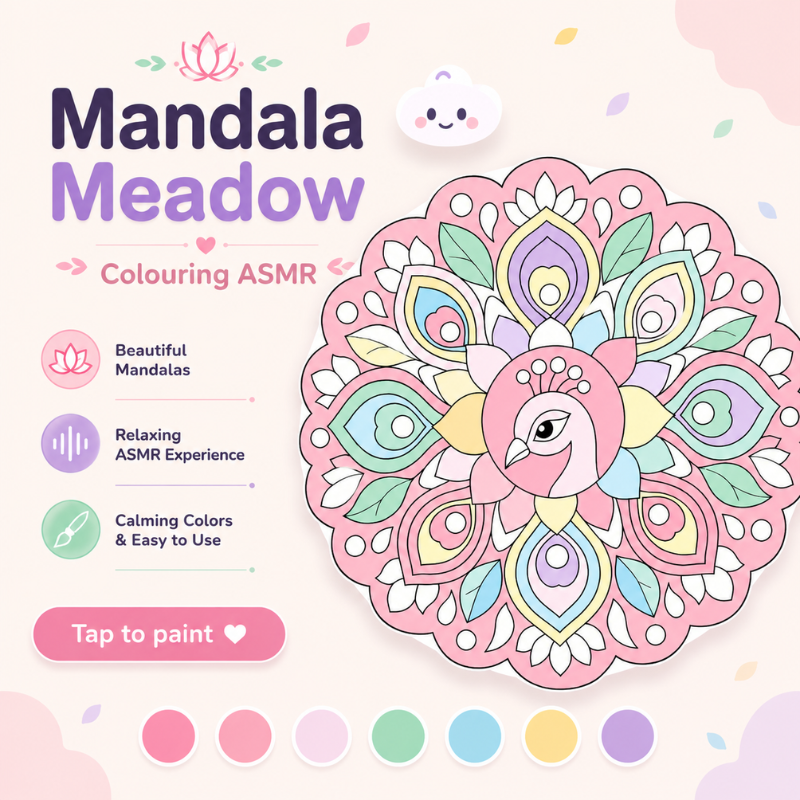
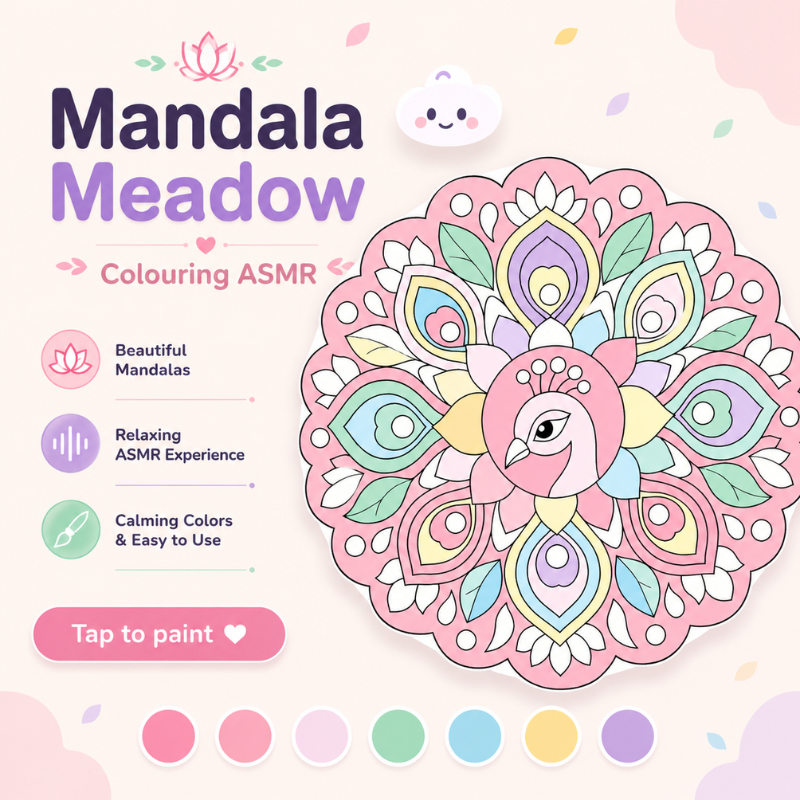
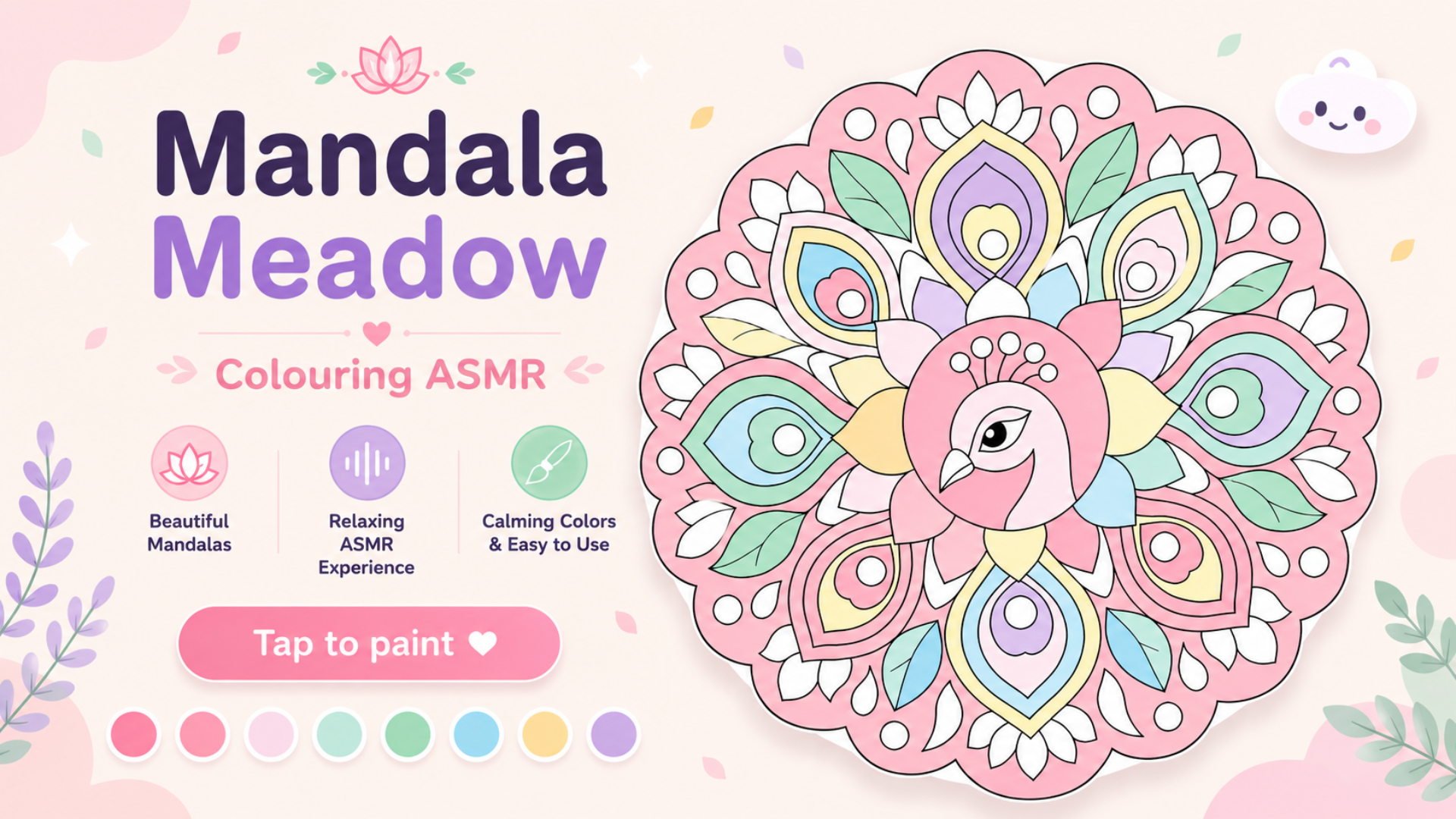
Mandala Meadow is a relaxing mandala coloring game where you paint intricate designs, unwind, and create stunning art one tap at a time. Choose a mandala, fill each section with soft, calming colors, and watch detailed patterns bloom to life. With dozens of hand-crafted mandalas — from simple flowers to elaborate lotus, peacock, and animal designs — there's a soothing coloring puzzle for every mood.
Perfect for mindfulness, stress relief, and creative relaxation. No timers, no pressure — just you, gentle music, and beautiful art
How to play Mandala Meadow
Find Your Calm, One Color at a Time! Step into a peaceful world of art and mindfulness with Mandala Meadow, the relaxing mandala coloring game. Pick a beautiful design, fill each section with soft, soothing colors, and watch intricate patterns bloom to life. From simple flowers to elaborate lotus, peacock, and animal mandalas, there's a calming coloring puzzle for every mood — no timers, no pressure, just you and your art. Perfect for relaxation, stress relief, and creative fun!
Desktop Controls:
Click a section: Select the area you want to color.
Click & drag: Paint freely within the lines.
Color palette: Click a swatch to pick your color.
Brush / Fill toggle: Switch between hand-painting and instant fill.
Zoom slider: Zoom in for fine detail.
Undo / Reset: Fix mistakes or start a mandala fresh.
Mobile Controls:
Tap a section: Select where to paint.
Drag to paint: Color with your finger, neatly inside the lines.
Tap a swatch: Choose your color.
Pinch to zoom: Get up close for intricate areas.
Undo / Reset buttons: Adjust or restart anytime.
Mandala Meadow controls
- Click a section: Select the area you want to color
- Click & drag: Paint freely within the lines
- Color palette: Click a swatch to pick your color
Mandala Meadow FAQ
Is Mandala Meadow free to play?
Yes. Mandala Meadow is free on Physics Shark, with nothing to download and no account to make.
Can I play Mandala Meadow unblocked at school?
Mandala Meadow runs in a normal browser tab with no install, so it plays on school Chromebooks and laptops, with nothing to install and no account.
Does Mandala Meadow work on phones and tablets?
Yes. It works with touch controls on phones and tablets, and with a keyboard and mouse on computers.
- LikedNo votes yet
- Rank#2846 of 2870
- PlaysBe the first!
- UpdatedNovember 2026
Gameplay
About this game
- Controls
- Click a sectionSelect the area you want to color
- Click & dragPaint freely within the lines
- Color paletteClick a swatch to pick your color
- Supported devices
- Desktop, phone and tablet
- Genre
- Puzzlecolordrawingcozykidsrelaxingcreativity














