 Physics Shark




















Mix & Paint 3D
Looking for a 3D puzzle game you can play at school? Mix & Paint 3D loads straight in your browser on Physics Shark: free, unblocked and nothing to install. Play it on a school Chromebook, a laptop, a phone or a tablet.
Show moreShow less
Play Mix & Paint 3D unblocked
Looking for a 3D puzzle game you can play at school? Mix & Paint 3D loads straight in your browser on Physics Shark: free, unblocked and nothing to install. Play it on a school Chromebook, a laptop, a phone or a tablet.
What is Mix & Paint 3D?
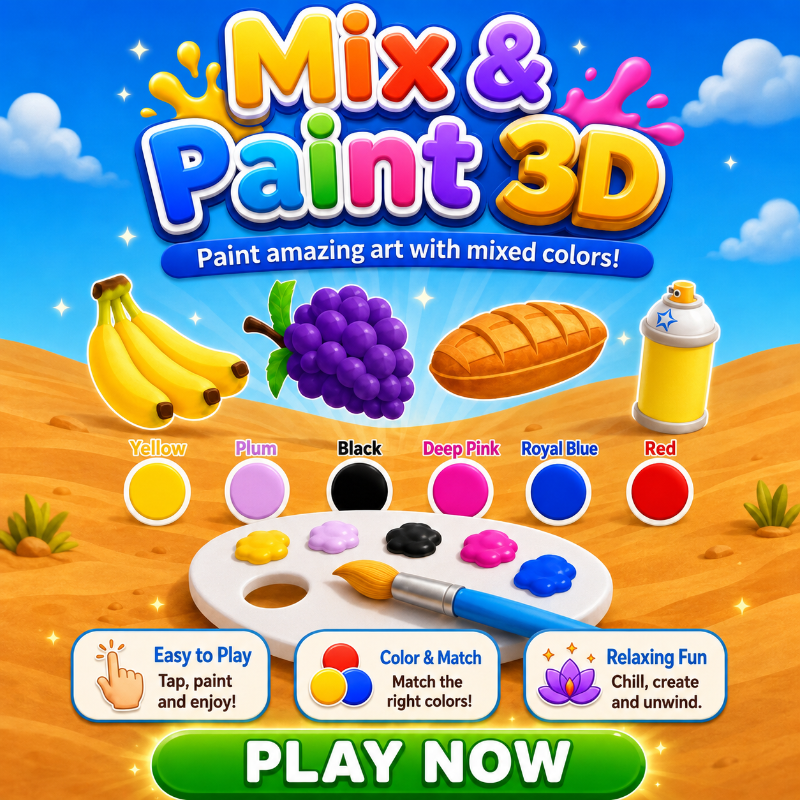
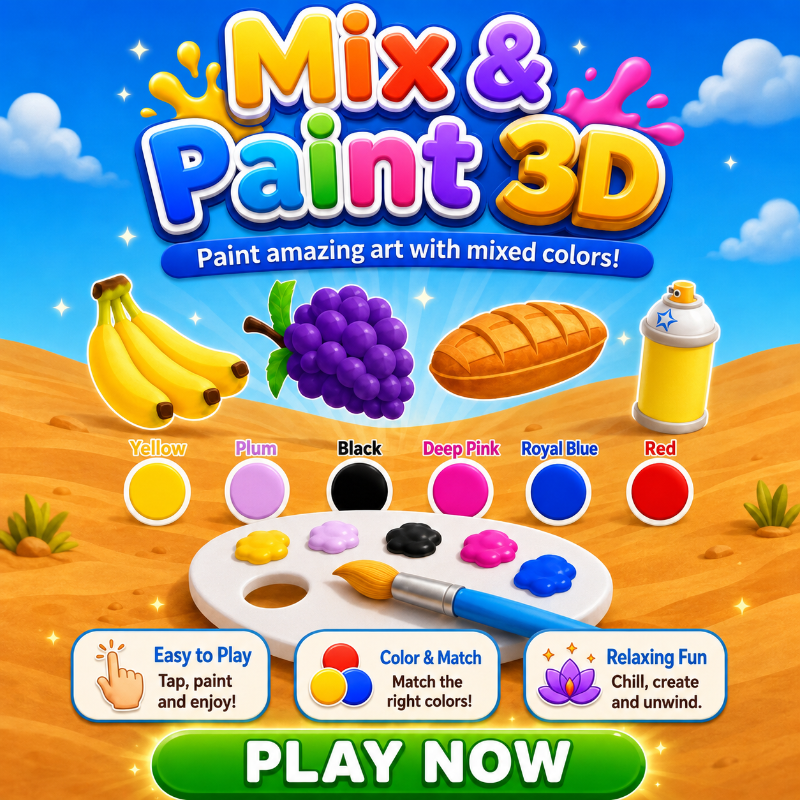
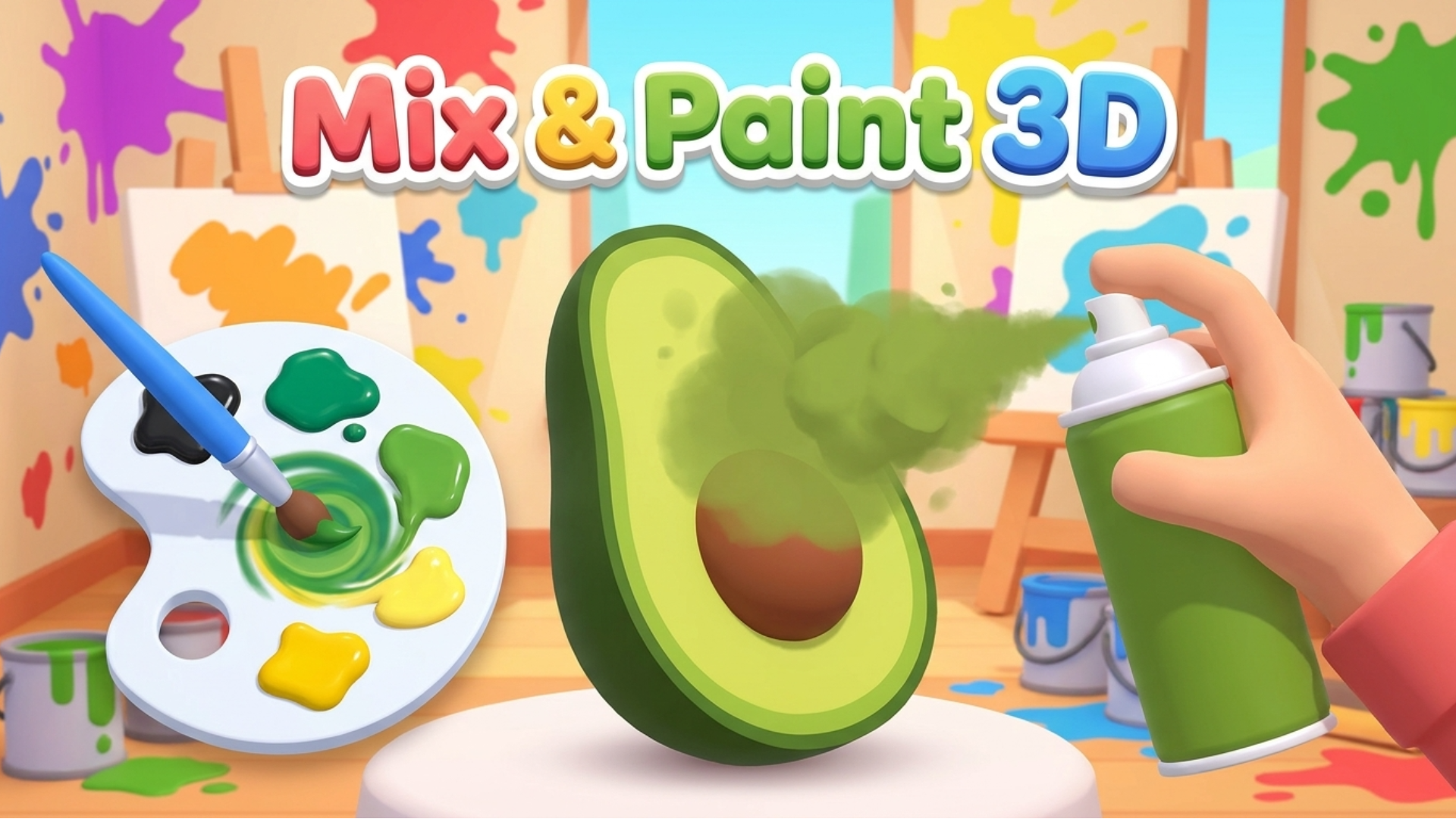
Mix & Paint 3D is a relaxing color-mixing and 3D painting puzzle. Choose pigments, blend the target shade on your palette, then paint each object and see how closely your result matches. Every level combines hands-on mixing, satisfying painting, and an accuracy challenge.
How to play Mix & Paint 3D
Recreate the target color and paint the 3D object. Reach at least 60% accuracy to pass the level, and aim for 90% or higher for a perfect result. Click or tap a pigment to load the brush, then hold and drag across the palette to mix colors. During painting, hold and drag to move the brush or spray across the object. Use Clear, Hint, and Done by clicking or tapping their buttons. The game uses a mouse or touchscreen; no keyboard keys are required.
Mix & Paint 3D FAQ
Is Mix & Paint 3D free to play?
Yes. Mix & Paint 3D is free on Physics Shark, with nothing to download and no account to make.
Can I play Mix & Paint 3D unblocked at school?
Mix & Paint 3D runs in a normal browser tab with no install, so it plays on school Chromebooks and laptops, with nothing to install and no account.
Does Mix & Paint 3D work on phones and tablets?
Yes. It works with touch controls on phones and tablets, and with a keyboard and mouse on computers.
- LikedNo votes yet
- Rank#941 of 2870
- PlaysBe the first!
- UpdatedNovember 2026
Gameplay
About this game
- Supported devices
- Desktop, phone and tablet
- Genre
- Puzzle3dcolordrawinglogicartcolor matching














