 Physics Shark




















Monster Tile Party
Monster Tile Party is a match-3 puzzle you can play unblocked right here on Physics Shark.
Show moreShow less
Play Monster Tile Party unblocked
Monster Tile Party is a match-3 puzzle you can play unblocked right here on Physics Shark. It runs in your browser with no download, no install and no account, so you can play it on a school Chromebook, a laptop, a phone or a tablet.
What is Monster Tile Party?
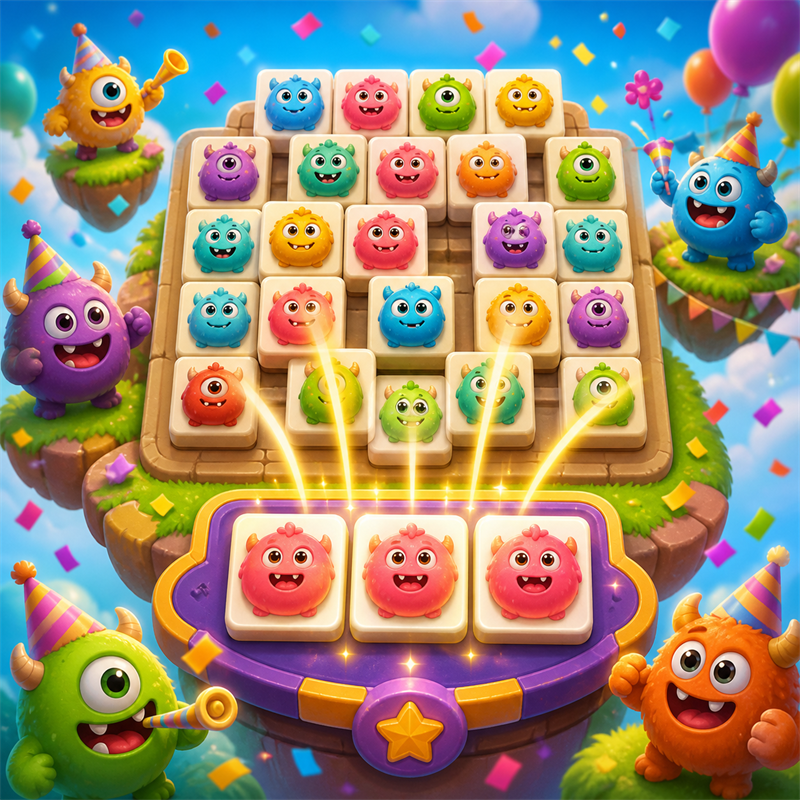
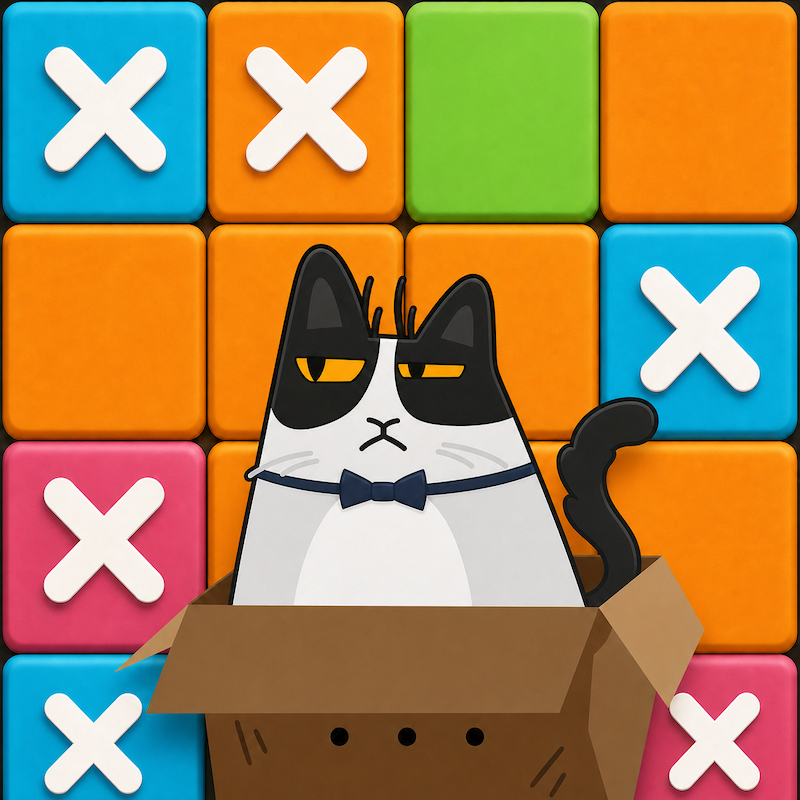
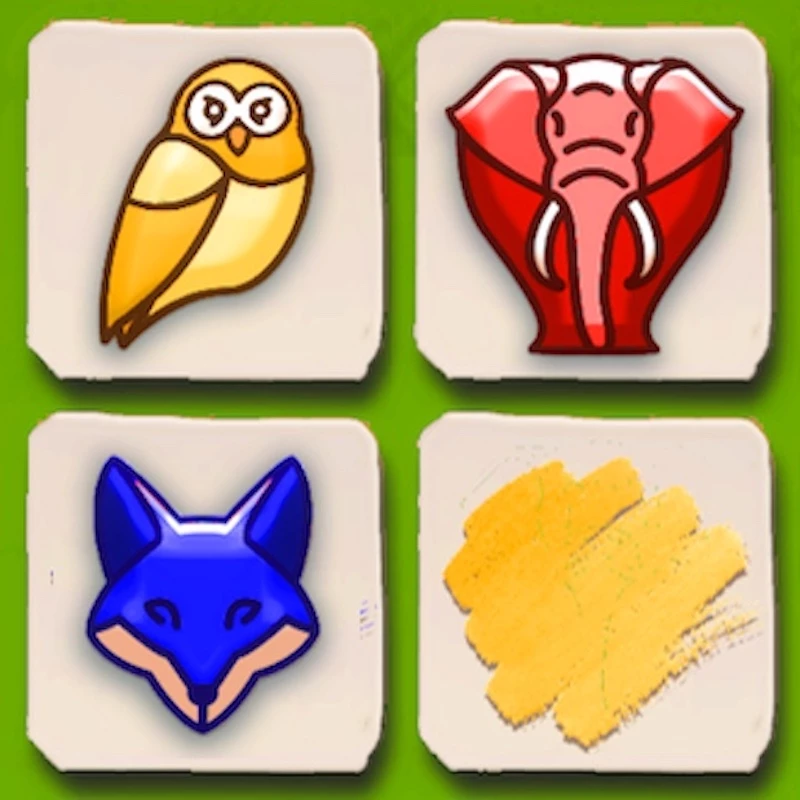
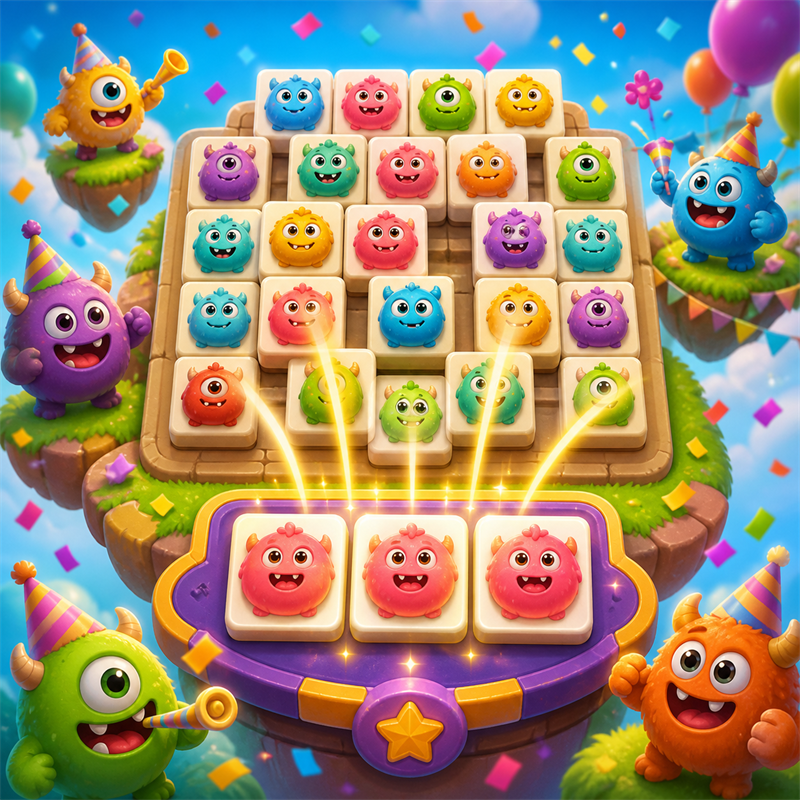
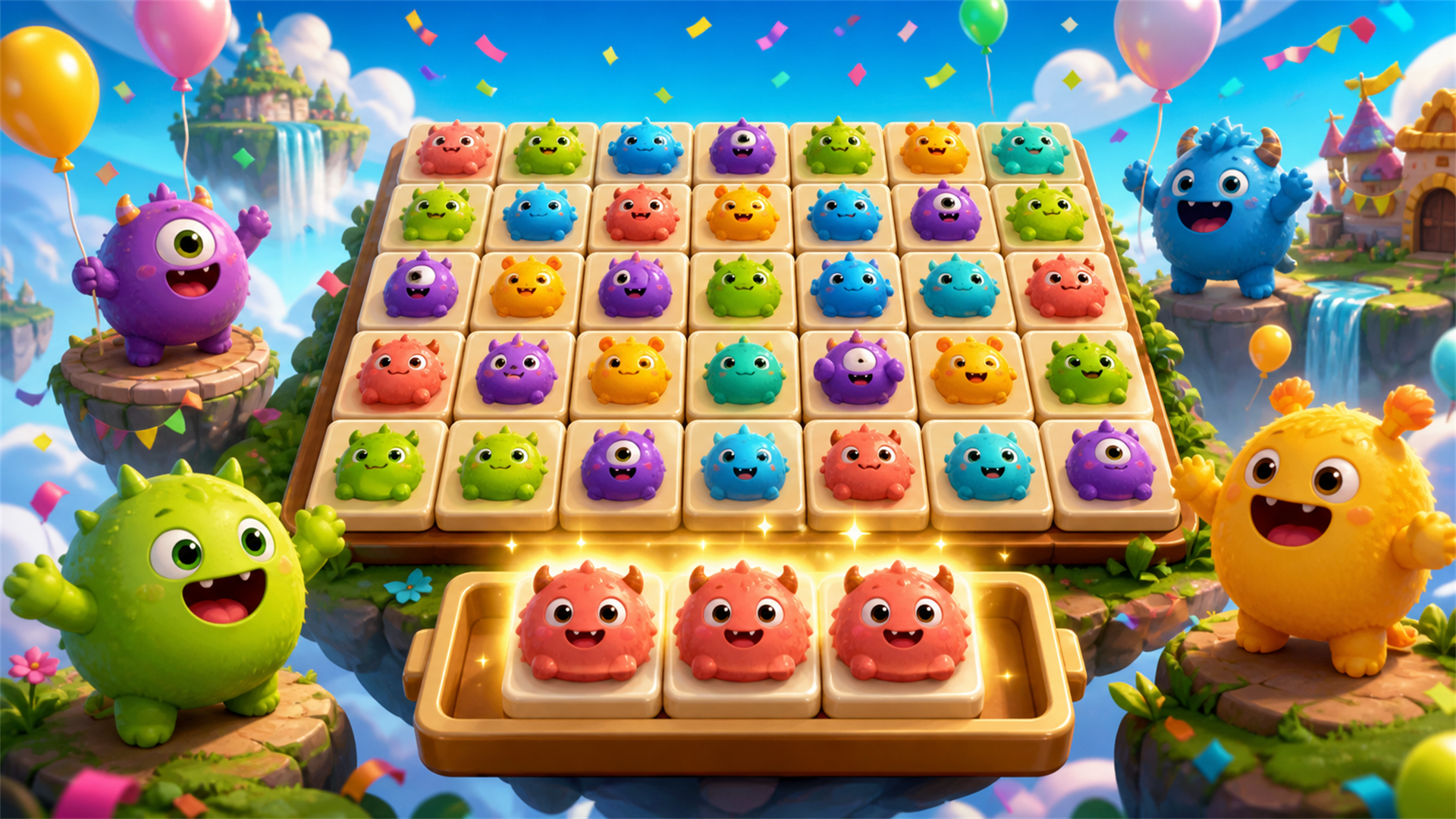
Monster Tile Party is a bright, family-friendly triple-tile puzzle game. Pick tiles from a layered board, collect three matching monster tiles, and clear every level before your tray fills up. Cheerful original characters, satisfying match effects, helpful boosters, daily rewards, and a growing level map make every quick round feel like a tiny party.
How to play Monster Tile Party
Select an uncovered tile to move it into the tray. When three identical tiles enter the tray, they are removed automatically. Clear all tiles from the board to win the level. If the tray fills before the board is cleared, the level ends. Use Undo, Shuffle, and Extra Slot boosters when you need help.
- Desktop: move the pointer and use the left mouse button to select tiles and UI buttons.
- Mobile: tap tiles and UI buttons with one finger.
- No keyboard controls are required.
Monster Tile Party controls
- Keyboard / mouse: move the pointer and use the left mouse button to select tiles and UI buttons
Monster Tile Party FAQ
Is Monster Tile Party free to play?
Yes. Monster Tile Party is free on Physics Shark, with nothing to download and no account to make.
Can I play Monster Tile Party unblocked at school?
Monster Tile Party runs in a normal browser tab with no install, so it plays on school Chromebooks and laptops, with nothing to install and no account.
Does Monster Tile Party work on phones and tablets?
Yes. It works with touch controls on phones and tablets, and with a keyboard and mouse on computers.
- LikedNo votes yet
- Rank#2220 of 2870
- PlaysBe the first!
- UpdatedNovember 2026
Gameplay
About this game
- Controls
- Keyboard / mousemove the pointer and use the left mouse button to select tiles and UI buttons
- Supported devices
- Desktop, phone and tablet
- Genre
- Puzzlemonstermatch 3matching2dcolor matchingtiles














