 Physics Shark























Mosaicat
Play Mosaicat online for free on Physics Shark. This sudoku puzzle runs in a normal browser tab, so there's nothing to download and no sign-up, and it works on a school Chromebook, a laptop, a phone or a tablet.
Show moreShow less
Play Mosaicat unblocked
Play Mosaicat online for free on Physics Shark. This sudoku puzzle runs in a normal browser tab, so there's nothing to download and no sign-up, and it works on a school Chromebook, a laptop, a phone or a tablet.
What is Mosaicat?
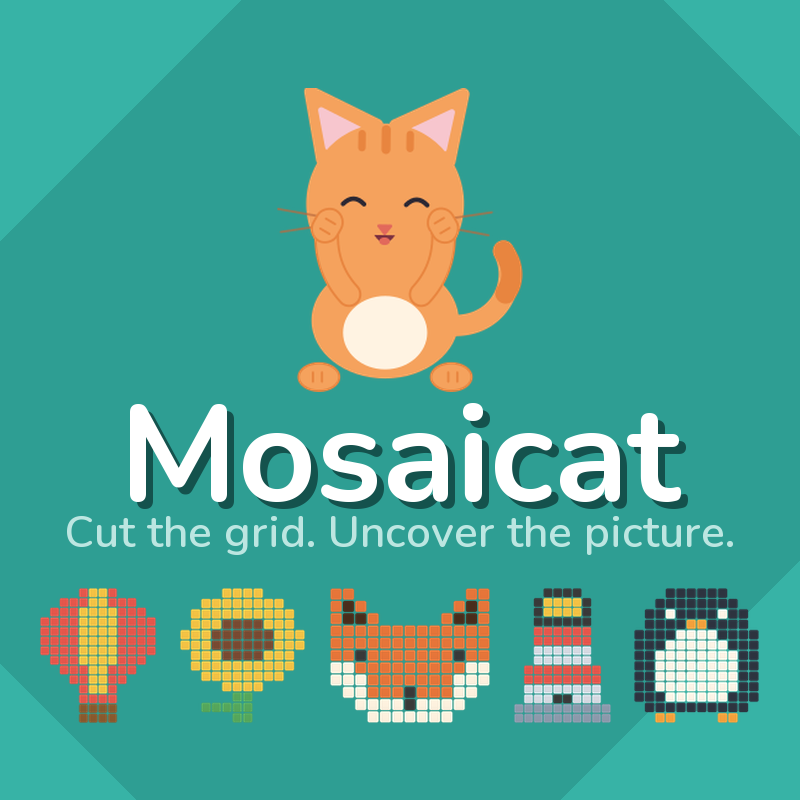
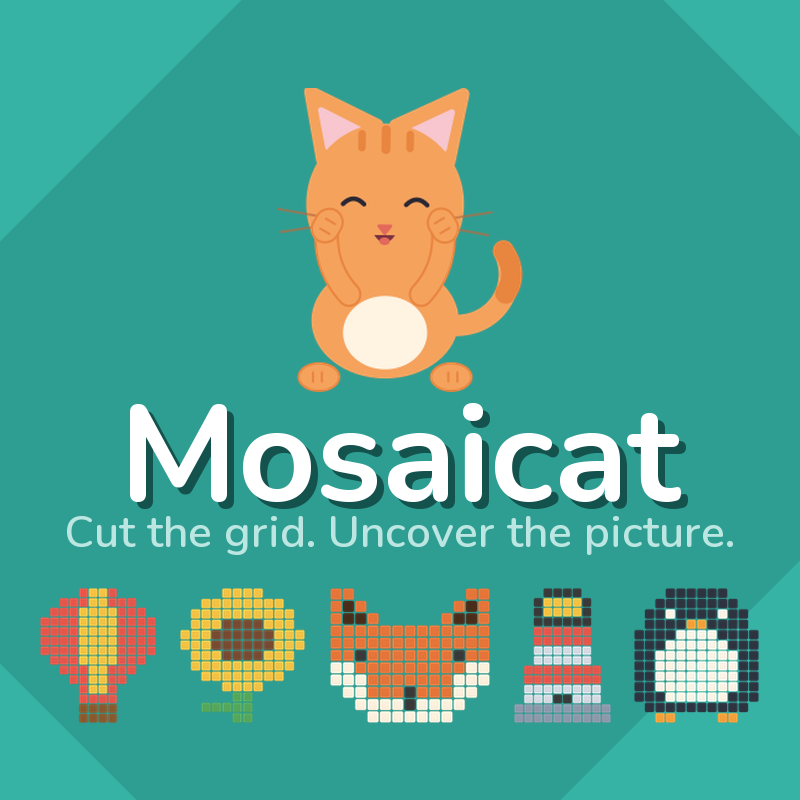
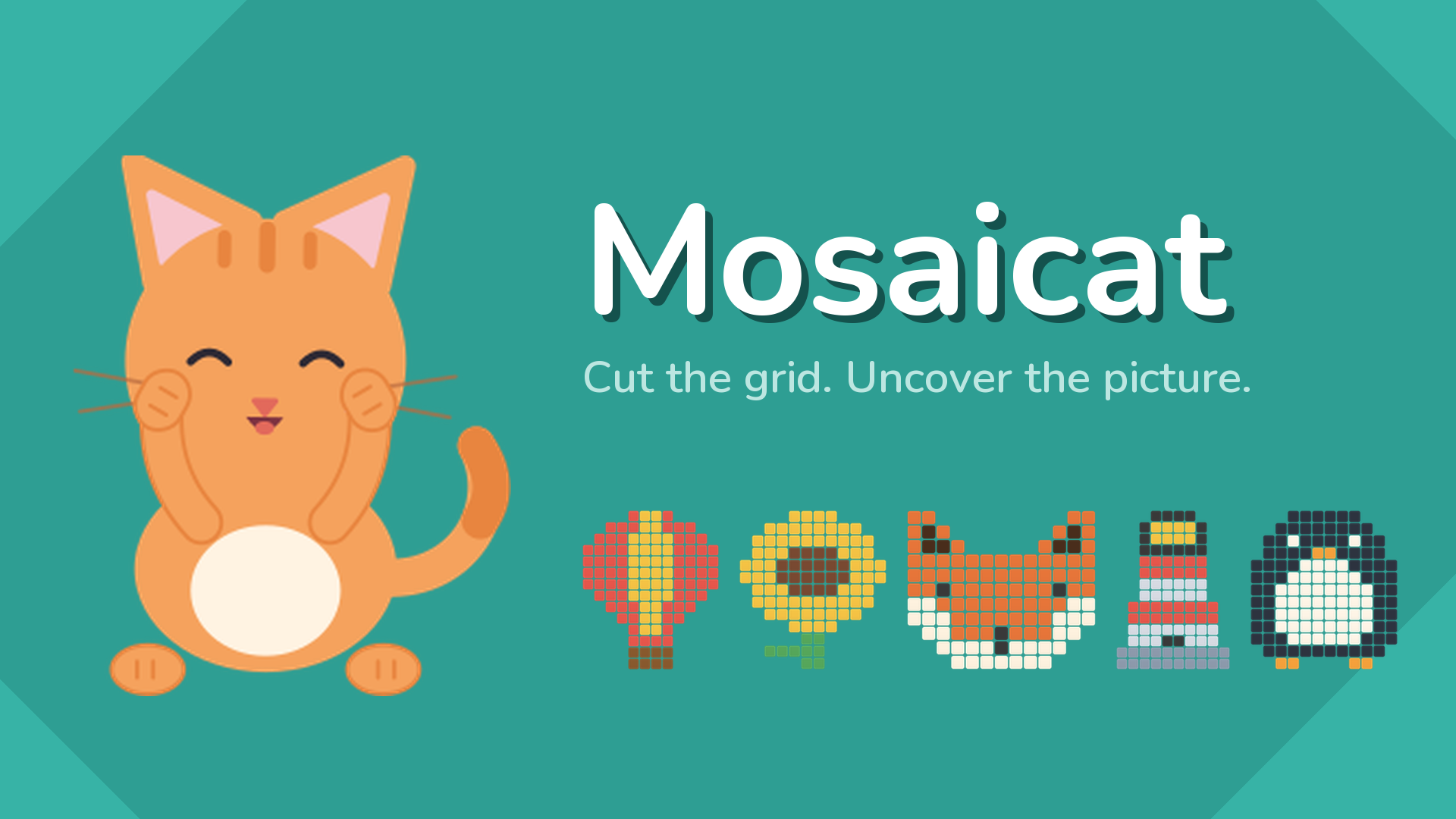
Cut the grid into rectangles and uncover the picture hiding underneath.
Uncover the Picture! Every number on the board is the size of the rectangle it
belongs to. A 6 sits inside a rectangle of six squares. Find where that
rectangle goes, and the tiles it covers turn into part of a picture you have
not seen yet.
Draw them one at a time and the picture arrives a piece at a time - a cactus, a
teapot, a small orange cat - built out of the moves you made rather than shown
to you at the end.
There is no timer, there are no lives, and there is nothing to lose. A
rectangle that does not belong is simply refused, and you try another. The game
waits for as long as you want to look at it.
757 puzzles, every one checked by machine to have exactly one solution, so a
board is never a guess. They start small enough to learn on and grow with you.
When you reach the end they come round again as new puzzles on the same
pictures.
Ten colour themes, light and dark. A hint for when a board will not open. And a
cat called Tuna, who turns up when you finish one.
How to play Mosaicat
The board is covered in tiles, and some of them carry a number. Every number is
the size of the rectangle it belongs to.
1. Find a number and work out where its rectangle can fit. A 6 needs six
squares: 1x6, 2x3, 3x2 or 6x1.
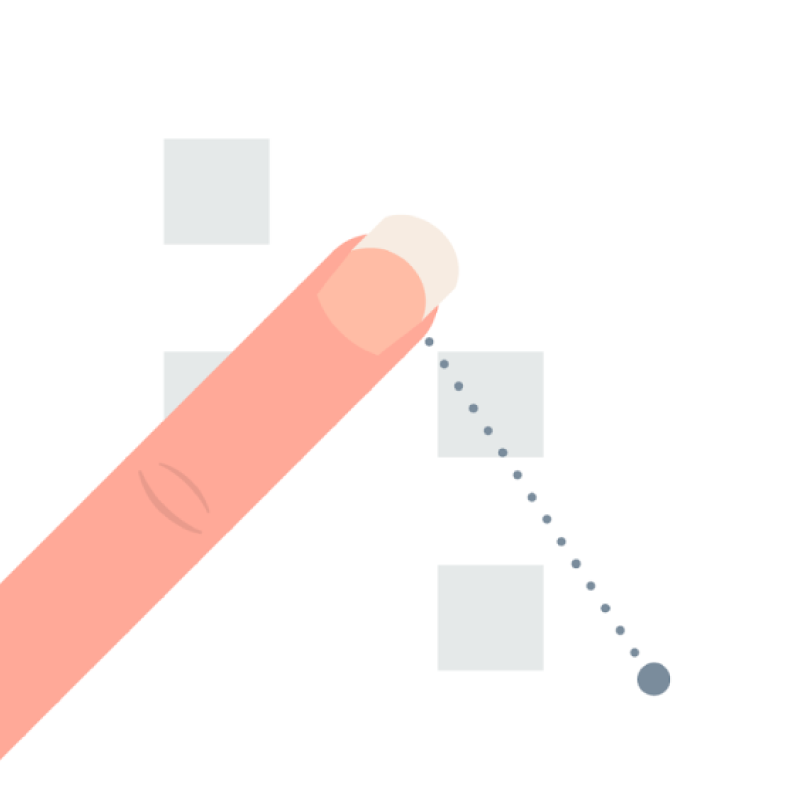
2. Drag across the grid to draw that rectangle, and release to place it.
3. The tiles it covered turn into part of the hidden picture.
4. Repeat until every square on the board is inside a rectangle.
Rules:
Each rectangle covers exactly one number.
That number is how many squares the rectangle covers.
Rectangles never overlap.
Every square ends up inside one.
A rectangle that does not belong is refused. Nothing is lost and nothing is
counted against you - draw another one.
Stuck? The hint button opens one rectangle for you. You have three, and after
that a short video buys another.
Desktop Controls:
Mouse drag: Hold the left button and drag across the grid to draw a rectangle.
Release: Place the rectangle.
Hint button: Opens one rectangle for you.
Restart button: Clears the board and starts the same puzzle again.
Settings button: Sound, music, and ten colour themes.
Mobile Controls:
Touch drag: Press and drag across the grid to draw a rectangle.
Lift your finger: Place the rectangle.
Hint button: Tap to open one rectangle.
Mosaicat controls
- Mouse drag: Hold the left button and drag across the grid to draw a rectangle
- Hint button: Opens one rectangle for you
- Restart button: Clears the board and starts the same puzzle again
- Settings button: Sound, music, and ten colour themes
Mosaicat FAQ
Is Mosaicat free to play?
Yes. Mosaicat is free on Physics Shark, with nothing to download and no account to make. The game has optional in-game purchases, but you never need them to play.
Can I play Mosaicat unblocked at school?
Mosaicat runs in a normal browser tab with no install, so it plays on school Chromebooks and laptops, with nothing to install and no account.
Does Mosaicat work on phones and tablets?
Yes. It works with touch controls on phones and tablets, and with a keyboard and mouse on computers.
- LikedNo votes yet
- Rank#2289 of 2870
- PlaysBe the first!
- UpdatedNovember 2026
Gameplay
About this game
- Controls
- Mouse dragHold the left button and drag across the grid to draw a rectangle
- Hint buttonOpens one rectangle for you
- Restart buttonClears the board and starts the same puzzle again
- Settings buttonSound, music, and ten colour themes
- Supported devices
- Desktop, phone and tablet
- Genre
- Puzzlecolorlogicbrainsudoku2dmind














