 Physics Shark




















Opps
Looking for a multiplayer first-person shooter you can play at school? Opps loads straight in your browser on Physics Shark: free, unblocked and nothing to install.
Show moreShow less
Play Opps unblocked
Looking for a multiplayer first-person shooter you can play at school? Opps loads straight in your browser on Physics Shark: free, unblocked and nothing to install. Play it on a school Chromebook, a laptop, a phone or a tablet.
What is Opps?
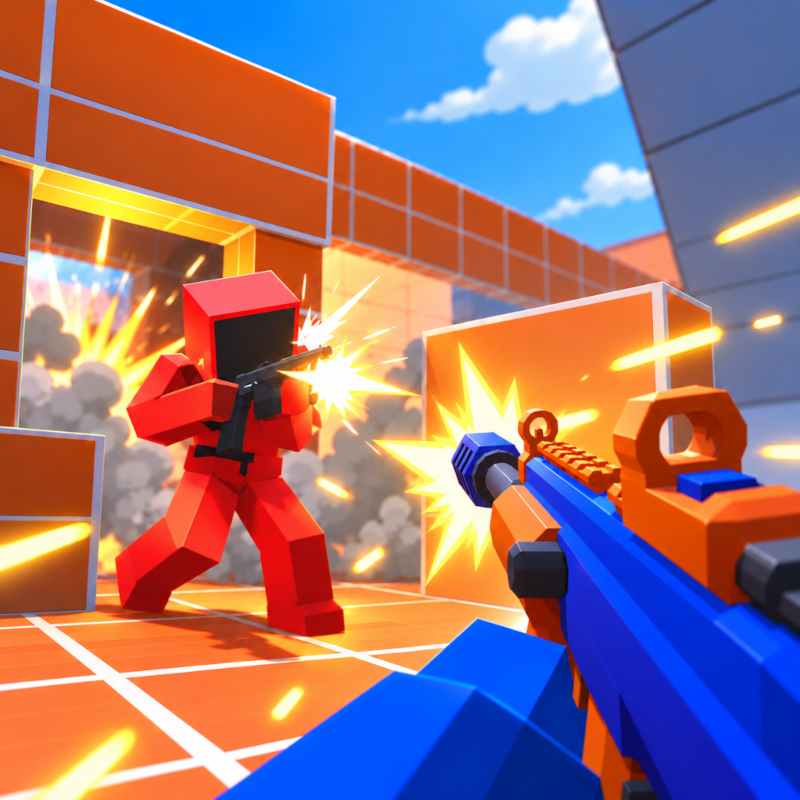
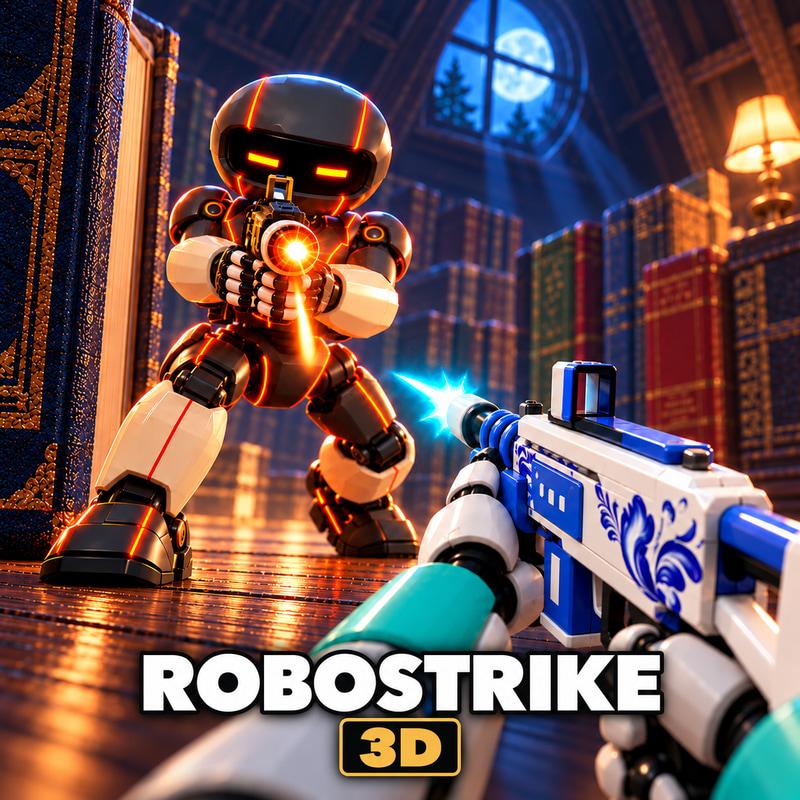
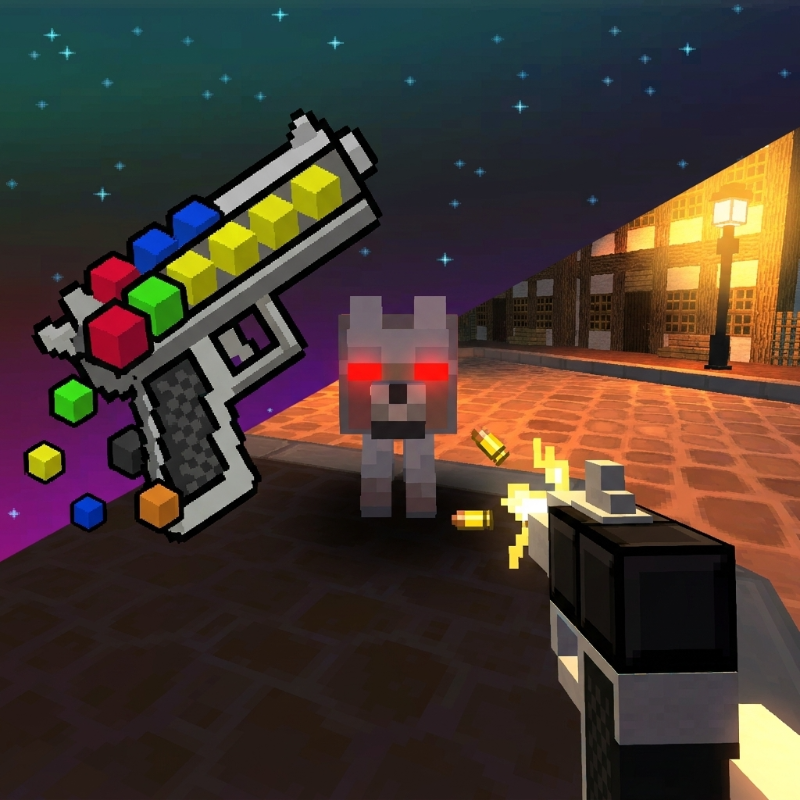
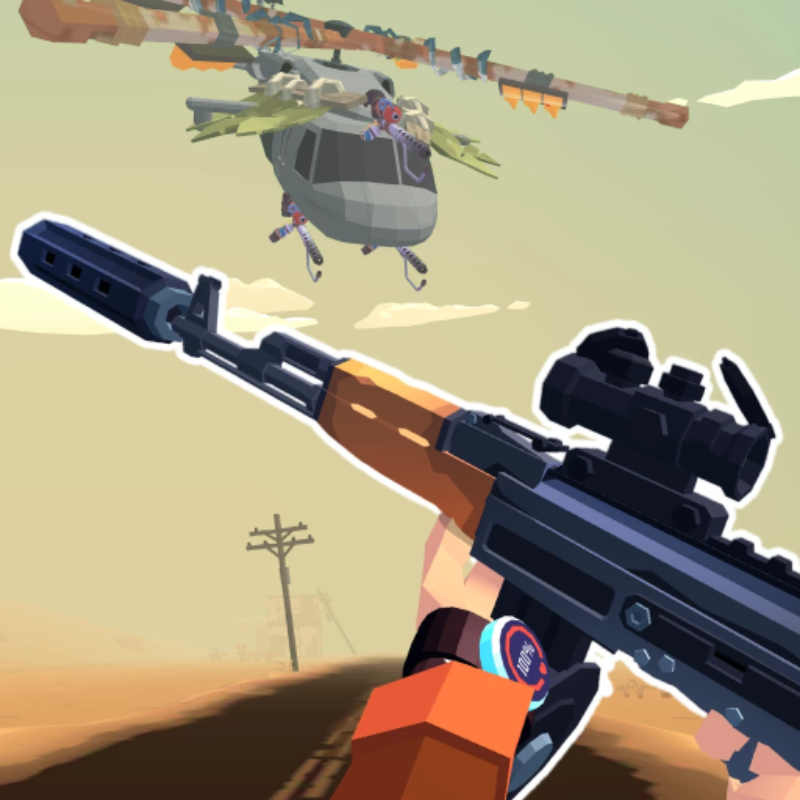
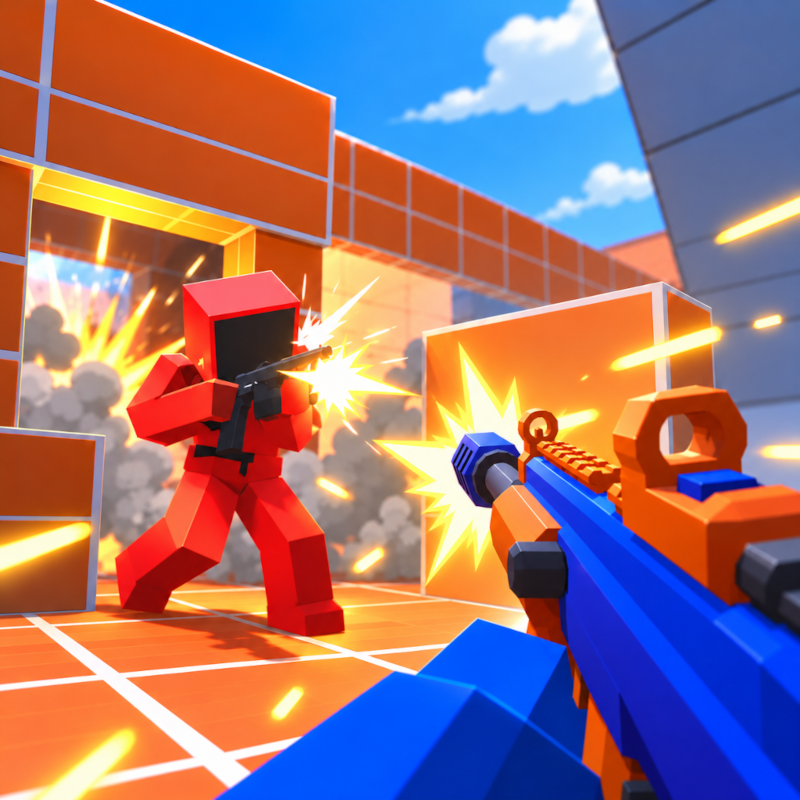
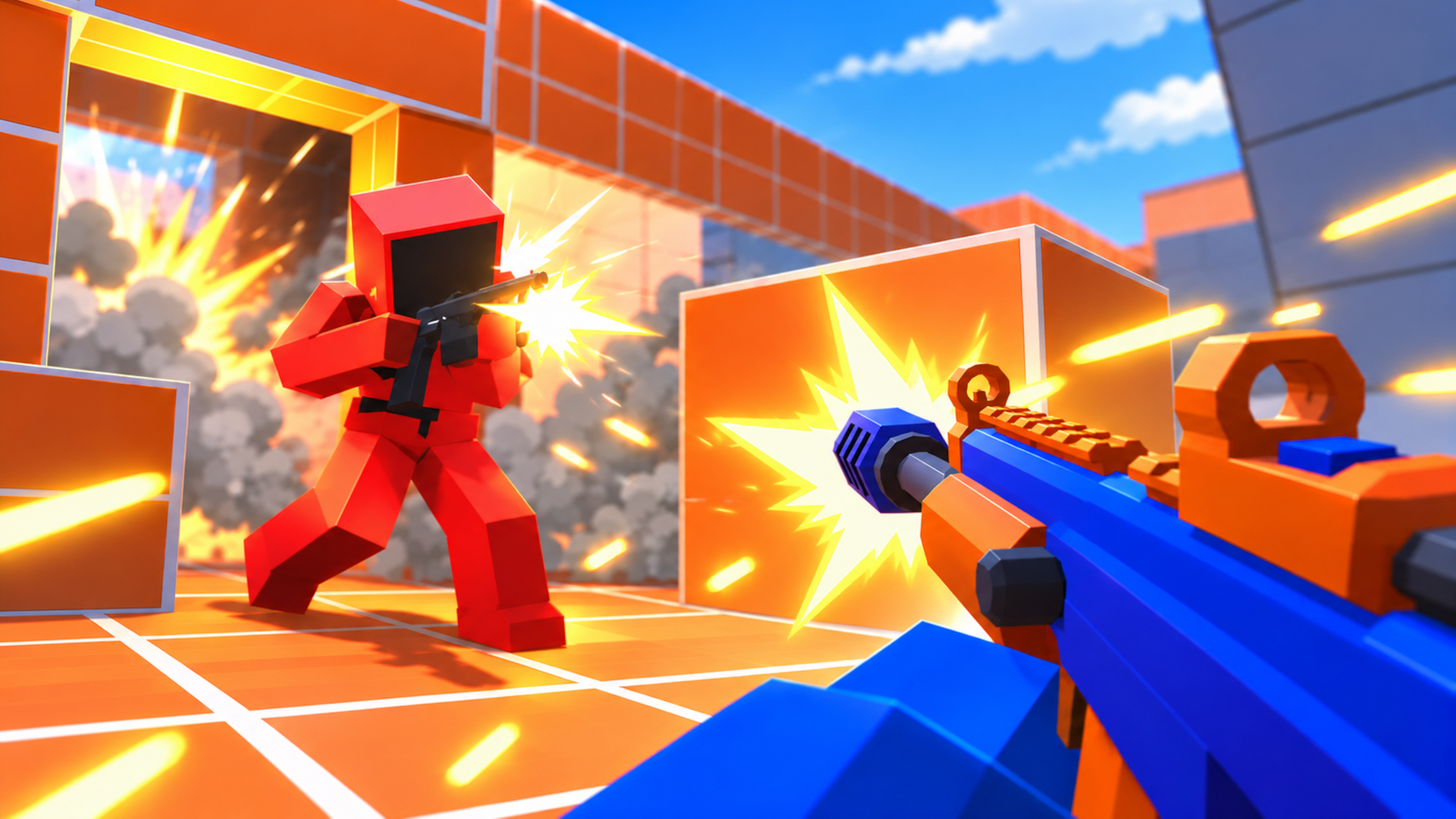
Opps is a fast-paced first-person shooter where the fight never stops. Your squad of five battles five opponents. The first team to reach the frag goal wins.
No waiting here: when you go down, you jump right back into the action. Run, jump, slide and keep shooting.
Game features:
- 5v5 team battles with instant respawn.
- Four weapon slots: assault rifle, pistol, melee weapon and grenades. Switch between them at any moment.
- A case for every victory with gems, skins and new weapons inside.
- A weapon shop with stats: compare damage, fire rate and reload time.
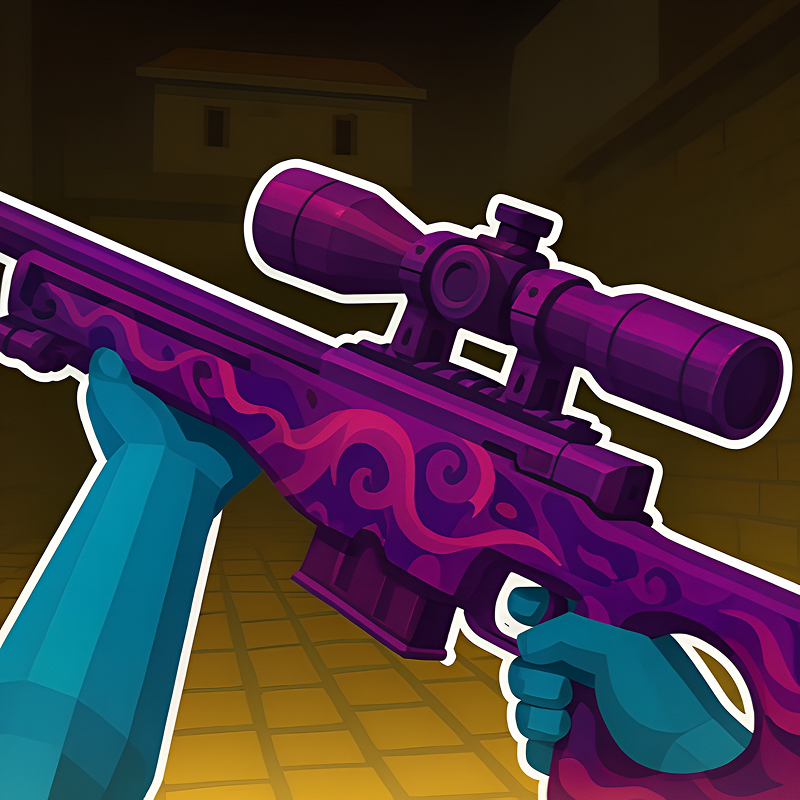
- Skins for your favorite guns.
- Opponents get tougher as you progress.
- Comfortable controls on both desktop and mobile.
Build your arsenal, level up and prove your team is the best in the arena!
How to play Opps
Your goal is to be the first team to reach the frag goal. When you go down, you respawn instantly.
On desktop:
- WASD — move
- Mouse — look around
- Left mouse button — shoot
- Right mouse button — aim
- R — reload
- Space — jump
- Shift or C — slide
- 1, 2, 3, 4 — rifle, pistol, melee, grenade
On mobile:
- Left joystick — move
- Swipe on the right side of the screen — look around
- On-screen buttons — shoot, reload, jump, slide and switch weapons
Win a round to get a case. Open cases to get gems, skins and new weapons. Spend gems on weapons and cases in the menu. Before the battle, choose the weapons you take into the round.
Opps controls
- WASD: move
- Mouse: look around
- Left mouse button: shoot
- Right mouse button: aim
- R: reload
- Space: jump
- Shift or C: slide
Opps FAQ
Is Opps free to play?
Yes. Opps is free on Physics Shark, with nothing to download and no account to make.
Can I play Opps unblocked at school?
Opps runs in a normal browser tab with no install, so it plays on school Chromebooks and laptops, with nothing to install and no account.
Does Opps work on phones and tablets?
Yes. It works with touch controls on phones and tablets, and with a keyboard and mouse on computers.
- LikedNo votes yet
- Rank#2138 of 2870
- PlaysBe the first!
- UpdatedNovember 2026
Gameplay
About this game
- Controls
- WASDmove
- Mouselook around
- Left mouse buttonshoot
- Right mouse buttonaim
- Rreload
- Spacejump
- Shift or Cslide
- Supported devices
- Desktop, phone and tablet














