 Physics Shark








































Suck It All!
Play Suck It All! online for free on Physics Shark. This cozy simulator runs in a normal browser tab, so there's nothing to download and no sign-up, and it works on a school Chromebook, a laptop, a phone or a tablet.
Show moreShow less
Play Suck It All! unblocked
Play Suck It All! online for free on Physics Shark. This cozy simulator runs in a normal browser tab, so there's nothing to download and no sign-up, and it works on a school Chromebook, a laptop, a phone or a tablet.
What is Suck It All!?
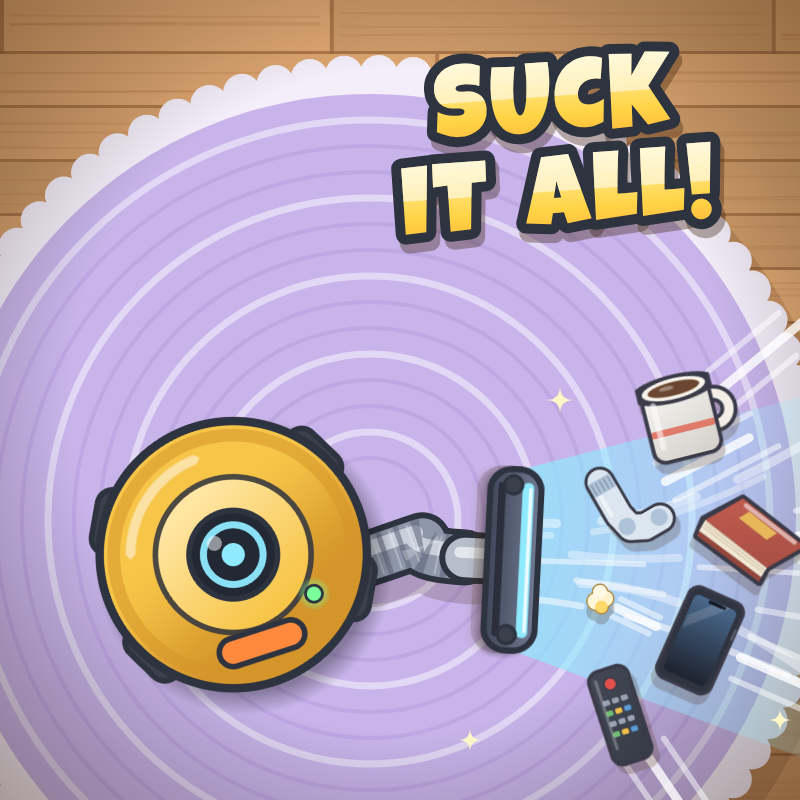
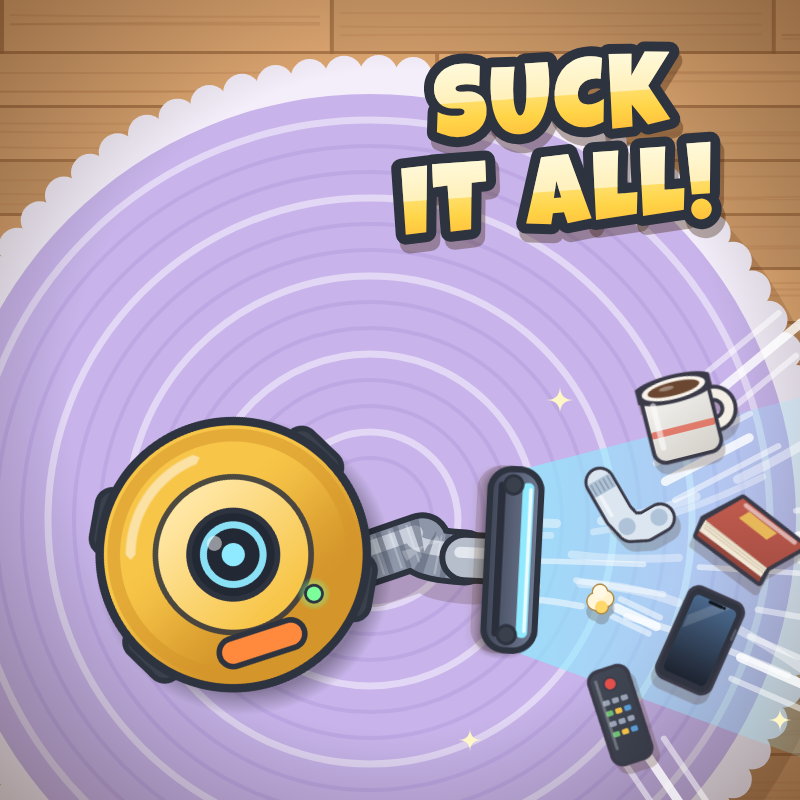
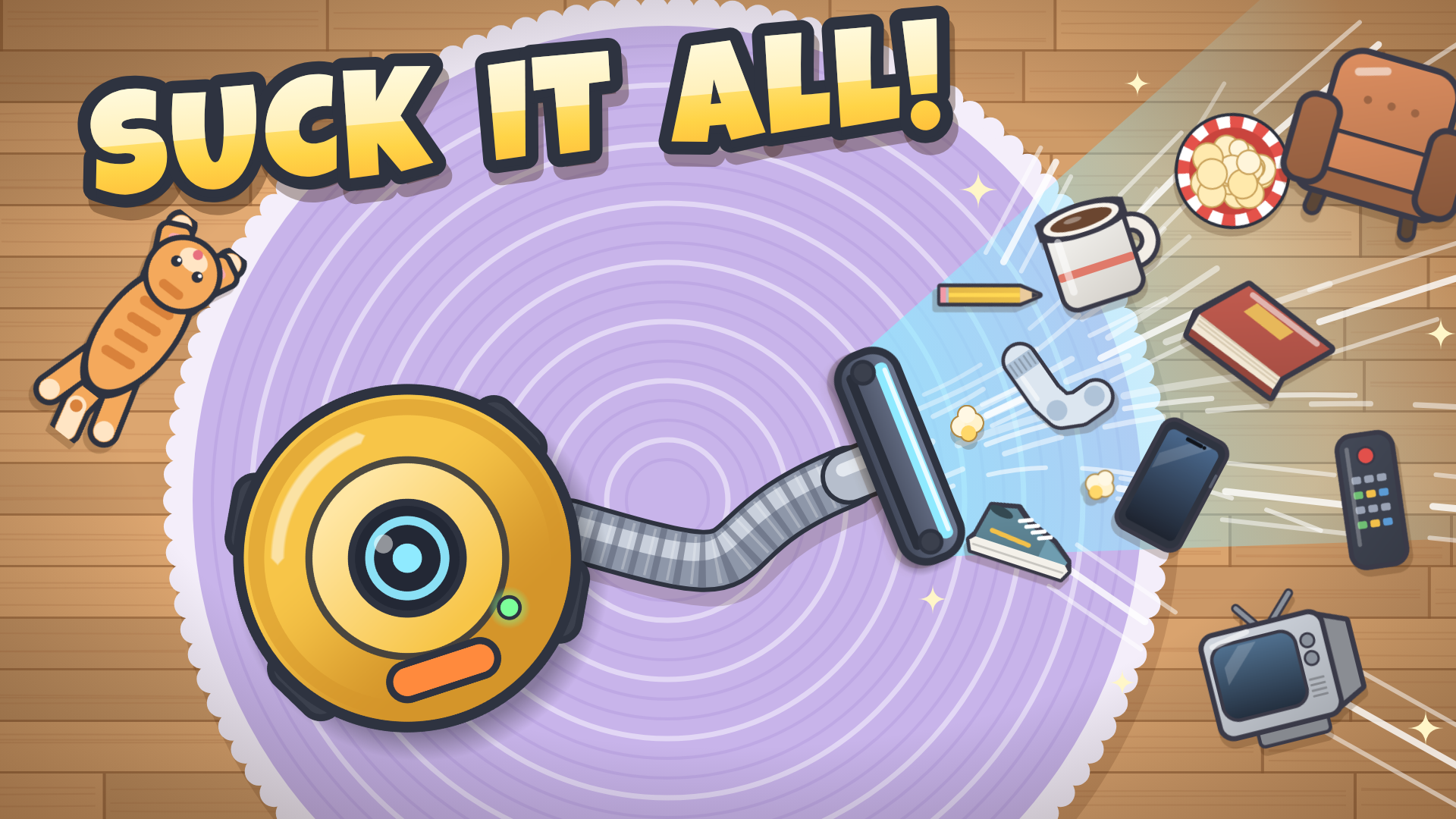
Suck It All is a cozy, chaotic cleaning game. Your vacuum sits in the middle of the room – steer its hose and nozzle onto the junk to break it and suck it up for coins. Rounds are short, so every second counts!
Spend your coins on a big upgrade tree: a longer hose, a wider nozzle, stronger suction, a helpful cat, a mop saber, roomba raids and much more. Pop plastic bags for chain explosions, burst popcorn buckets, grab batteries to overload your nozzle and smash giant boss sofas for a jackpot.
The mess grows tougher every round, so keep upgrading! Unlock five rooms – Bedroom, Kitchen, Bathroom, Garage and the Cosmic Attic – each with its own twist, then do a Deep Clean to start over with permanent bonuses.
How to play Suck It All!
Mouse: move the mouse to steer the nozzle – no clicking needed. Mouse wheel / drag to zoom and pan the upgrade tree.
Touch: slide your finger at the bottom of the screen to steer the nozzle like a joystick, or touch the floor to point the nozzle there. Pinch to zoom the upgrade tree.
Suck It All! controls
- Mouse: move the mouse to steer the nozzle – no clicking needed. Mouse wheel / drag to zoom and pan the upgrade tree
Suck It All! FAQ
Is Suck It All! free to play?
Yes. Suck It All! is free on Physics Shark, with nothing to download and no account to make.
Can I play Suck It All! unblocked at school?
Suck It All! runs in a normal browser tab with no install, so it plays on school Chromebooks and laptops, with nothing to install and no account.
Does Suck It All! work on phones and tablets?
Yes. It works with touch controls on phones and tablets, and with a keyboard and mouse on computers.
- LikedNo votes yet
- Rank#860 of 2870
- PlaysBe the first!
- UpdatedNovember 2026
Gameplay
About this game
- Controls
- Mousemove the mouse to steer the nozzle – no clicking needed. Mouse wheel / drag to zoom and pan the upgrade tree
- Supported devices
- Desktop, phone and tablet
- Genre
- Casualarcadecozysimulation2daction adventurecleaning














