 Physics Shark




























Zombie defence
Zombie defence is a 3D first-person shooter you can play unblocked right here on Physics Shark.
Show moreShow less
Play Zombie defence unblocked
Zombie defence is a 3D first-person shooter you can play unblocked right here on Physics Shark. It runs in your browser with no download, no install and no account, so you can play it on a school Chromebook, a laptop, a phone or a tablet.
What is Zombie defence?
Waiting for you:
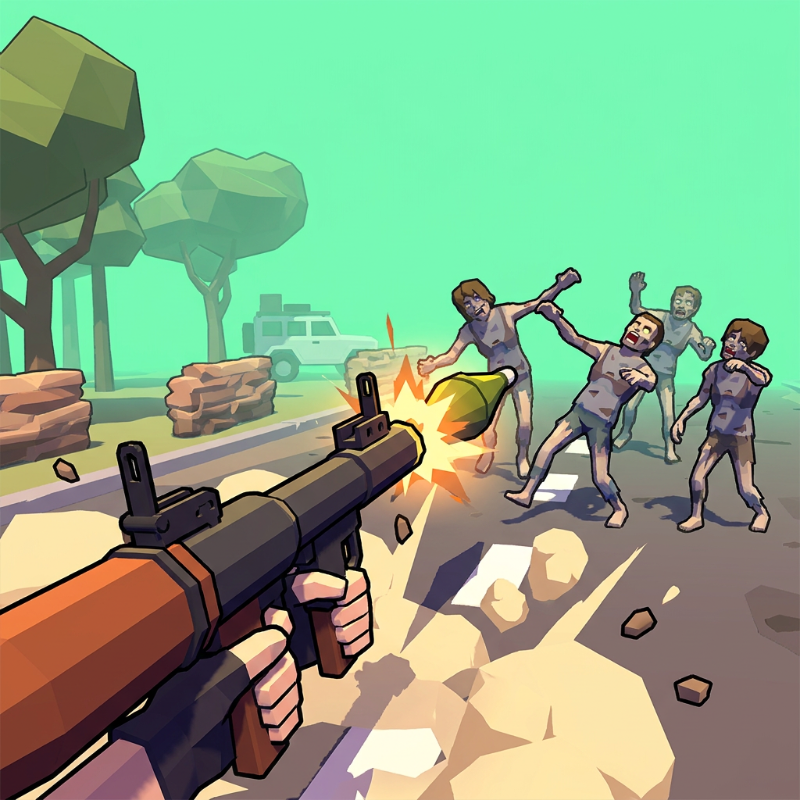
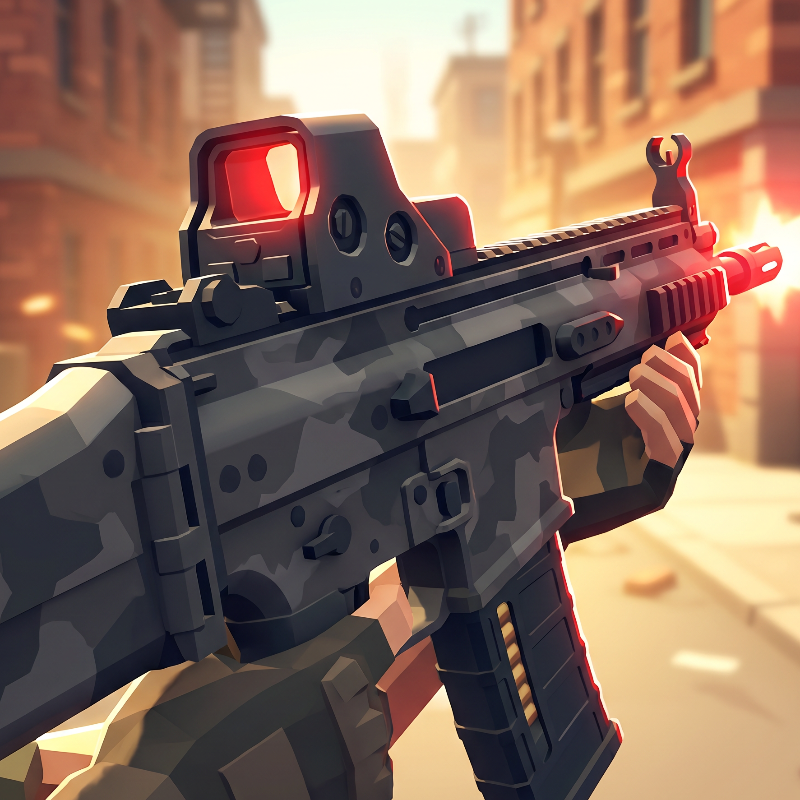
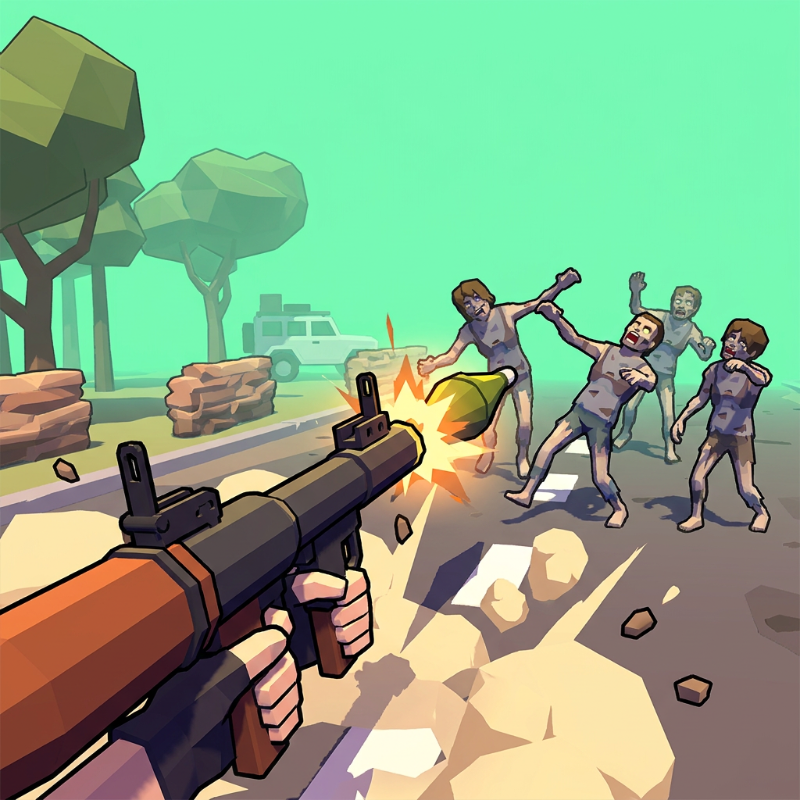
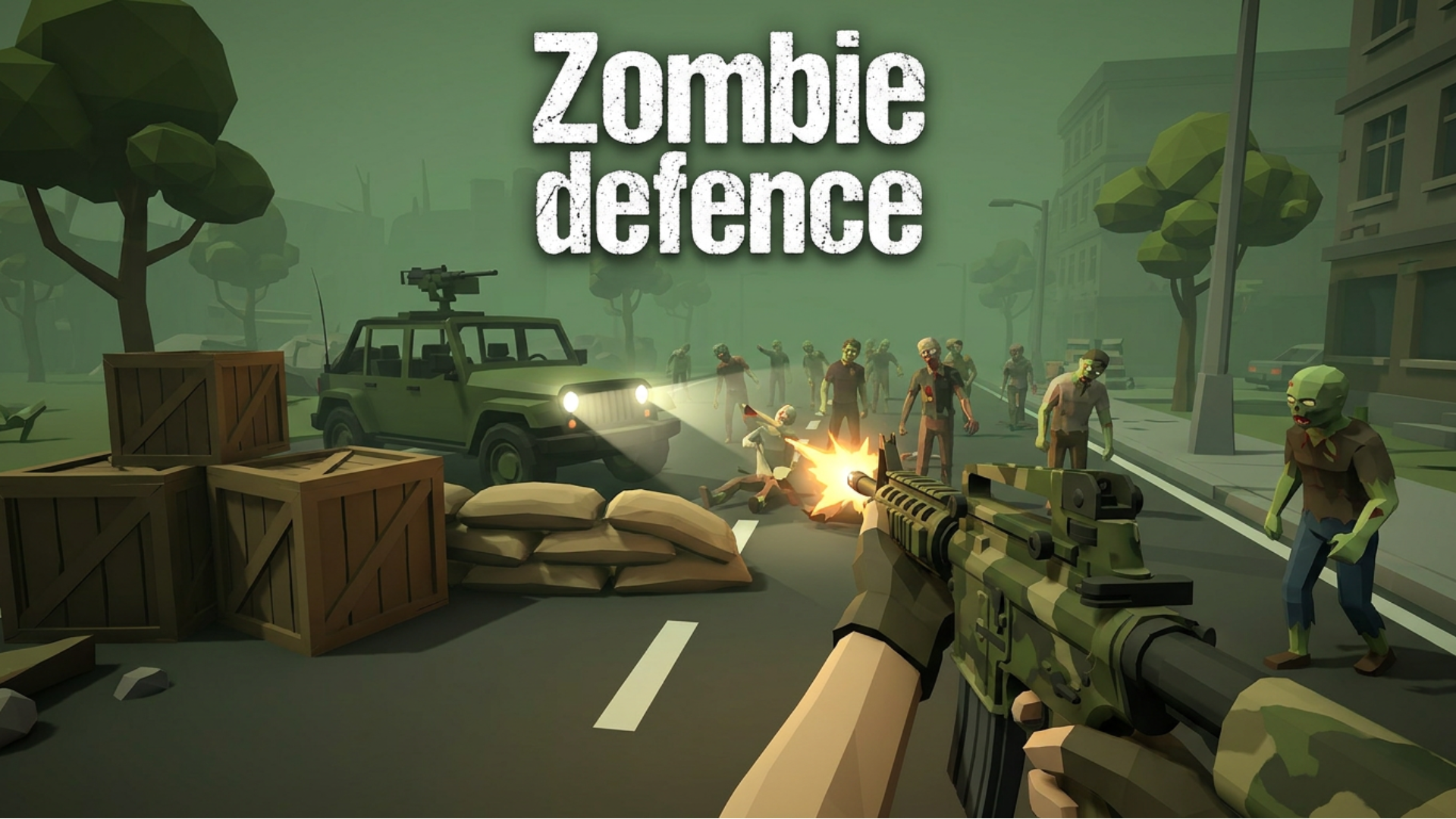
Intense Battles: Kick zombies out of the way of your car in thrilling and bloody battles. Use a wide arsenal of weapons, including machine guns, grenade launchers, shotguns and sniper rifles!
Unique levels and locations: Go through a variety of terrain, destroying your enemies and unlocking new missions.
Earn currency by completing quests and killing zombies to improve your arsenal and unlock new fighting skills.
Compete with other players in the duration of survival in different areas, will you be able to last longer than your friends and other players?
High-quality graphics and sound: Enjoy stunning 3D graphics and realistic sound that will add atmosphere and raise the adrenaline during the game.
Plunge into an exciting adventure in the world of zombies, which will drag both beginners and experienced players. Be ready for battle, defend your car and become the survivor who will return this world to its former form, become a real hero of the apocalypse!
How to play Zombie defence
The goal of the game is to survive and protect your transport from hordes of zombies attacking from all sides and wanting to deprive you of a chance to escape by killing you or destroying your last hope of salvation.
WASD - movement
Left mouse button - shooting
Right mouse button - aiming
1-6 (depending on the number of weapons available) and the mouse wheel - weapon selection
R - reloading
G - grenade
Tab - menu / pause
Shift - running
Space - jump / explosive jump
E - push away opponents
After each level, you can buy new or improve existing weapons, increase the strength of the machine, buy grenades, as well as buy super-powers: Repelling opponents and explosive jump.
Zombie defence controls
- WASD: movement
- Left mouse button: shooting
- Right mouse button: aiming
- R: reloading
- G: grenade
- Tab: menu / pause
- Shift: running
- Space: jump / explosive jump
Zombie defence FAQ
Is Zombie defence free to play?
Yes. Zombie defence is free on Physics Shark, with nothing to download and no account to make. The game has optional in-game purchases, but you never need them to play.
Can I play Zombie defence unblocked at school?
Zombie defence runs in a normal browser tab with no install, so it plays on school Chromebooks and laptops, with nothing to install and no account.
Does Zombie defence work on phones and tablets?
Yes. It works with touch controls on phones and tablets, and with a keyboard and mouse on computers.
- LikedNo votes yet
- Rank#1285 of 2870
- PlaysBe the first!
- UpdatedNovember 2026
Gameplay
About this game
- Controls
- WASDmovement
- Left mouse buttonshooting
- Right mouse buttonaiming
- Rreloading
- Ggrenade
- Tabmenu / pause
- Shiftrunning
- Spacejump / explosive jump
- Epush away opponents
- Supported devices
- Desktop, phone and tablet














