 Physics Shark
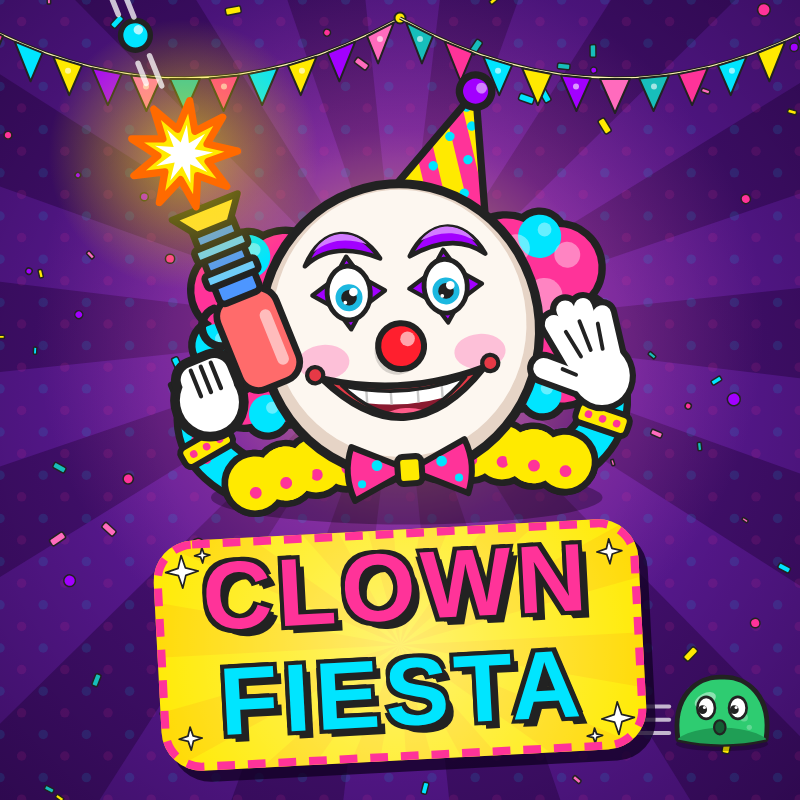





Clown Fiesta
Looking for a shooting game you can play at school? Clown Fiesta loads straight in your browser on Physics Shark: free, unblocked and nothing to install. Play it on a school Chromebook, a laptop, a phone or a tablet.
Show moreShow less
Play Clown Fiesta unblocked
Looking for a shooting game you can play at school? Clown Fiesta loads straight in your browser on Physics Shark: free, unblocked and nothing to install. Play it on a school Chromebook, a laptop, a phone or a tablet.
What is Clown Fiesta?
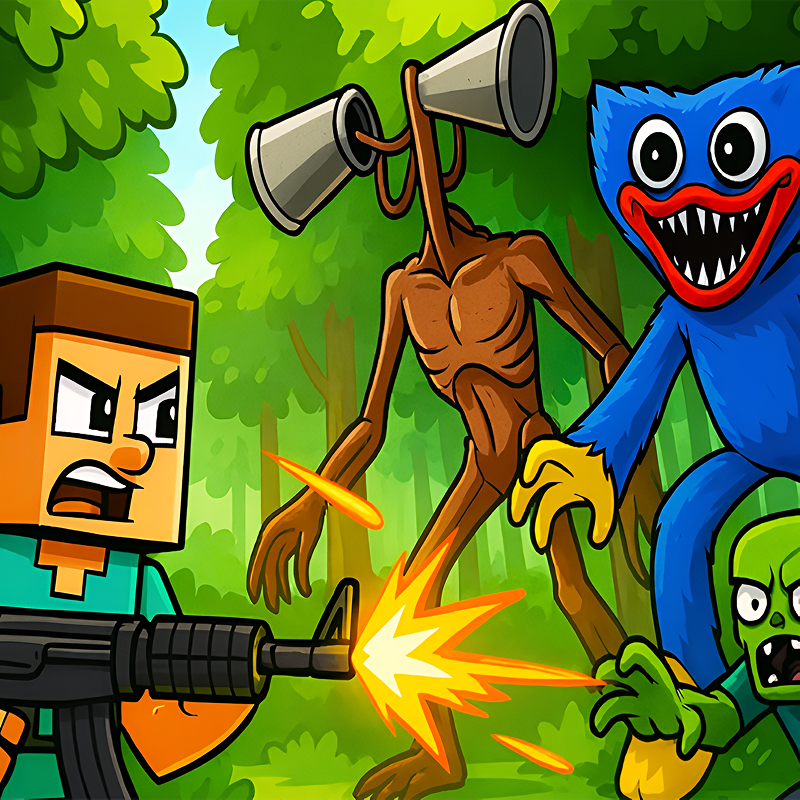
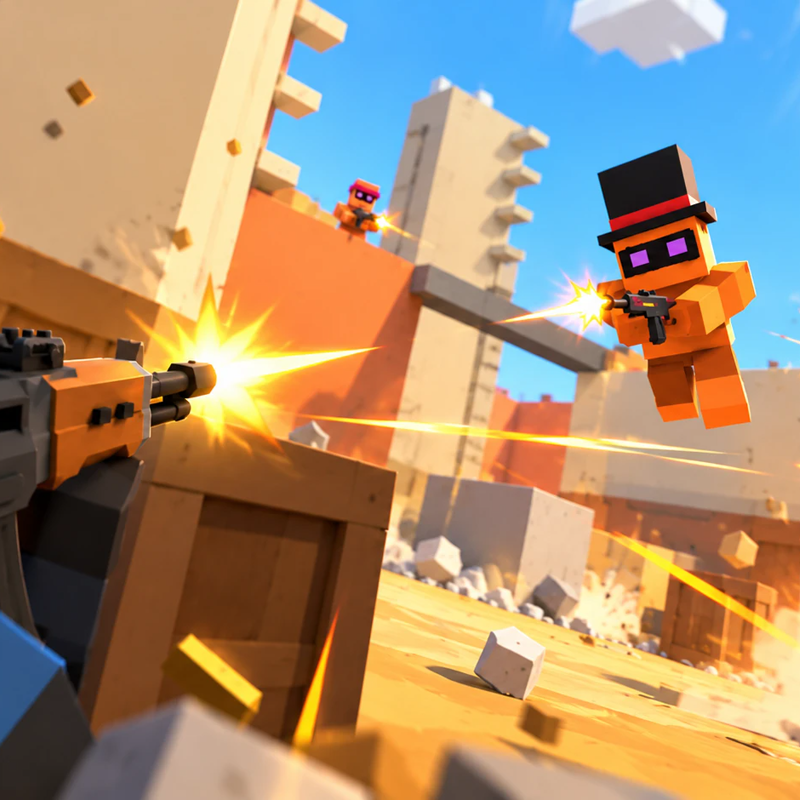
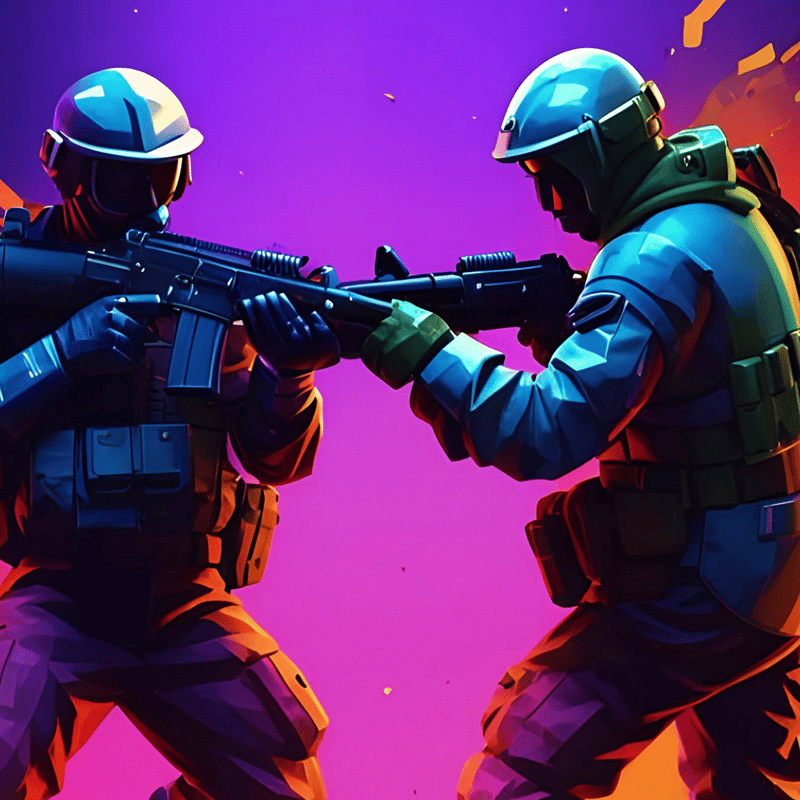
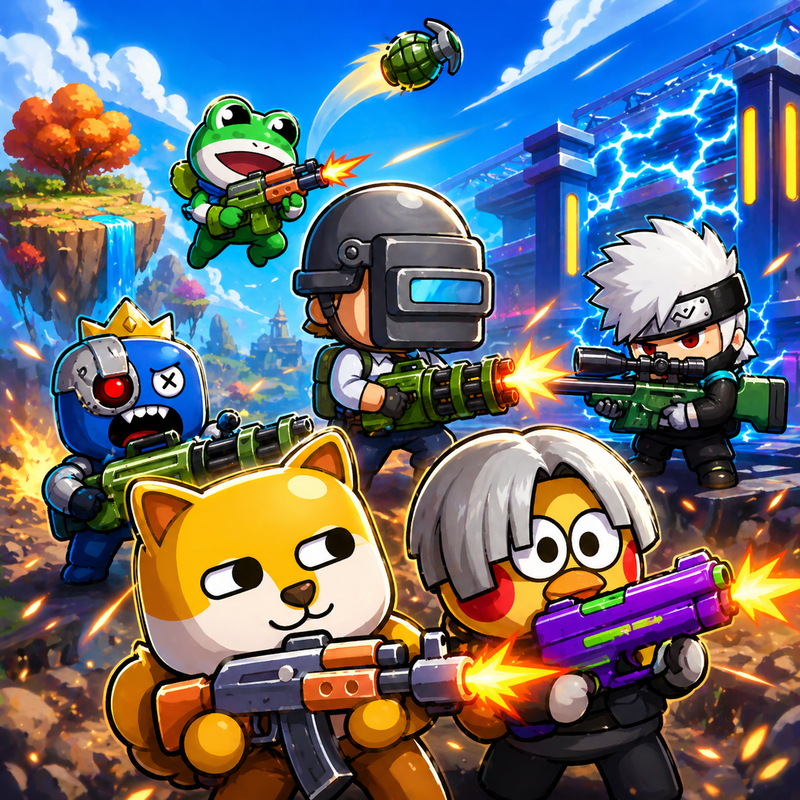
Clown Fiesta is a shooter: fight mobs, bosses, and other players, find weapons, and upgrade your character.
How to play Clown Fiesta
Desktop (keyboard and mouse)
Movement
- W / A / S / D move.
- Space dash in the movement direction, or towards the aim when standing still.
Aim and attack
- Mouse move aims the weapon at the cursor.
- Left mouse button attacks with the current weapon. Hold to keep attacking at its fire rate.
- Right mouse button is the alternate attack: throws throwable melee weapons (Baseball Bat, Meteor Maul) and pokes with Sword, Tempest Glaive. Nothing with a gun.
- F throws a grenade, or detonates the one already in flight.
Weapons and pickups
- 1 / 2 select the melee or ranged slot.
- Mouse wheel cycles through occupied slots.
- Click a floor weapon to pick it up when in range. Orbs are collected by walking over them.
Spells, once the skill is learned
- Q Repel, E Shield, R Haste, C Fire Breath.
Menus and information
- U stat upgrades, I skill upgrades. Each opens only while points are unspent.
- Tab held shows the scoreboard.
- P pauses in solo games.
Mobile (touch screen, landscape)
Movement
- Touch anywhere on the right half of the screen and drag to move. The stick appears under your thumb.
- The jump button in the bottom-left corner dashes in the stick's direction, or towards the aim when standing still.
Aim and attack
- Aiming and attacking are automatic. The weapon locks onto the nearest visible enemy: guns fire at it, melee weapons swing once it is in reach. With no enemy around, the weapon faces where you move.
- Tap a barrel or a steam pipe to attack it instead. Tap empty ground to cancel.
- The Throw / Poke button next to the jump button is the alternate attack. It appears only with a weapon that has one: Throw for the Baseball Bat and Meteor Maul, Poke for the Sword and Tempest Glaive.
- The grenade button next to the jump button throws a grenade, or detonates the one already in flight.
Weapons and pickups
- Tap a weapon slot at the bottom of the screen to switch to it.
- A Pick up button appears next to the jump button when a floor weapon is in range. Orbs are collected by walking over them.
Spells, once the skill is learned
- Each learned spell adds a button above the jump button: Repel, Shield, Haste, Fire Breath.
Menus and information
- The two + buttons right of the weapon slots open stat upgrades and skill upgrades. They appear only while points are unspent.
- MENU and pause are in the top-right corner.
- Turning the device upright pauses the game until it is back in landscape.
Clown Fiesta FAQ
Is Clown Fiesta free to play?
Yes. Clown Fiesta is free on Physics Shark, with nothing to download and no account to make.
Can I play Clown Fiesta unblocked at school?
Clown Fiesta runs in a normal browser tab with no install, so it plays on school Chromebooks and laptops, with nothing to install and no account.
Does Clown Fiesta work on phones and tablets?
Yes. It works with touch controls on phones and tablets, and with a keyboard and mouse on computers.
- LikedNo votes yet
- Rank#2283 of 2870
- PlaysBe the first!
- UpdatedNovember 2026
Gameplay
About this game
- Supported devices
- Desktop, phone and tablet














