 Physics Shark










EdgeFire
Play EdgeFire online for free on Physics Shark. This multiplayer first-person shooter runs in a normal browser tab, so there's nothing to download and no sign-up, and it works on a Chromebook or any…
Show moreShow less
Play EdgeFire unblocked
Play EdgeFire online for free on Physics Shark. This multiplayer first-person shooter runs in a normal browser tab, so there's nothing to download and no sign-up, and it works on a Chromebook or any computer with a keyboard and mouse.
What is EdgeFire?
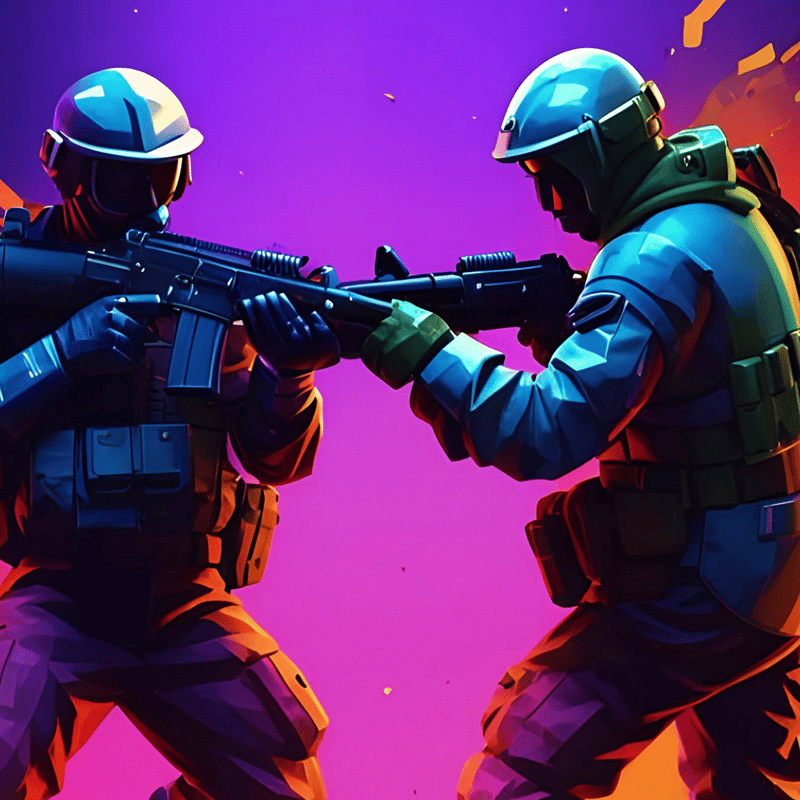
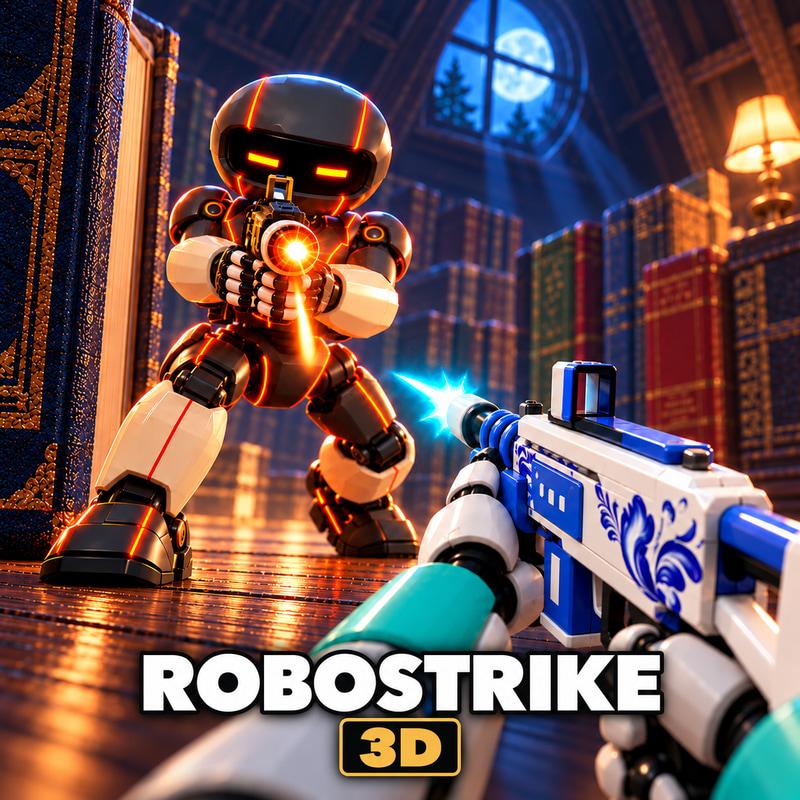
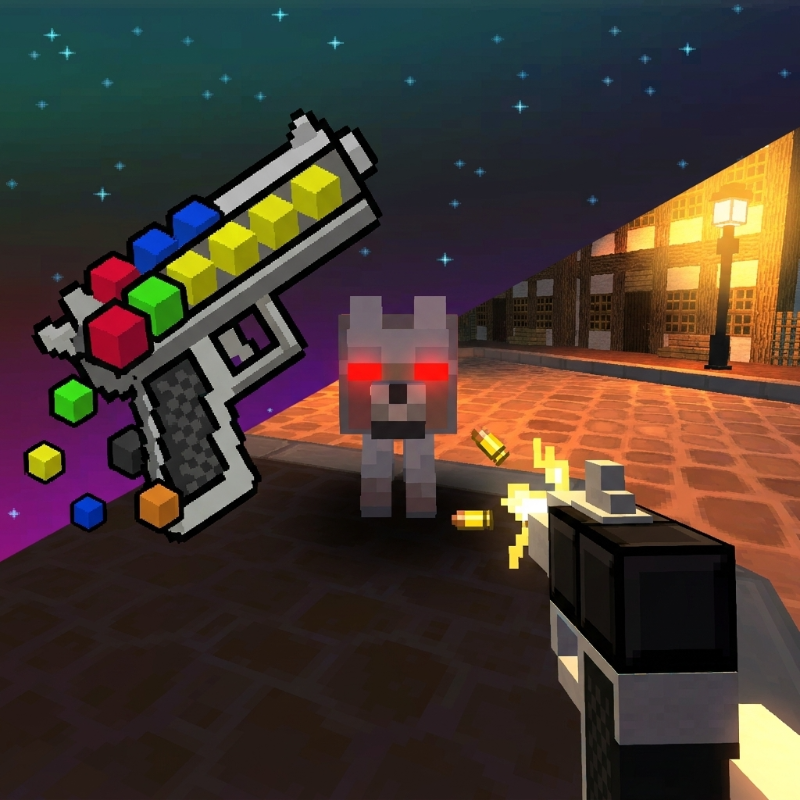
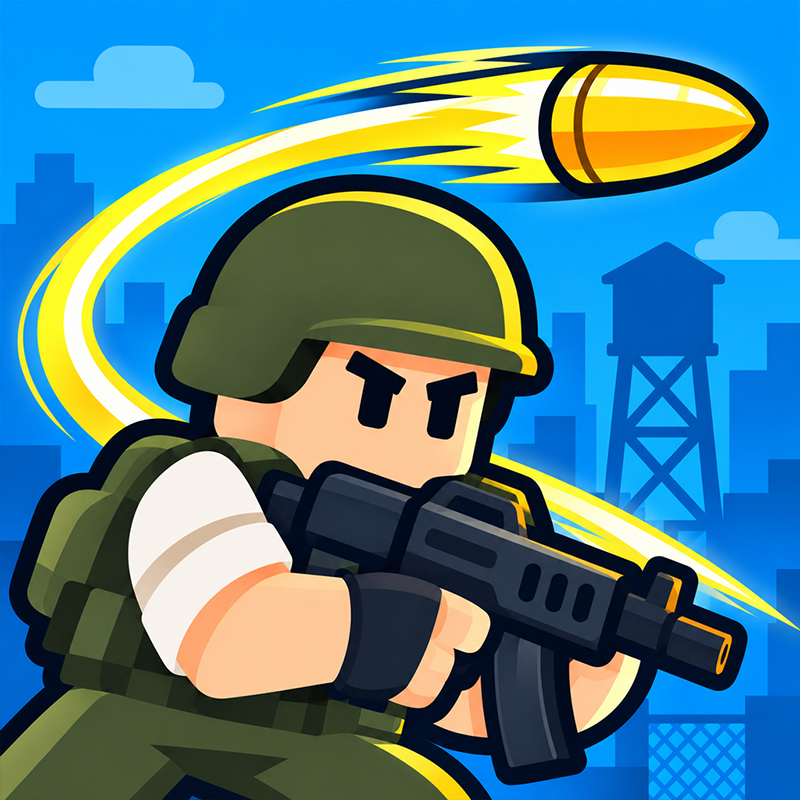
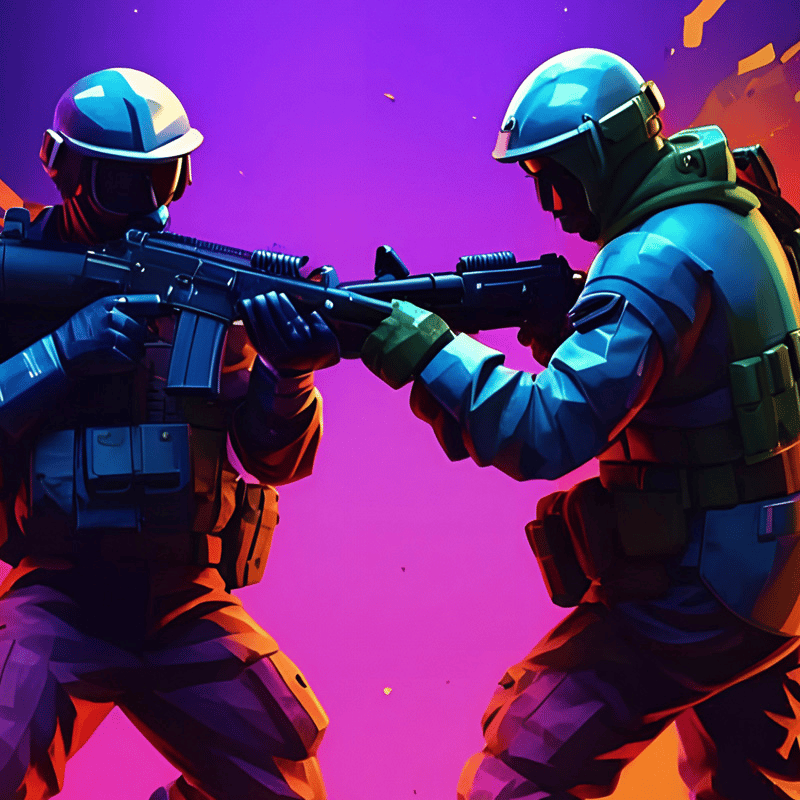
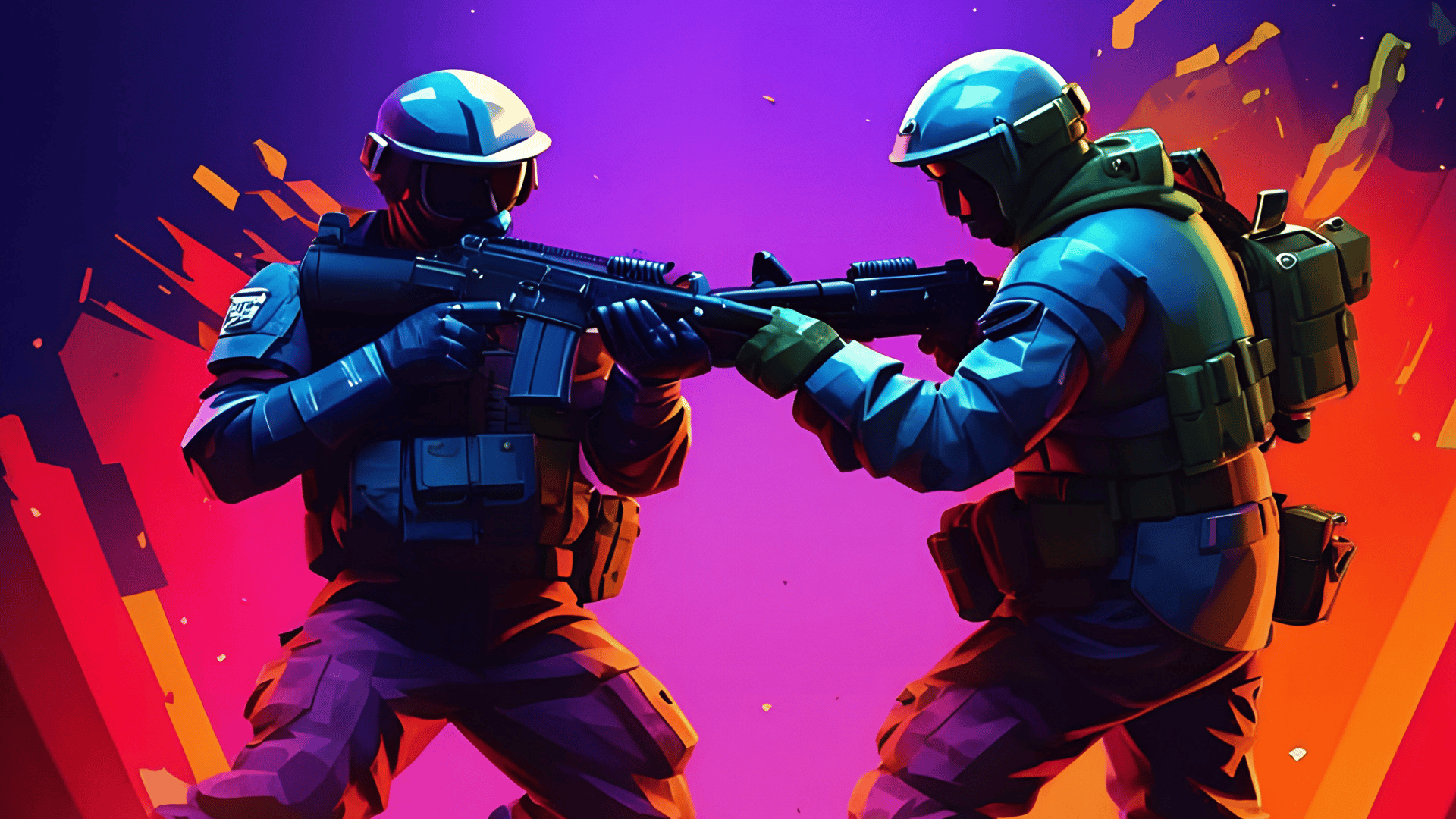
EdgeFire is a fast-paced online shooter that throws you into thrilling battles against real players from around the world. Whether you're flying solo or teaming up with friends, every match is a chance to prove your dominance on the battlefield.
Sharpen your aim and unleash lightning-fast reflexes, earn rewards, and become the top player in each round. Outsmart your opponents with clever tactics and strategic plays that turn the tide of battle in your favor.
Dive into action-packed gameplay with a variety of stunning skins that enhance your experience and appeal to both seasoned shooter veterans and newcomers alike. Each battle is a fresh challenge, packed with intensity and adrenaline.
Step into the arena, test your skills, and rise to glory. Are you ready to dominate the fight?
How to play EdgeFire
WASD - move
R - reload
Left mouse button - shoot
Esc - pause menu
EdgeFire controls
- WASD: move
- R: reload
- Left mouse button: shoot
- Esc: pause menu
EdgeFire FAQ
Is EdgeFire free to play?
Yes. EdgeFire is free on Physics Shark, with nothing to download and no account to make.
Can I play EdgeFire unblocked at school?
EdgeFire runs in a normal browser tab with no install, so it plays on school Chromebooks and laptops, with nothing to install and no account.
Does EdgeFire work on phones and tablets?
It's made for computers: play it with a keyboard and mouse, for example on a Chromebook.
- LikedNo votes yet
- Rank#2452 of 2870
- PlaysBe the first!
- UpdatedNovember 2026
Gameplay
About this game
- Controls
- WASDmove
- Rreload
- Left mouse buttonshoot
- Escpause menu
- Supported devices
- Desktop only: best with a keyboard and mouse
- Genre
- Shooteractionshootingmultiplayergunpvpskill














