 Physics Shark


























Dive Deep
Play Dive Deep online for free on Physics Shark. This shooting game runs in a normal browser tab, so there's nothing to download and no sign-up, and it works on a Chromebook or any computer with a keyboard and mouse.
Show moreShow less
Play Dive Deep unblocked
Play Dive Deep online for free on Physics Shark. This shooting game runs in a normal browser tab, so there's nothing to download and no sign-up, and it works on a Chromebook or any computer with a keyboard and mouse.
What is Dive Deep?
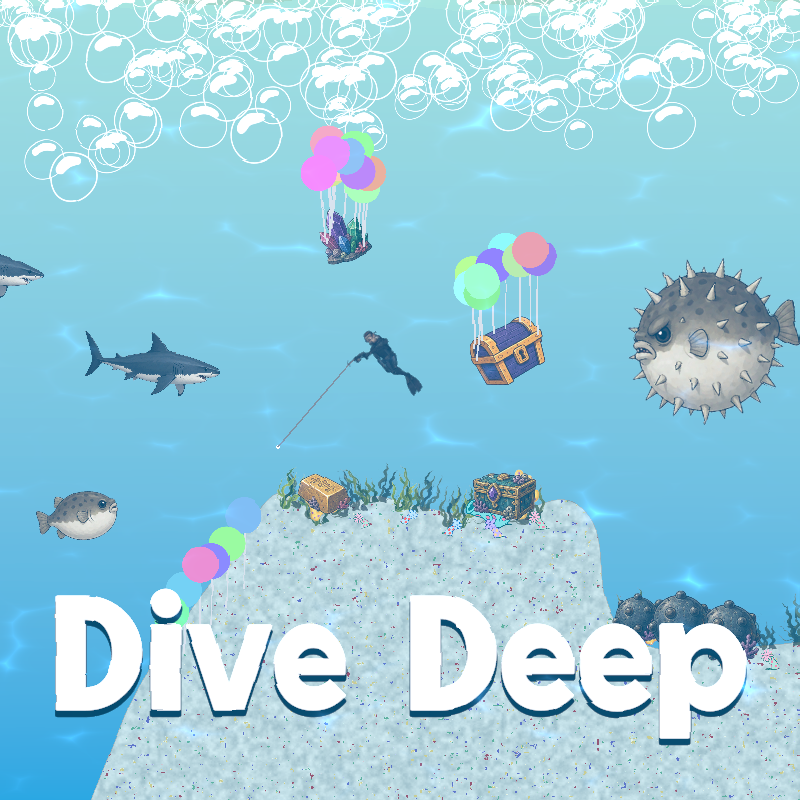
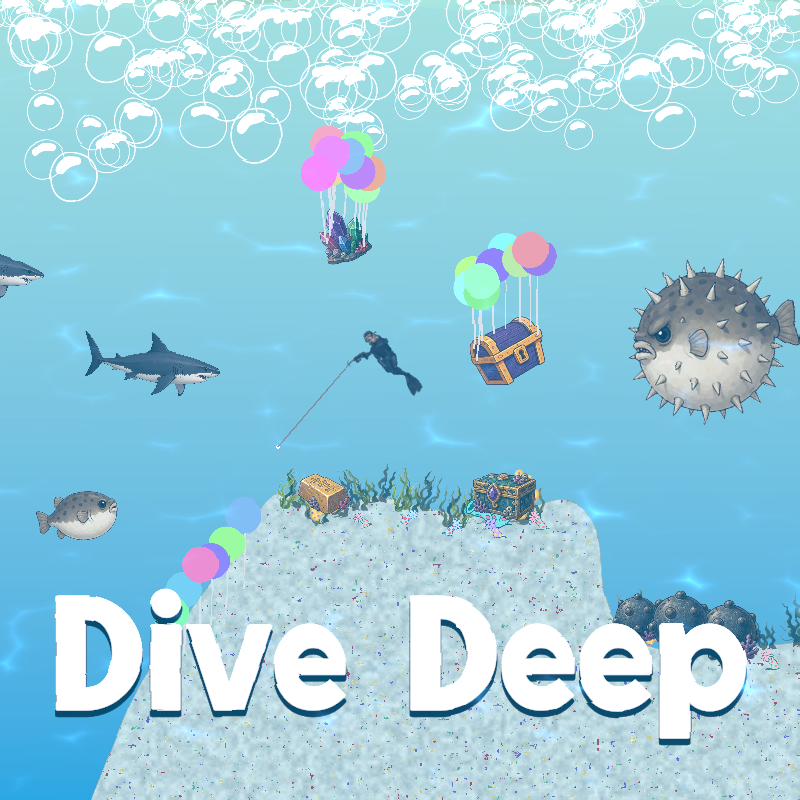
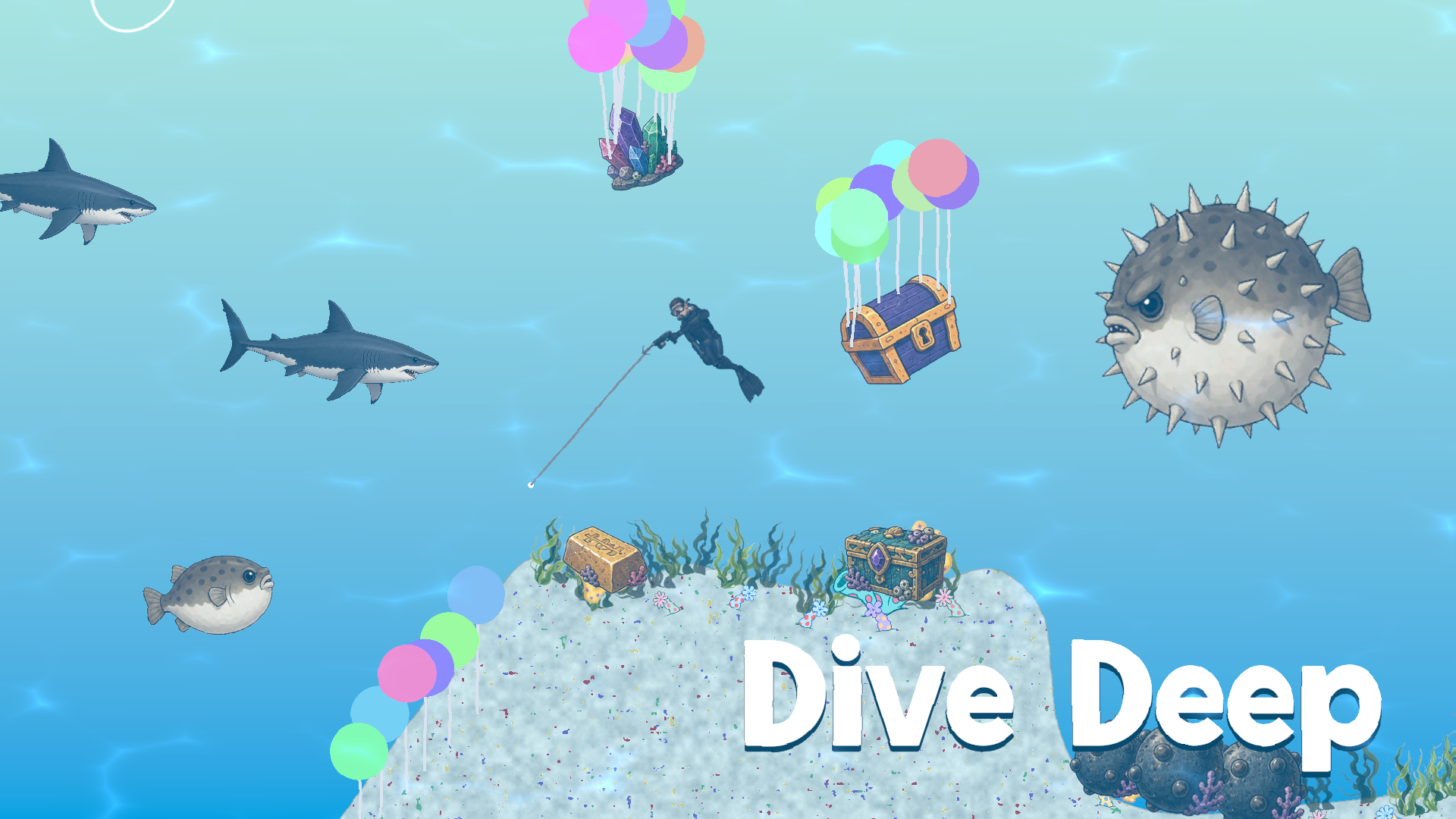
Dive Deep is an underwater treasure-hunting adventure! Explore a sunken world full of hidden treasure, dodge patrolling sharks and spiky pufferfish, and use your trusty balloon gun to lift heavy loot up to the surface. Shoot balloons onto treasure chests to make them float switch to your hook gun to grab treasure directly and reel it in — hold to pull it toward you, or tap to lock a tow rope and drag it wherever you need.
How to play Dive Deep
Desktop Controls:
W or ↑ (Up Arrow): Move upward.
A or ← (Left Arrow): Move left.
S or ↓ (Down Arrow): Move downward.
D or → (Right Arrow): Move right.
Left Click : Shoot Balloon Gun
Right Click (Hold) : Grab & Pull
Right Click (Tap) : Attach Tow Rope
Right Click again while roped : Release Roe
P or Esc : Pause / Resume
Dive Deep controls
- Left Click: Shoot Balloon Gun
- Right Click (Hold): Grab & Pull
- Right Click (Tap): Attach Tow Rope
- P or Esc: Pause / Resume
Dive Deep FAQ
Is Dive Deep free to play?
Yes. Dive Deep is free on Physics Shark, with nothing to download and no account to make.
Can I play Dive Deep unblocked at school?
Dive Deep runs in a normal browser tab with no install, so it plays on school Chromebooks and laptops, with nothing to install and no account.
Does Dive Deep work on phones and tablets?
It's made for computers: play it with a keyboard and mouse, for example on a Chromebook.
- LikedNo votes yet
- Rank#2740 of 2870
- PlaysBe the first!
- UpdatedNovember 2026
Gameplay
About this game
- Controls
- Left ClickShoot Balloon Gun
- Right Click (Hold)Grab & Pull
- Right Click (Tap)Attach Tow Rope
- P or EscPause / Resume
- Supported devices
- Desktop only: best with a keyboard and mouse














