 Physics Shark















Far Island: Tactical Warfare
Play Far Island: Tactical Warfare online for free on Physics Shark. This tower defense game runs in a normal browser tab, so there's nothing to download and no sign-up, and it works on a school…
Show moreShow less
Play Far Island: Tactical Warfare unblocked
Play Far Island: Tactical Warfare online for free on Physics Shark. This tower defense game runs in a normal browser tab, so there's nothing to download and no sign-up, and it works on a school Chromebook, a laptop, a phone or a tablet.
What is Far Island: Tactical Warfare?
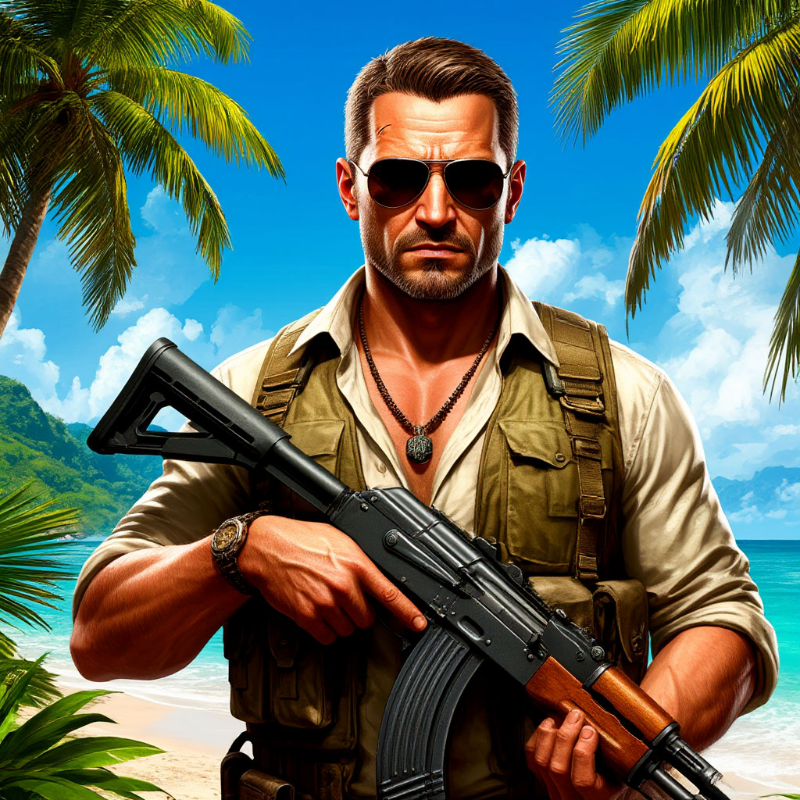
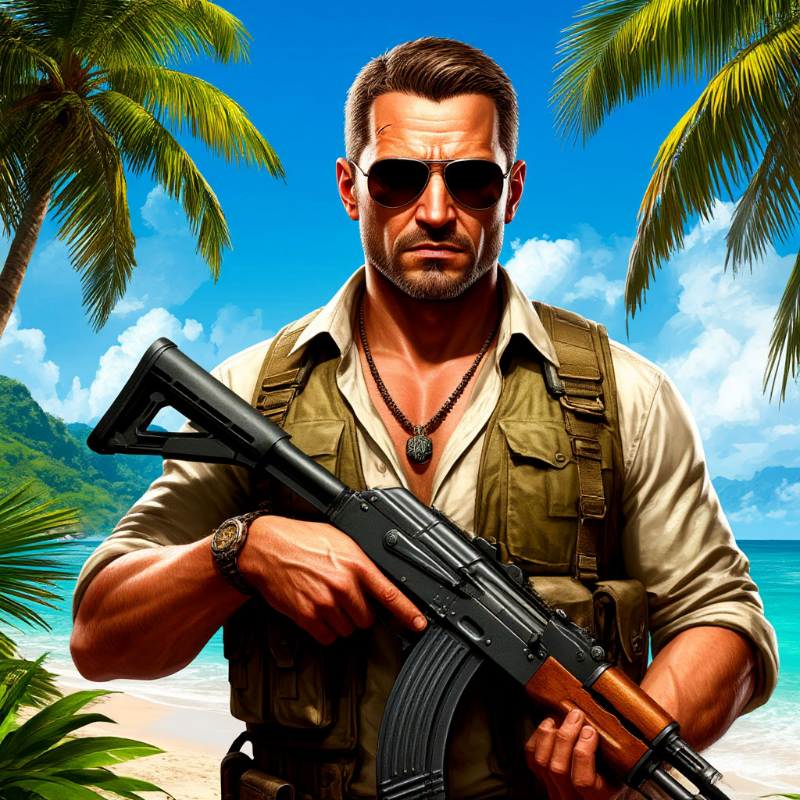
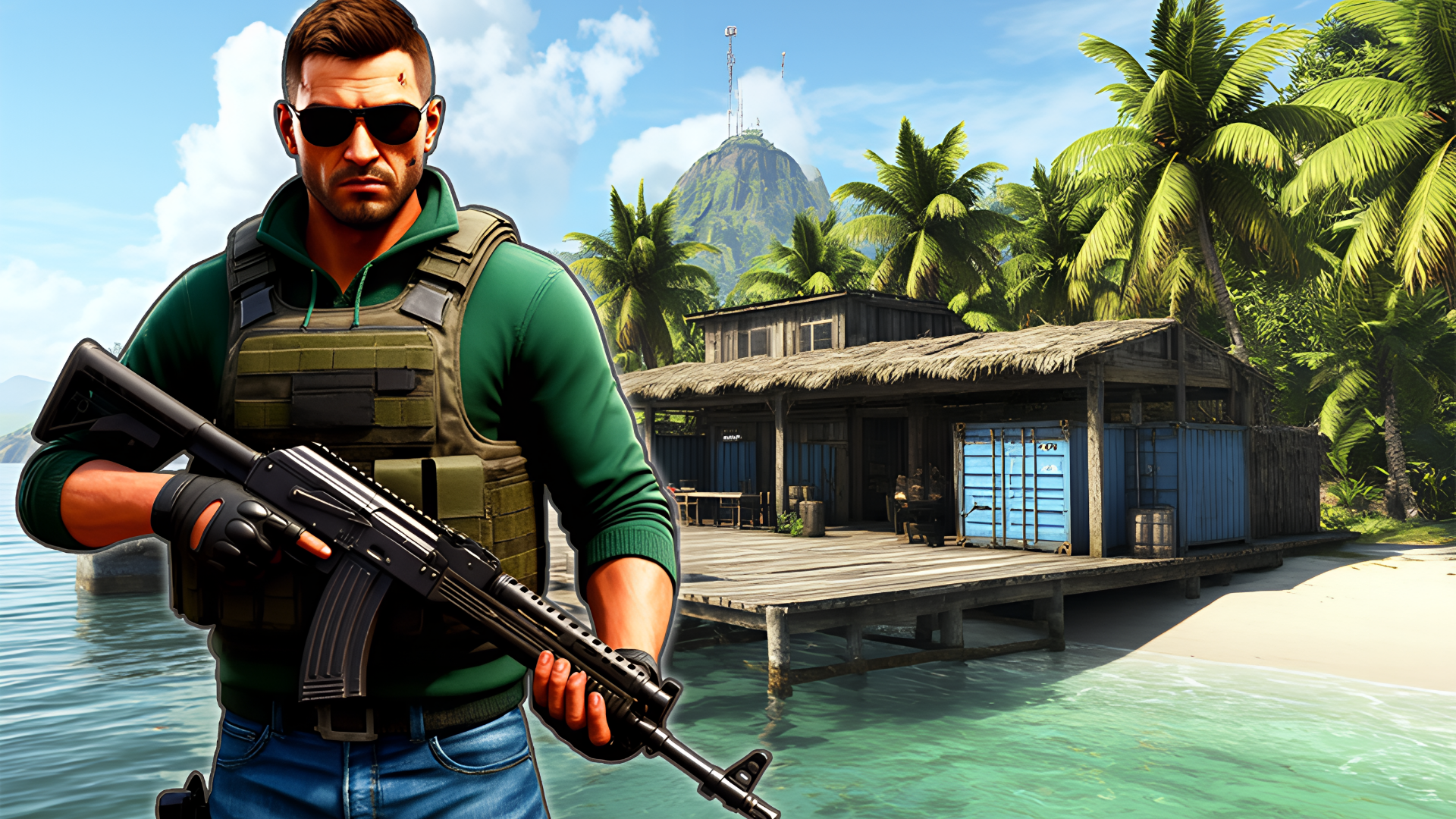
A tropical island awaits where every piece of land is a battlefield. This is a third-person tactical action game with an open world. Your goal is to capture enemy bases and hold them under enemy pressure.
Master a diverse arsenal: assault rifles, sniper rifles, machine guns, grenades, and special equipment. Each weapon affects your combat style. In the store, you can purchase and upgrade equipment using resources earned in battles.
The island impresses with its variety: tropical beaches, palm groves, and fortified bases with unique architecture. Each base requires an individual approach. Act strategically – combine attacks and use the terrain.
A dynamic capture and defense system, thoughtful weapon balance, and large-scale battles await you. For fans of the Far Cry series and tactical shooters, this is the perfect project combining strategy and action.
How to play Far Island: Tactical Warfare
Start by selecting equipment in the store. Choose weapons to suit your style. After landing on the island, study the map – it shows enemy bases to capture.
To capture a base, eliminate all enemies within its perimeter. After capture, establish defense: the enemy will try to retake positions. Use turrets, fortifications, and tactical terrain advantages.
Controls:
WASD – movement
Shift – run/swim down
Space – jump/swim up
1,2,3,4 – weapon switch
Left mouse button – fire
Right mouse button – aim
R – reload
T – deploy turret
G – throw grenade
V – switch grenade type
E – interact
Q – roll
Tab – camera switch
H – holster/draw weapon
I – inventory/settings
P – pause
M – map
Earn resources for successful captures and base defense. Spend them in the store on new weapons, upgrades, and equipment. The more difficult the mission – the more valuable the reward.
Tips: study the map, change tactics, use elevation, upgrade equipment, and combine weapon types.
Far Island: Tactical Warfare controls
- WASD: movement
- Shift: run/swim down
- Space: jump/swim up
- Left mouse button: fire
- Right mouse button: aim
- R: reload
- T: deploy turret
- G: throw grenade
Far Island: Tactical Warfare FAQ
Is Far Island: Tactical Warfare free to play?
Yes. Far Island: Tactical Warfare is free on Physics Shark, with nothing to download and no account to make. The game has optional in-game purchases, but you never need them to play.
Can I play Far Island: Tactical Warfare unblocked at school?
Far Island: Tactical Warfare runs in a normal browser tab with no install, so it plays on school Chromebooks and laptops, with nothing to install and no account.
Does Far Island: Tactical Warfare work on phones and tablets?
Yes. It works with touch controls on phones and tablets, and with a keyboard and mouse on computers.
- LikedNo votes yet
- Rank#712 of 2870
- PlaysBe the first!
- UpdatedNovember 2026
Gameplay
About this game
- Controls
- WASDmovement
- Shiftrun/swim down
- Spacejump/swim up
- Left mouse buttonfire
- Right mouse buttonaim
- Rreload
- Tdeploy turret
- Gthrow grenade
- Vswitch grenade type
- Einteract
- Qroll
- Tabcamera switch
- Supported devices
- Desktop, phone and tablet
- Games like Far Island: Tactical Warfare
- Shell ShockersHazmob FPS: Online ShooterZombie Space Episode IISniper Mission WarCannon StrikeNoobik Arena - 99 nights














