 Physics Shark





















Equal Cut
Looking for a puzzle game you can play at school? Equal Cut loads straight in your browser on Physics Shark: free, unblocked and nothing to install. Play it on a school Chromebook, a laptop, a phone or a tablet.
Show moreShow less
Play Equal Cut unblocked
Looking for a puzzle game you can play at school? Equal Cut loads straight in your browser on Physics Shark: free, unblocked and nothing to install. Play it on a school Chromebook, a laptop, a phone or a tablet.
What is Equal Cut?
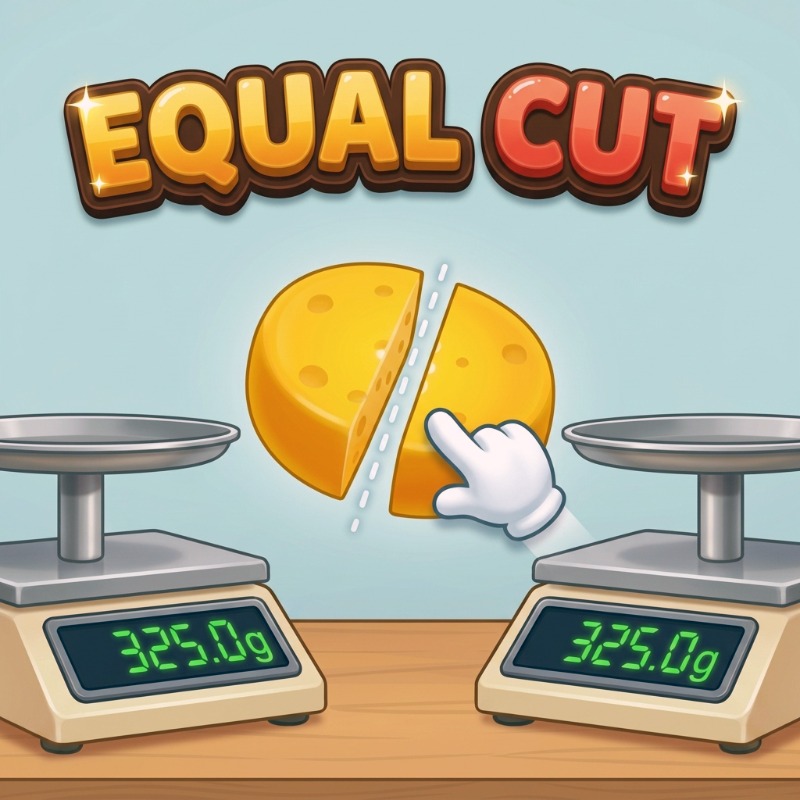
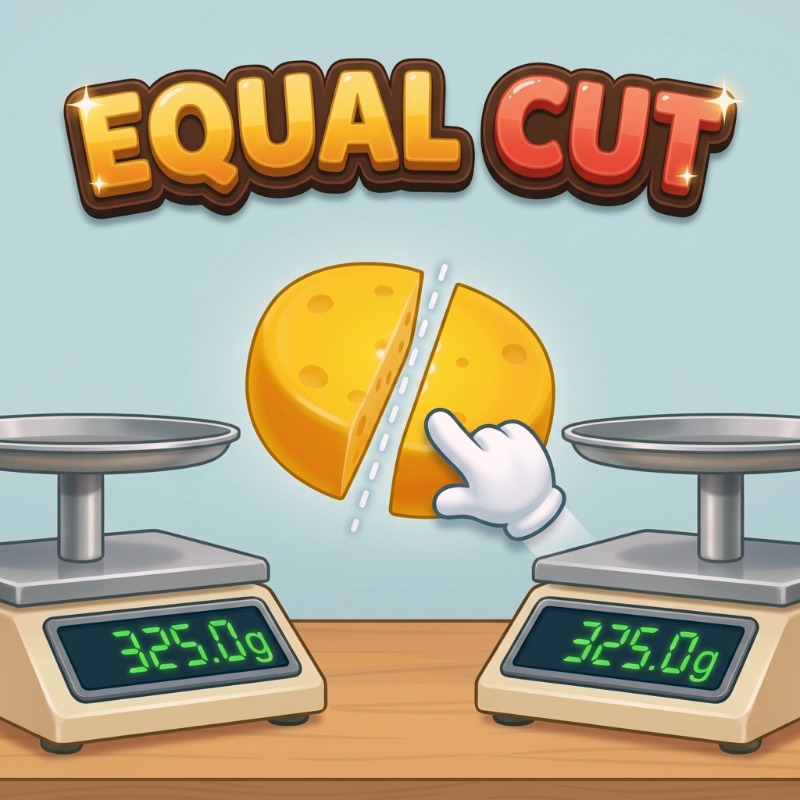
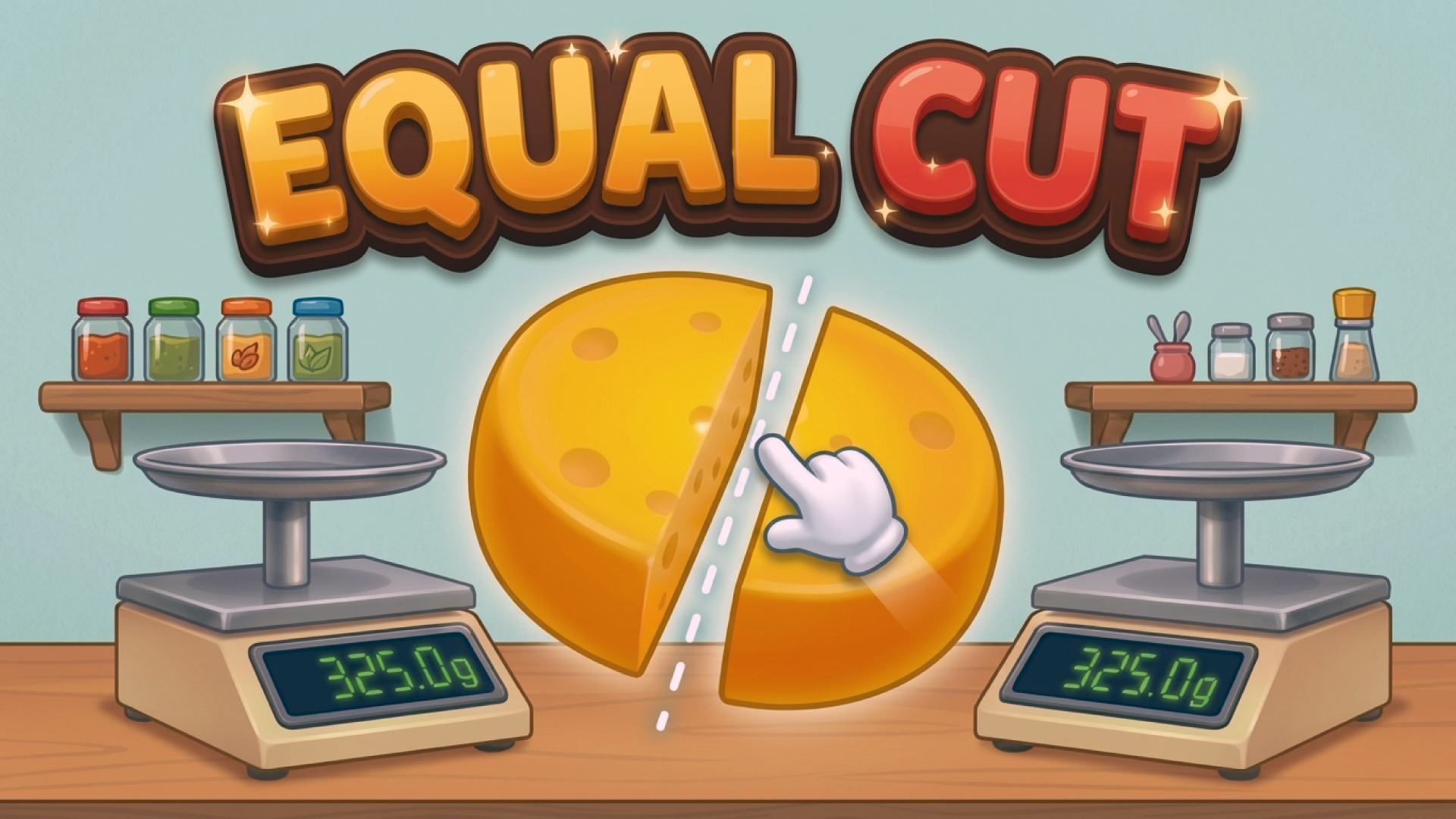
Equal Cut is a one-swipe balancing puzzle: cut each piece of food into two exactly equal halves, then watch the scale prove how close you got. There's no timer and no live weight readout while you aim — just the shape in front of you and your own eye for where it balances.
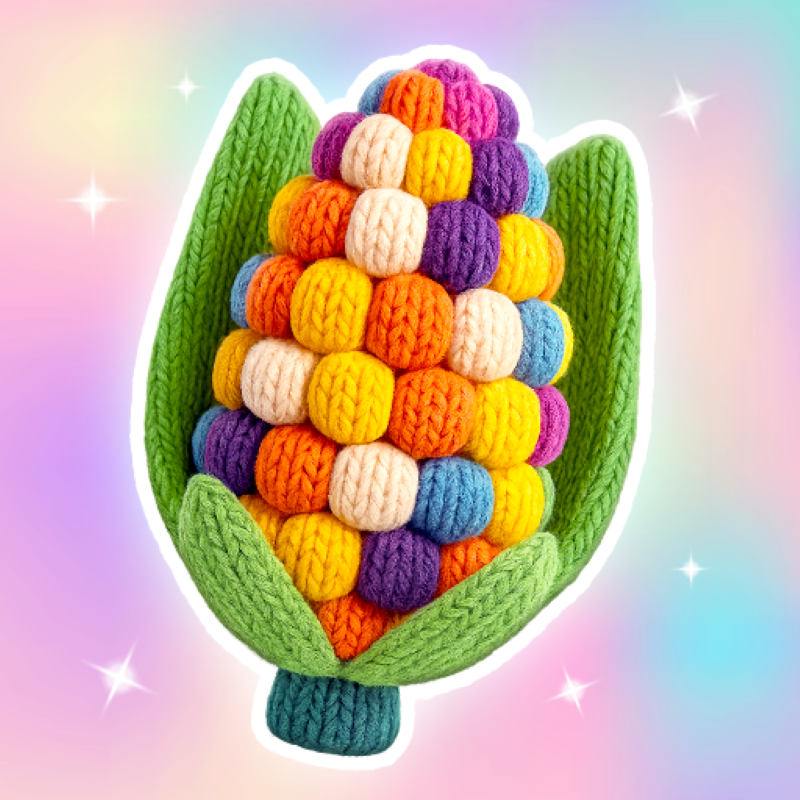
25 foods, each an odd or irregular shape that hides its true balance point: a lopsided pretzel, a corn cob, a wedge of cheese, a whole pumpkin slice. Land a clean, even cut for up to three stars; miss and you get another attempt — there's always a free way to keep playing, never a wall.
How to play Equal Cut
Press and drag across the food to aim a straight cut, then release to lock it in. Tap Cut to drop both halves on the scale — the closer to a 50/50 split, the more stars you earn. Didn't land it? Redraw the cut and try again.
Equal Cut FAQ
Is Equal Cut free to play?
Yes. Equal Cut is free on Physics Shark, with nothing to download and no account to make.
Can I play Equal Cut unblocked at school?
Equal Cut runs in a normal browser tab with no install, so it plays on school Chromebooks and laptops, with nothing to install and no account.
Does Equal Cut work on phones and tablets?
Yes. It works with touch controls on phones and tablets, and with a keyboard and mouse on computers.
- LikedNo votes yet
- Rank#963 of 2870
- PlaysBe the first!
- UpdatedNovember 2026
Gameplay
About this game
- Supported devices
- Desktop, phone and tablet














