 Physics Shark



































Fill Line: Cover Every Cell
Play Fill Line: Cover Every Cell online for free on Physics Shark. This puzzle game runs in a normal browser tab, so there's nothing to download and no sign-up, and it works on a school Chromebook, a…
Show moreShow less
Play Fill Line: Cover Every Cell unblocked
Play Fill Line: Cover Every Cell online for free on Physics Shark. This puzzle game runs in a normal browser tab, so there's nothing to download and no sign-up, and it works on a school Chromebook, a laptop, a phone or a tablet.
What is Fill Line: Cover Every Cell?
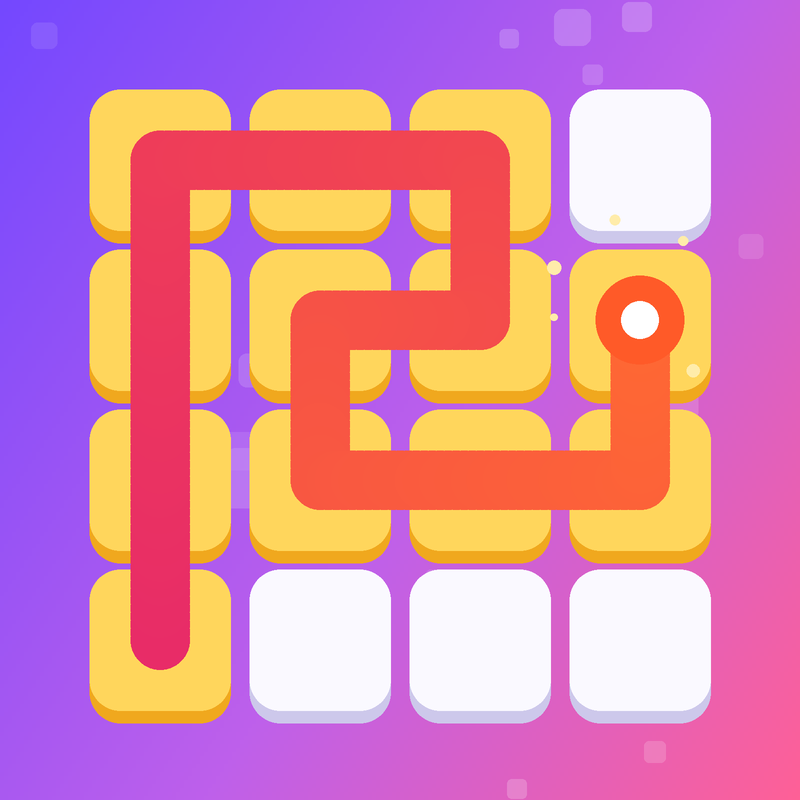
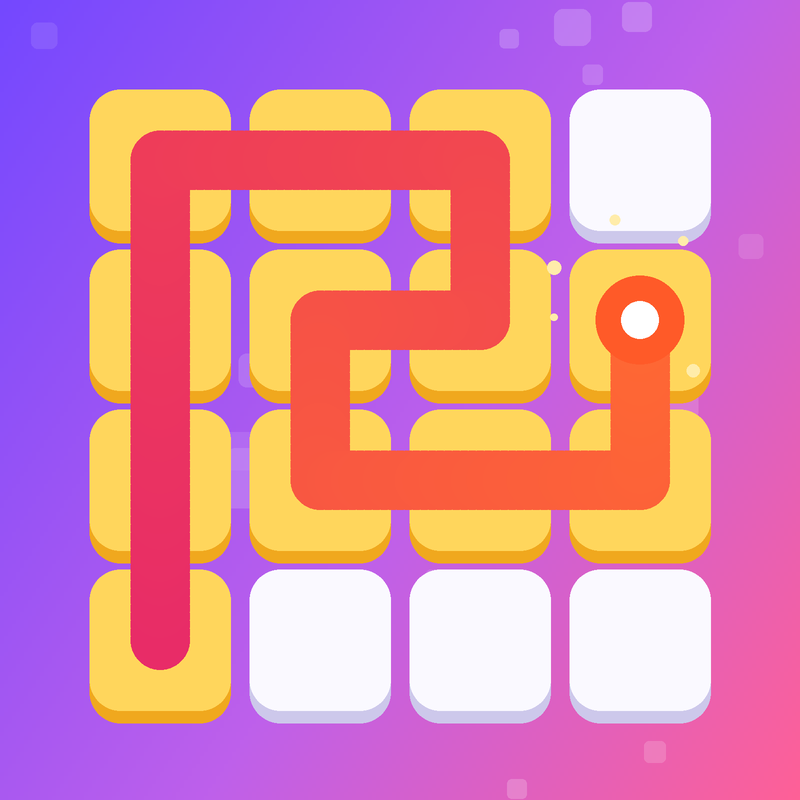
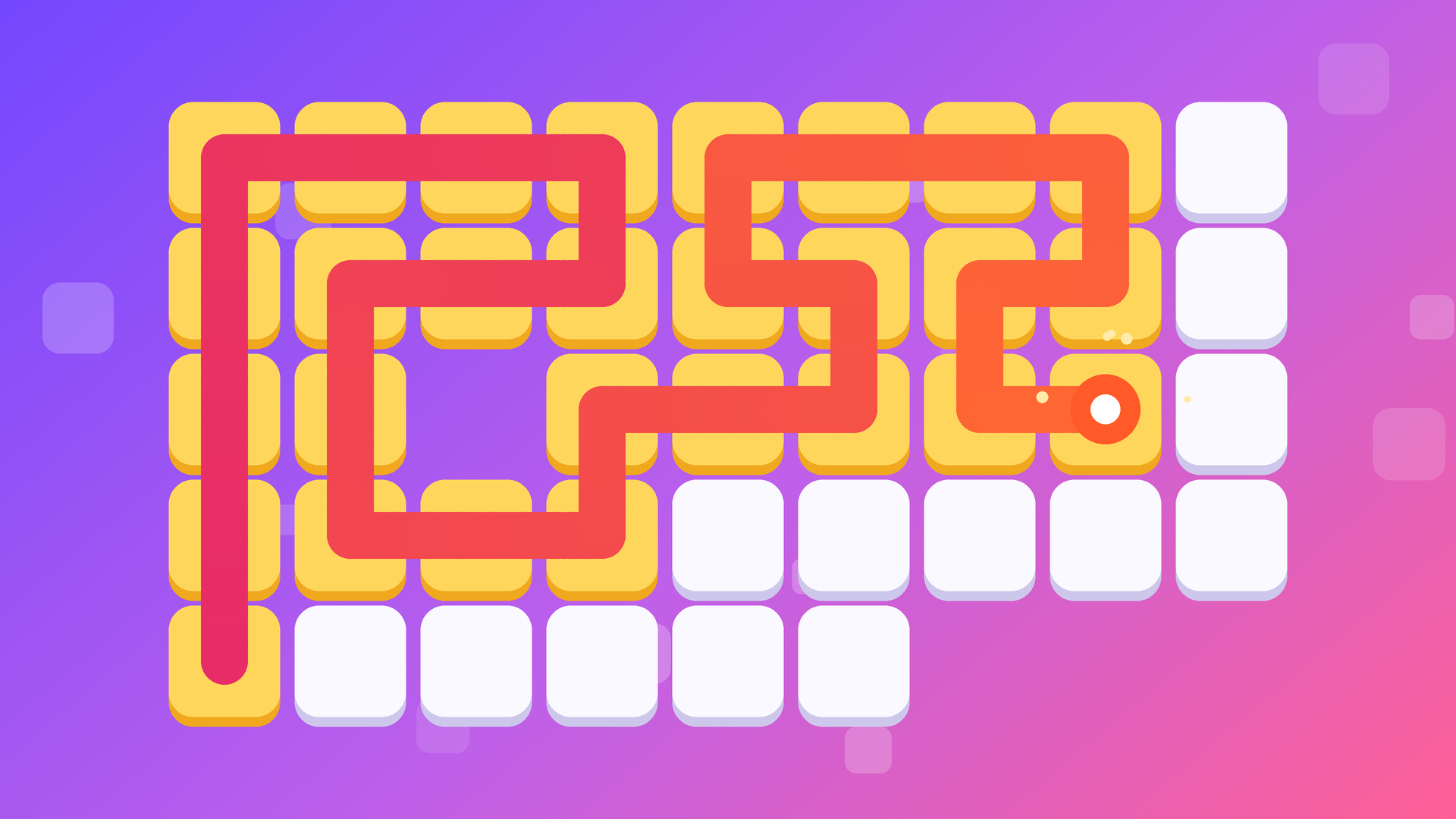
Fill Line is a calm one-stroke logic puzzle. Start from the marked cell and draw one continuous line that fills every block on the board. You can't visit a cell twice, and there are no diagonal moves. It sounds simple, but the boards grow with every chapter and the solutions get trickier.
The game has over 1,000 levels in 41 chapters. Each chapter has its own color theme, and the difficulty rises smoothly: easy breather levels alternate with hard ones, and a boss level waits at the end of every chapter. New mechanics appear along the way: double blocks you have to cross twice, bridges where the line crosses itself, and arrows that set the direction.
A new daily puzzle with a reward opens every day. Spend coins to unlock themes, each with its own sound. There are no timers, no lives and no game over — just logic and the satisfying sound of filling cells.
How to play Fill Line: Cover Every Cell
Start from the marked cell: it is already filled and pulses. Without lifting your finger or the mouse button, draw the line through neighboring cells up, down, left or right. The goal is to fill every block on the board with a single line.
Made a mistake? Drag the line back to undo steps, or tap any cell of the line to continue from there. The Undo button removes the last step, and Restart begins the level again. If you get stuck, tap Hint and the game will show the next steps.
Special cells: a block with a ring must be crossed twice; a bridge is crossed once vertically and once horizontally, and you can't turn on it; an arrow can only be passed in its direction.
On a computer: arrows or WASD — step, Z or Backspace — undo, R — restart, H — hint, Esc — pause.
Fill Line: Cover Every Cell controls
- On a computer: arrows or WASD — step, Z or Backspace — undo, R — restart, H — hint, Esc — pause
Fill Line: Cover Every Cell FAQ
Is Fill Line: Cover Every Cell free to play?
Yes. Fill Line: Cover Every Cell is free on Physics Shark, with nothing to download and no account to make.
Can I play Fill Line: Cover Every Cell unblocked at school?
Fill Line: Cover Every Cell runs in a normal browser tab with no install, so it plays on school Chromebooks and laptops, with nothing to install and no account.
Does Fill Line: Cover Every Cell work on phones and tablets?
Yes. It works with touch controls on phones and tablets, and with a keyboard and mouse on computers.
- LikedNo votes yet
- Rank#2253 of 2870
- PlaysBe the first!
- UpdatedNovember 2026
Gameplay
About this game
- Controls
- On a computerarrows or WASD — step, Z or Backspace — undo, R — restart, H — hint, Esc — pause
- Supported devices
- Desktop, phone and tablet
- Games like Fill Line: Cover Every Cell
- Fruit Merge: Juicy Drop GameBlock Blast MasterPortal HopArrow Cube 3DHidden Object: Clues and MysteriesHedgehog Go Home














