 Physics Shark



























Find Capybara: Valley of Monsters
Find Capybara: Valley of Monsters is a Roblox-style obby you can play unblocked right here on Physics Shark.
Show moreShow less
Play Find Capybara: Valley of Monsters unblocked
Find Capybara: Valley of Monsters is a Roblox-style obby you can play unblocked right here on Physics Shark. It runs in your browser with no download, no install and no account, so you can play it on a school Chromebook, a laptop, a phone or a tablet.
If you like Roblox obbies, Find Capybara: Valley of Monsters will feel familiar: jump across tricky platforms, dodge traps and reach the next checkpoint. The difference is that it runs right here in the browser, with no Roblox account, no app and no download, which makes it an easy Roblox-style game to play at school.
What is Find Capybara: Valley of Monsters?
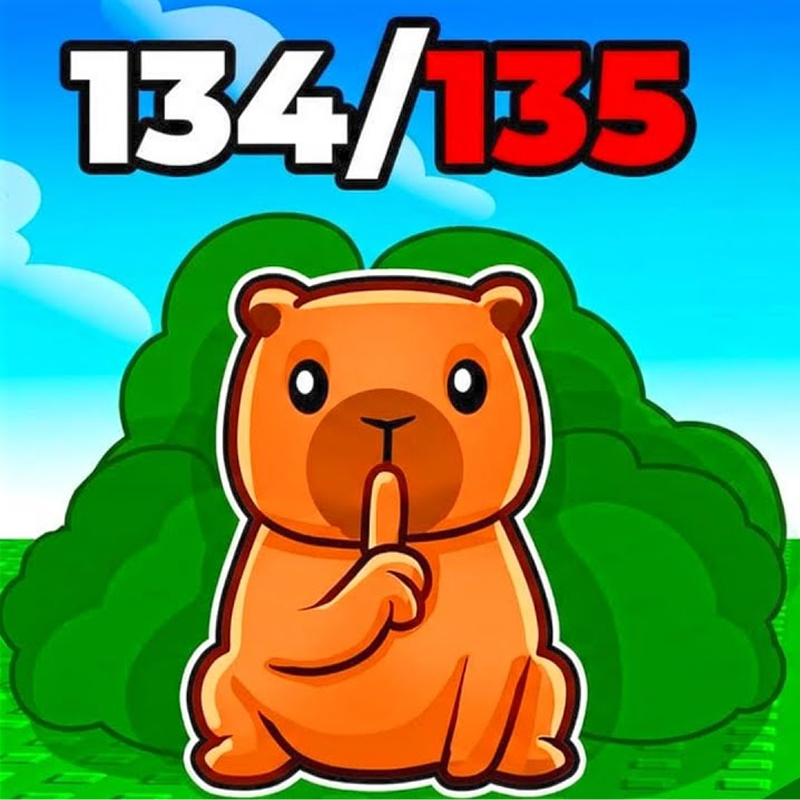
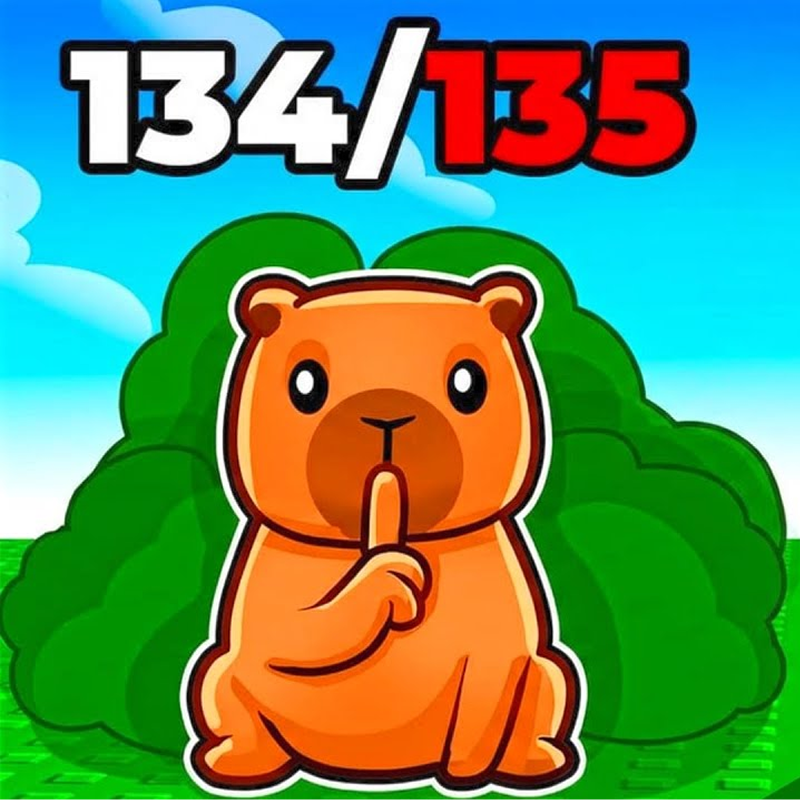
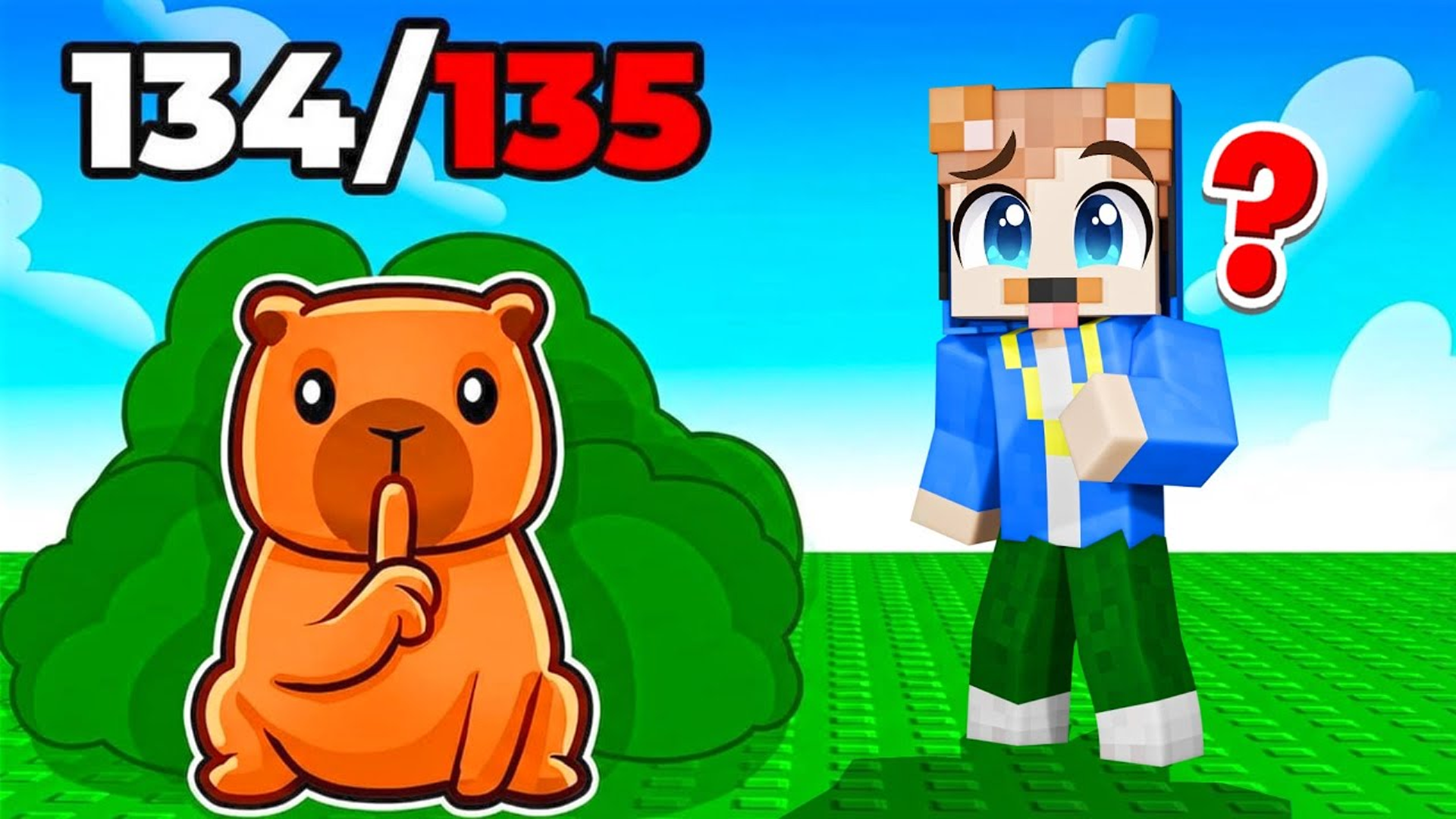
Welcome to a huge and crazy world where your main goal is to find and collect all the hidden capybaras!
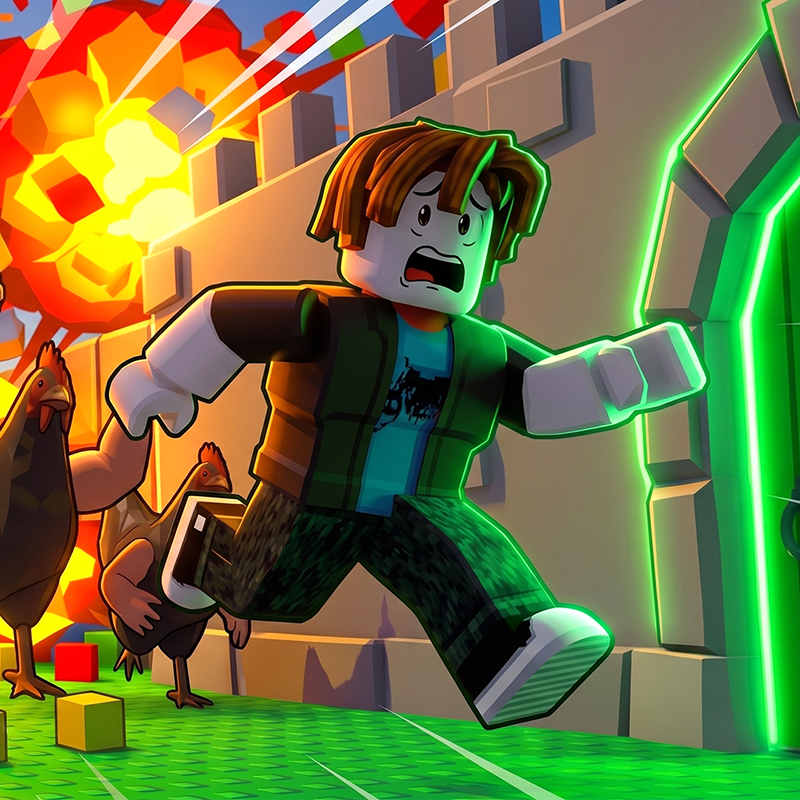
Explore a giant, diverse map with dizzying trampolines that will take you to the highest platforms. But be careful — the territories are guarded by dangerous monsters! Don't let yourself get caught.
To fight back, you have a whole arsenal of funny but effective "slaps": a giant hand, a roll of toilet paper, or even a venerable bream fish! Stun the enemy and run on.
Use special power-ups: a magic carpet for flying, a speed spring for a lightning-fast dash and a jump spring to conquer inaccessible places.
For the capybaras you find, you will receive three unique skins for your character. Become the most stylish seeker!
Ready for a big adventure? Launch the game, explore every corner and become a legendary capybara hunter!
How to play Find Capybara: Valley of Monsters
The controls are simple and intuitive:
Movement: Keys W, A, S, D
Jump: Space bar (use it together with trampolines for super jumps!)
The goal of the game is to explore the map, find and collect all the hidden capybaras.
Look around! Capybaras can hide in the most unexpected places. Use trampolines and power-ups to reach the secret corners.
Find Capybara: Valley of Monsters controls
- Keys W, A, S, D: Movement
- Jump: Space bar (use it together with trampolines for super jumps!)
Find Capybara: Valley of Monsters FAQ
Is Find Capybara: Valley of Monsters free to play?
Yes. Find Capybara: Valley of Monsters is free on Physics Shark, with nothing to download and no account to make. The game has optional in-game purchases, but you never need them to play.
Can I play Find Capybara: Valley of Monsters unblocked at school?
Find Capybara: Valley of Monsters runs in a normal browser tab with no install, so it plays on school Chromebooks and laptops, with nothing to install and no account.
Does Find Capybara: Valley of Monsters work on phones and tablets?
Yes. It works with touch controls on phones and tablets, and with a keyboard and mouse on computers.
Is Find Capybara: Valley of Monsters a Roblox game?
No. Find Capybara: Valley of Monsters is a Roblox-style browser game by an independent developer. It plays a lot like a Roblox obby, but you don't need Roblox or a Roblox account to play it.
Find Capybara: Valley of Monsters is not made by, endorsed by or affiliated with Roblox Corporation. Roblox is a trademark of Roblox Corporation.
- LikedNo votes yet
- Rank#1776 of 2870
- PlaysBe the first!
- UpdatedNovember 2026
Gameplay
About this game
- Controls
- Keys W, A, S, DMovement
- JumpSpace bar (use it together with trampolines for super jumps!)
- Supported devices
- Desktop, phone and tablet














