 Physics Shark


























Fruit Lane Cafe
Looking for a puzzle game you can play at school? Fruit Lane Cafe loads straight in your browser on Physics Shark: free, unblocked and nothing to install. Play it on a school Chromebook, a laptop, a phone or a tablet.
Show moreShow less
Play Fruit Lane Cafe unblocked
Looking for a puzzle game you can play at school? Fruit Lane Cafe loads straight in your browser on Physics Shark: free, unblocked and nothing to install. Play it on a school Chromebook, a laptop, a phone or a tablet.
What is Fruit Lane Cafe?
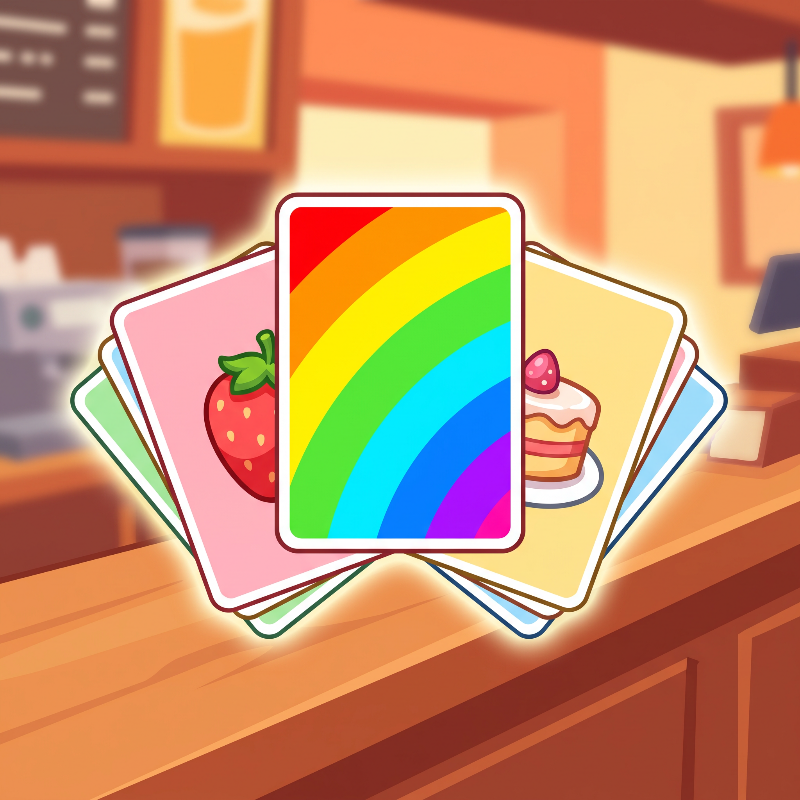
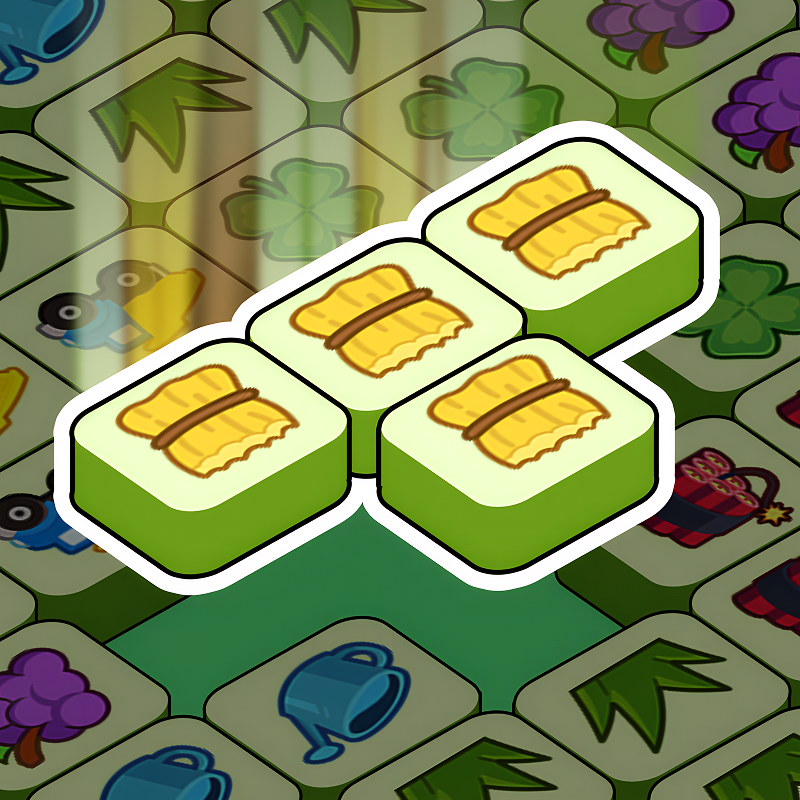
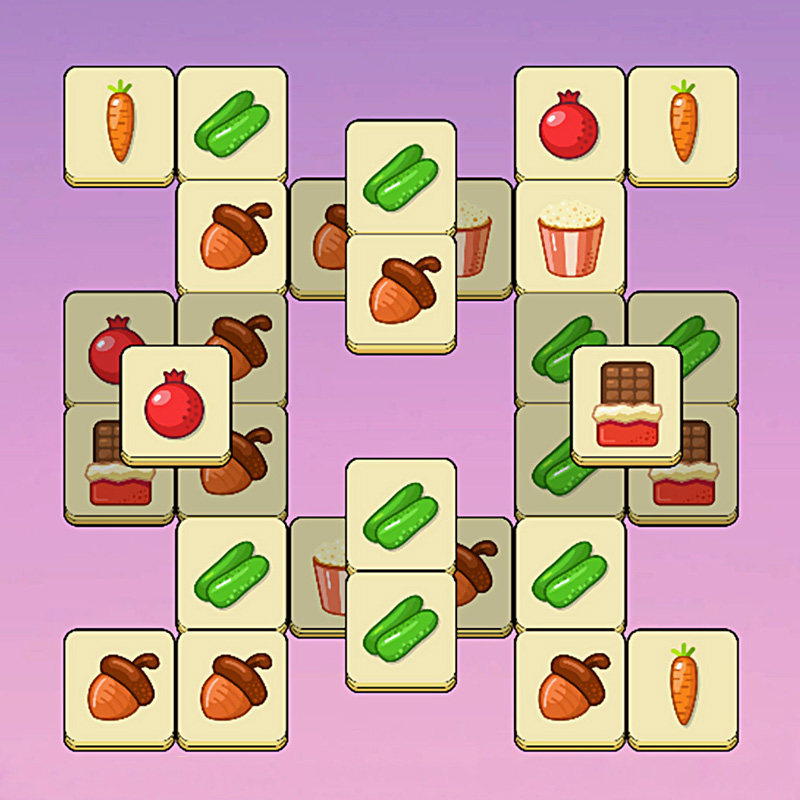
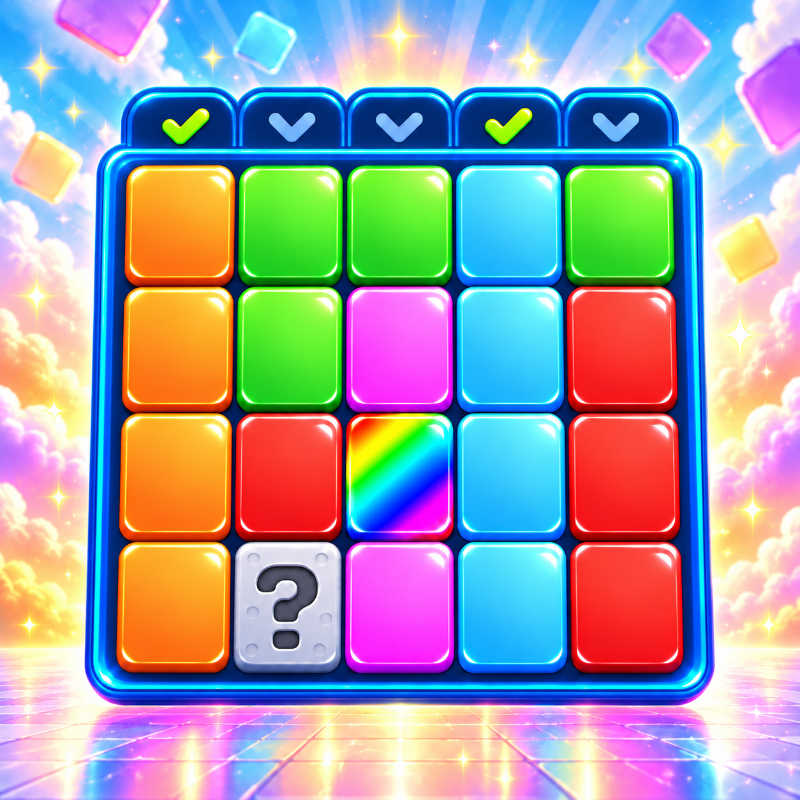
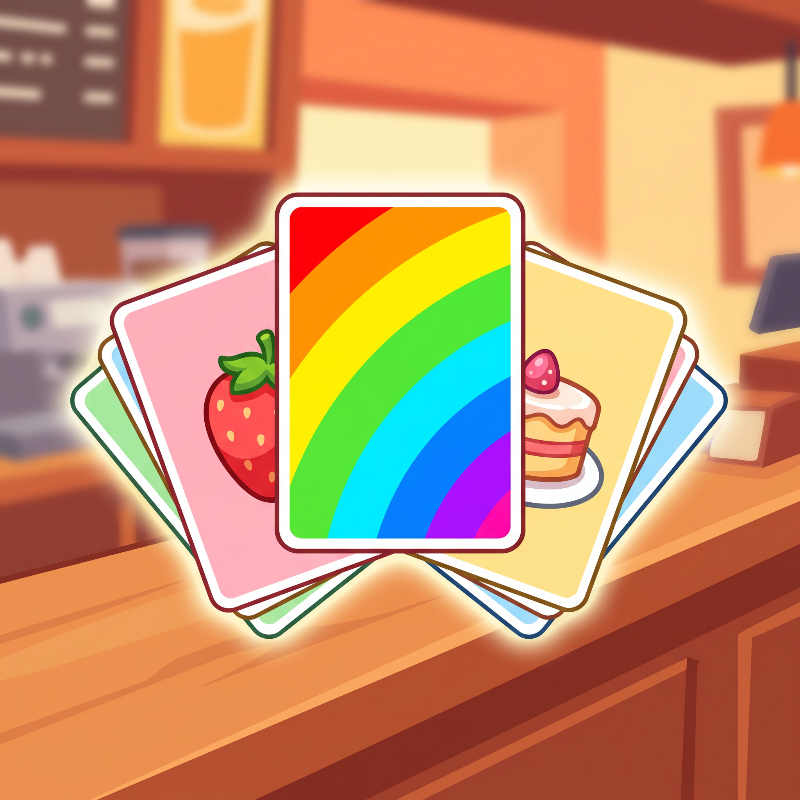
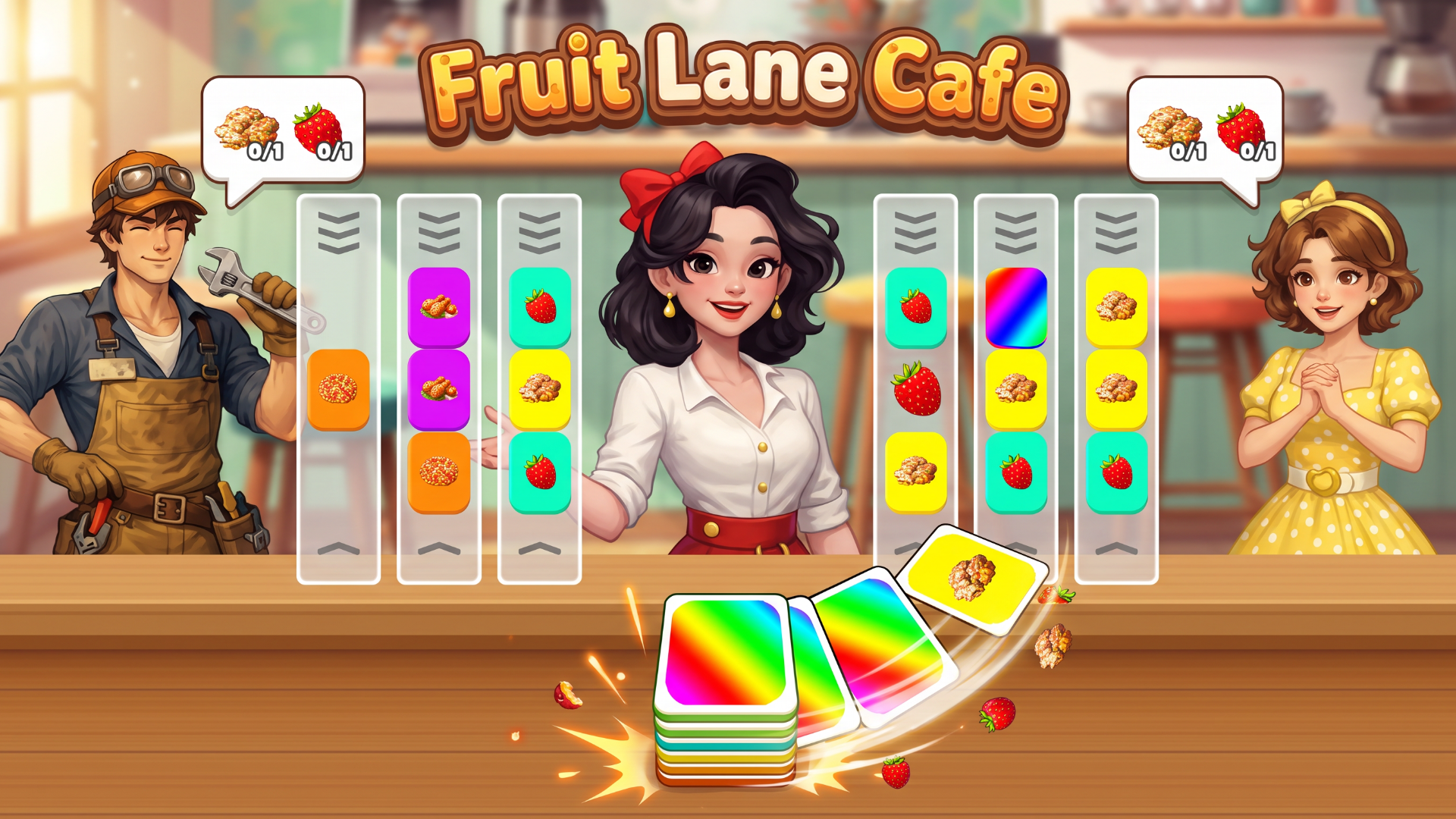
Fruit Lane Cafe is a colorful card-sorting puzzle game with a busy shop twist. Slide cards through lanes, line up matching sets, and complete your customers' orders before time runs out. Plan around the next card, manage the spare card, and unlock helpful boosters as the challenges grow. Simple tap controls, satisfying chain reactions, and a growing level map make every order a fresh puzzle.
How to play Fruit Lane Cafe
Click Play and select an unlocked level. On desktop, use the left mouse button; on mobile, tap the screen. Click or tap a lane to slide the card from the bottom slot into it and move the outgoing card into the slot. Match the cards across an entire lane to clear the set and fill a customer's order. The multicolored spare card must be moved out of a lane before that lane can clear.
Complete all customer orders before the timer runs out to win. Earn coins and stars, progress to new levels, and use unlocked boosters when you need help. Optional rewarded videos can provide extra coins or boosters. Use the on-screen settings to adjust music and sound. No keyboard shortcuts are required.
Fruit Lane Cafe FAQ
Is Fruit Lane Cafe free to play?
Yes. Fruit Lane Cafe is free on Physics Shark, with nothing to download and no account to make. The game has optional in-game purchases, but you never need them to play.
Can I play Fruit Lane Cafe unblocked at school?
Fruit Lane Cafe runs in a normal browser tab with no install, so it plays on school Chromebooks and laptops, with nothing to install and no account.
Does Fruit Lane Cafe work on phones and tablets?
Yes. It works with touch controls on phones and tablets, and with a keyboard and mouse on computers.
- LikedNo votes yet
- Rank#215 of 2870
- PlaysBe the first!
- UpdatedNovember 2026
Gameplay
About this game
- Supported devices
- Desktop, phone and tablet














