 Physics Shark





























Color Ball Escape
Color Ball Escape is a puzzle game you can play unblocked right here on Physics Shark.
Show moreShow less
Play Color Ball Escape unblocked
Color Ball Escape is a puzzle game you can play unblocked right here on Physics Shark. It runs in your browser with no download, no install and no account, so you can play it on a school Chromebook, a laptop, a phone or a tablet.
What is Color Ball Escape?
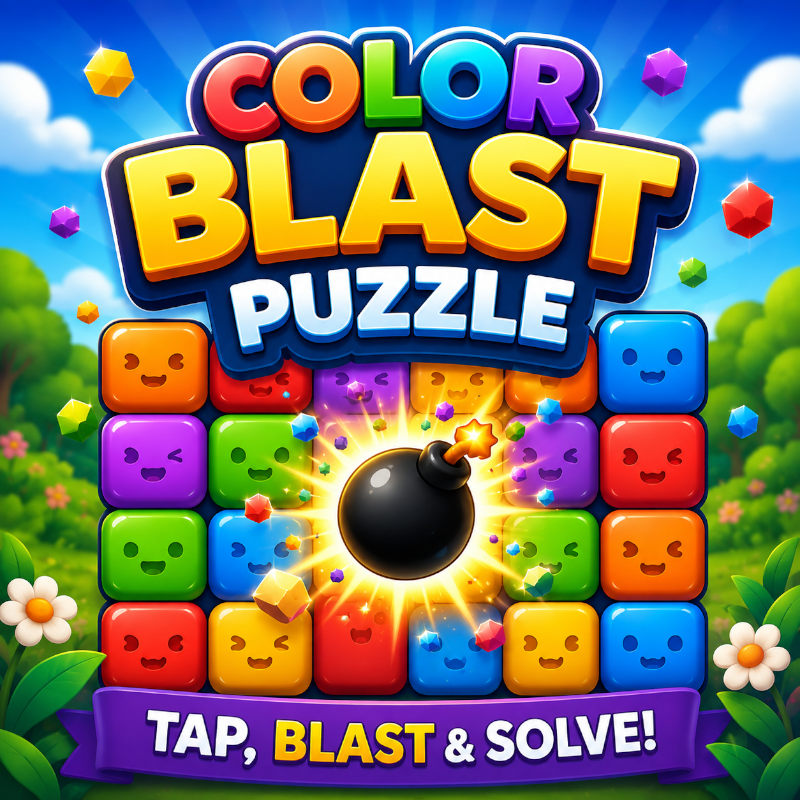
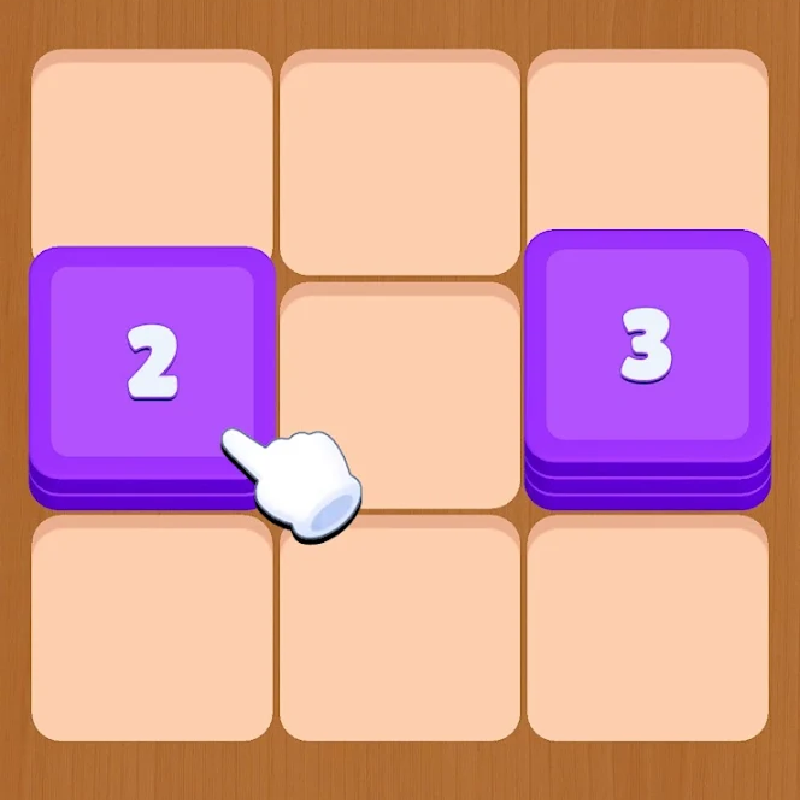
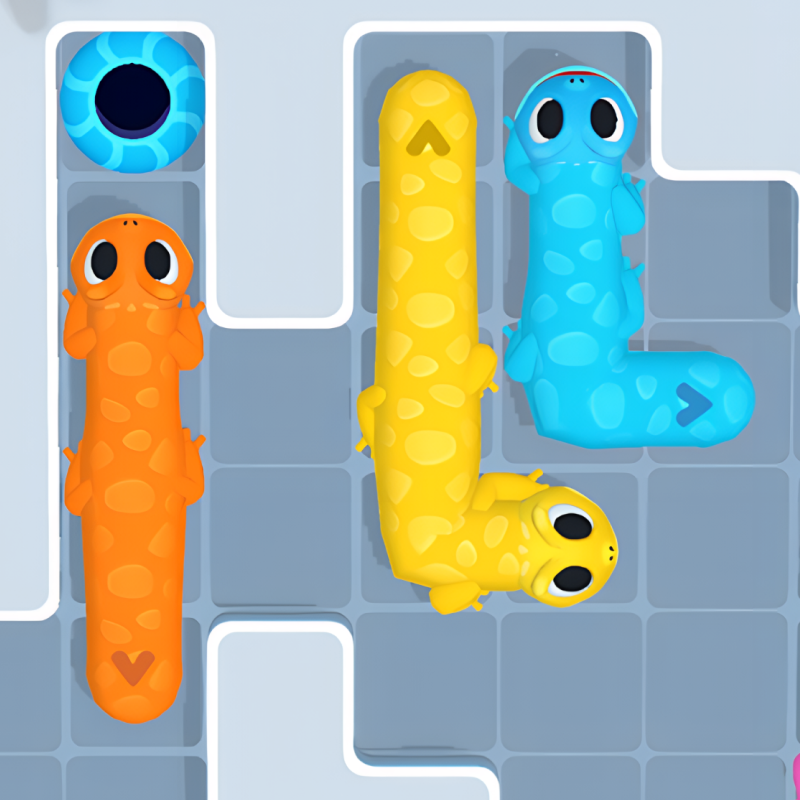
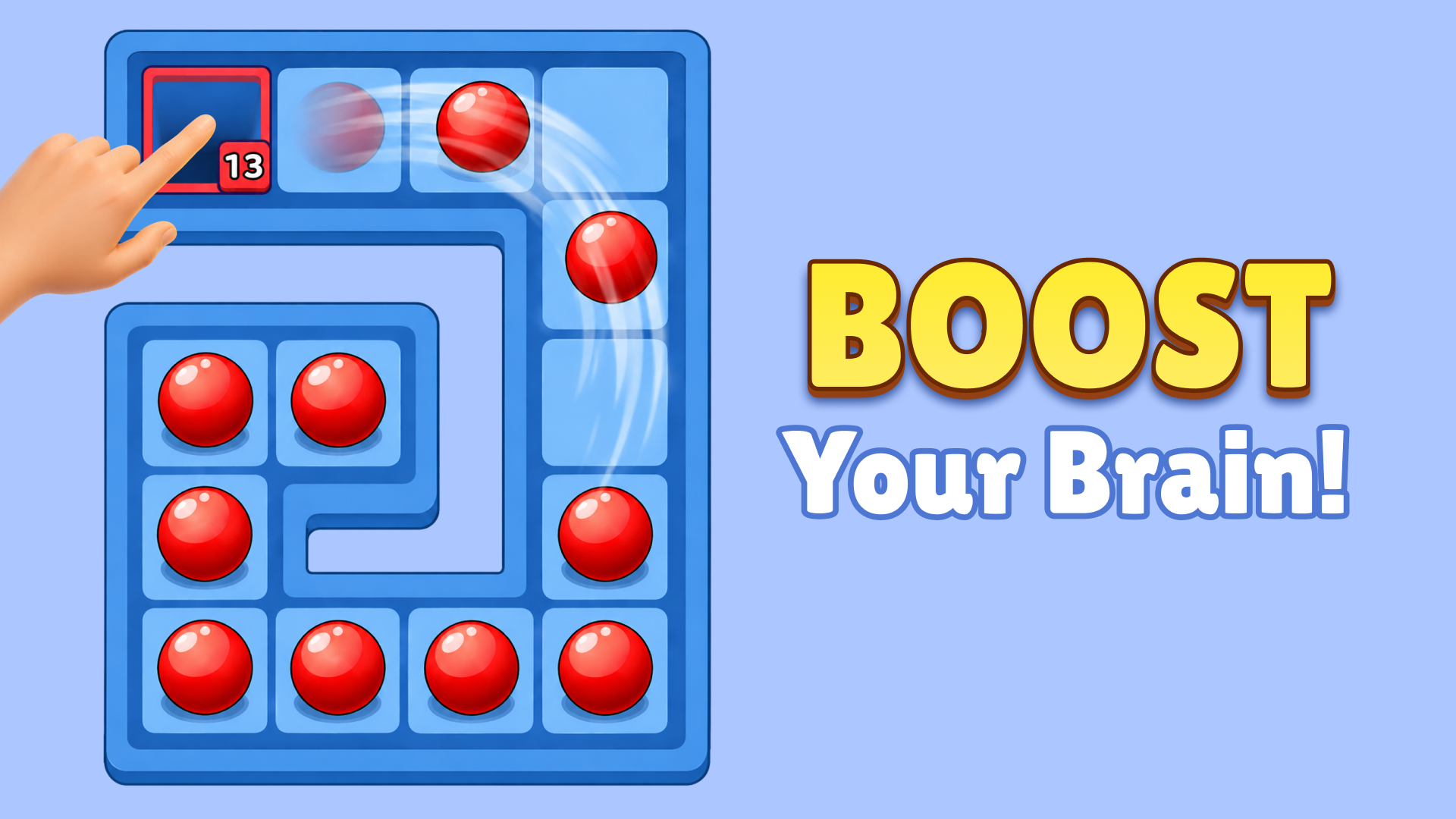
Color Ball Escape is a colour-matching puzzle. Marbles pour from towers onto a
crowded board, and you slide holes into position to catch them — but a hole only
swallows marbles of its own colour, so the order you clear them in decides whether
the board opens up or jams solid. Ice, crates, colour locks, one-way tiles and
layered marbles keep rewriting what the right order is.
How to play Color Ball Escape
Drag a hole to move it around the board and line it up under the marbles you want.
A hole only takes marbles that match its colour. Clear the board to finish a level.
Controls: click and drag with the mouse on desktop, tap and drag on touch.
Tap a power-up to use it — Magnet pulls loose balls into a hole, Claw drops any
single marble you tap, Shrinker cuts an oversized hole down to size.
Obstacles: fill the hole under ice to shatter it, collect hammers to break crates,
find a matching-colour key to open a lock, and peel layered marbles starting from
the inner ring.
Color Ball Escape controls
- Controls: click and drag with the mouse on desktop, tap and drag on touch
Color Ball Escape FAQ
Is Color Ball Escape free to play?
Yes. Color Ball Escape is free on Physics Shark, with nothing to download and no account to make.
Can I play Color Ball Escape unblocked at school?
Color Ball Escape runs in a normal browser tab with no install, so it plays on school Chromebooks and laptops, with nothing to install and no account.
Does Color Ball Escape work on phones and tablets?
Yes. It works with touch controls on phones and tablets, and with a keyboard and mouse on computers.
- LikedNo votes yet
- Rank#2310 of 2870
- PlaysBe the first!
- UpdatedNovember 2026
Gameplay
About this game
- Controls
- Controlsclick and drag with the mouse on desktop, tap and drag on touch
- Supported devices
- Desktop, phone and tablet














