 Physics Shark























Tile Pop : Block Blast
Play Tile Pop : Block Blast online for free on Physics Shark. This puzzle game runs in a normal browser tab, so there's nothing to download and no sign-up, and it works on a school Chromebook, a…
Show moreShow less
Play Tile Pop : Block Blast unblocked
Play Tile Pop : Block Blast online for free on Physics Shark. This puzzle game runs in a normal browser tab, so there's nothing to download and no sign-up, and it works on a school Chromebook, a laptop, a phone or a tablet.
What is Tile Pop : Block Blast?
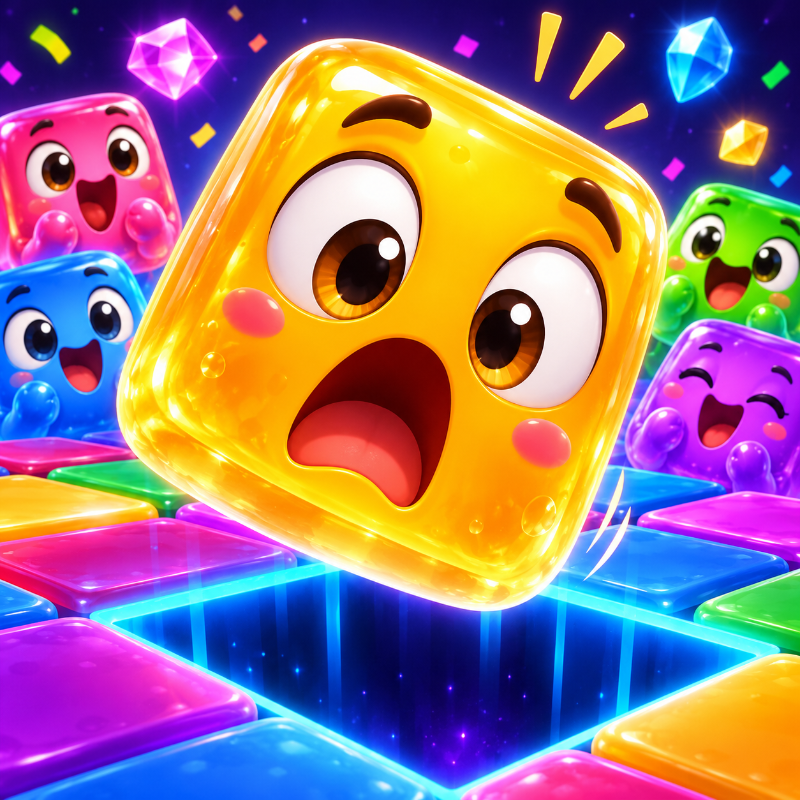
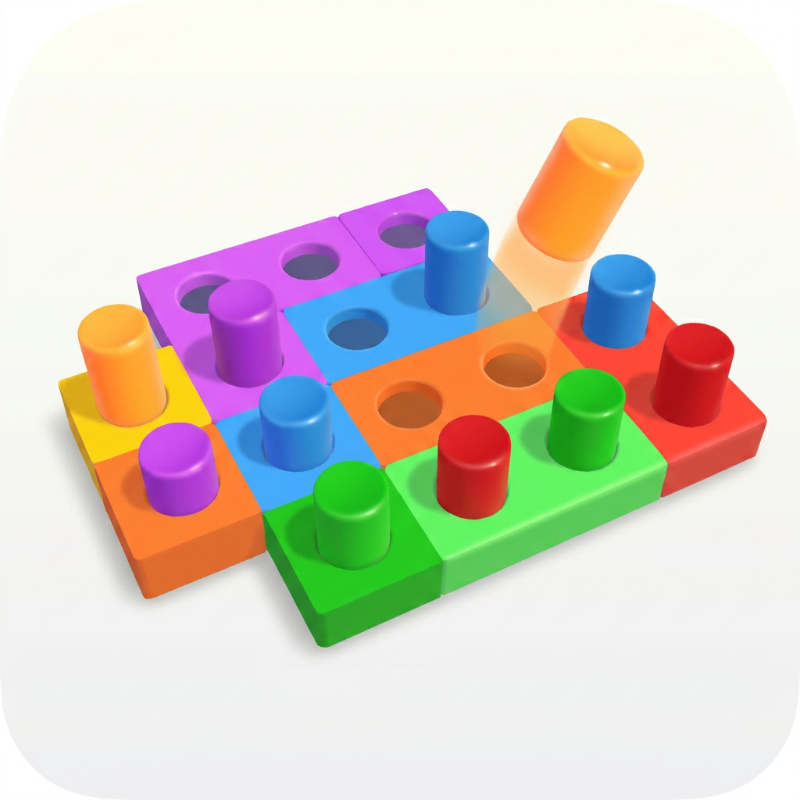
Tile Pop is a relaxing yet strategic block puzzle game that challenges your thinking with satisfying gameplay, colorful themes, and endless replayability.
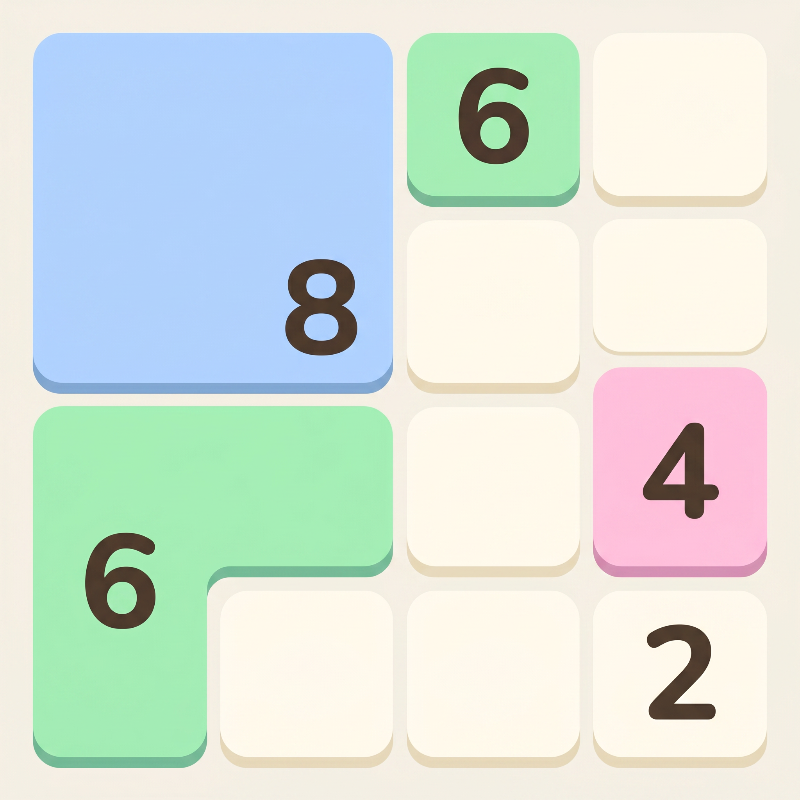
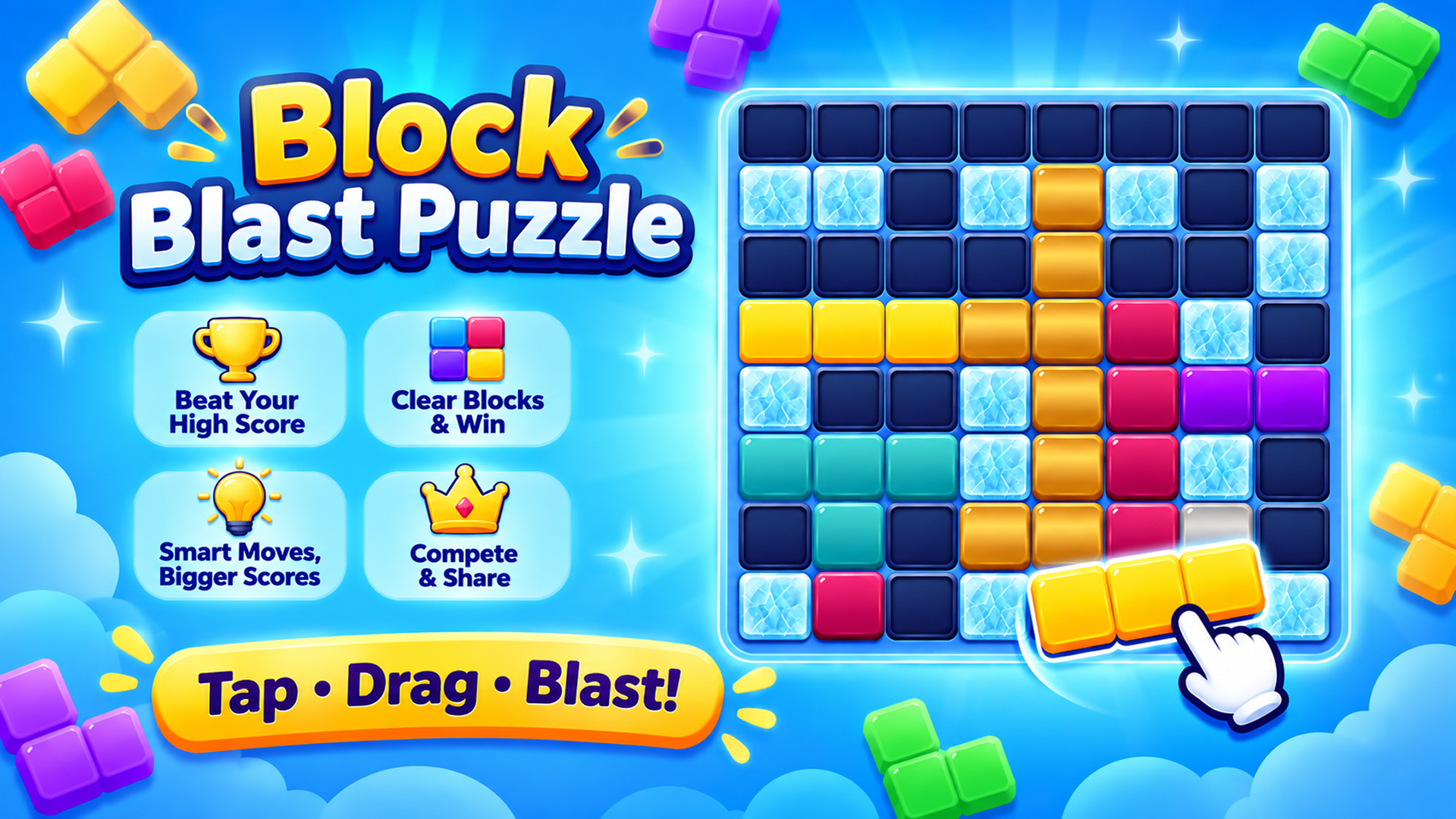
Drag and place beautifully designed block pieces onto the board to complete rows and columns, clear space, and achieve your highest score. Every move matters, so plan carefully and build massive combos to keep the board alive.
Whether you're looking for a calm puzzle experience or a tougher strategic challenge, Tile Pop offers multiple ways to play.
🎮 Game Modes
🧩 Classic Mode
Endless block puzzle gameplay.
Beat your personal best score.
Relaxing, easy to learn, difficult to master.
⚔️ Adventure Mode
A unique endless challenge where random obstacles appear throughout the game.
Face Frozen Ice, Vines, Spider Webs, Stone Blocks, Chains, Slime, Crystals, and Corrupted Tiles.
Every obstacle has its own mechanics, requiring different strategies to overcome.
Dynamic challenge events ensure that every run feels fresh and unpredictable.
✨ Features
Beautiful high-quality block themes.
Smooth, satisfying animations and sound effects.
Simple one-finger controls.
No time limits—play at your own pace.
Strategic gameplay that rewards planning and smart decisions.
Endless replayability with dynamic obstacle events.
Offline play supported—no internet required.
Regular updates with new content and improvements.
Can you master the board, overcome every obstacle, and become the ultimate Tile Pop champion?
Download Tile Pop today and start popping blocks! 🧩Tile Pop is a relaxing yet strategic block puzzle game that challenges your thinking with satisfying gameplay, colorful themes, and endless replayability.
Drag and place beautifully designed block pieces onto the board to complete rows and columns, clear space, and achieve your highest score. Every move matters, so plan carefully and build massive combos to keep the board alive.
Whether you're looking for a calm puzzle experience or a tougher strategic challenge, Tile Pop offers multiple ways to play.
🎮 Game Modes
🧩 Classic Mode
Endless block puzzle gameplay.
Beat your personal best score.
Relaxing, easy to learn, difficult to master.
⚔️ Adventure Mode
A unique endless challenge where random obstacles appear throughout the game.
Face Frozen Ice, Vines, Spider Webs, Stone Blocks, Chains, Slime, Crystals, and Corrupted Tiles.
Every obstacle has its own mechanics, requiring different strategies to overcome.
Dynamic challenge events ensure that every run feels fresh and unpredictable.
✨ Features
Beautiful high-quality block themes.
Smooth, satisfying animations and sound effects.
Simple one-finger controls.
No time limits—play at your own pace.
Strategic gameplay that rewards planning and smart decisions.
Endless replayability with dynamic obstacle events.
Offline play supported—no internet required.
Regular updates with new content and improvements.
Can you master the board, overcome every obstacle, and become the ultimate Tile Pop champion?
Download Tile Pop today and start popping blocks! 🧩
How to play Tile Pop : Block Blast
🖥️ Desktop (Mouse)
Select & Drag: Click and hold Left Mouse Button on any of the 3 available blocks at the bottom of the screen, then drag it onto the grid.
Place Block: Release the mouse button over valid highlighted grid cells to drop the block.
📱 Mobile (Touch Screen)
Select & Drag: Touch and hold your finger on any block shape at the bottom, then slide your finger to position it on the grid.
Place Block: Lift your finger when the block aligns over open grid cells.
Tile Pop : Block Blast controls
- Place Block: Release the mouse button over valid highlighted grid cells to drop the block
- Select & Drag: Touch and hold your finger on any block shape at the bottom, then slide your finger to position it on the grid
- Place Block: Lift your finger when the block aligns over open grid cells
Tile Pop : Block Blast FAQ
Is Tile Pop : Block Blast free to play?
Yes. Tile Pop : Block Blast is free on Physics Shark, with nothing to download and no account to make.
Can I play Tile Pop : Block Blast unblocked at school?
Tile Pop : Block Blast runs in a normal browser tab with no install, so it plays on school Chromebooks and laptops, with nothing to install and no account.
Does Tile Pop : Block Blast work on phones and tablets?
Yes. It works with touch controls on phones and tablets, and with a keyboard and mouse on computers.
- LikedNo votes yet
- Rank#306 of 2870
- PlaysBe the first!
- UpdatedNovember 2026
Gameplay
About this game
- Controls
- Place BlockRelease the mouse button over valid highlighted grid cells to drop the block
- Select & DragTouch and hold your finger on any block shape at the bottom, then slide your finger to position it on the grid
- Place BlockLift your finger when the block aligns over open grid cells
- Supported devices
- Desktop, phone and tablet
- Games like Tile Pop : Block Blast
- Fruit Merge: Juicy Drop GameBlock Blast MasterPortal HopArrow Cube 3DHidden Object: Clues and MysteriesHedgehog Go Home














