 Physics Shark




















Pirates Tiles Challenge
Pirates Tiles Challenge is a mahjong puzzle you can play unblocked right here on Physics Shark.
Show moreShow less
Play Pirates Tiles Challenge unblocked
Pirates Tiles Challenge is a mahjong puzzle you can play unblocked right here on Physics Shark. It runs in your browser with no download, no install and no account, so you can play it on a school Chromebook, a laptop, a phone or a tablet.
What is Pirates Tiles Challenge?
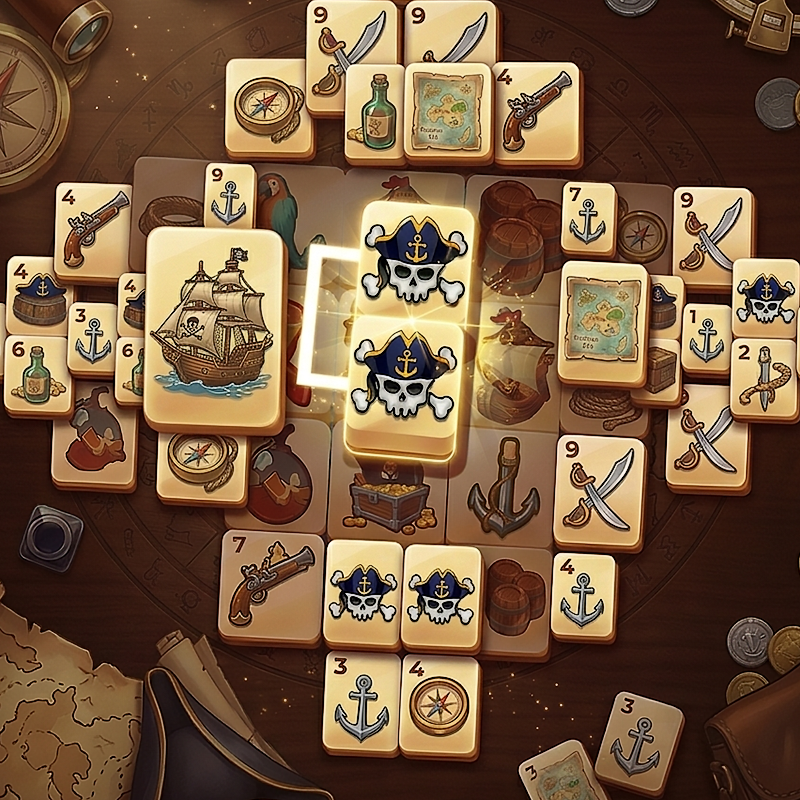
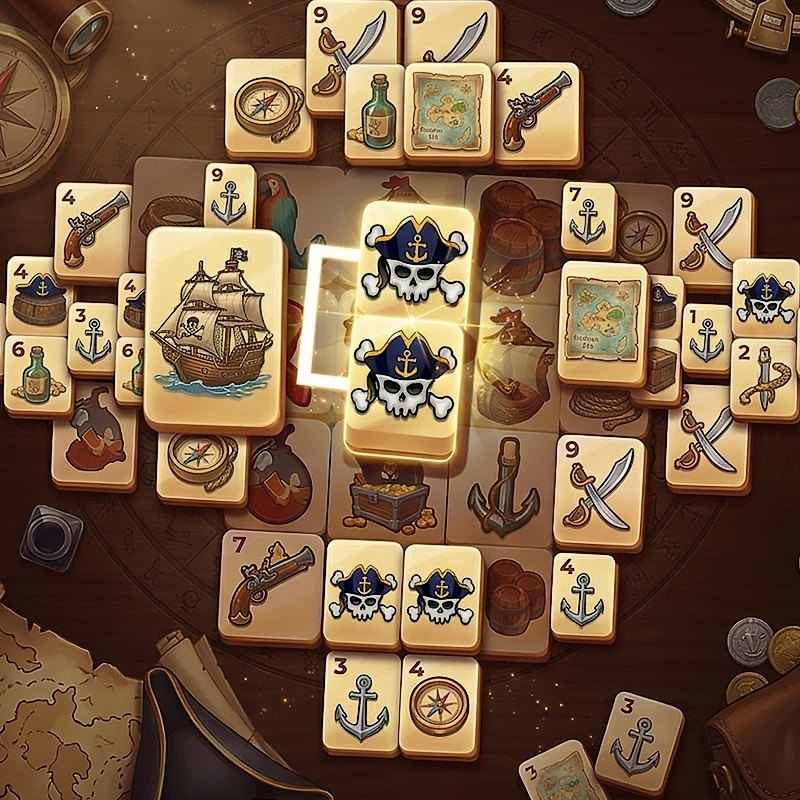
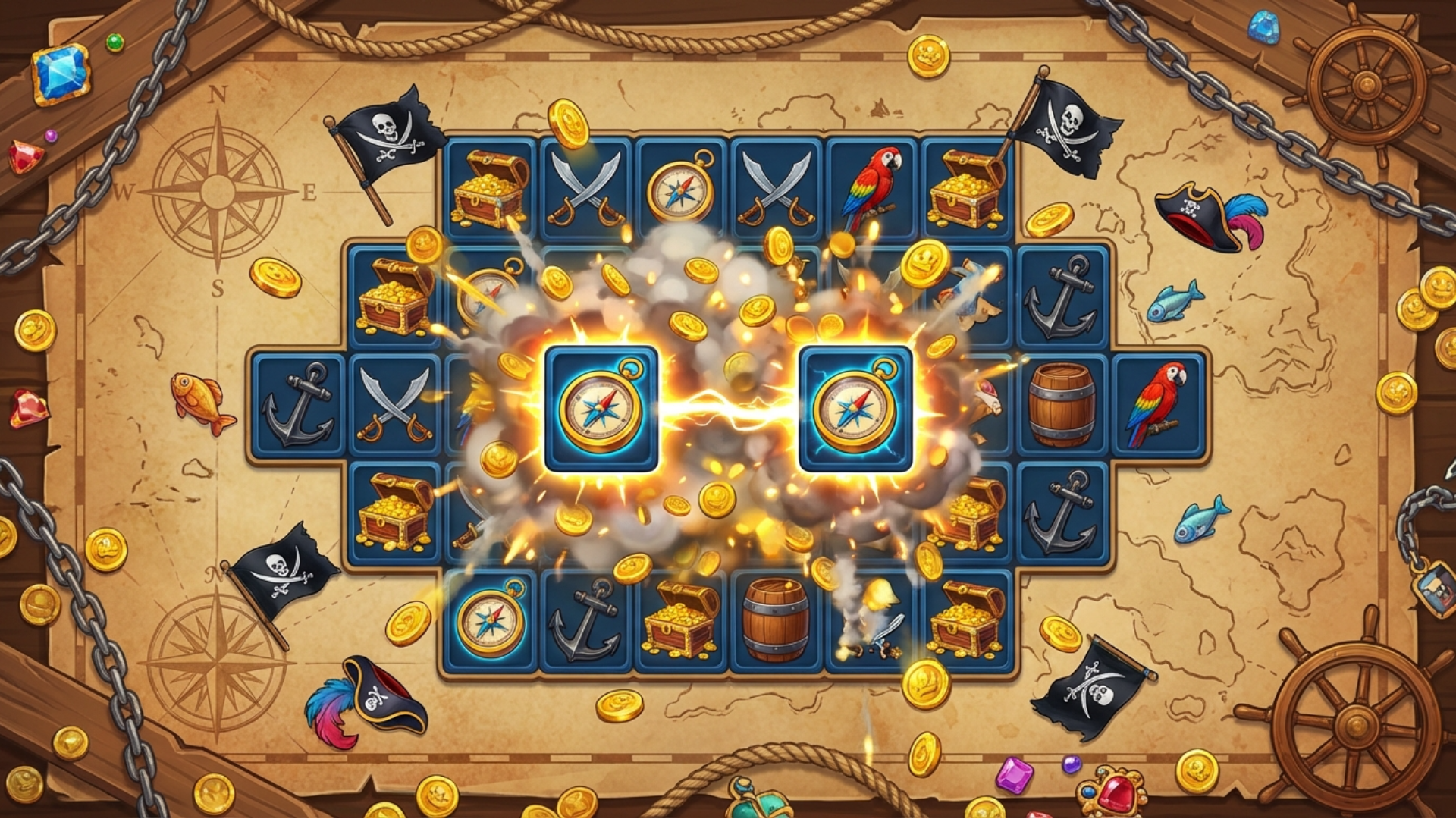
Pirates Tiles Challenge is a delightful tile-matching puzzle game with a vibrant pirate adventure theme. The core gameplay revolves around scanning a grid of pirate icons (flags, treasure chests, swords, anchors, etc.) to find identical pairs and connect them using at most 3 straight lines without the path being blocked by other tiles — a classic “Mahjong Solitaire-style” matching rule that demands spatial awareness and quick thinking. As you clear the board, a treasure-hunt atmosphere unfolds with colorful pirate graphics, progressive difficulty, stars-based scoring, and fun power-ups, making it easy to pick up yet endlessly challenging for players of all ages.
How to play Pirates Tiles Challenge
Become a Pirate Legend!
Step into the shoes of a fearless pirate captain and clear every treasure-filled board that stands in your way. In this delightful tile-matching puzzle game, you’ll scan the grid of pirate icons — flags, treasure chests, swords, anchors, pistols, compasses and more — to find identical pairs and connect them with at most 3 straight lines without the path being blocked. Match all tiles to clear the board, earn up to 3 stars, and conquer hundreds of progressively challenging levels in a vibrant pirate adventure atmosphere!
Desktop Controls:
Mouse: Click the first tile, then click the matching tile to connect them (valid path with ≤3 lines will automatically link).
Hint Button: Click the lightbulb icon for help.
Pause: Click the pause button.
Mobile Controls:
Tap: Tap the first tile, then tap the identical tile to match them (the game checks for a valid path with maximum 3 lines).
Hint Button: Tap the lightbulb icon.
Pause: Tap the pause button.
Pirates Tiles Challenge controls
- Mouse: Click the first tile, then click the matching tile to connect them (valid path with ≤3 lines will automatically link)
- Hint Button: Click the lightbulb icon for help
- Click the pause button: Pause
Pirates Tiles Challenge FAQ
Is Pirates Tiles Challenge free to play?
Yes. Pirates Tiles Challenge is free on Physics Shark, with nothing to download and no account to make.
Can I play Pirates Tiles Challenge unblocked at school?
Pirates Tiles Challenge runs in a normal browser tab with no install, so it plays on school Chromebooks and laptops, with nothing to install and no account.
Does Pirates Tiles Challenge work on phones and tablets?
Yes. It works with touch controls on phones and tablets, and with a keyboard and mouse on computers.
- LikedNo votes yet
- Rank#920 of 2870
- PlaysBe the first!
- UpdatedNovember 2026
Gameplay
About this game
- Controls
- MouseClick the first tile, then click the matching tile to connect them (valid path with ≤3 lines will automatically link)
- Hint ButtonClick the lightbulb icon for help
- Click the pause buttonPause
- Supported devices
- Desktop, phone and tablet
- Genre
- Puzzlematchingbraincolormahjongcolor matchingtiles
- Games like Pirates Tiles Challenge
- Fruit Merge: Juicy Drop GameBlock Blast MasterPortal HopArrow Cube 3DHidden Object: Clues and MysteriesHedgehog Go Home














