 Physics Shark

























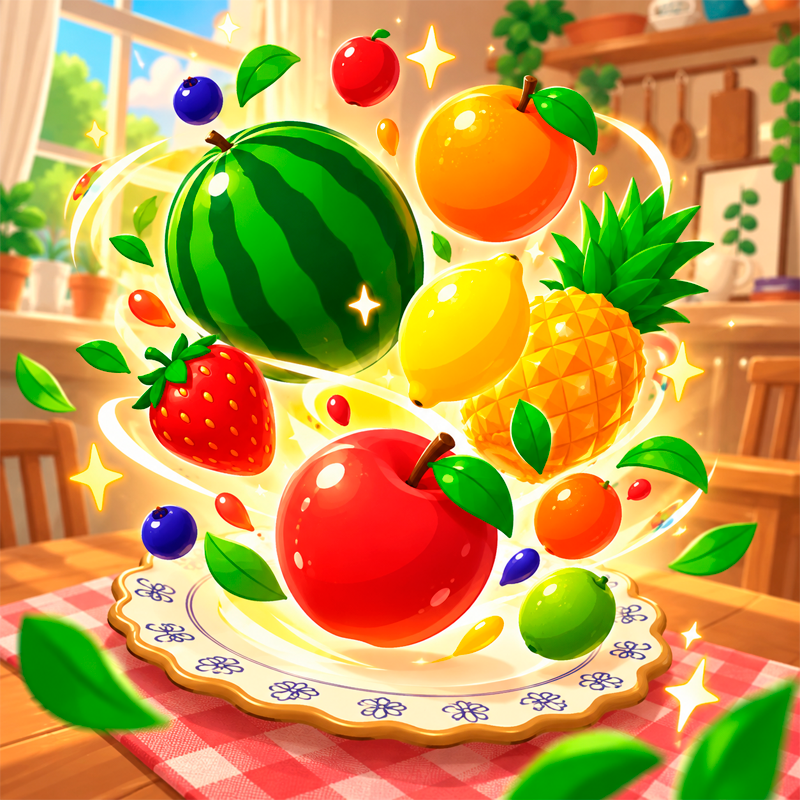
Fruit Drop 3D
Looking for a 3D merge game you can play at school? Fruit Drop 3D loads straight in your browser on Physics Shark: free, unblocked and nothing to install.
Show moreShow less
Play Fruit Drop 3D unblocked
Looking for a 3D merge game you can play at school? Fruit Drop 3D loads straight in your browser on Physics Shark: free, unblocked and nothing to install. Play it on a Chromebook or any computer with a keyboard and mouse.
What is Fruit Drop 3D?
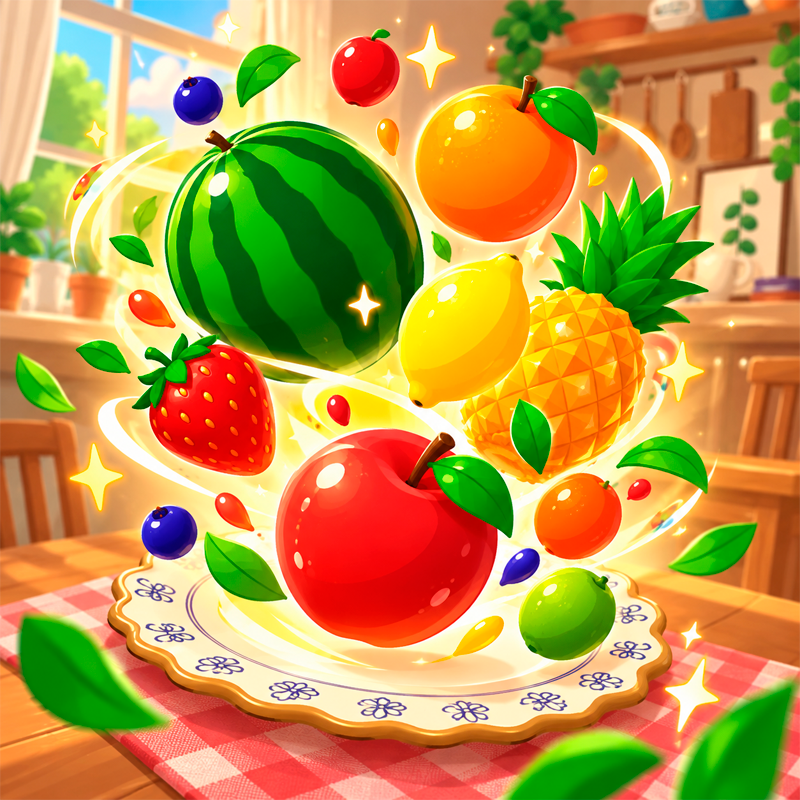
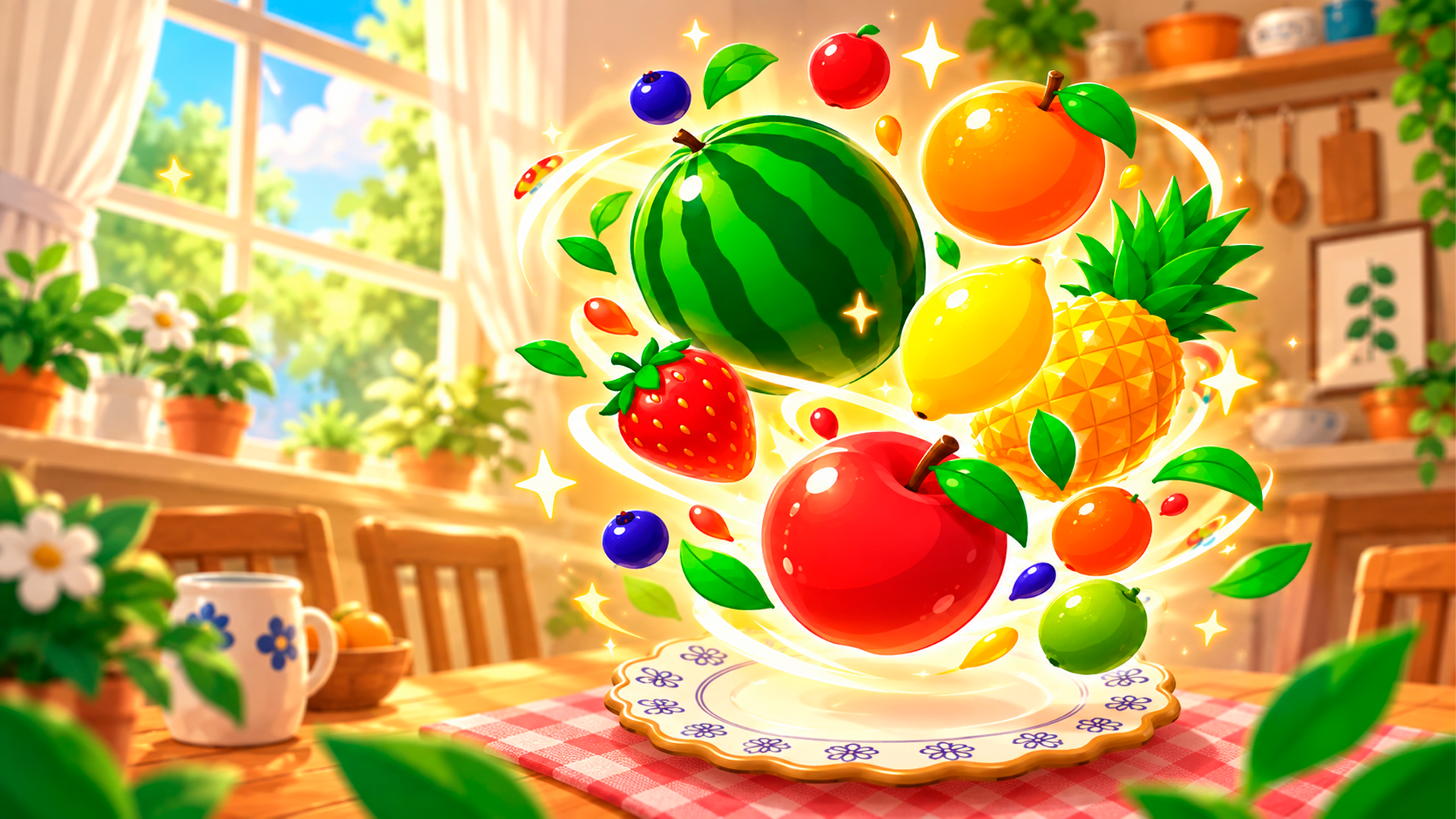
Fruit Drop 3D is a colorful physics-based fruit merging puzzle. Drop fruits into the container, combine matching ones to create bigger and more valuable fruits, and build the largest fruit possible. Plan every drop carefully, use the physics to your advantage, and try to beat your high score without letting the container overflow.
How to play Fruit Drop 3D
Move the fruit left and right with your mouse or finger, then click or tap to drop it. When two identical fruits touch, they merge into a larger fruit and give you points. Keep combining fruits to create bigger ones and increase your score. The game ends if the fruits pile up too high and reach the top of the container.
Fruit Drop 3D FAQ
Is Fruit Drop 3D free to play?
Yes. Fruit Drop 3D is free on Physics Shark, with nothing to download and no account to make.
Can I play Fruit Drop 3D unblocked at school?
Fruit Drop 3D runs in a normal browser tab with no install, so it plays on school Chromebooks and laptops, with nothing to install and no account.
Does Fruit Drop 3D work on phones and tablets?
It's made for computers: play it with a keyboard and mouse, for example on a Chromebook.
- LikedNo votes yet
- Rank#1498 of 2870
- PlaysBe the first!
- UpdatedNovember 2026
Gameplay
About this game
- Supported devices
- Desktop only: best with a keyboard and mouse














