 Physics Shark





































HEX Connect
Looking for a mahjong puzzle you can play at school? HEX Connect loads straight in your browser on Physics Shark: free, unblocked and nothing to install. Play it on a school Chromebook, a laptop, a phone or a tablet.
Show moreShow less
Play HEX Connect unblocked
Looking for a mahjong puzzle you can play at school? HEX Connect loads straight in your browser on Physics Shark: free, unblocked and nothing to install. Play it on a school Chromebook, a laptop, a phone or a tablet.
What is HEX Connect?
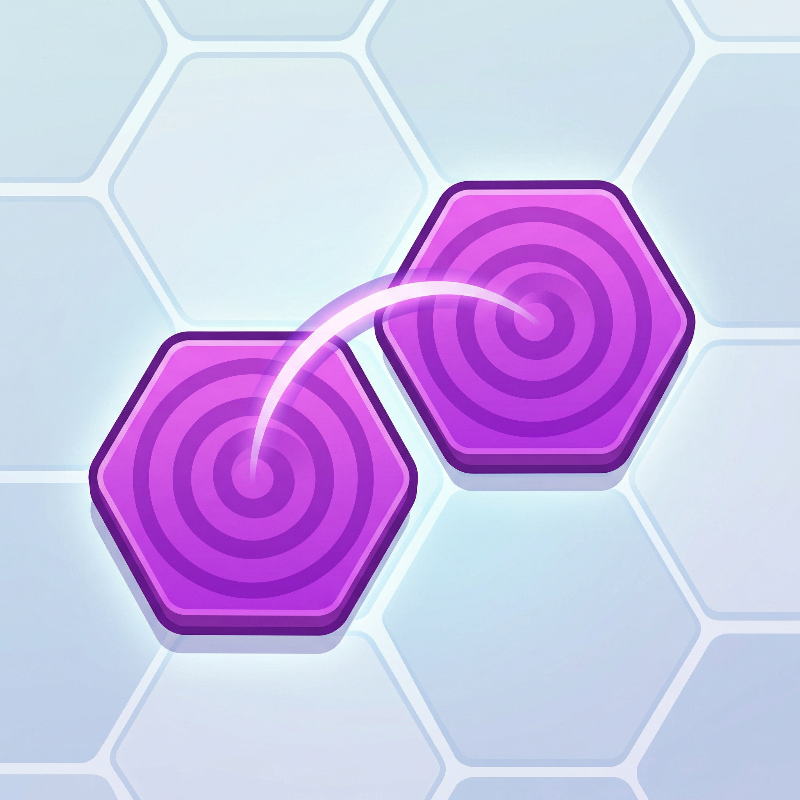
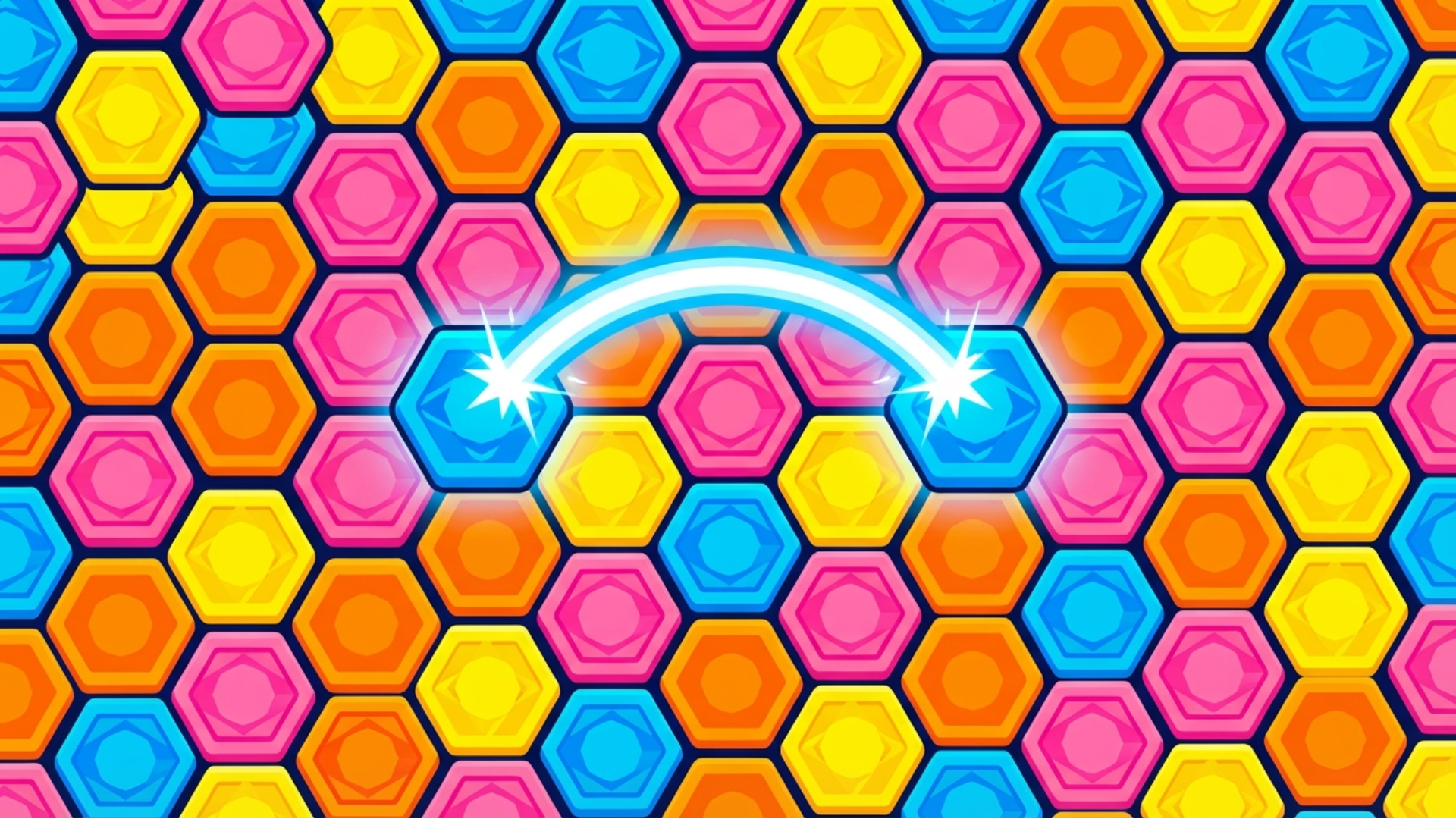
HEX Connect is a captivating hexagonal Mahjong Connect puzzle game where players strategically link pairs of identical colored tiles on a large hex grid, with connections limited to paths of no more than two bends, challenging spatial reasoning to clear the board entirely.
How to play HEX Connect
Master the Hex Grid! Dive into HEX Connect, the ultimate hexagonal Mahjong Connect puzzle, and strategically link pairs of identical colored tiles on a massive hex grid using paths with no more than two bends. Clear every tile from the board to win and conquer increasingly challenging levels!
Desktop Controls:
Mouse: Click on the first matching tile, then click on its pair to connect and remove them if a valid path exists.
Mobile Controls:
Touch: Tap on the first matching tile, then tap on its pair to connect and remove them if a valid path exists.
HEX Connect controls
- Mouse: Click on the first matching tile, then click on its pair to connect and remove them if a valid path exists
HEX Connect FAQ
Is HEX Connect free to play?
Yes. HEX Connect is free on Physics Shark, with nothing to download and no account to make.
Can I play HEX Connect unblocked at school?
HEX Connect runs in a normal browser tab with no install, so it plays on school Chromebooks and laptops, with nothing to install and no account.
Does HEX Connect work on phones and tablets?
Yes. It works with touch controls on phones and tablets, and with a keyboard and mouse on computers.
- LikedNo votes yet
- Rank#1151 of 2870
- PlaysBe the first!
- UpdatedNovember 2026
Gameplay
About this game
- Controls
- MouseClick on the first matching tile, then click on its pair to connect and remove them if a valid path exists
- Supported devices
- Desktop, phone and tablet
- Genre
- Puzzlematchingbrainlogicmahjongbrain trainingconnect














