 Physics Shark

























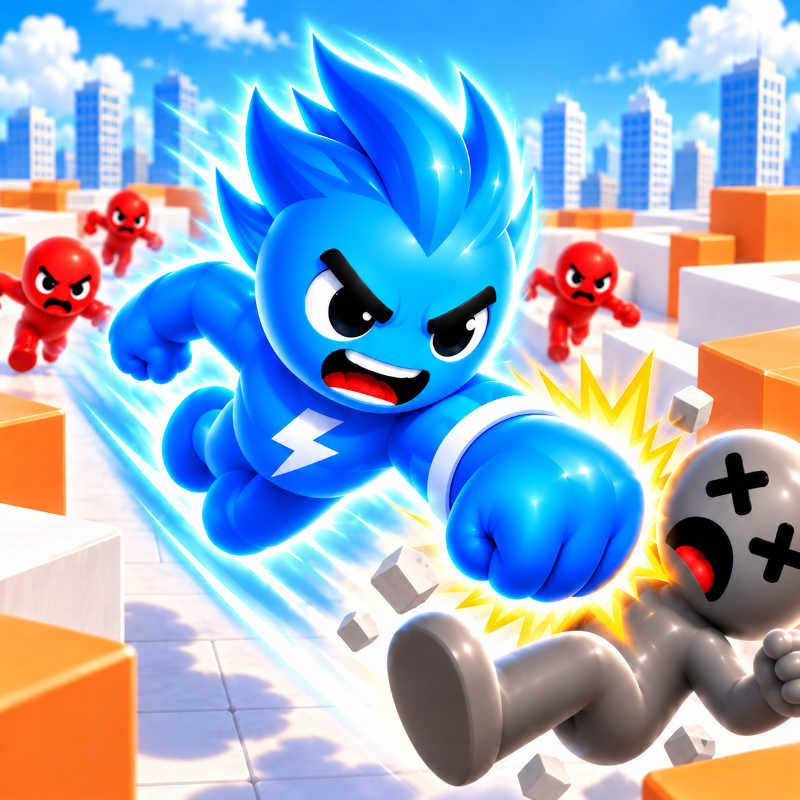
Rage Maze Master!
Looking for a puzzle game you can play at school? Rage Maze Master! loads straight in your browser on Physics Shark: free, unblocked and nothing to install. Play it on a school Chromebook, a laptop, a phone or a tablet.
Show moreShow less
Play Rage Maze Master! unblocked
Looking for a puzzle game you can play at school? Rage Maze Master! loads straight in your browser on Physics Shark: free, unblocked and nothing to install. Play it on a school Chromebook, a laptop, a phone or a tablet.
What is Rage Maze Master!?
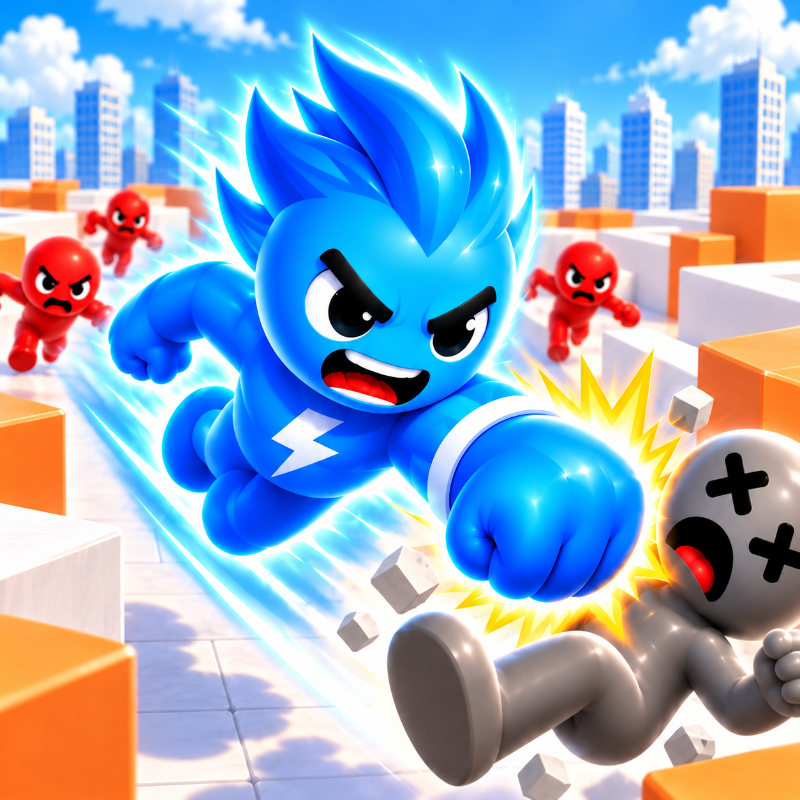
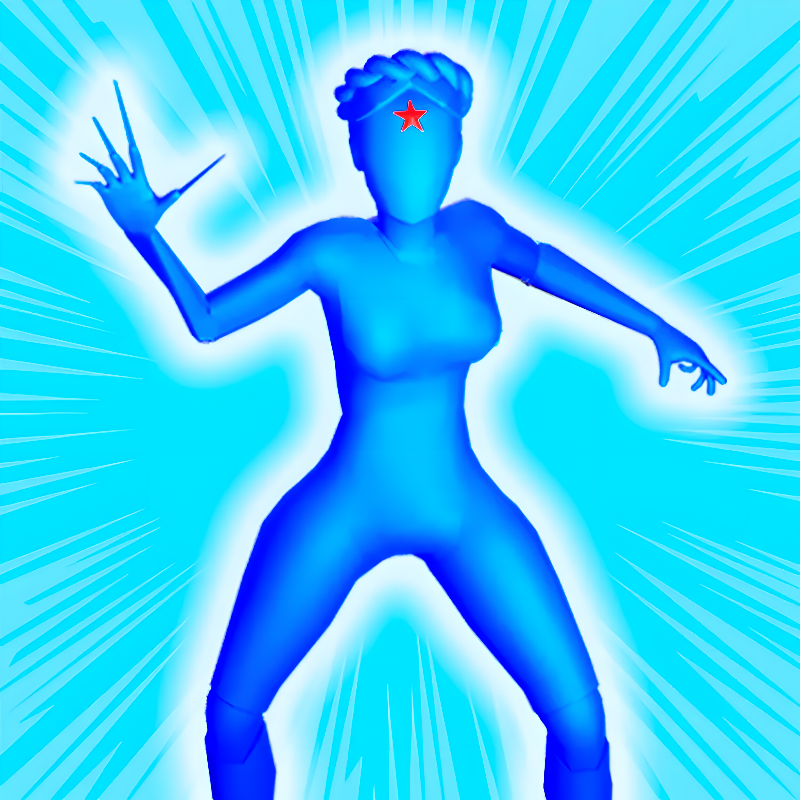
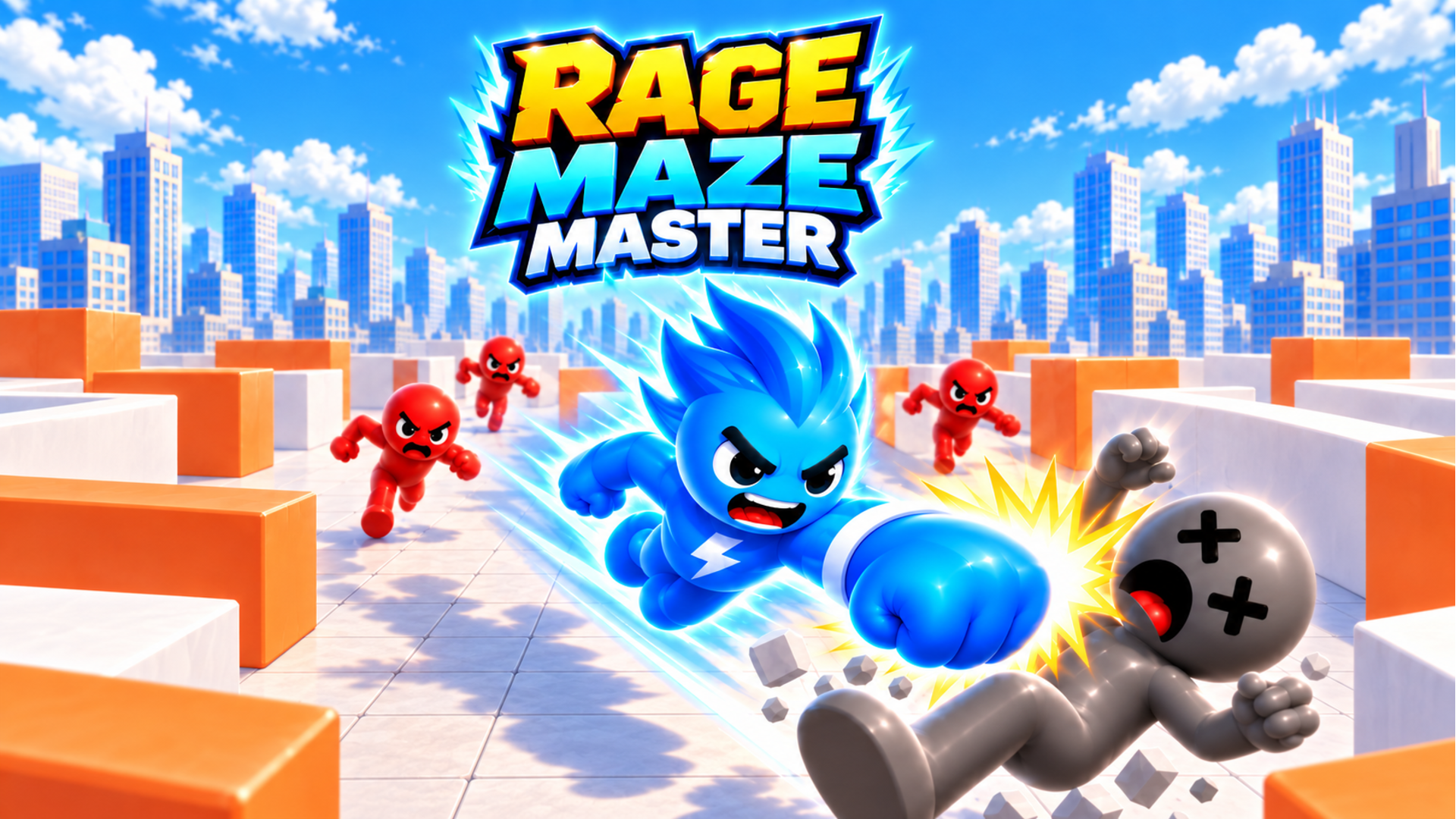
💥 In Rage Maze Master, race through mazes, paint the path, and unleash devastating attacks on every enemy standing in your way!
How to play Rage Maze Master!
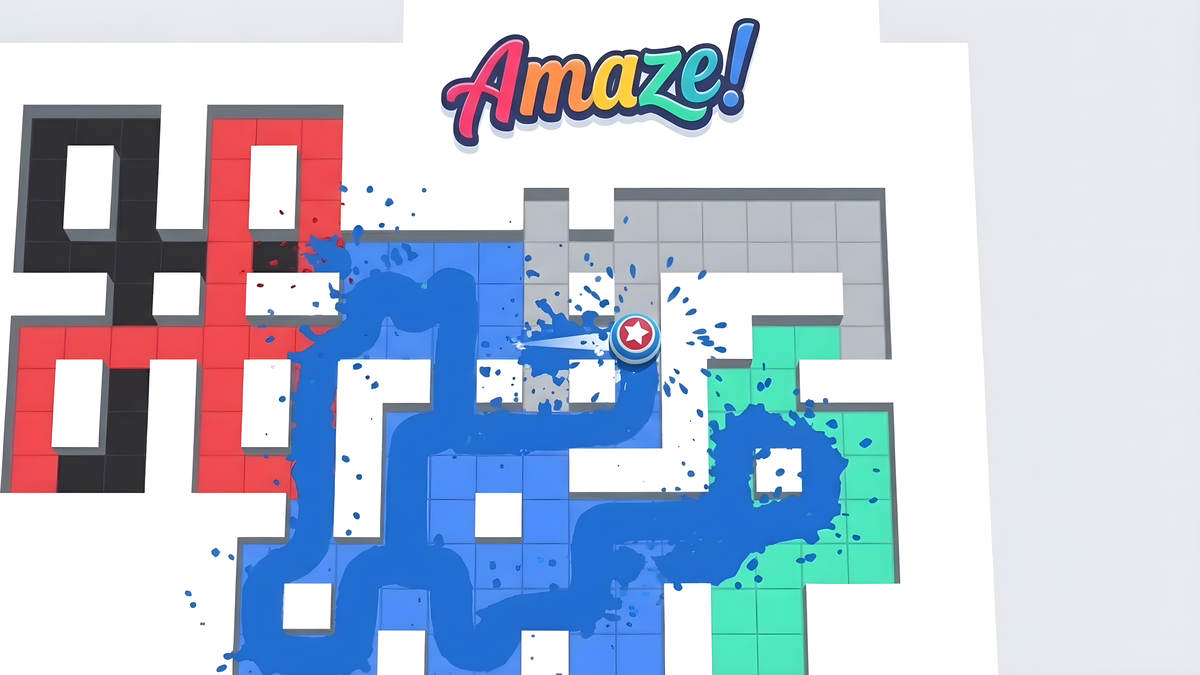
Become the Maze Master! Take control of a fearless fighter and conquer the entire arena. Move across the field to paint every tile in your color while taking down all enemies standing in your way. Plan your route, clear the battlefield, and leave no enemy - or unpainted tile - behind!
Desktop Controls:
↑ (Up Arrow): Move upward.
↓ (Down Arrow): Move downward.
← (Left Arrow): Move left.
→ (Right Arrow): Move right.
Mobile Controls:
Swipe Up: Move upward.
Swipe Down: Move downward.
Swipe Left: Move left.
Swipe Right: Move right.
Objective:
Paint the entire playing field and defeat all enemies to complete the level.
Rage Maze Master! controls
- ↑ (Up Arrow): Move upward
- ↓ (Down Arrow): Move downward
- ← (Left Arrow): Move left
- → (Right Arrow): Move right
Rage Maze Master! FAQ
Is Rage Maze Master! free to play?
Yes. Rage Maze Master! is free on Physics Shark, with nothing to download and no account to make.
Can I play Rage Maze Master! unblocked at school?
Rage Maze Master! runs in a normal browser tab with no install, so it plays on school Chromebooks and laptops, with nothing to install and no account.
Does Rage Maze Master! work on phones and tablets?
Yes. It works with touch controls on phones and tablets, and with a keyboard and mouse on computers.
- LikedNo votes yet
- Rank#332 of 2870
- PlaysBe the first!
- UpdatedNovember 2026
Gameplay
About this game
- Controls
- ↑ (Up Arrow)Move upward
- ↓ (Down Arrow)Move downward
- ← (Left Arrow)Move left
- → (Right Arrow)Move right
- Supported devices
- Desktop, phone and tablet














