 Physics Shark

























Hex Mine 2D
Looking for a sudoku puzzle you can play at school? Hex Mine 2D loads straight in your browser on Physics Shark: free, unblocked and nothing to install. Play it on a school Chromebook, a laptop, a phone or a tablet.
Show moreShow less
Play Hex Mine 2D unblocked
Looking for a sudoku puzzle you can play at school? Hex Mine 2D loads straight in your browser on Physics Shark: free, unblocked and nothing to install. Play it on a school Chromebook, a laptop, a phone or a tablet.
What is Hex Mine 2D?
Test your logic in a clean and relaxing hexagonal puzzle experience.
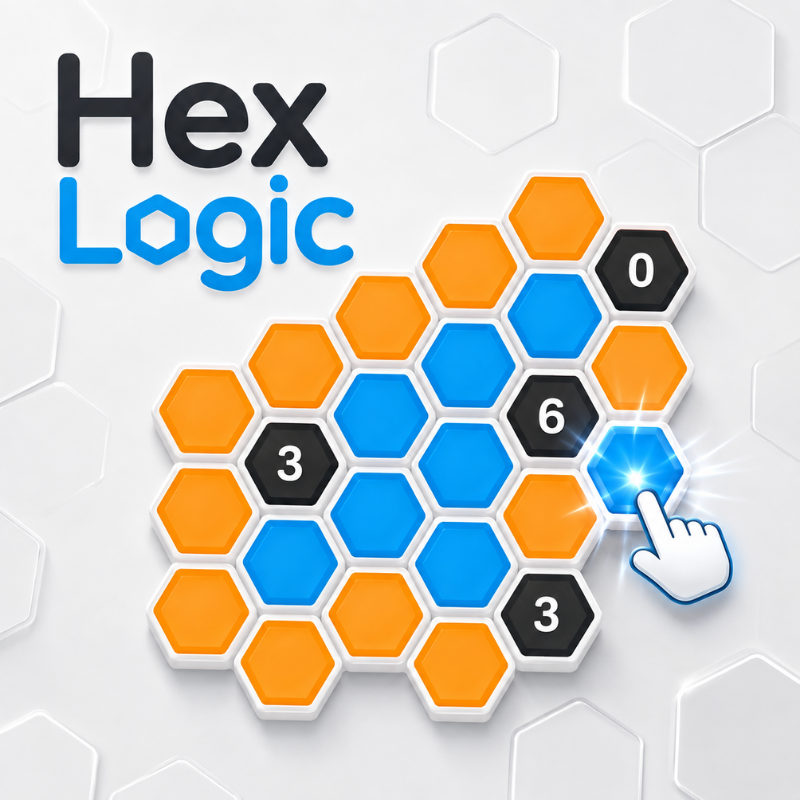
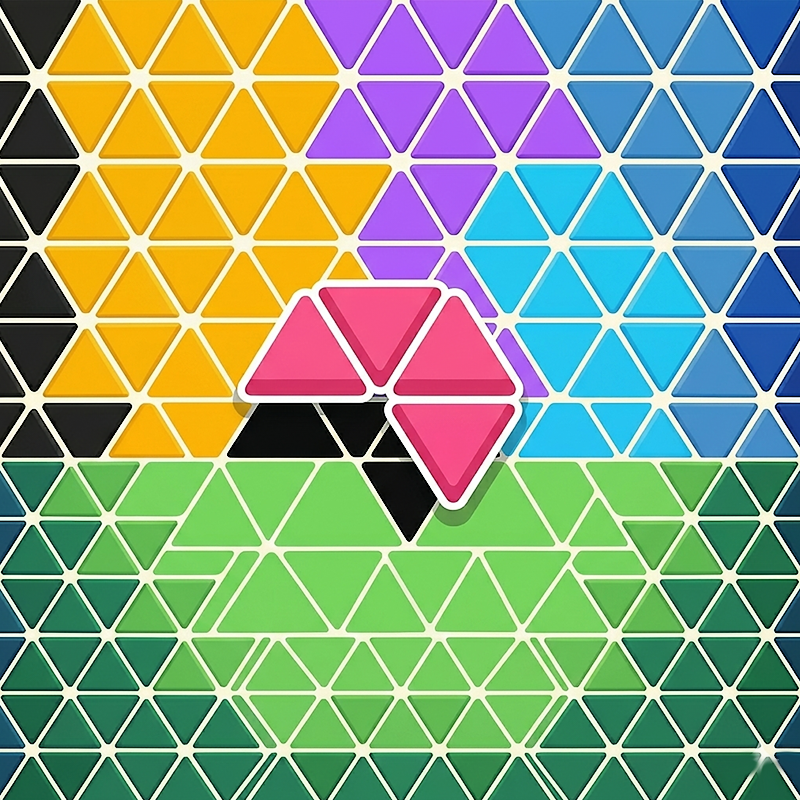
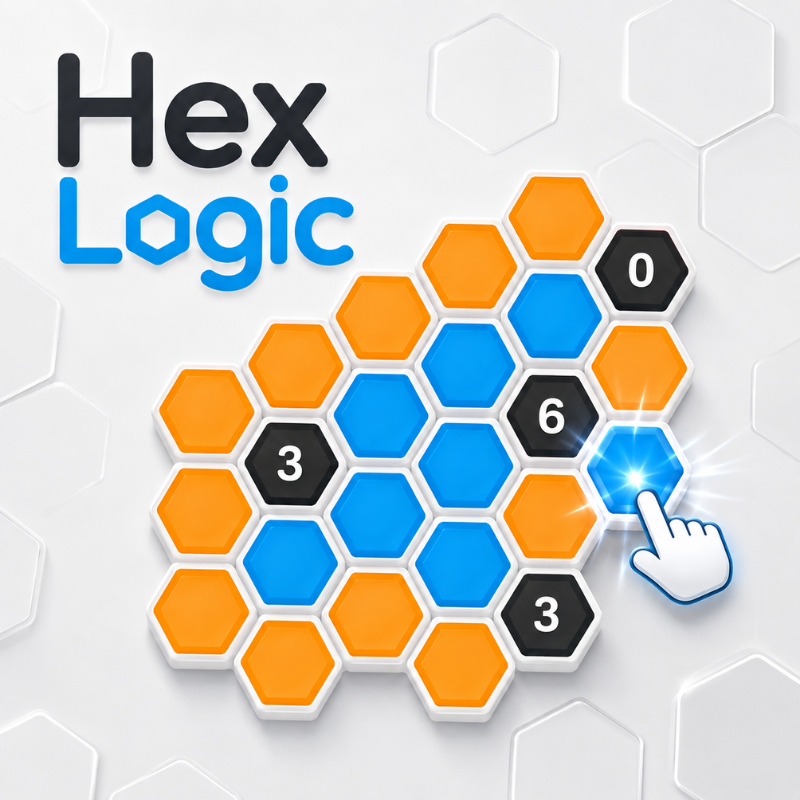
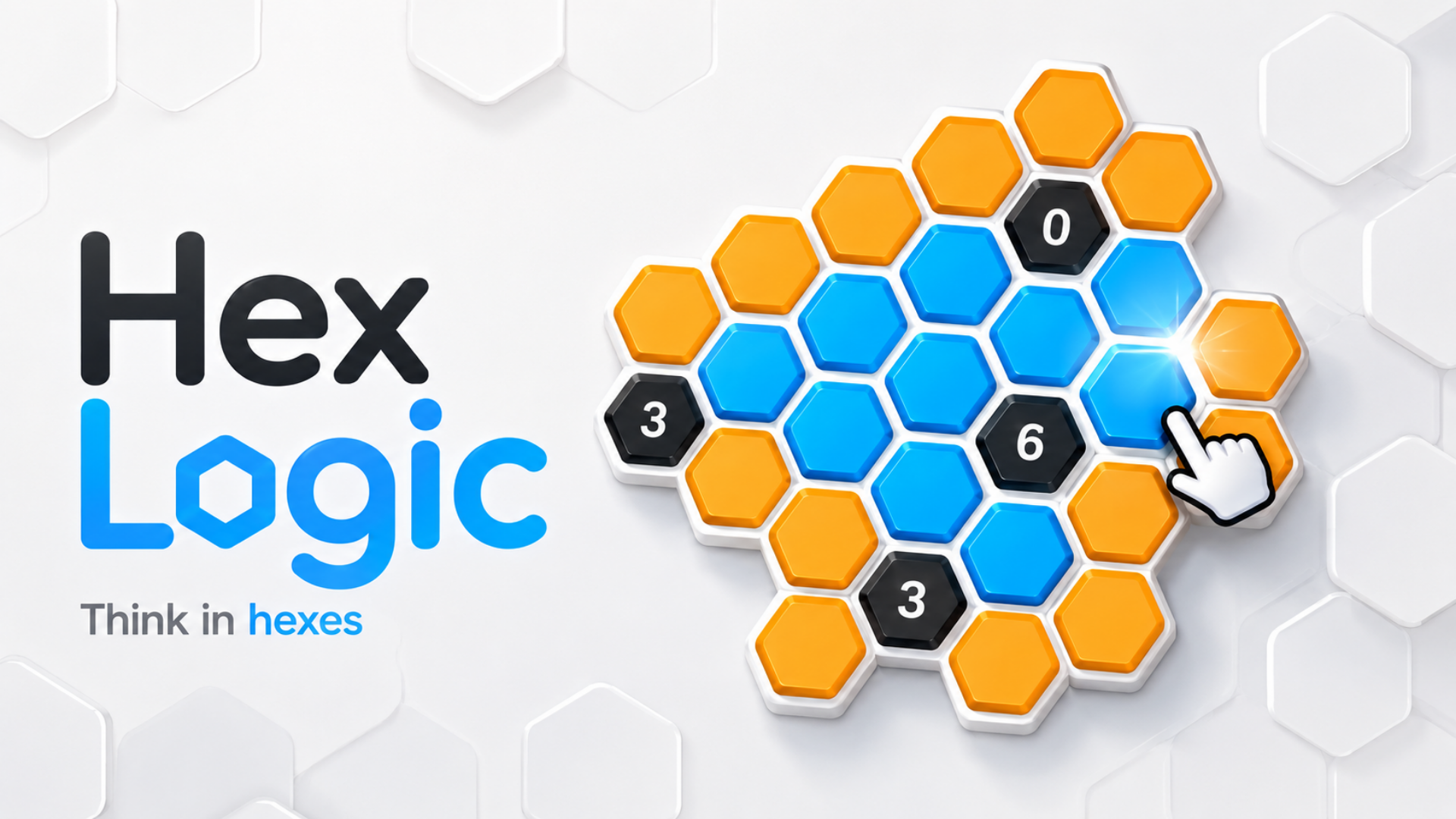
Each orange hexagon hides one of two states: blue or black. Use the numbered clues to determine the correct state of every cell. Each number tells you how many connected neighboring cells must be blue.
Start with simple tutorial puzzles, then progress through 30 increasingly challenging levels featuring overlapping clues, consecutive groups, directional clues, and advanced deduction patterns.
Every puzzle is designed to be solved through logic alone—no guessing required.
Features
30 handcrafted logic puzzles
Simple rules with increasing difficulty
Clean minimalist visual style
Mouse and touch controls
Undo, restart, and hint options
Mistake tracking
Multiple advanced clue types
Relaxing gameplay with no time pressure
Progress saving and level selection
How to play Hex Mine 2D
Your goal is to correctly mark every orange hexagon as either blue or black.
A number inside a dark clue cell shows how many adjacent cells are blue.
Use the clues together to identify the correct state of each orange cell.
Mark all required blue cells and eliminate the remaining cells as black.
Complete the puzzle when no orange cells remain.
Controls
Desktop
Left-click: Mark a cell blue
Right-click: Mark a cell black
Click the same cell again: Undo that mark
U or Ctrl + Z: Undo
R: Restart
H: Hint
Esc: Pause
Mobile
Tap: Mark a cell blue
Long-press: Mark a cell black
Some versions may also include separate Blue and Black selection buttons.
Clue Examples
0: None of the neighboring cells are blue.
6: All six neighboring cells are blue.
3: Exactly three neighboring cells are blue.
Special clue symbols may indicate that blue cells must be consecutive, separated, or located along a specific direction.
Use deduction, compare overlapping clues, and solve every board without guessing.
Hex Mine 2D controls
- Left-click: Mark a cell blue
- Right-click: Mark a cell black
- R: Restart
- H: Hint
- Esc: Pause
Hex Mine 2D FAQ
Is Hex Mine 2D free to play?
Yes. Hex Mine 2D is free on Physics Shark, with nothing to download and no account to make.
Can I play Hex Mine 2D unblocked at school?
Hex Mine 2D runs in a normal browser tab with no install, so it plays on school Chromebooks and laptops, with nothing to install and no account.
Does Hex Mine 2D work on phones and tablets?
Yes. It works with touch controls on phones and tablets, and with a keyboard and mouse on computers.
- LikedNo votes yet
- Rank#1243 of 2870
- PlaysBe the first!
- UpdatedNovember 2026
Gameplay
About this game
- Controls
- Left-clickMark a cell blue
- Right-clickMark a cell black
- RRestart
- HHint
- EscPause
- Supported devices
- Desktop, phone and tablet
- Genre
- Puzzlelogicbrainsudoku2dmind














