 Physics Shark


















Kitty Kitty
Kitty Kitty is a cozy idle game you can play unblocked right here on Physics Shark.
Show moreShow less
Play Kitty Kitty unblocked
Kitty Kitty is a cozy idle game you can play unblocked right here on Physics Shark. It runs in your browser with no download, no install and no account, so you can play it on a school Chromebook, a laptop, a phone or a tablet.
What is Kitty Kitty?
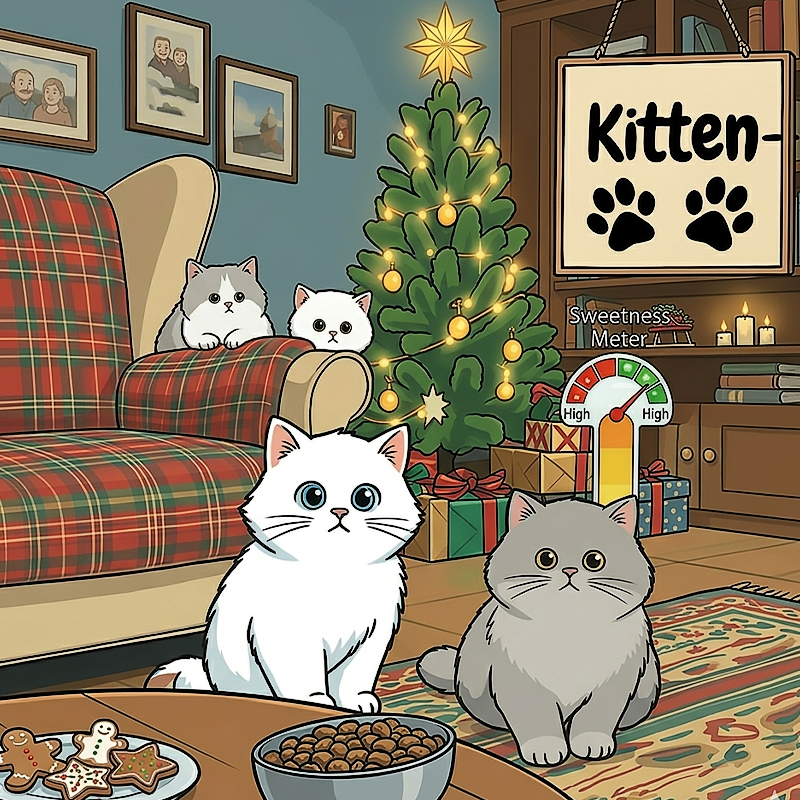
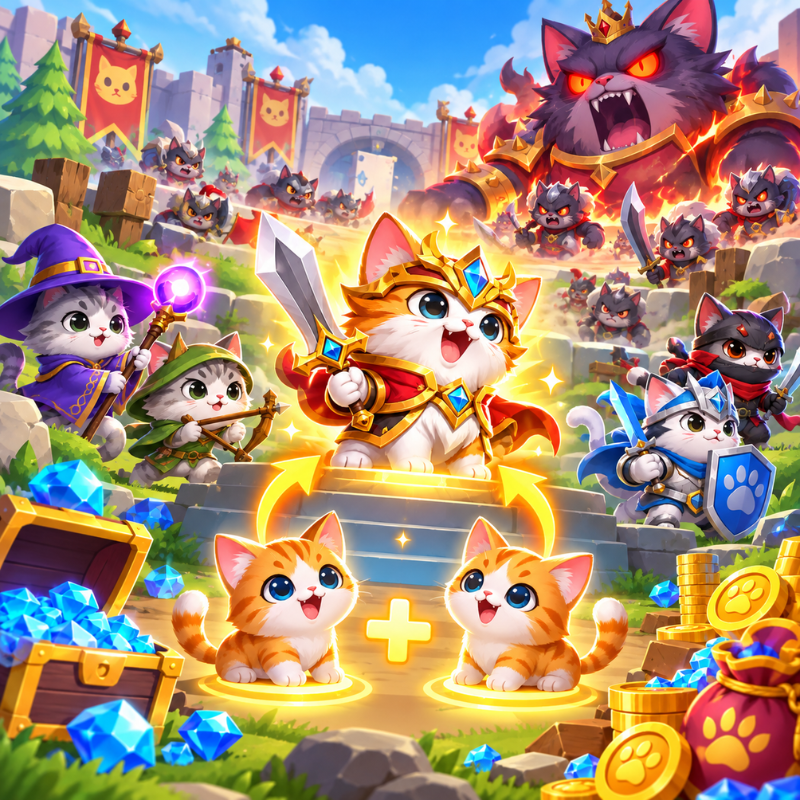
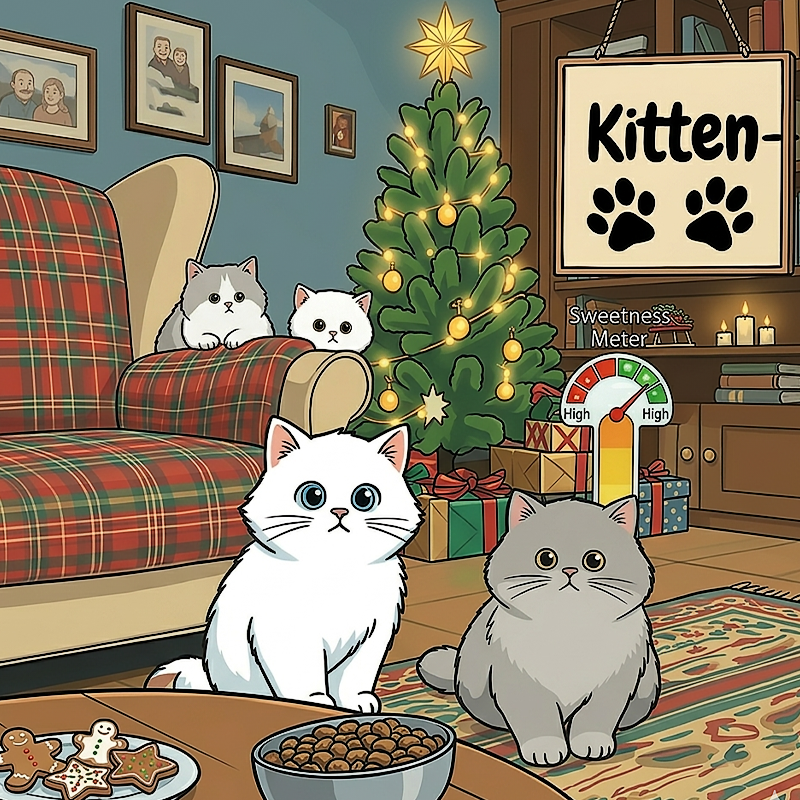
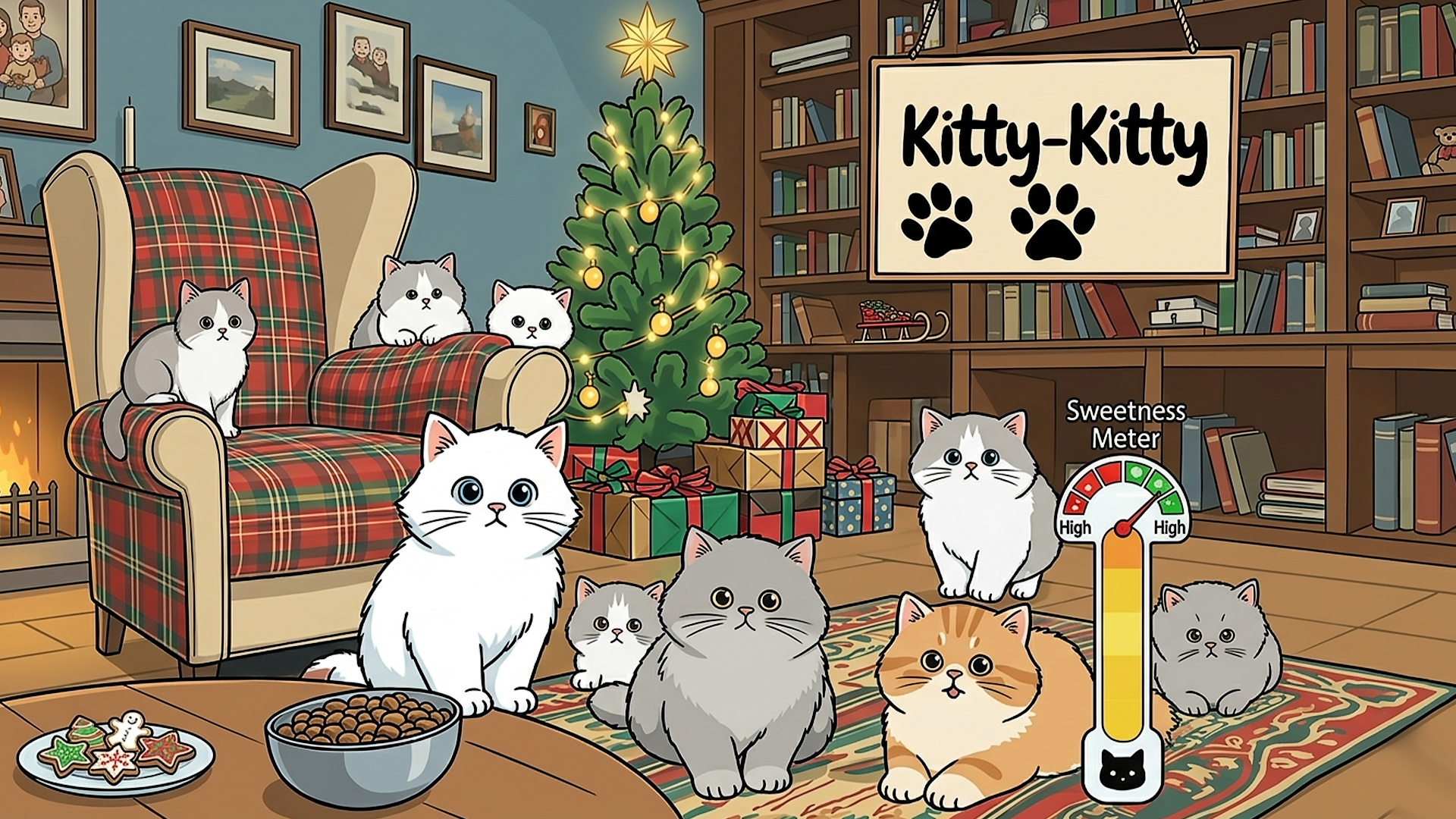
Kitty Kitty is a charming casual idle simulation game where players nurture and level up adorable kawaii cats in a festive snowy winter wonderland, collecting cat food as the core idle resource (with passive production like +50/s) to raise stats such as Sweetness and unlock new features via daily check-ins and challenges. Its unique appeal lies in the heartwarming blend of cozy cat-collection mechanics, customizable habitats (Toy Room, food bowls, Kitty Wiki, and recycling), and seasonal Christmas charm with Santa-hatted felines, decorated trees, and snowmen—all presented in vibrant, playful 2D art that emphasizes relaxed, feel-good feline care over competitive gameplay.
How to play Kitty Kitty
Become a Kitty Guardian!
Step into the shoes of a loving cat caretaker and nurture adorable kawaii cats in a festive snowy winter wonderland. In this charming casual idle simulation game, you’ll collect cat food as the core idle resource (with passive production like +50/s) to level up your felines, raise their Sweetness stat, and unlock new features via daily check-ins and challenges. Manage cozy habitats, complete tasks, and show them who’s the best cat parent by building the ultimate heartwarming feline paradise!
Desktop Controls:
Left Mouse Button: Collect cat food and interact with cats or resource icons.
Click on CheckIn icon: Claim daily rewards.
Click on Challenges icon: Complete tasks and unlock features.
Click on bottom icons: Access Toy Room, food bowl, Kitty Wiki, or Recycle.
Mobile Controls:
On-Screen Tap: Collect cat food and interact with all elements by tapping the screen.
Tap Button: Tap CheckIn or Challenges for daily rewards and tasks.
Tap Bottom Icons: Tap to open Toy Room, feed cats, view Kitty Wiki, or use Recycle.
Kitty Kitty controls
- Left Mouse Button: Collect cat food and interact with cats or resource icons
- Click on CheckIn icon: Claim daily rewards
- Click on Challenges icon: Complete tasks and unlock features
- Click on bottom icons: Access Toy Room, food bowl, Kitty Wiki, or Recycle
Kitty Kitty FAQ
Is Kitty Kitty free to play?
Yes. Kitty Kitty is free on Physics Shark, with nothing to download and no account to make.
Can I play Kitty Kitty unblocked at school?
Kitty Kitty runs in a normal browser tab with no install, so it plays on school Chromebooks and laptops, with nothing to install and no account.
Does Kitty Kitty work on phones and tablets?
Yes. It works with touch controls on phones and tablets, and with a keyboard and mouse on computers.
- LikedNo votes yet
- Rank#1764 of 2870
- PlaysBe the first!
- UpdatedNovember 2026
Gameplay
About this game
- Controls
- Left Mouse ButtonCollect cat food and interact with cats or resource icons
- Click on CheckIn iconClaim daily rewards
- Click on Challenges iconComplete tasks and unlock features
- Click on bottom iconsAccess Toy Room, food bowl, Kitty Wiki, or Recycle
- Supported devices
- Desktop, phone and tablet
- Genre
- Idlecozycatskittycute














