 Physics Shark




















Moscow Metro Simulator
Looking for a driving game you can play at school? Moscow Metro Simulator loads straight in your browser on Physics Shark: free, unblocked and nothing to install.
Show moreShow less
Play Moscow Metro Simulator unblocked
Looking for a driving game you can play at school? Moscow Metro Simulator loads straight in your browser on Physics Shark: free, unblocked and nothing to install. Play it on a school Chromebook, a laptop, a phone or a tablet.
What is Moscow Metro Simulator?
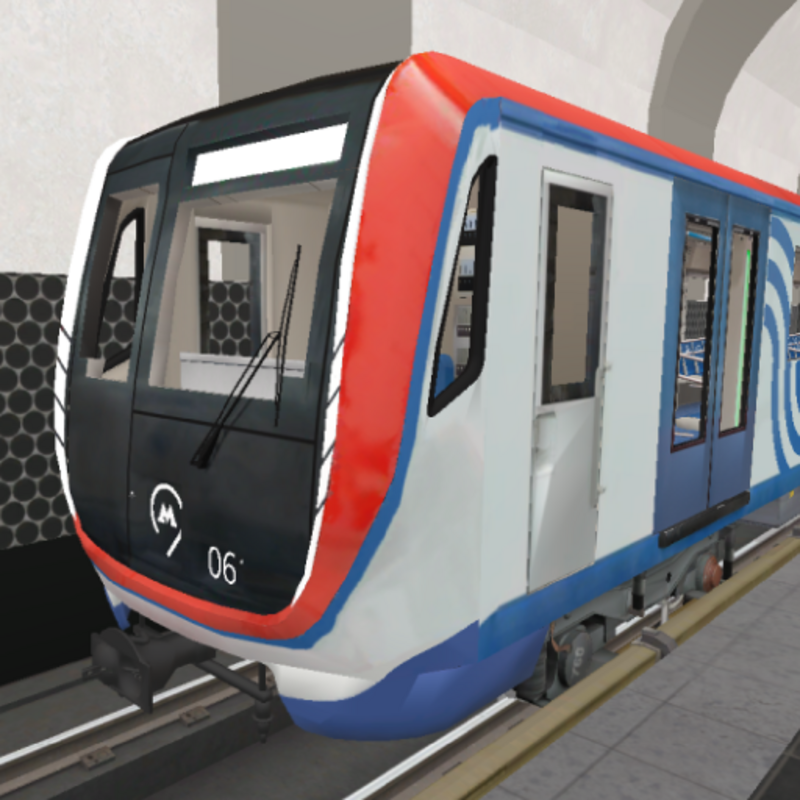
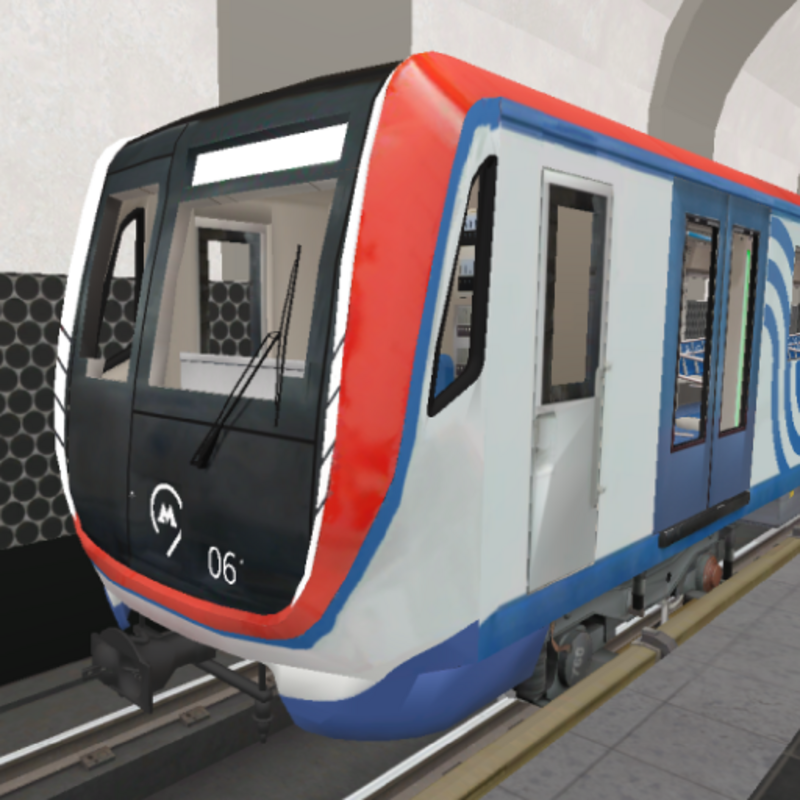
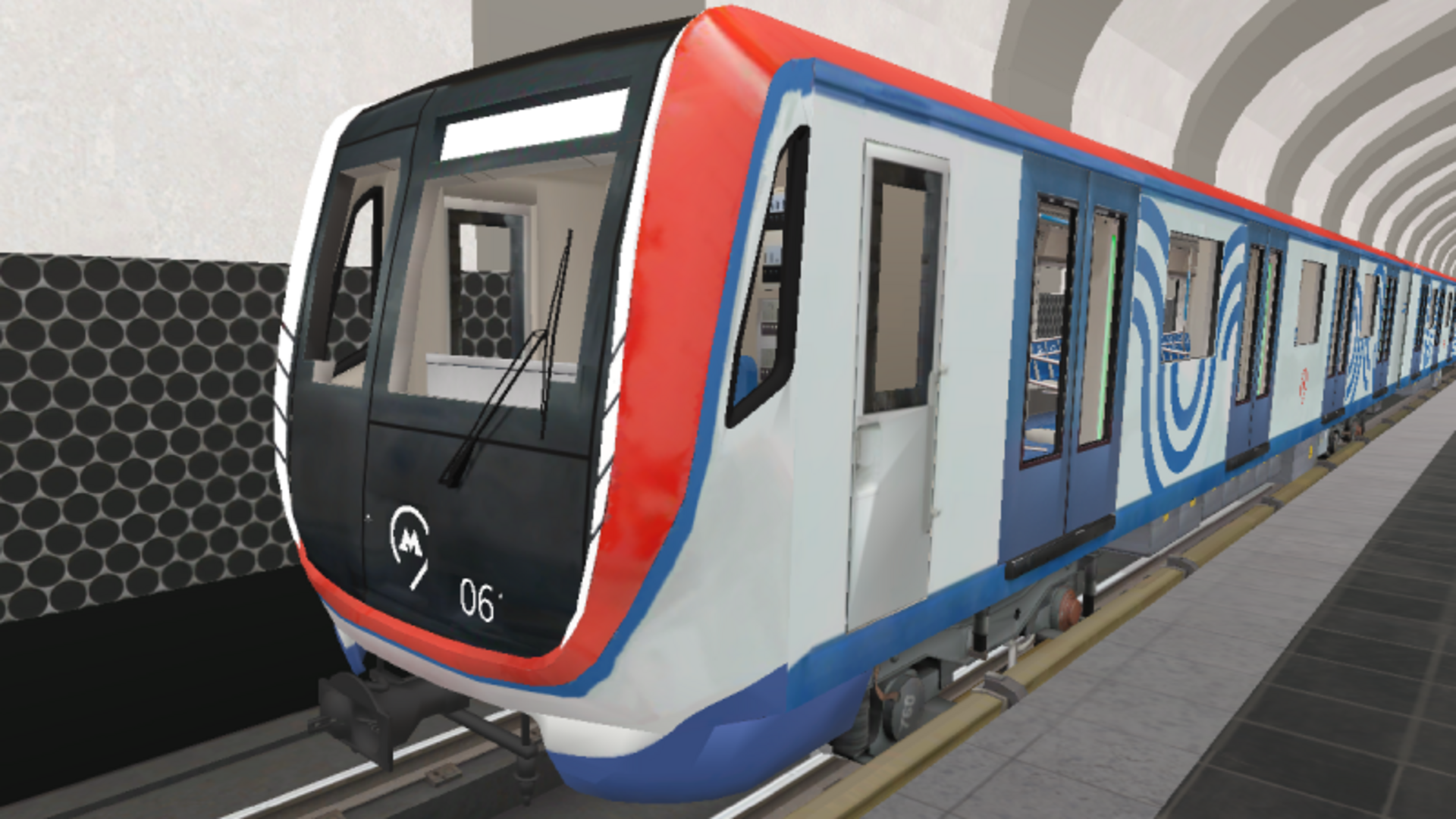
Drive a Moscow metro train, transport passengers, explore stations!
- Metro lines:
- Kalininskaya (8) (Tretyakovskaya, Marksistskaya, Ploshchad Ilyicha, Aviamotornaya, Shosse Entuziastov, Perovo, Novogireyevo, Novokosino)
- Trains:
- "Nomernoy" 81-717/714;
- "Oka" 81-760/761;
- Wagon type "E" 81-703;
- "Moscow" 81-765/766.
- Informant: the real records of the informant of the Moscow metro.
- Game Modes:
- Driver mode: control the Moscow metro train;
- Training: learn how to drive a train.
How to play Moscow Metro Simulator
- Train control:
- Speed dial: move the controller on the left to the position "X1", "X2", "X3" or "X4";
- Speed reduction: move the controller on the left to the position "T1", "T2" or "T3";
- Start recording the informant: a button with a speaker on the bottom right;
- Doors: a button with doors on the bottom right (to open the doors, you need to be at the station, no more than 3 meters from the rail);
- Camera - camera button in the upper left corner;
- Switch headlights - a button with a light indication on the bottom right;
- Beep - hold down the button with the pipe from the bottom right.
- Walking through the stations:
- Get off the train: the "Get off the train" button on the bottom left (appears when stopping at the station, no more than 3 meters from the rail);
- Get back on the train: the "Get back on the train" button on the bottom left;
- Walking: Desktop: WASD | Mobile devices: Left joystick;
- Camera rotation: Desktop: Mouse movement | Mobile devices: The right joystick
Moscow Metro Simulator controls
- Speed dial: move the controller on the left to the position "X1", "X2", "X3" or "X4";
- Speed reduction: move the controller on the left to the position "T1", "T2" or "T3";
- Camera: camera button in the upper left corner;
- Switch headlights: a button with a light indication on the bottom right;
- Beep: hold down the button with the pipe from the bottom right
- Walking: Desktop: WASD | Mobile devices: Left joystick;
- Camera rotation: Desktop: Mouse movement | Mobile devices: The right joystick
Moscow Metro Simulator FAQ
Is Moscow Metro Simulator free to play?
Yes. Moscow Metro Simulator is free on Physics Shark, with nothing to download and no account to make. The game has optional in-game purchases, but you never need them to play.
Can I play Moscow Metro Simulator unblocked at school?
Moscow Metro Simulator runs in a normal browser tab with no install, so it plays on school Chromebooks and laptops, with nothing to install and no account.
Does Moscow Metro Simulator work on phones and tablets?
Yes. It works with touch controls on phones and tablets, and with a keyboard and mouse on computers.
- LikedNo votes yet
- Rank#1489 of 2870
- PlaysBe the first!
- UpdatedNovember 2026
Gameplay
About this game
- Controls
- Speed dialmove the controller on the left to the position "X1", "X2", "X3" or "X4";
- Speed reductionmove the controller on the left to the position "T1", "T2" or "T3";
- Cameracamera button in the upper left corner;
- Switch headlightsa button with a light indication on the bottom right;
- Beephold down the button with the pipe from the bottom right
- WalkingDesktop: WASD | Mobile devices: Left joystick;
- Camera rotationDesktop: Mouse movement | Mobile devices: The right joystick
- Supported devices
- Desktop, phone and tablet
- Genre
- Drivingtrain














