 Physics Shark
























Moto X3M
Looking for a racing game you can play at school? Moto X3M loads straight in your browser on Physics Shark: free, unblocked and nothing to install. Play it on a school Chromebook, a laptop, a phone or a tablet.
Show moreShow less
Play Moto X3M unblocked
Looking for a racing game you can play at school? Moto X3M loads straight in your browser on Physics Shark: free, unblocked and nothing to install. Play it on a school Chromebook, a laptop, a phone or a tablet.
What is Moto X3M?
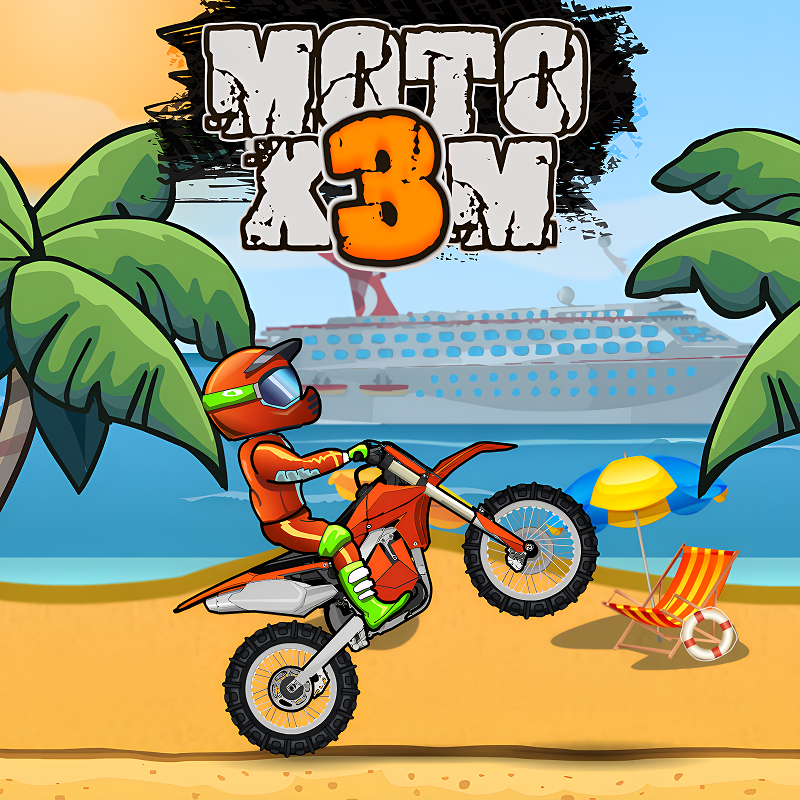
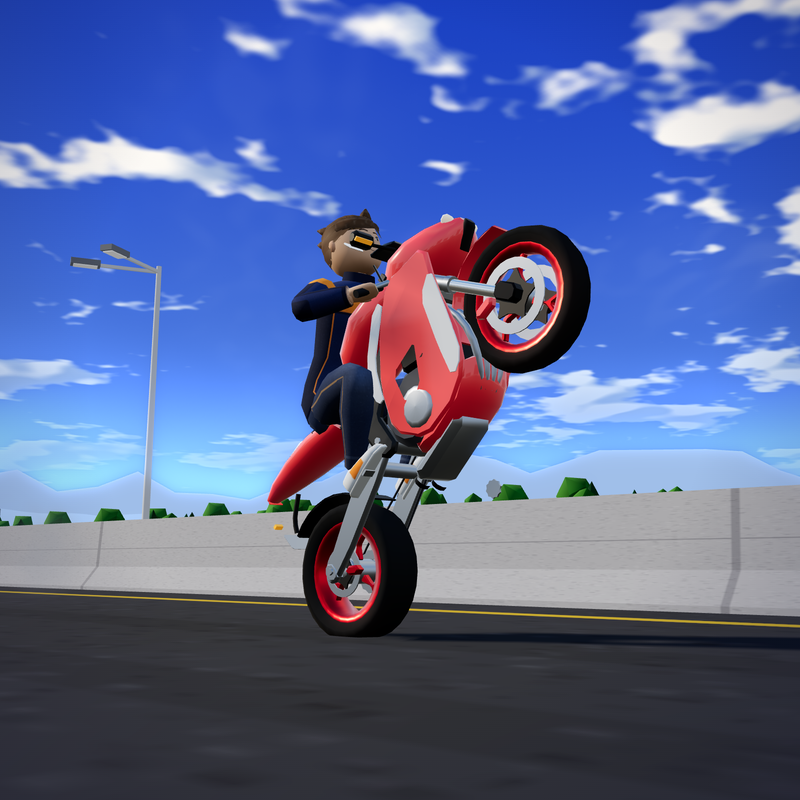
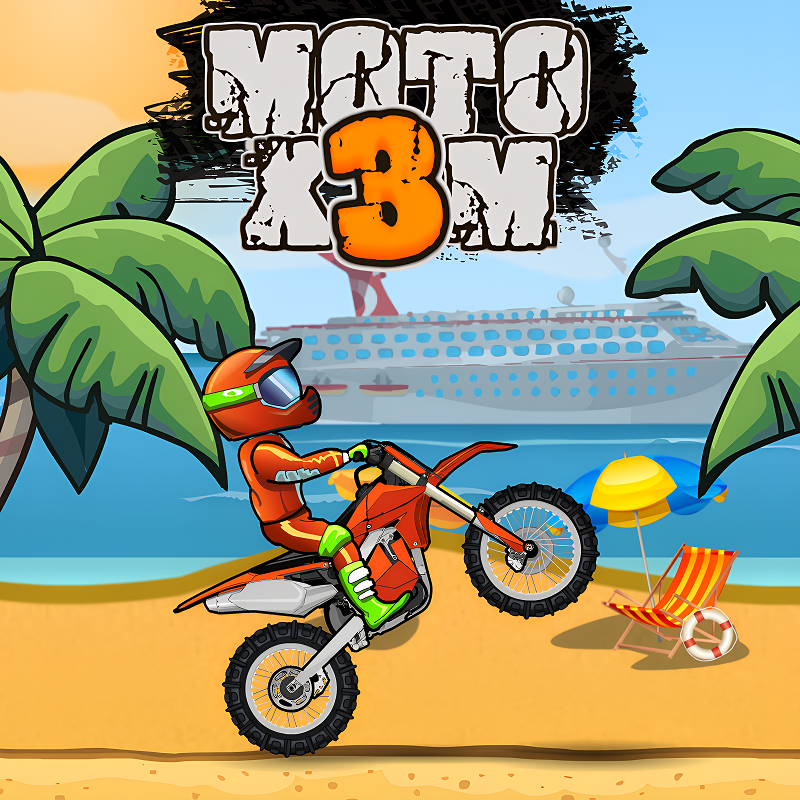
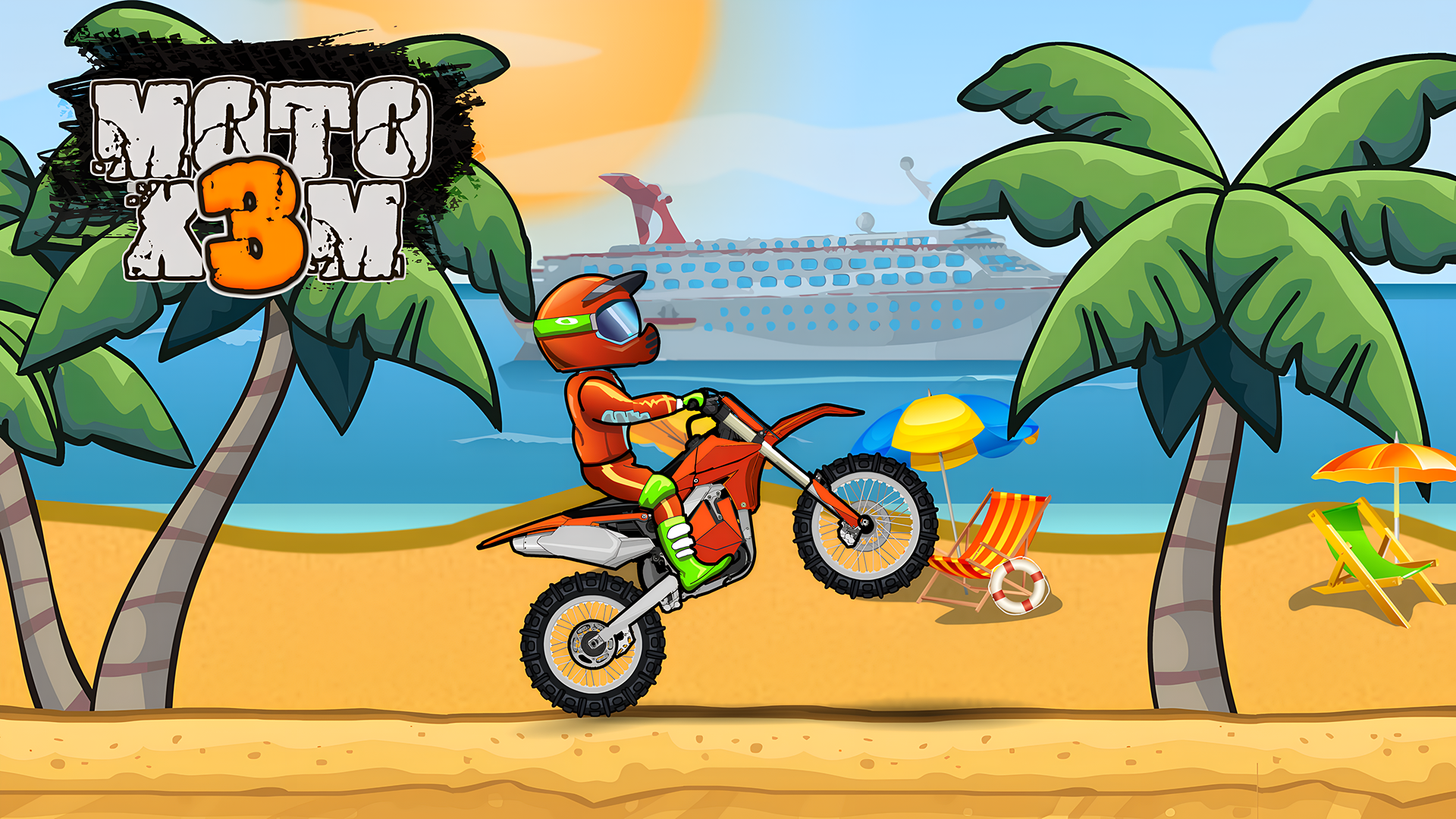
Moto X3M is an awesome bike game with challenging levels. Choose a bike, put your helmet on, pass obstacles, and get ready to beat the time on tons of off-road circuits. Have fun with Moto X3M! The controls are simple – use the keyboard arrow keys to control the acceleration and deceleration, and also your tilt. Ride through each course and try to land your jumps perfectly – if you angle your bike incorrectly you risk tipping your bike over!
Each level features different obstacles and objects for you to traverse – you will find this game both fun and challenging! This is off-road biking to the max and for any motorbike fan, this game will provide a huge amount of enjoyment!
How to play Moto X3M
WASD or ARROWS
Press the up arrow key to accelerate
Balance your bike with the left and right arrow keys
Break by pressing the down arrow key
Perform flips and other stunts to gain time
Don't crash
Moto X3M FAQ
Is Moto X3M free to play?
Yes. Moto X3M is free on Physics Shark, with nothing to download and no account to make.
Can I play Moto X3M unblocked at school?
Moto X3M runs in a normal browser tab with no install, so it plays on school Chromebooks and laptops, with nothing to install and no account.
Does Moto X3M work on phones and tablets?
Yes. It works with touch controls on phones and tablets, and with a keyboard and mouse on computers.
- LikedNo votes yet
- Rank#2400 of 2870
- PlaysBe the first!
- UpdatedNovember 2026
Gameplay
About this game
- Supported devices
- Desktop, phone and tablet














