 Physics Shark










Outpost 9
Looking for a first-person shooter you can play at school? Outpost 9 loads straight in your browser on Physics Shark: free, unblocked and nothing to install. Play it on a school Chromebook, a laptop, a phone or a tablet.
Show moreShow less
Play Outpost 9 unblocked
Looking for a first-person shooter you can play at school? Outpost 9 loads straight in your browser on Physics Shark: free, unblocked and nothing to install. Play it on a school Chromebook, a laptop, a phone or a tablet.
What is Outpost 9?
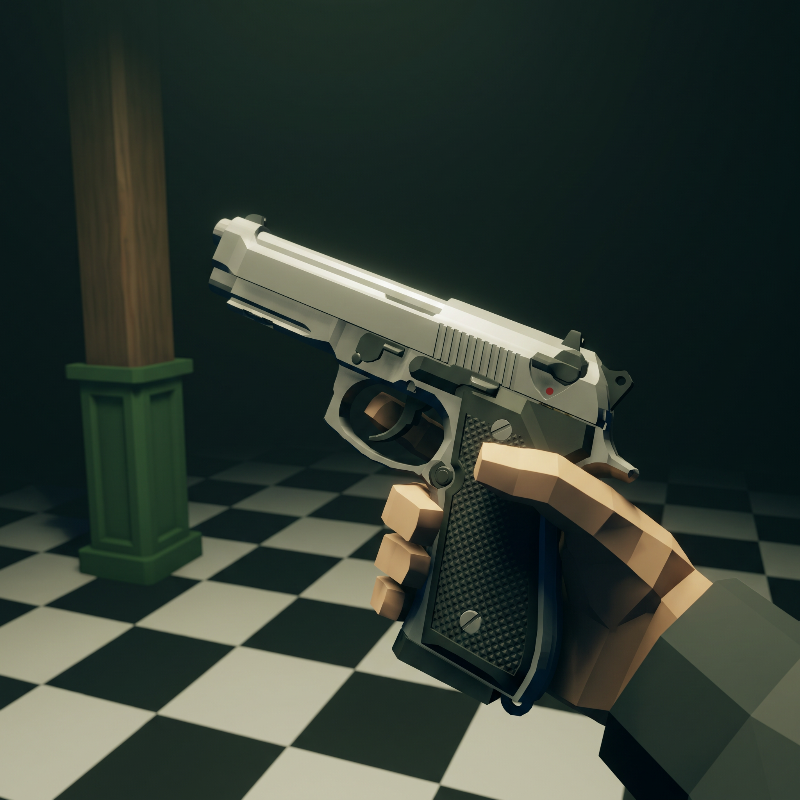
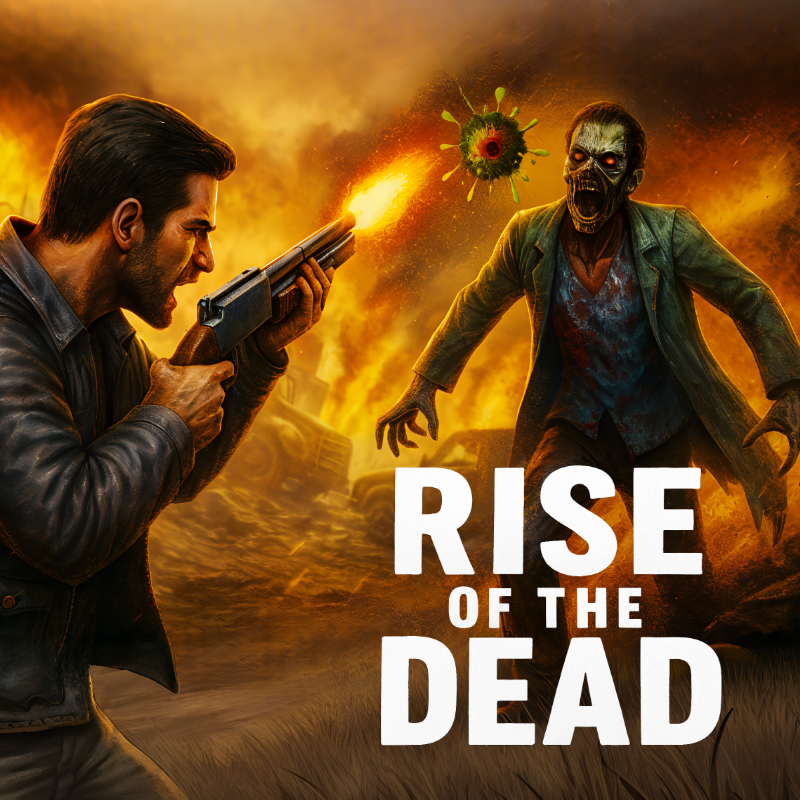
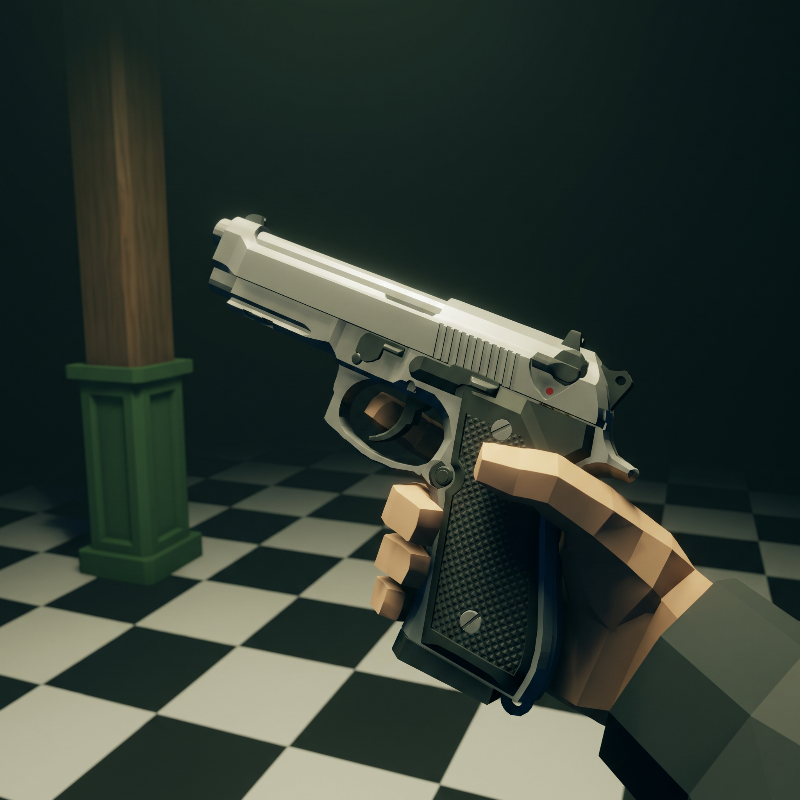
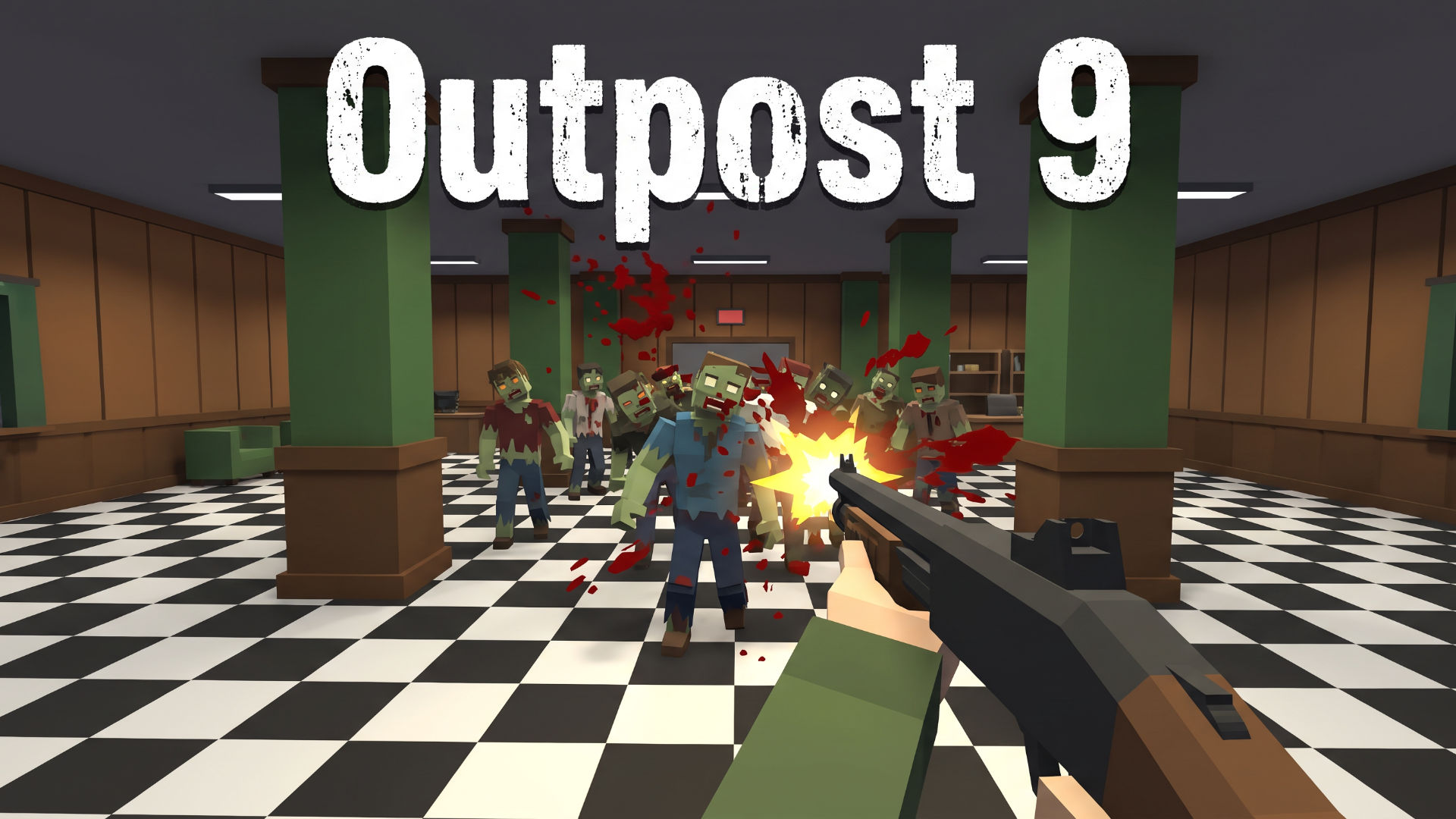
Survive endless zombie waves in Outpost 9, a first-person horror shooter. Earn points, unlock doors, restore power, buy weapons and perks, and hold the facility as long as you can. Climb the leaderboards for kills, headshots and longest survival time.
How to play Outpost 9
You are the last survivor of Outpost 9. Deadly zombies are closing in, and the only way to stay alive is to fight back with everything you’ve got. Earn points to unlock doors, buy powerful weapons and perks, restore the facility’s power, and light the beacon. Climb the global leaderboards by racking up kills, headshots, and survival time. How long can you last before the waves overwhelm you?
Desktop Controls:
W: Move forward.
S: Move backward.
A: Move left.
D: Move right.
Mouse: Look around and aim.
Left Click: Fire weapon.
Right Click: Aim down sights.
R: Reload.
E: Buy / open / interact (hold to repair).
G: Throw grenade.
V: Melee attack.
1, 2, Q: Switch weapon (or mouse wheel).
F: Toggle flashlight.
Spacebar: Jump.
Shift: Sprint.
Esc: Pause game.
Mobile Controls:
Left Thumb Stick: Move in all directions.
Right Side Drag: Look around and aim.
FIRE Button: Tap to shoot.
SIGHT Button: Tap to aim down sights (toggle).
USE Button: Tap to interact, hold to repair.
RLD Button: Tap to reload.
NADE Button: Tap to throw grenade.
KNIFE Button: Tap to melee attack.
SWAP Button: Tap to switch weapon.
LIGHT Button: Tap to toggle flashlight.
JUMP Button: Tap to jump.
SPRINT Button: Tap to sprint (toggle).
Pause Button: Tap to pause game.
Fullscreen Button: Tap to enter fullscreen (top-left, landscape and portrait).
Outpost 9 controls
- W: Move forward
- S: Move backward
- A: Move left
- D: Move right
- Mouse: Look around and aim
- Left Click: Fire weapon
- Right Click: Aim down sights
- R: Reload
Outpost 9 FAQ
Is Outpost 9 free to play?
Yes. Outpost 9 is free on Physics Shark, with nothing to download and no account to make.
Can I play Outpost 9 unblocked at school?
Outpost 9 runs in a normal browser tab with no install, so it plays on school Chromebooks and laptops, with nothing to install and no account.
Does Outpost 9 work on phones and tablets?
Yes. It works with touch controls on phones and tablets, and with a keyboard and mouse on computers.
- LikedNo votes yet
- Rank#460 of 2870
- PlaysBe the first!
- UpdatedNovember 2026
Gameplay
About this game
- Controls
- WMove forward
- SMove backward
- AMove left
- DMove right
- MouseLook around and aim
- Left ClickFire weapon
- Right ClickAim down sights
- RReload
- EBuy / open / interact (hold to repair)
- GThrow grenade
- VMelee attack
- 1, 2, QSwitch weapon (or mouse wheel)
- Supported devices
- Desktop, phone and tablet














