 Physics Shark












Mad Day 2 Special
Mad Day 2 Special is a shooting game you can play unblocked right here on Physics Shark.
Show moreShow less
Play Mad Day 2 Special unblocked
Mad Day 2 Special is a shooting game you can play unblocked right here on Physics Shark. It runs in your browser with no download, no install and no account, so you can play it on a school Chromebook, a laptop, a phone or a tablet.
What is Mad Day 2 Special?
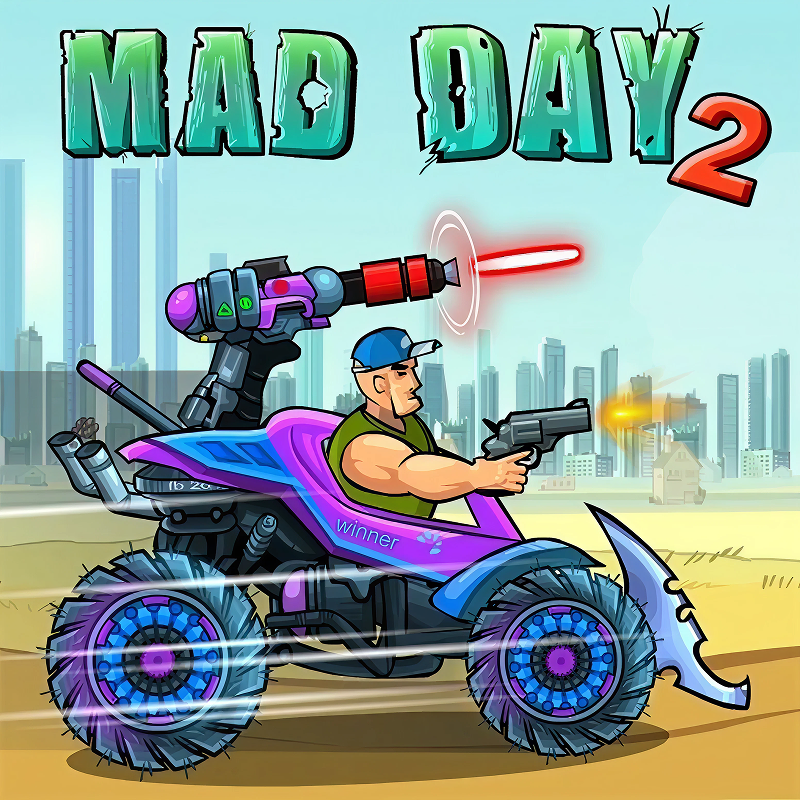
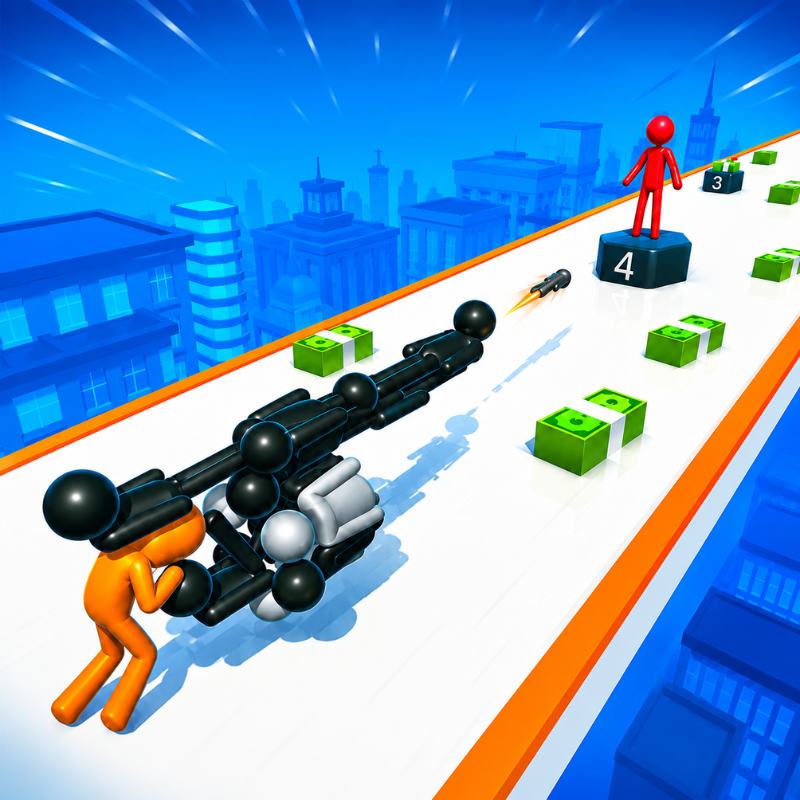
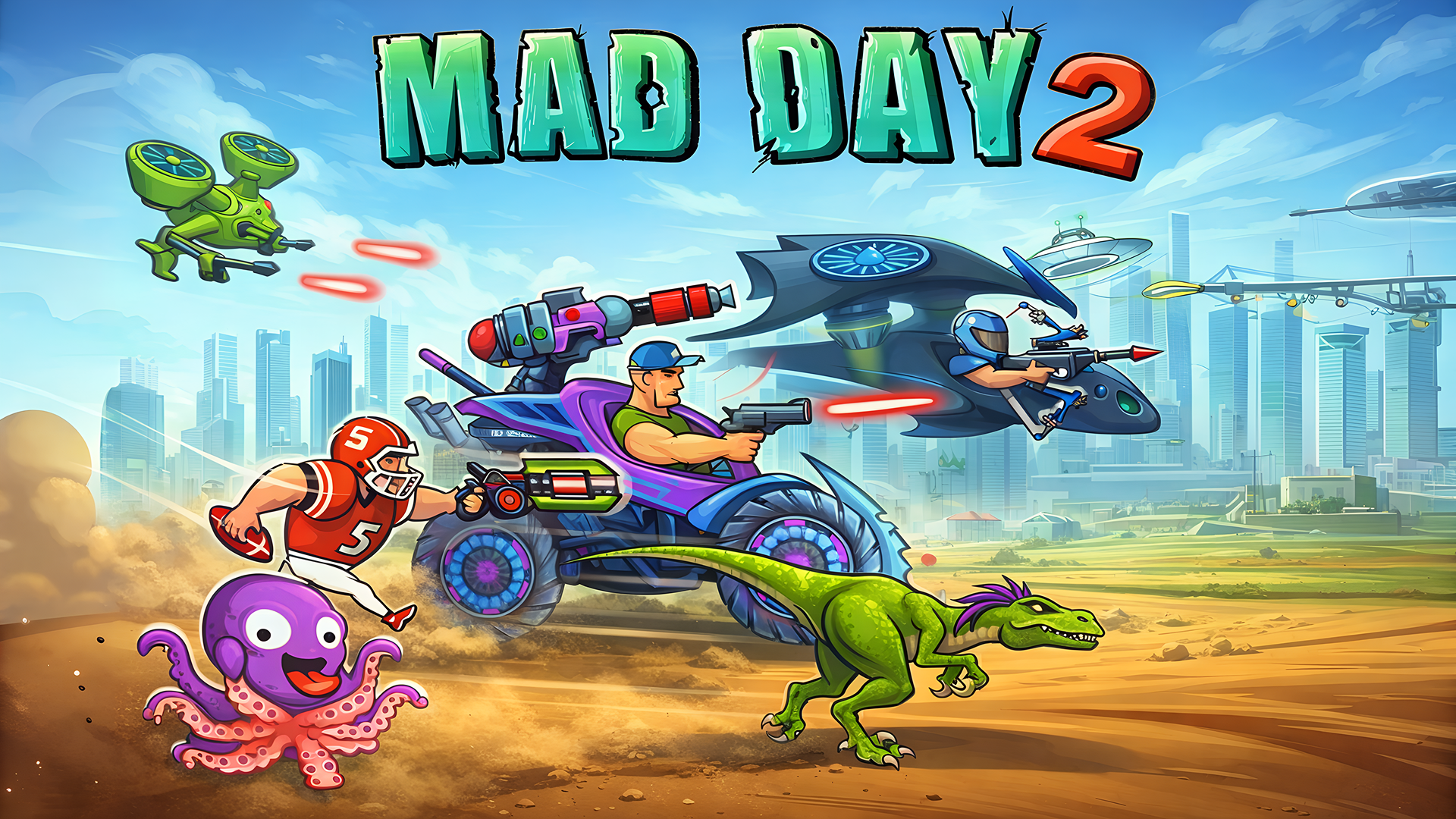
Mad Day 2 Special throws you back into explosive action as ex-Marine Bob takes on a full-scale alien invasion. Ride, shoot, jump, and smash your way through hostile worlds as you battle evil aliens and fight to rescue Bob’s kidnapped pet octopus. Packed with speed, firepower, and attitude, this is an action runner that never slows down.
This is a streamlined web version of the popular Mad Day 2 game. With fast loading, simple controls, and nonstop progression, it’s perfect for quick play sessions and long score-chasing runs alike.
Customize Bob’s truck with powerful weapons, armor, and boosters, then unleash chaos on waves of enemies and epic boss fights. Collect coins to upgrade your gear, unlock stylish outfits, and improve your chances of going further each run.
How to play Mad Day 2 Special
Desktop: Press SPACE to jump and X to shoot.
Mobile: Tap the right side of the screen to shoot, and the left side to jump.
Mad Day 2 Special controls
- Keyboard / mouse: Press SPACE to jump and X to shoot
Mad Day 2 Special FAQ
Is Mad Day 2 Special free to play?
Yes. Mad Day 2 Special is free on Physics Shark, with nothing to download and no account to make.
Can I play Mad Day 2 Special unblocked at school?
Mad Day 2 Special runs in a normal browser tab with no install, so it plays on school Chromebooks and laptops, with nothing to install and no account.
Does Mad Day 2 Special work on phones and tablets?
Yes. It works with touch controls on phones and tablets, and with a keyboard and mouse on computers.
- LikedNo votes yet
- Rank#1439 of 2870
- PlaysBe the first!
- UpdatedNovember 2026
Gameplay
About this game
- Controls
- Keyboard / mousePress SPACE to jump and X to shoot
- Supported devices
- Desktop, phone and tablet














