 Physics Shark






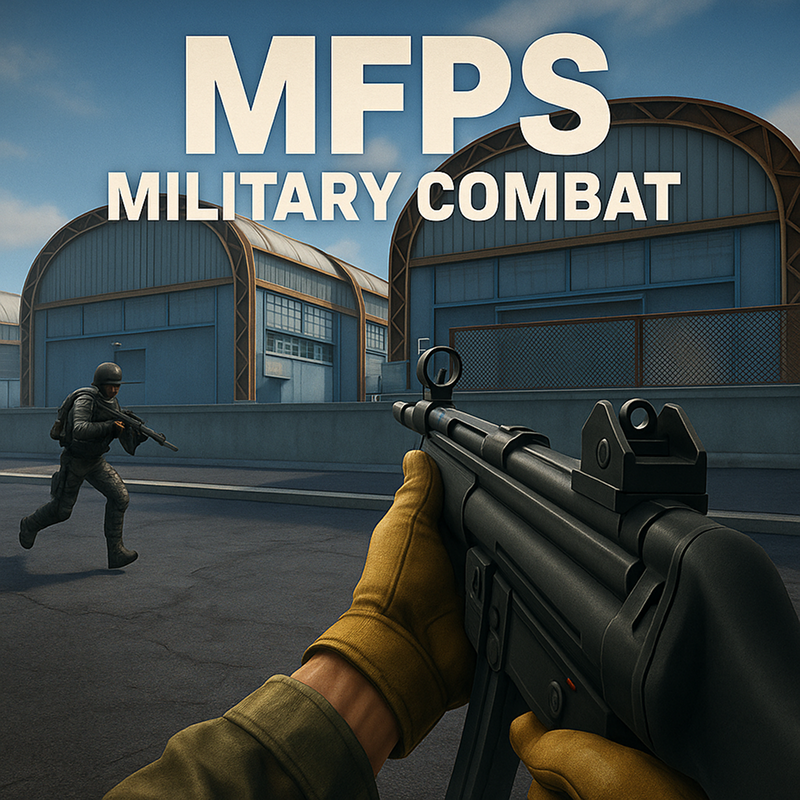
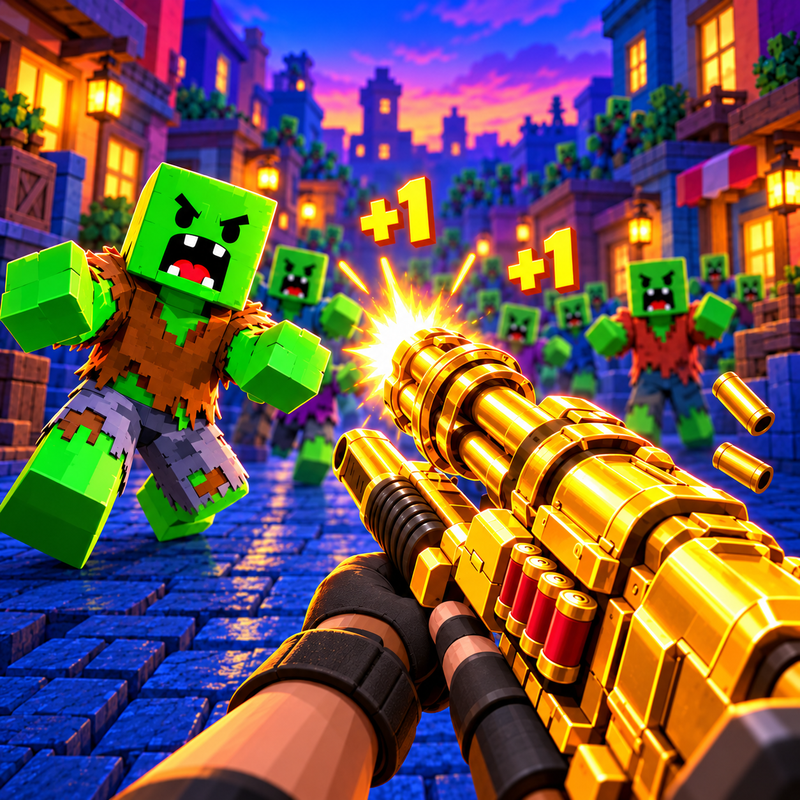





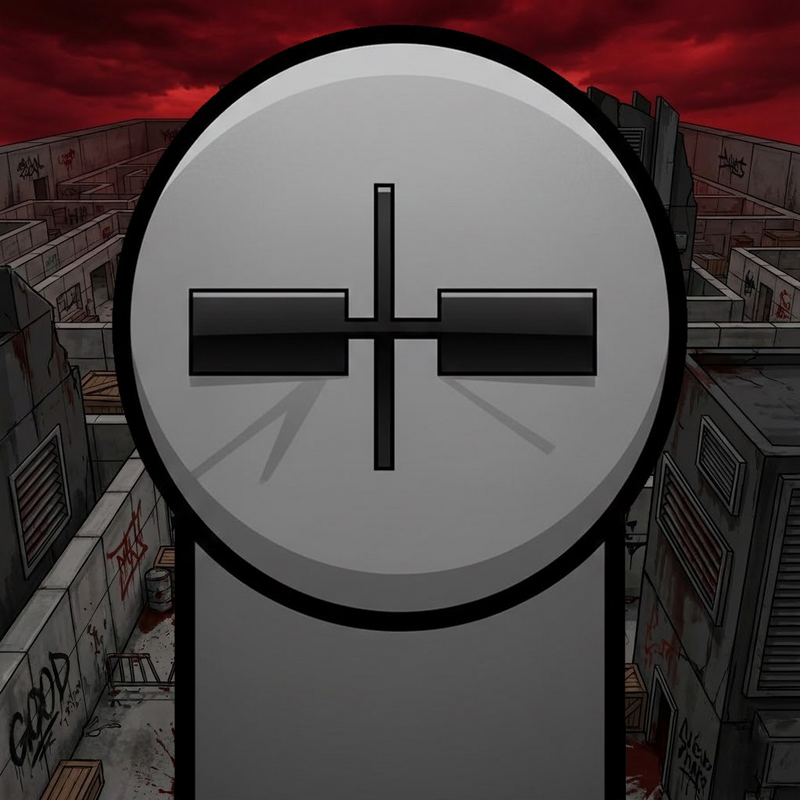





RIVALS FPS: Online Shooter
Looking for a 3D first-person shooter you can play at school? RIVALS FPS: Online Shooter loads straight in your browser on Physics Shark: free, unblocked and nothing to install.
Show moreShow less
Play RIVALS FPS: Online Shooter unblocked
Looking for a 3D first-person shooter you can play at school? RIVALS FPS: Online Shooter loads straight in your browser on Physics Shark: free, unblocked and nothing to install. Play it on a school Chromebook, a laptop, a phone or a tablet.
What is RIVALS FPS: Online Shooter?
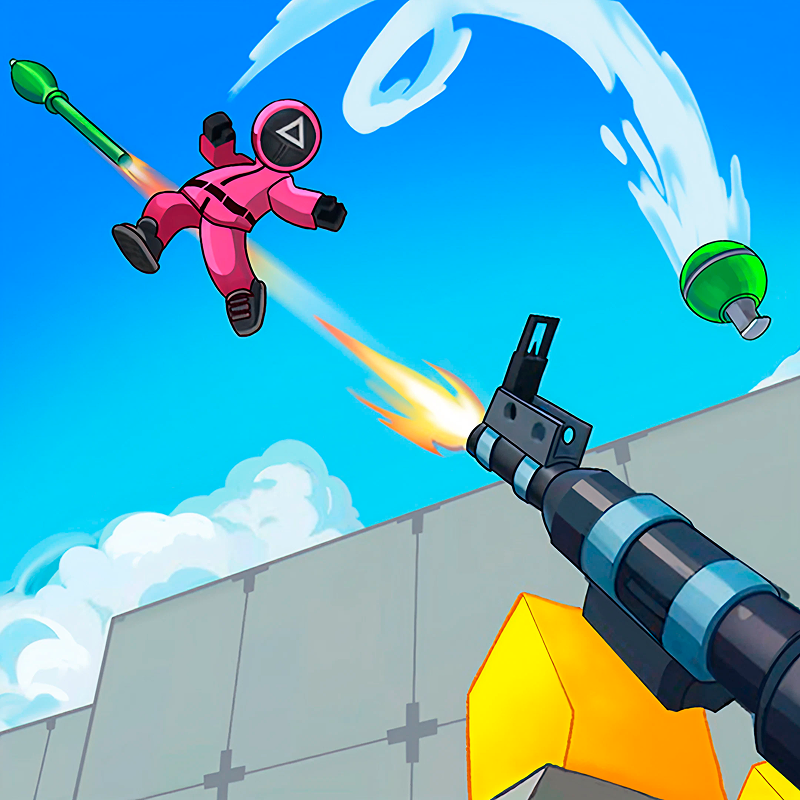
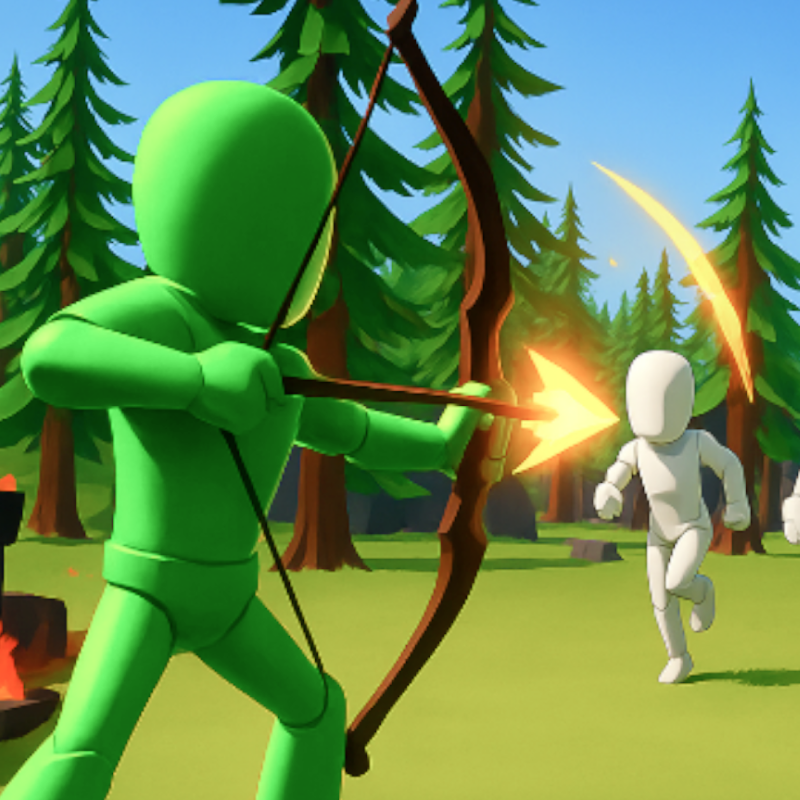
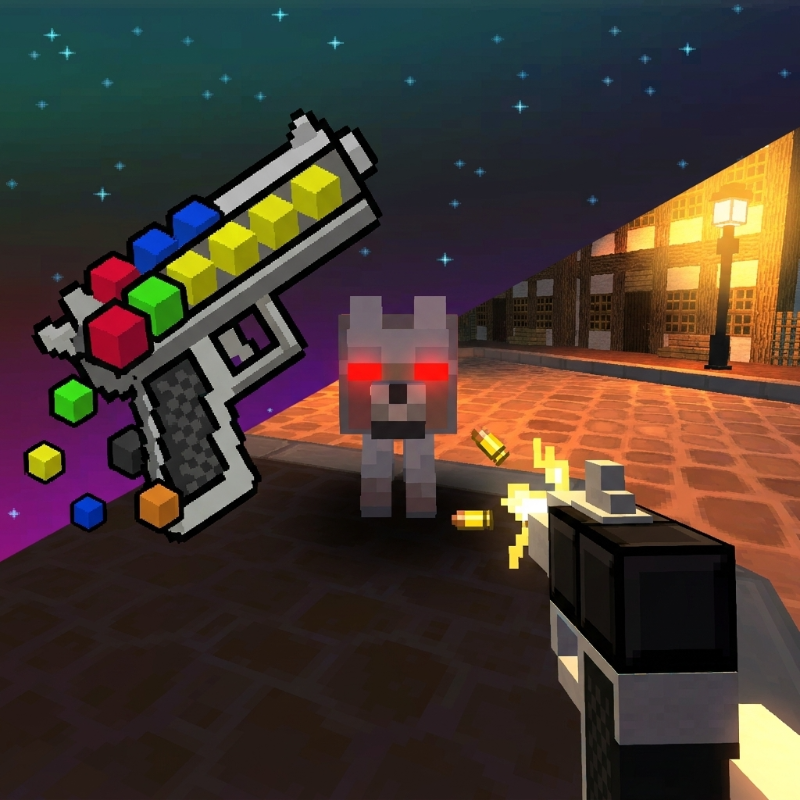
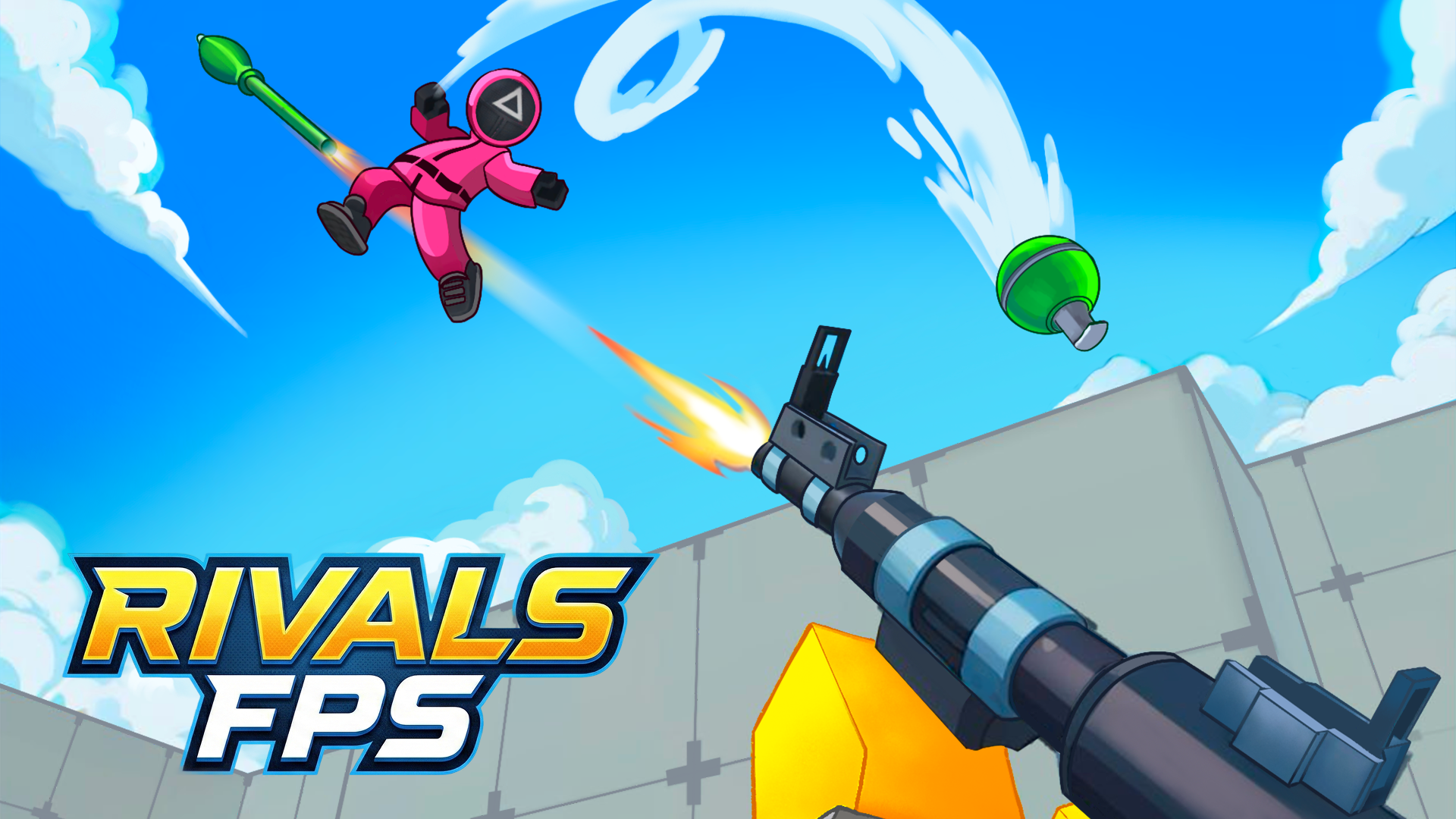
💥Welcome to the world of "RIVALS FPS: Online Shooter" — a new free multiplayer online shooter where fun battles, cool guns, and a real arena of clashes await you!
🎮 The game is inspired by top shooters like Star Wars Battlefront and Battlefield. Here you can dive into dynamic online battles, team up with friends, and show your shooting skills in the arena.
⚙️ Features:
- Online multiplayer with friends
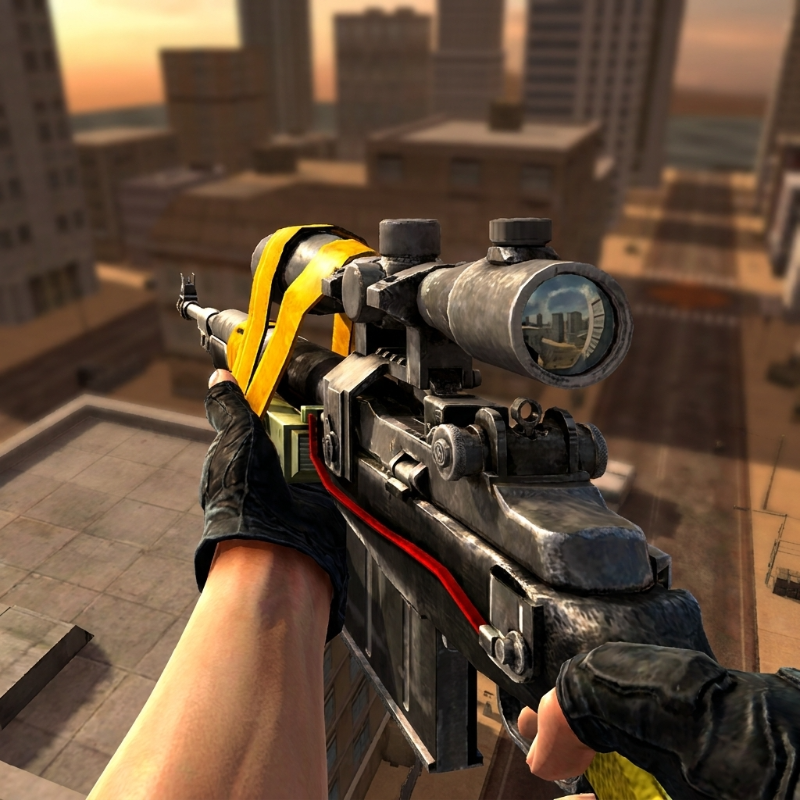
- First-person shooter
- Bright 3D graphics in a colorful style
- Lots of interesting maps
- Different game modes and leaderboards
- Play for free right in the browser from your mobile phone or computer
Fight, upgrade, change weapons and take rewards in epic online battles!
How to play RIVALS FPS: Online Shooter
To start a game, create a map or join other players.
The controls are the same as in many top shooters.
On PC:
- Movement - WASD
- Camera rotation - Using the mouse
- Jump - Space
- Crouch - C
- Interact with objects - E
On mobile:
- Movement - Virtual joystick on the left
- Camera rotation - Swipes on the right side of the screen
- Jump, reload using virtual buttons
RIVALS FPS: Online Shooter controls
- WASD: Movement
- Using the mouse: Camera rotation
- Space: Jump
RIVALS FPS: Online Shooter FAQ
Is RIVALS FPS: Online Shooter free to play?
Yes. RIVALS FPS: Online Shooter is free on Physics Shark, with nothing to download and no account to make. The game has optional in-game purchases, but you never need them to play.
Can I play RIVALS FPS: Online Shooter unblocked at school?
RIVALS FPS: Online Shooter runs in a normal browser tab with no install, so it plays on school Chromebooks and laptops, with nothing to install and no account.
Does RIVALS FPS: Online Shooter work on phones and tablets?
Yes. It works with touch controls on phones and tablets, and with a keyboard and mouse on computers.
- LikedNo votes yet
- Rank#397 of 2870
- PlaysBe the first!
- UpdatedNovember 2026
Gameplay
About this game
- Controls
- WASDMovement
- Using the mouseCamera rotation
- SpaceJump
- Supported devices
- Desktop, phone and tablet
- Genre
- Shootermultiplayerfirst person shootershootingaction3darcade
- Games like RIVALS FPS: Online Shooter
- Shell ShockersHazmob FPS: Online ShooterZombie Space Episode IISniper Mission WarCannon StrikeNoobik Arena - 99 nights














