 Physics Shark

















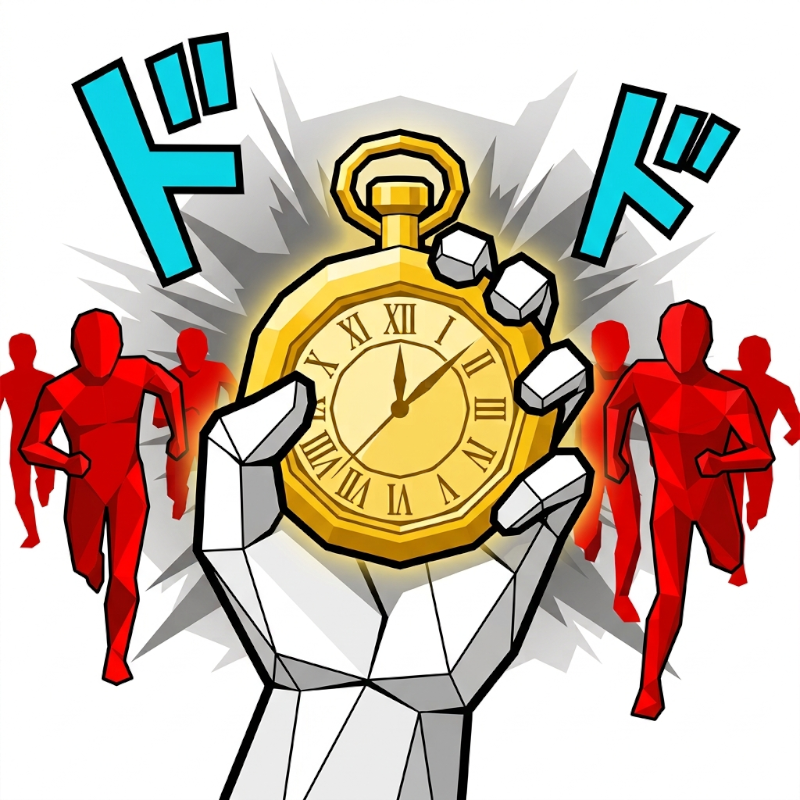
TIME STOP
Looking for a 3D first-person shooter you can play at school? TIME STOP loads straight in your browser on Physics Shark: free, unblocked and nothing to install.
Show moreShow less
Play TIME STOP unblocked
Looking for a 3D first-person shooter you can play at school? TIME STOP loads straight in your browser on Physics Shark: free, unblocked and nothing to install. Play it on a school Chromebook, a laptop, a phone or a tablet.
What is TIME STOP?
Stop time. Catch the bullets. Throw them back.
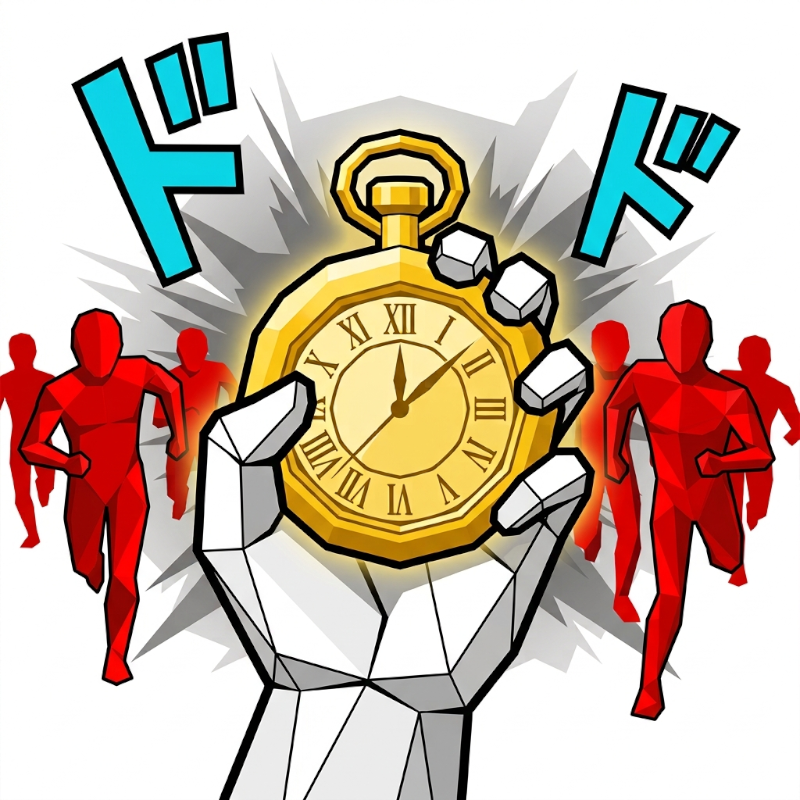
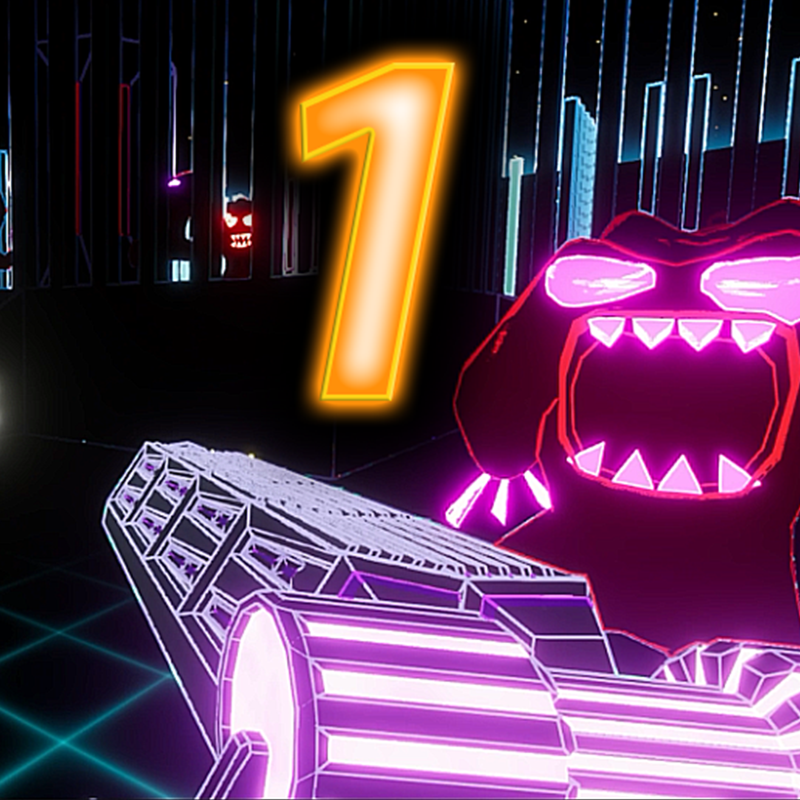
TIME STOP is a fast first-person arena shooter in a manga comic style. You can stop time at any moment — enemy bullets freeze in mid-air, and you can grab them and throw them back, or line up the perfect shot while the world stands still.
Fight through endless arenas packed with different enemies: kamikaze bombers, riot-shield soldiers, and a mysterious Chrono Boss who is not afraid of time itself. Every arena brings random modifiers like Darkness or Jammed Guns, and after each one you choose a new perk to shape your build.
What makes it unique: a JoJo-inspired time-stop mechanic, a hand-drawn manga look with comic panels and sound-effect lettering, fully procedural music, permanent upgrades from a slot-machine shop, and a global leaderboard. Available in 5 languages (English, Russian, Chinese, Spanish, Japanese). Plays on PC and mobile.
How to play TIME STOP
Goal: Survive as long as you can. Clear every wave in the arena, pick a perk, then go through the exit to the next arena. Kill enemies to earn points, build combos, and climb the leaderboard.
Main idea: Time stop is your main weapon. While time is stopped, bullets freeze in the air. Grab them and throw them back, or take free shots at enemies that cannot react. Time stop lasts a few seconds and recharges, so use it wisely.
Controls (PC):
WASD — move
Mouse — look around
Left Mouse Button — shoot / throw
F or Right Mouse Button — stop time
E — pick up weapons and bullets
Q — throw the held item
Controls (mobile): use the on-screen joystick to move, drag the right side of the screen to look and use the on-screen buttons to shoot, stop time and grab.
Tips: Riot-shield enemies block bullets from the front, so flank them. Kamikazes must be killed from a distance. Spend your points in the Upgrades shop for permanent bonuses.
TIME STOP controls
- WASD: move
- Mouse: look around
- Left Mouse Button: shoot / throw
- E: pick up weapons and bullets
- Q: throw the held item
TIME STOP FAQ
Is TIME STOP free to play?
Yes. TIME STOP is free on Physics Shark, with nothing to download and no account to make.
Can I play TIME STOP unblocked at school?
TIME STOP runs in a normal browser tab with no install, so it plays on school Chromebooks and laptops, with nothing to install and no account.
Does TIME STOP work on phones and tablets?
Yes. It works with touch controls on phones and tablets, and with a keyboard and mouse on computers.
- LikedNo votes yet
- Rank#1291 of 2870
- PlaysBe the first!
- UpdatedNovember 2026
Gameplay

About this game
- Controls
- WASDmove
- Mouselook around
- Left Mouse Buttonshoot / throw
- Epick up weapons and bullets
- Qthrow the held item
- Supported devices
- Desktop, phone and tablet














