 Physics Shark






















Stack Up
Stack Up is a merge game you can play unblocked right here on Physics Shark. It runs in your browser with no download, no install and no account, so you can play it on a school Chromebook, a laptop, a phone or a tablet.
Show moreShow less
Play Stack Up unblocked
Stack Up is a merge game you can play unblocked right here on Physics Shark. It runs in your browser with no download, no install and no account, so you can play it on a school Chromebook, a laptop, a phone or a tablet.
What is Stack Up?
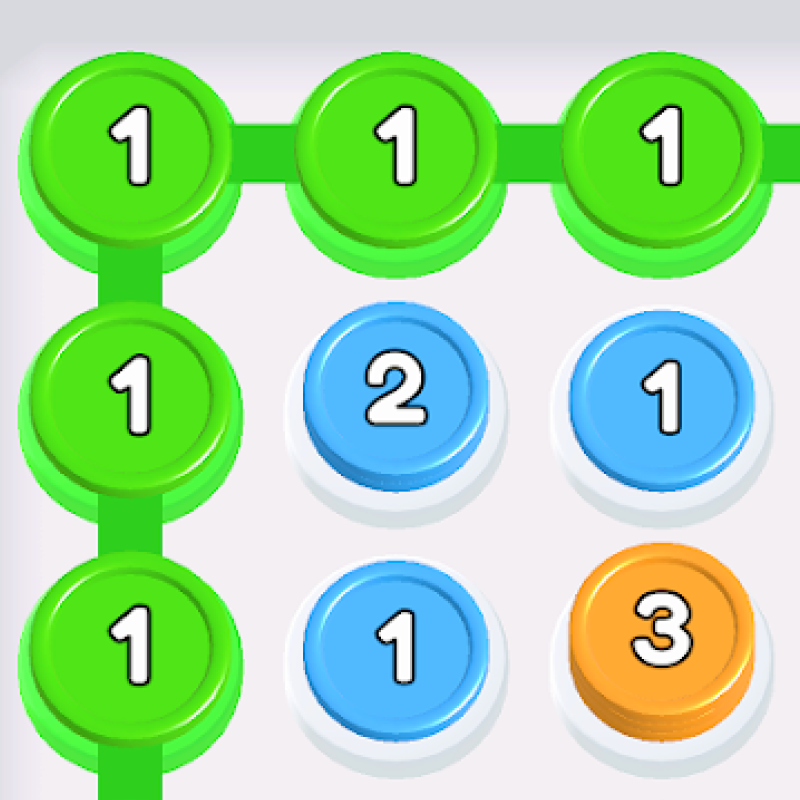
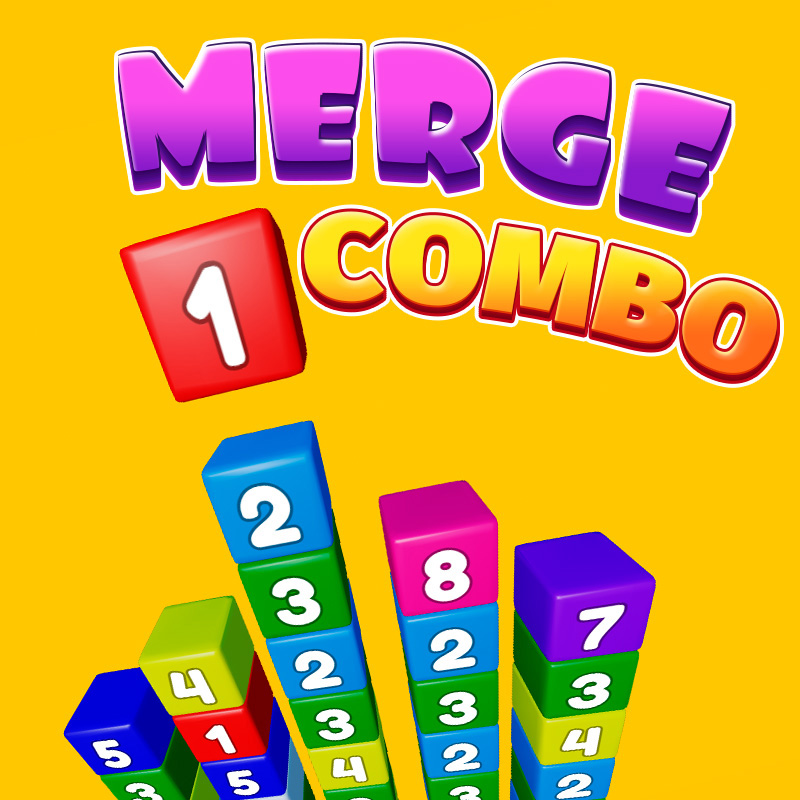
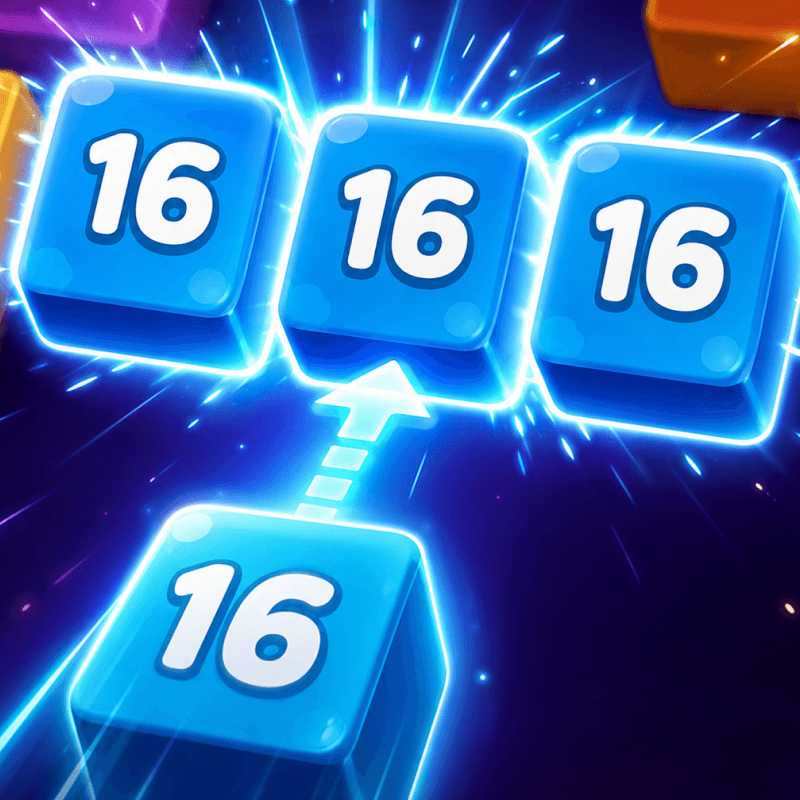
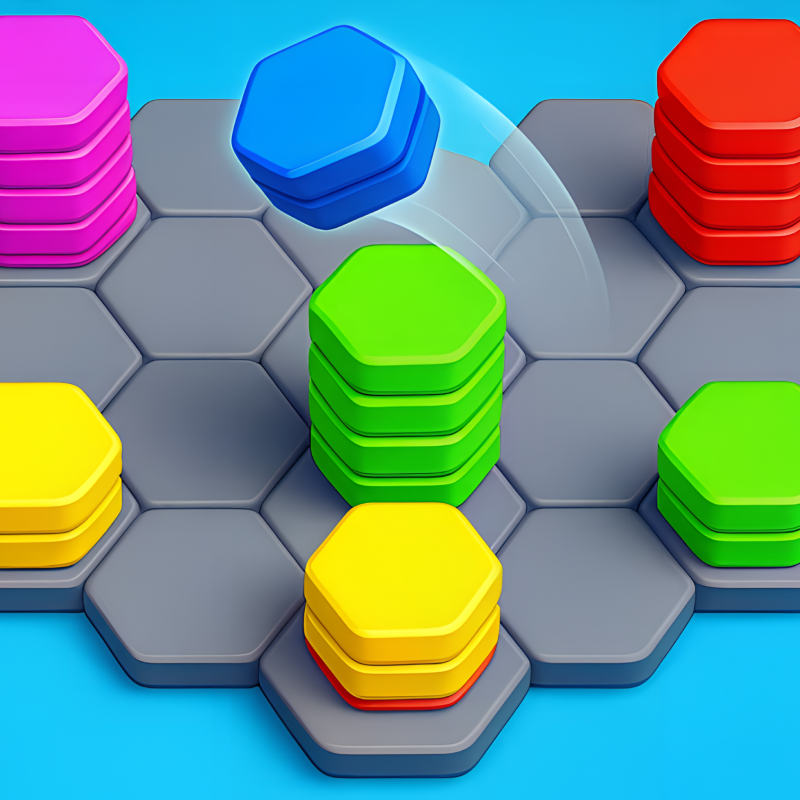
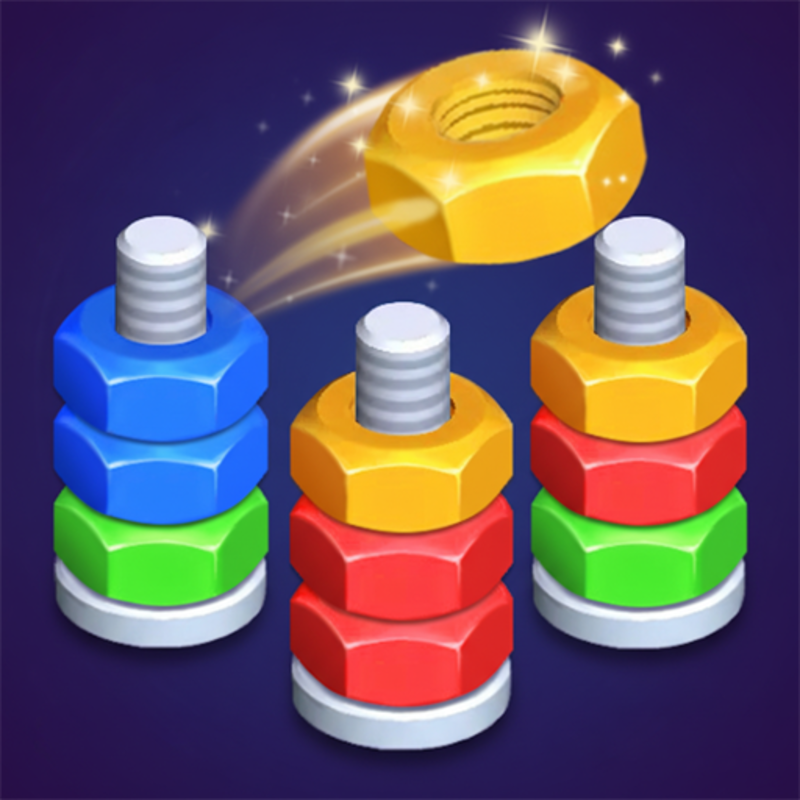
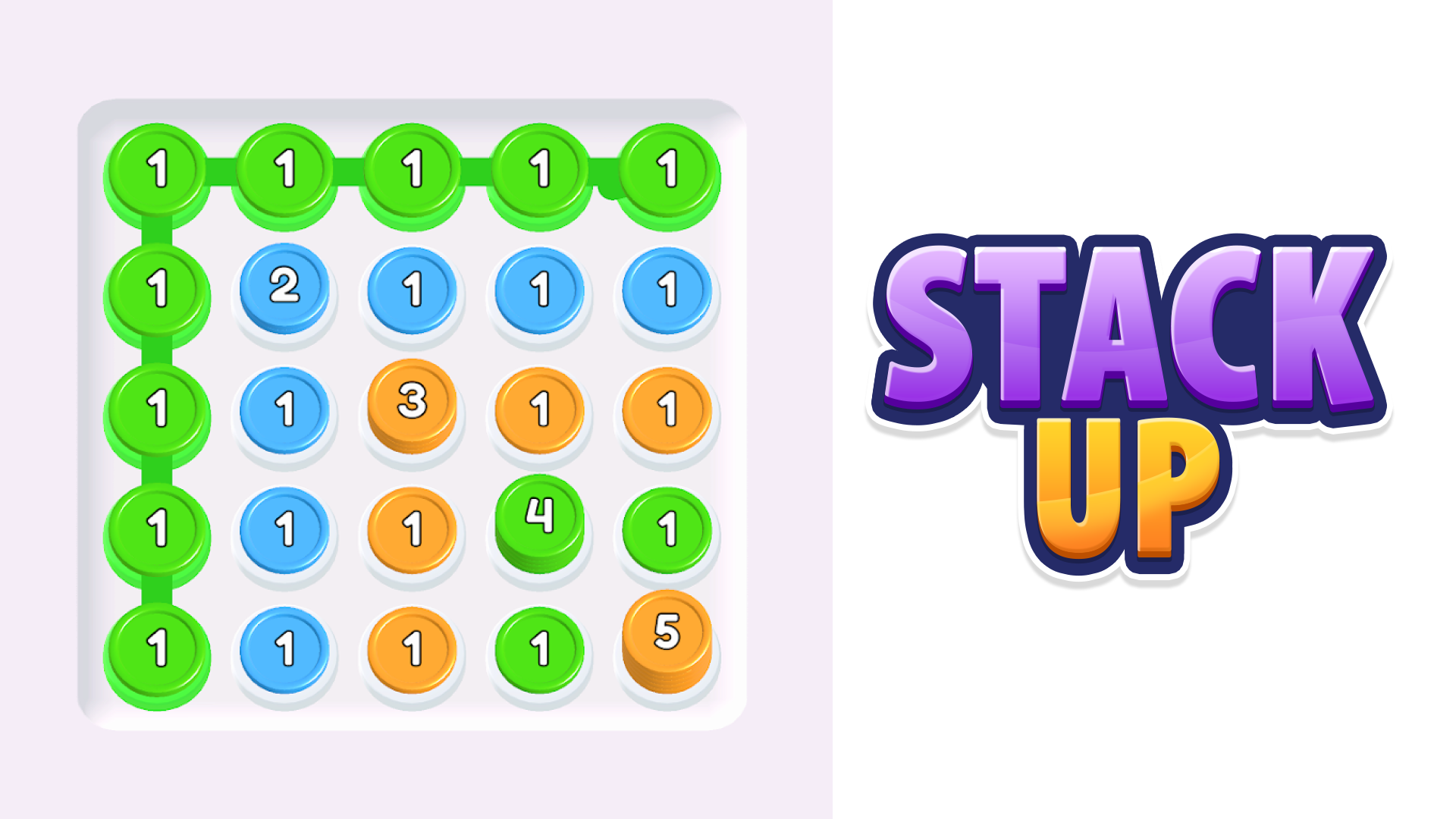
Stack Em Up! is a casual single-player puzzle game where your goal is to connect stacks of the same color to combine them. By chaining same-colored stacks, you build longer stacks; you try to reach stacks of length 10 or more.
It’s stylised and simple in controls.
There are many levels that get progressively more challenging.
How to play Stack Up
Tap on a stack: You select a stack by tapping it.
Connect with other stacks of the same color: Once you select a stack, you try to link it to other stacks of the same color to form a longer chain.
Form stacks / chains of 10 or more: One of the objectives is to make long stacks (length ≥ 10). Bigger stacks give more “score” / help you meet level-goals.
Watch your moves: You have limited moves or constraints per level; you must achieve the objective before you run out of moves, or before you run out of opportunity.
Progress through levels: Levels get harder as you go, likely adding complications (more colors, tricky board layouts, etc.).
Stack Up controls
- Tap on a stack: You select a stack by tapping it
Stack Up FAQ
Is Stack Up free to play?
Yes. Stack Up is free on Physics Shark, with nothing to download and no account to make.
Can I play Stack Up unblocked at school?
Stack Up runs in a normal browser tab with no install, so it plays on school Chromebooks and laptops, with nothing to install and no account.
Does Stack Up work on phones and tablets?
Yes. It works with touch controls on phones and tablets, and with a keyboard and mouse on computers.
- LikedNo votes yet
- Rank#185 of 2870
- PlaysBe the first!
- UpdatedNovember 2026
Gameplay
About this game
- Controls
- Tap on a stackYou select a stack by tapping it
- Supported devices
- Desktop, phone and tablet
- Genre
- Puzzlemergecolor matchingstacking














