 Physics Shark





























Emoji Guess Master
Play Emoji Guess Master online for free on Physics Shark. This funny word game runs in a normal browser tab, so there's nothing to download and no sign-up, and it works on a school Chromebook, a…
Show moreShow less
Play Emoji Guess Master unblocked
Play Emoji Guess Master online for free on Physics Shark. This funny word game runs in a normal browser tab, so there's nothing to download and no sign-up, and it works on a school Chromebook, a laptop, a phone or a tablet.
What is Emoji Guess Master?
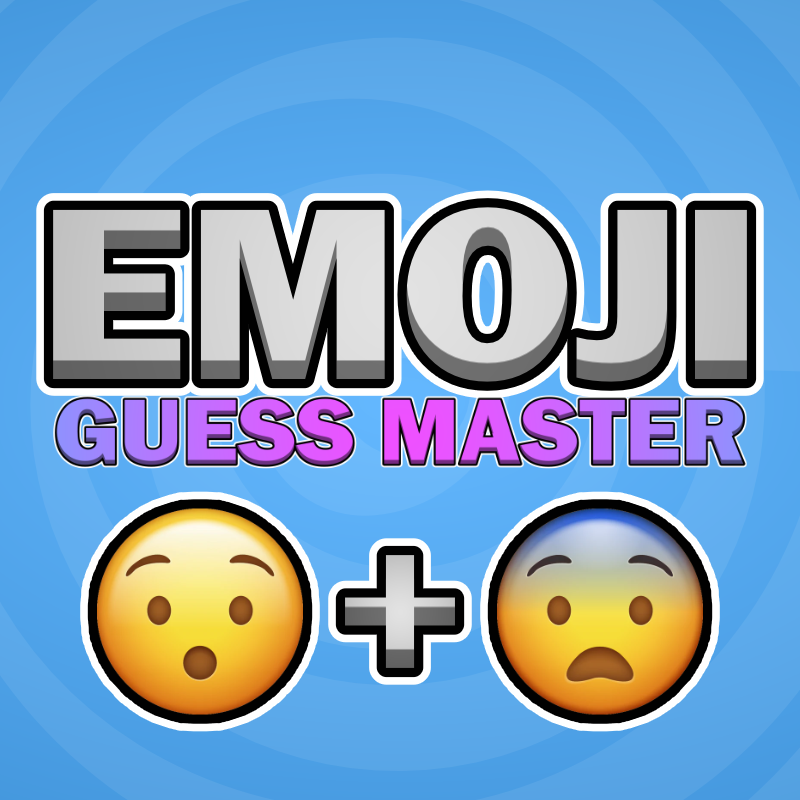
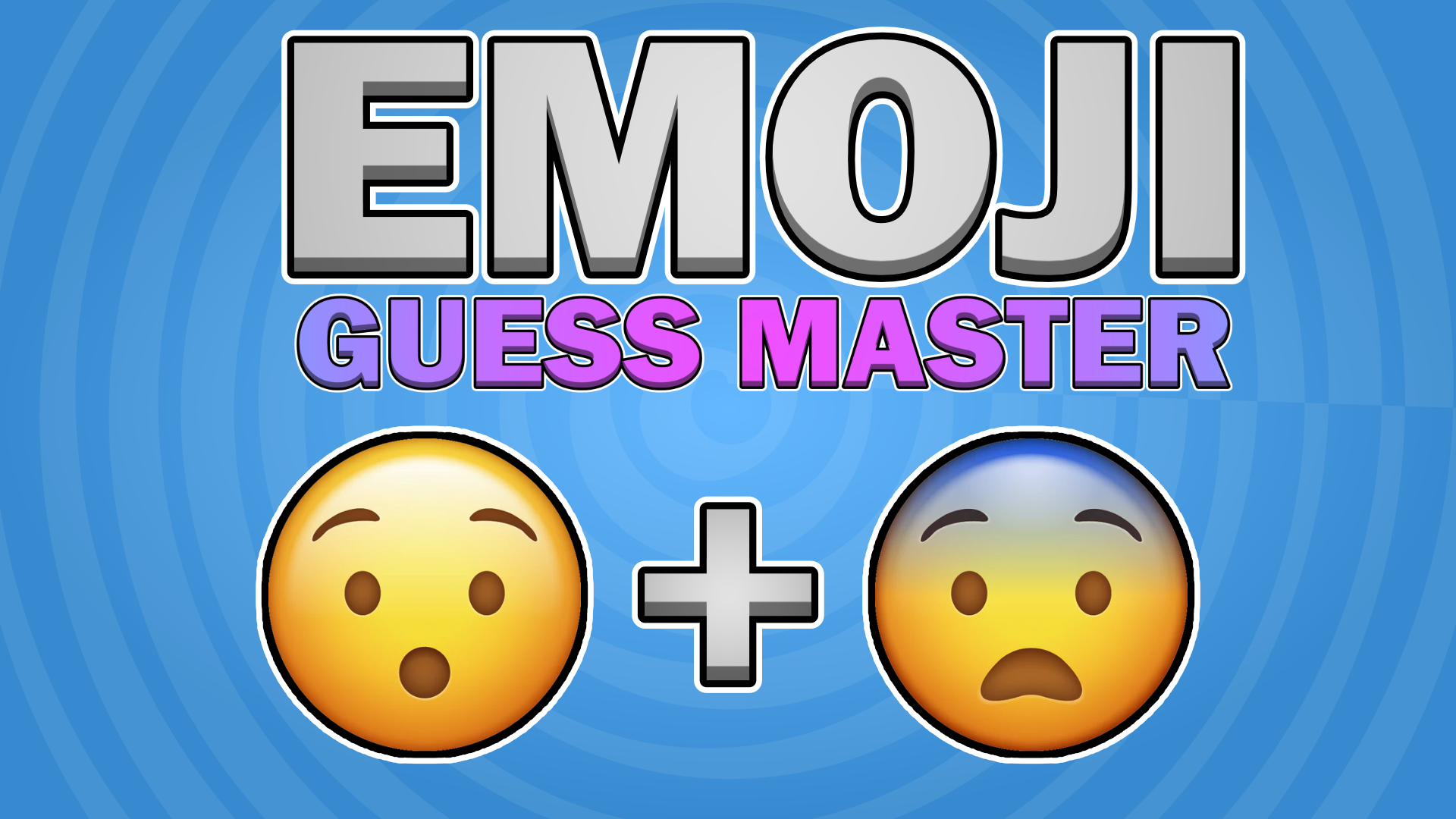
Emoji Guess Master! is a fun-filled adventure that tests your creativity and quick thinking. Match two emojis to a given word, challenging your knowledge and intuition. With engaging gameplay, a variety of difficulty levels, and vibrant visuals, you’ll improve your cognitive skills while having a blast. Perfect for quick play sessions or longer challenges.
How to play Emoji Guess Master
Mobile: Tap your screen to interact with the UI and select Emojis.
PC: Use the Left Mouse Button (LMB) to click UI elements and select Emojis.
Emoji Guess Master controls
- Keyboard / mouse: Use the Left Mouse Button (LMB) to click UI elements and select Emojis
Emoji Guess Master FAQ
Is Emoji Guess Master free to play?
Yes. Emoji Guess Master is free on Physics Shark, with nothing to download and no account to make.
Can I play Emoji Guess Master unblocked at school?
Emoji Guess Master runs in a normal browser tab with no install, so it plays on school Chromebooks and laptops, with nothing to install and no account.
Does Emoji Guess Master work on phones and tablets?
Yes. It works with touch controls on phones and tablets, and with a keyboard and mouse on computers.
- LikedNo votes yet
- Rank#456 of 2870
- PlaysBe the first!
- UpdatedNovember 2026
Gameplay
About this game
- Controls
- Keyboard / mouseUse the Left Mouse Button (LMB) to click UI elements and select Emojis
- Supported devices
- Desktop, phone and tablet
- Genre
- Puzzlefunnywordsbrain trainingmind














