 Physics Shark


















Obby Parkour: Crazy Descent
Play Obby Parkour: Crazy Descent online for free on Physics Shark. This Roblox-style obby runs in a normal browser tab, so there's nothing to download and no sign-up, and it works on a school…
Show moreShow less
Play Obby Parkour: Crazy Descent unblocked
Play Obby Parkour: Crazy Descent online for free on Physics Shark. This Roblox-style obby runs in a normal browser tab, so there's nothing to download and no sign-up, and it works on a school Chromebook, a laptop, a phone or a tablet.
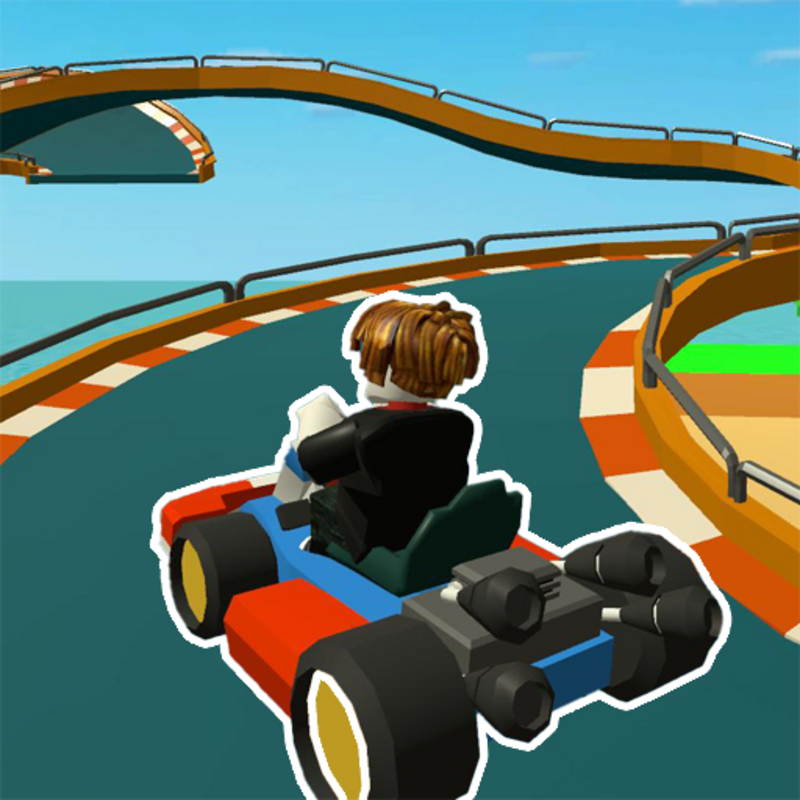
If you like Roblox obbies, Obby Parkour: Crazy Descent will feel familiar: jump across tricky platforms, dodge traps and reach the next checkpoint. The difference is that it runs right here in the browser, with no Roblox account, no app and no download, which makes it an easy Roblox-style game to play at school.
What is Obby Parkour: Crazy Descent?
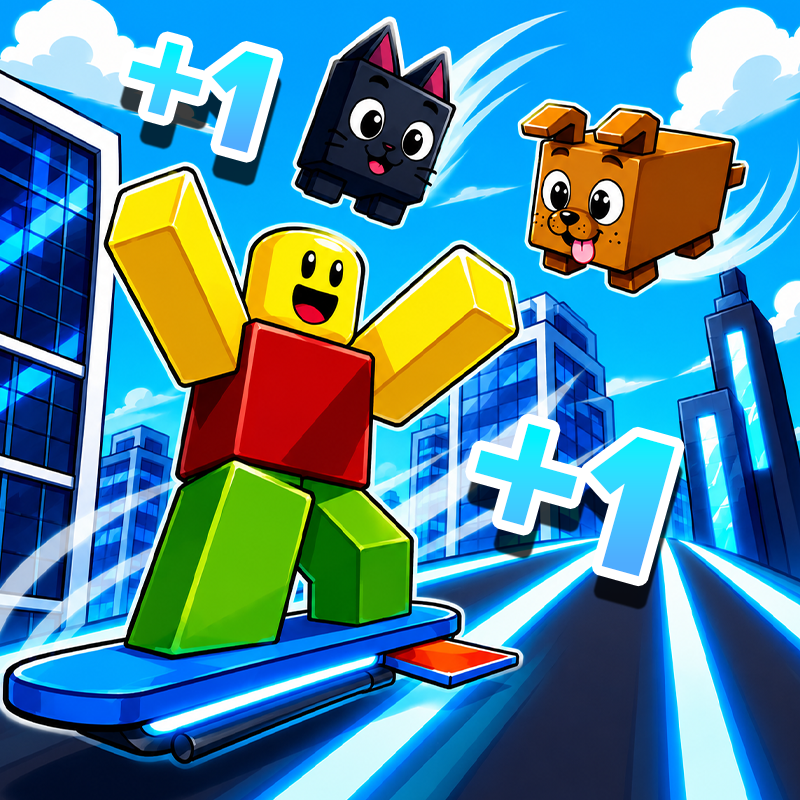
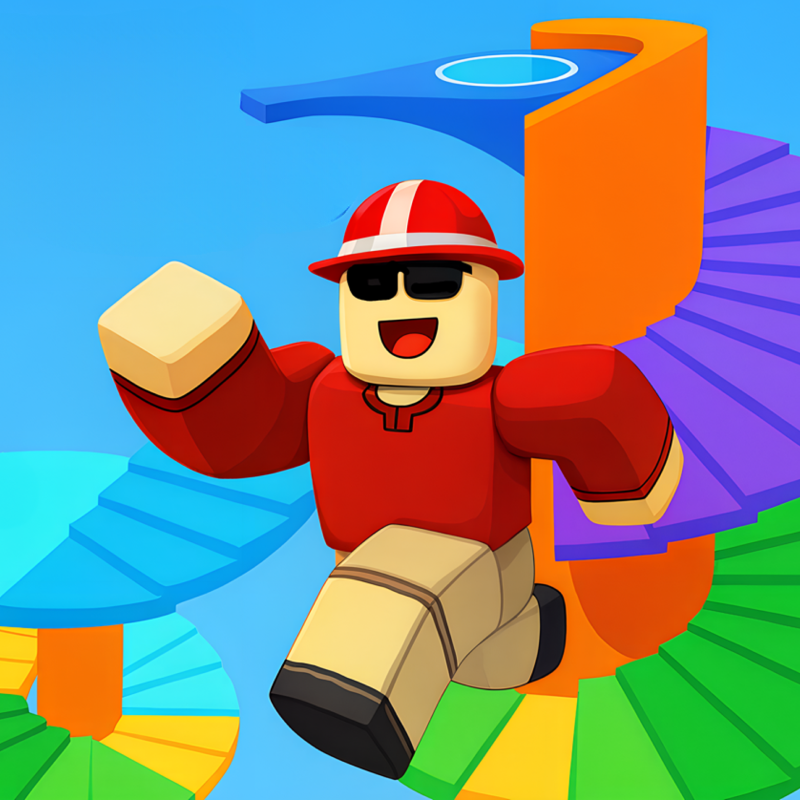
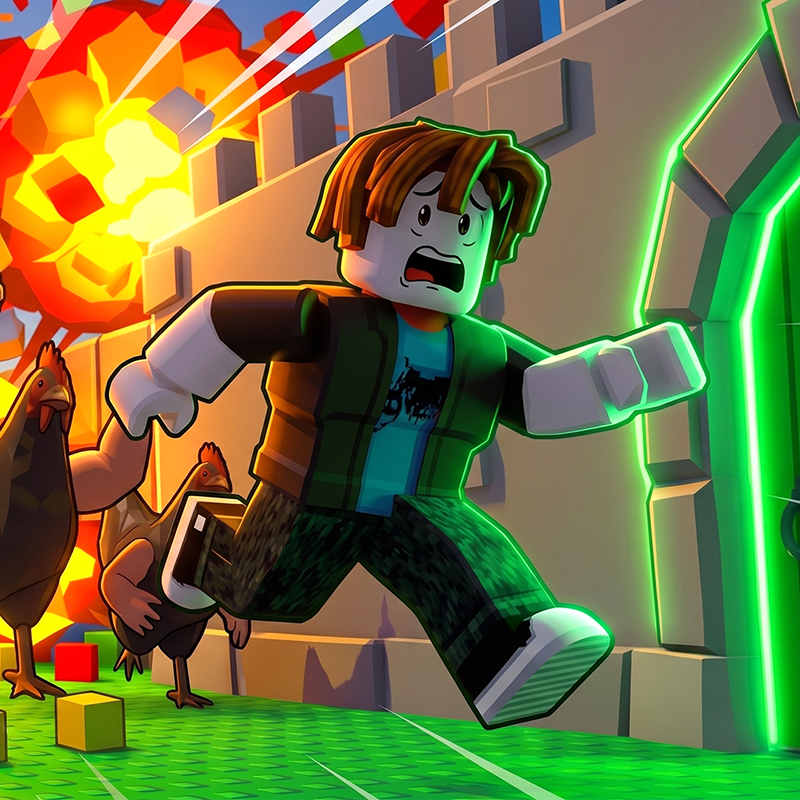
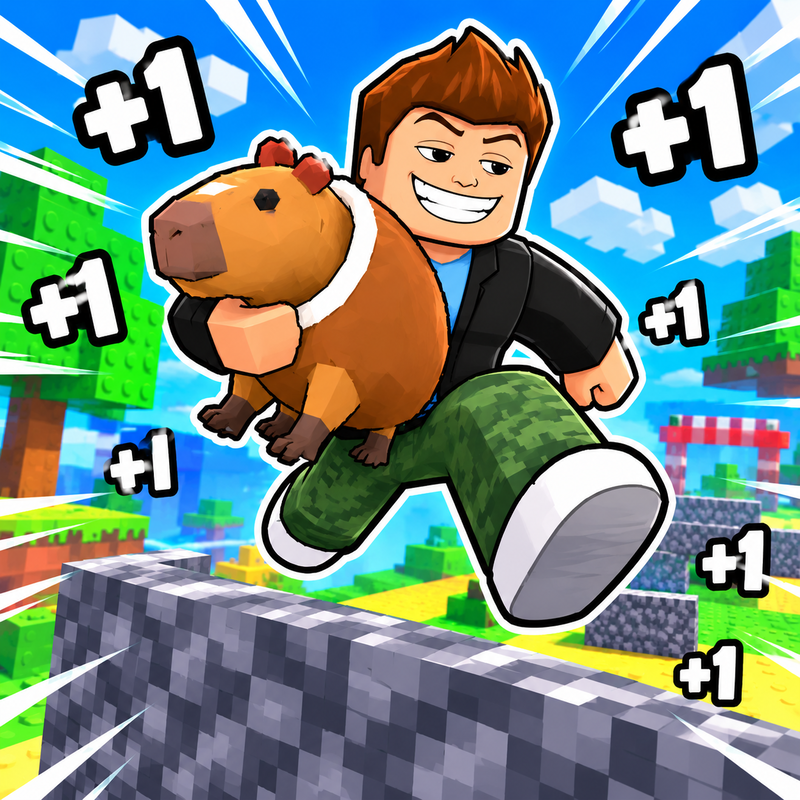
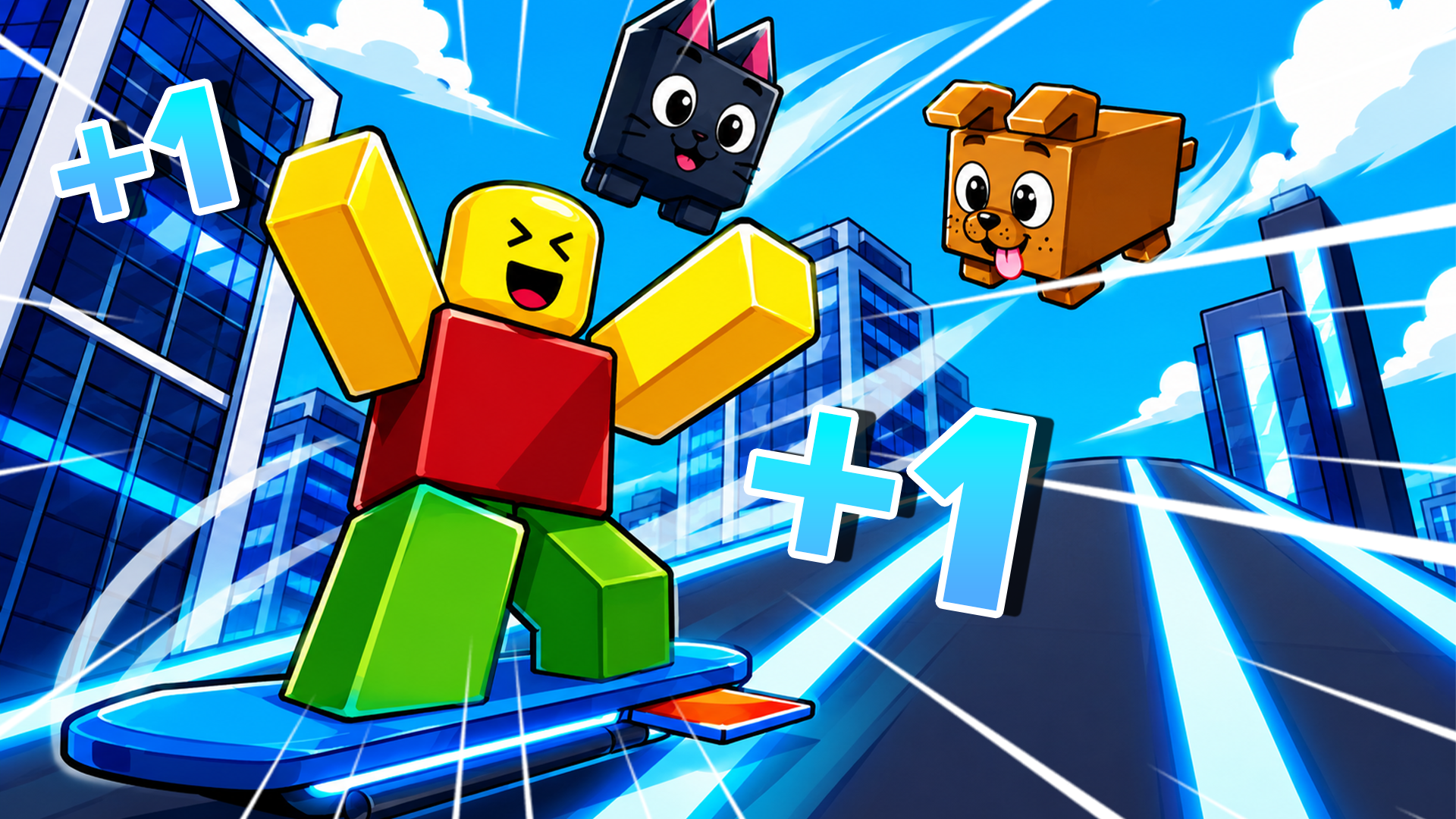
👋 Welcome to "Obby Parkour: Crazy Descent" — a fast-paced 3D parkour testing your speed and reactions!
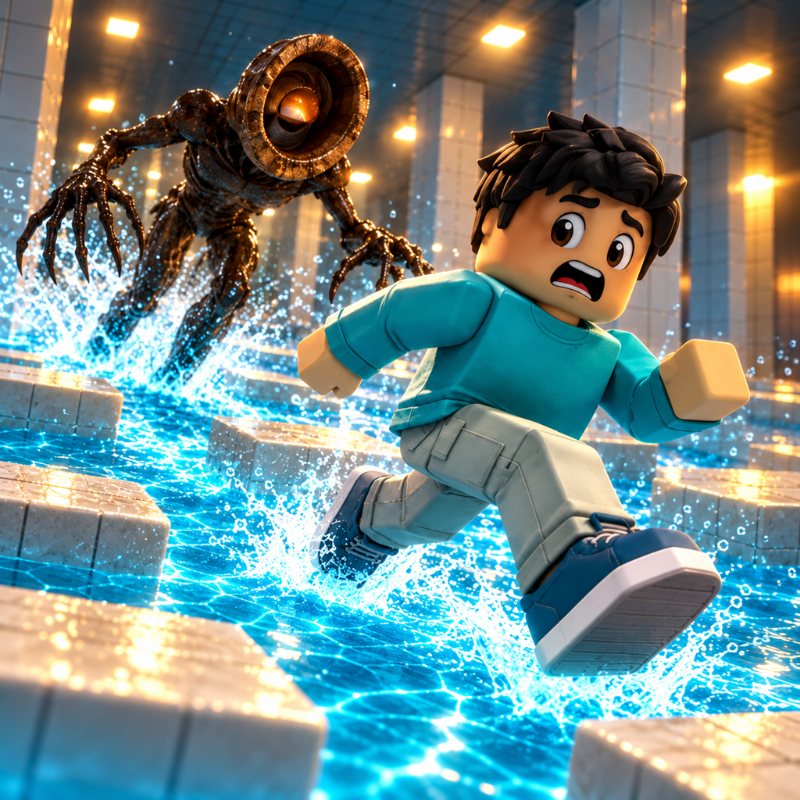
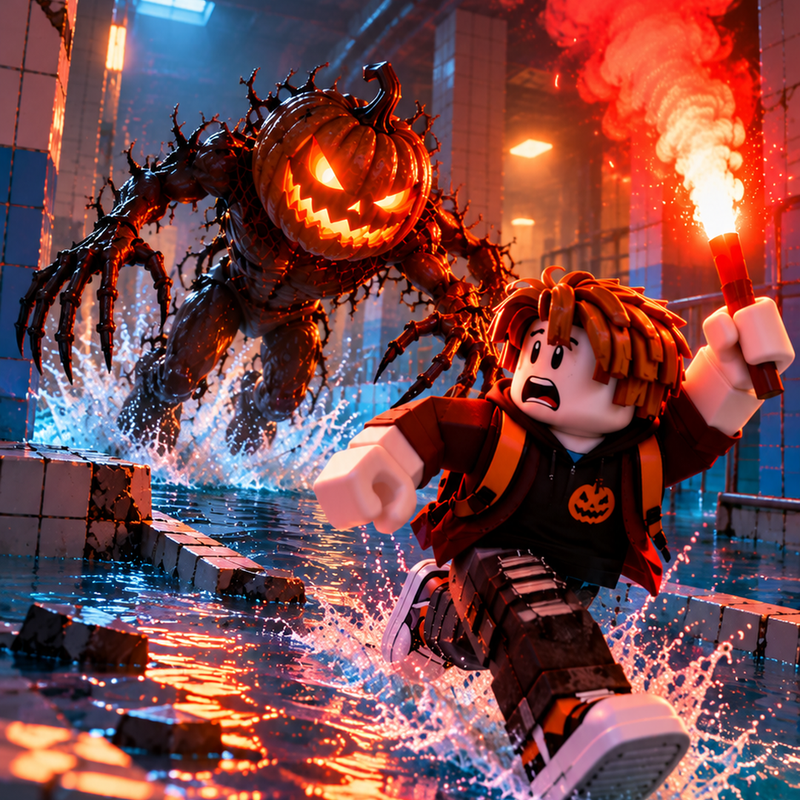
Your main goal is to descend through generated platforms as low as possible while dodging moving obstacles. One wrong move and you fall straight into the abyss! The lower you fall, the faster you go: with every platform passed, your speed constantly increases, turning the parkour into a wild rush.
✨ Game Features:
🗺️ New levels: cover the distance and unlock new exciting stages!
🚀 Dynamic acceleration: reach crazy speeds and test your reflexes.
🤑 Coin collection: pick up gold coins right on the platforms as you drop.
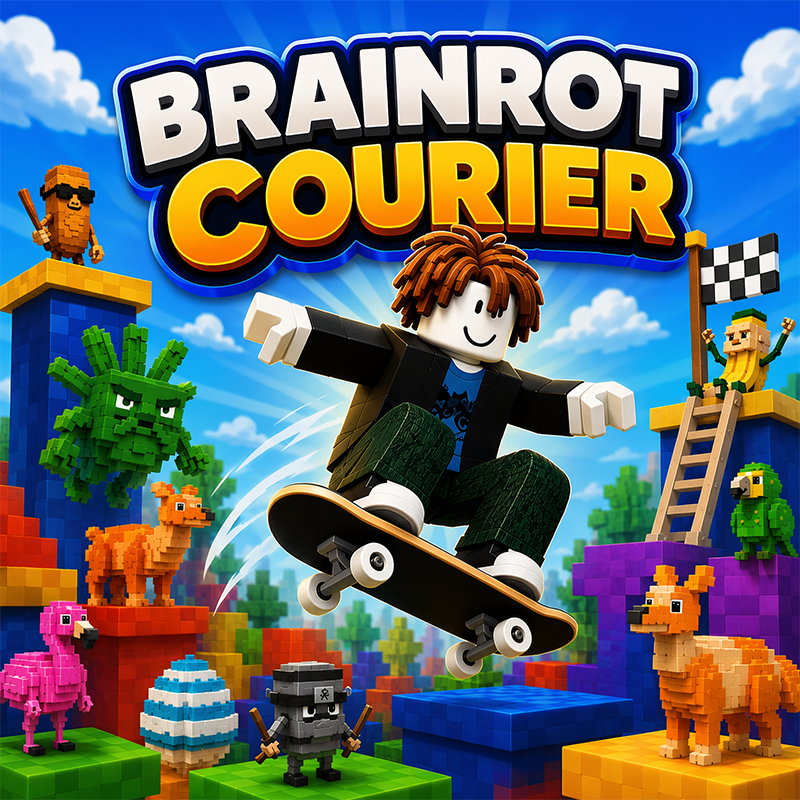
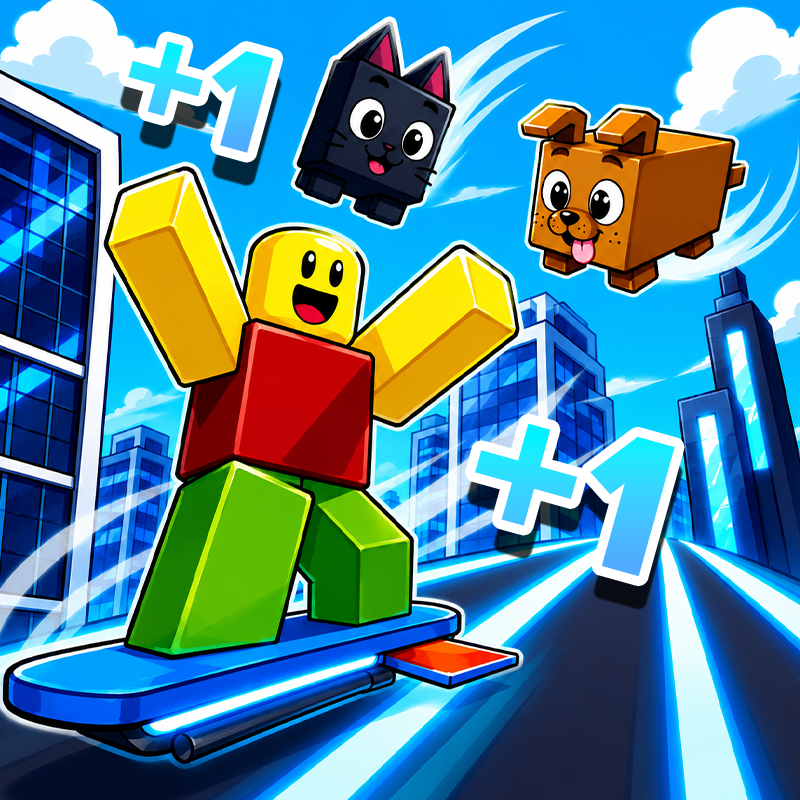
🛍️ Cool shop: buy pets, viral memes (Six-Seven, Ballerina Capuchina, Tralalero, and more), and stylish accessories — from glasses and capes to the legendary Dominus!
🏆 Ready to become the ultimate fall champion? Jump in and show what you've got!
How to play Obby Parkour: Crazy Descent
💻 PC Controls:
WASD or Arrow Keys — move character.
Hold Right Mouse Button (RMB) and move mouse — rotate camera and look around.
📱 Phone & Tablet Controls:
Virtual Joystick — drag the joystick in the desired direction to move character.
Swipe across screen — rotate camera and look around.
Obby Parkour: Crazy Descent controls
- WASD or Arrow Keys: move character
Obby Parkour: Crazy Descent FAQ
Is Obby Parkour: Crazy Descent free to play?
Yes. Obby Parkour: Crazy Descent is free on Physics Shark, with nothing to download and no account to make.
Can I play Obby Parkour: Crazy Descent unblocked at school?
Obby Parkour: Crazy Descent runs in a normal browser tab with no install, so it plays on school Chromebooks and laptops, with nothing to install and no account.
Does Obby Parkour: Crazy Descent work on phones and tablets?
Yes. It works with touch controls on phones and tablets, and with a keyboard and mouse on computers.
Is Obby Parkour: Crazy Descent a Roblox game?
No. Obby Parkour: Crazy Descent is a Roblox-style browser game by an independent developer. It plays a lot like a Roblox obby, but you don't need Roblox or a Roblox account to play it.
Obby Parkour: Crazy Descent is not made by, endorsed by or affiliated with Roblox Corporation. Roblox is a trademark of Roblox Corporation.
- LikedNo votes yet
- Rank#1986 of 2870
- PlaysBe the first!
- UpdatedNovember 2026
Gameplay
About this game
- Controls
- WASD or Arrow Keysmove character
- Supported devices
- Desktop, phone and tablet














