 Physics Shark



























OUTSIDE
OUTSIDE is a platformer you can play unblocked right here on Physics Shark. It runs in your browser with no download, no install and no account, so you can play it on a school Chromebook, a laptop, a phone or a tablet.
Show moreShow less
Play OUTSIDE unblocked
OUTSIDE is a platformer you can play unblocked right here on Physics Shark. It runs in your browser with no download, no install and no account, so you can play it on a school Chromebook, a laptop, a phone or a tablet.
What is OUTSIDE?
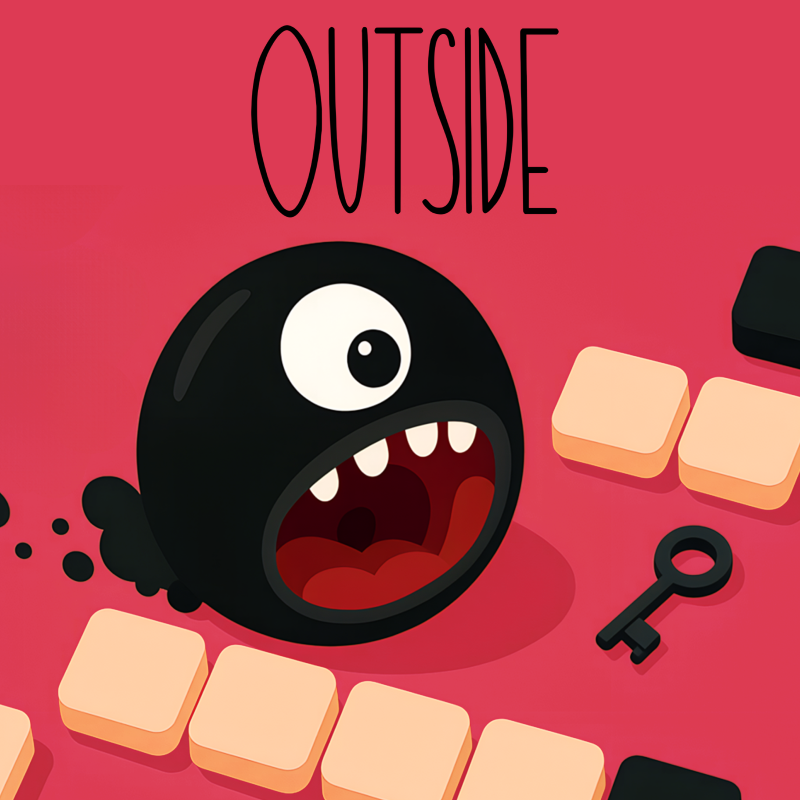
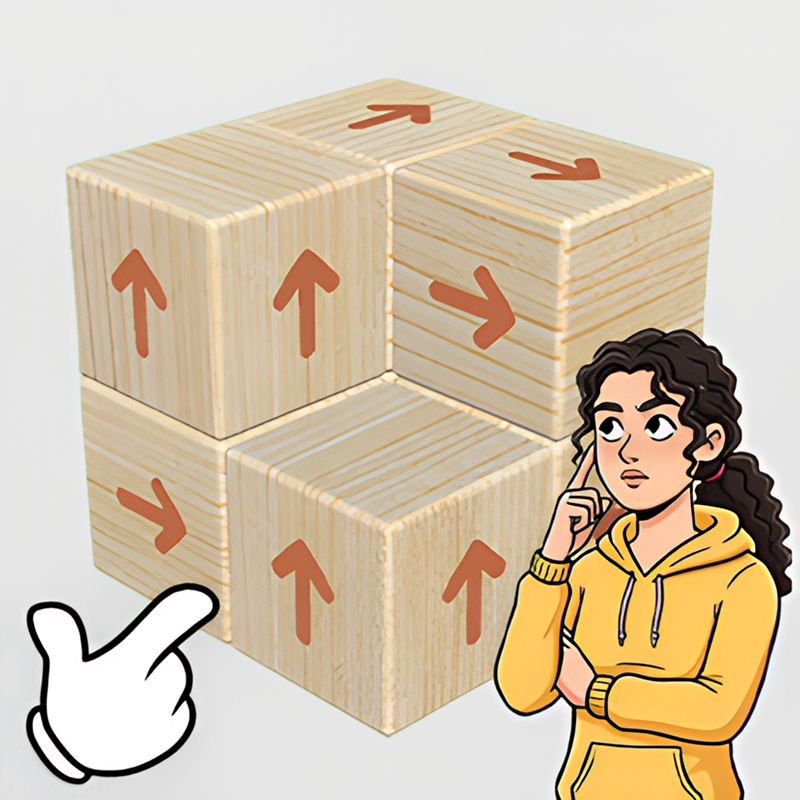
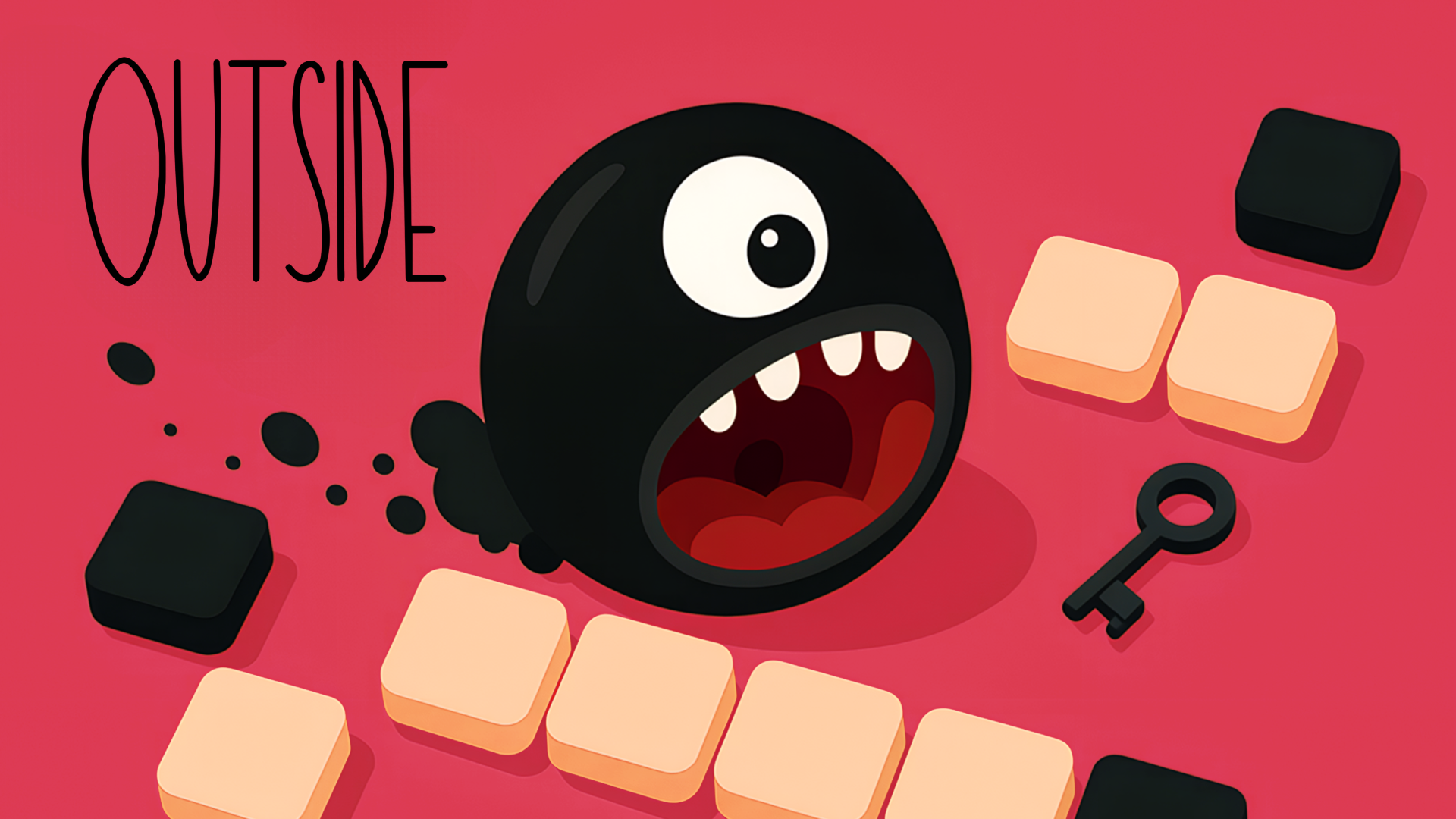
OUTSIDE is a minimalist puzzle game where every move counts. Guide your one-eyed character across a grid to collect the key and unlock the door to the next level — but there’s a twist: once you start moving in a direction, you can’t stop until you hit a wall.
Plan your path carefully, avoid dead ends, and use the environment to your advantage. Simple to play, but tricky to master, OUTSIDE challenges your logic and spatial thinking with each new level.
How to play OUTSIDE
Desktop Controls:
↑ (Up Arrow) / W: Move upward.
↓ (Down Arrow) / S: Move downward.
← (Left Arrow) / A: Move left.
→ (Right Arrow) / D: Move right.
R: Restart.
Q: To Menu.
M: Mute.
Mobile Controls:
On-screen Swipe: Move.
UI Buttons: Restart / To Menu / Mute.
*Gamepad supported
OUTSIDE controls
- R: Restart
- Q: To Menu
- M: Mute
OUTSIDE FAQ
Is OUTSIDE free to play?
Yes. OUTSIDE is free on Physics Shark, with nothing to download and no account to make.
Can I play OUTSIDE unblocked at school?
OUTSIDE runs in a normal browser tab with no install, so it plays on school Chromebooks and laptops, with nothing to install and no account.
Does OUTSIDE work on phones and tablets?
Yes. It works with touch controls on phones and tablets, and with a keyboard and mouse on computers.
- LikedNo votes yet
- Rank#1568 of 2870
- PlaysBe the first!
- UpdatedNovember 2026
Gameplay
About this game
- Controls
- RRestart
- QTo Menu
- MMute
- Supported devices
- Desktop, phone and tablet














