 Physics Shark

























Tidewell
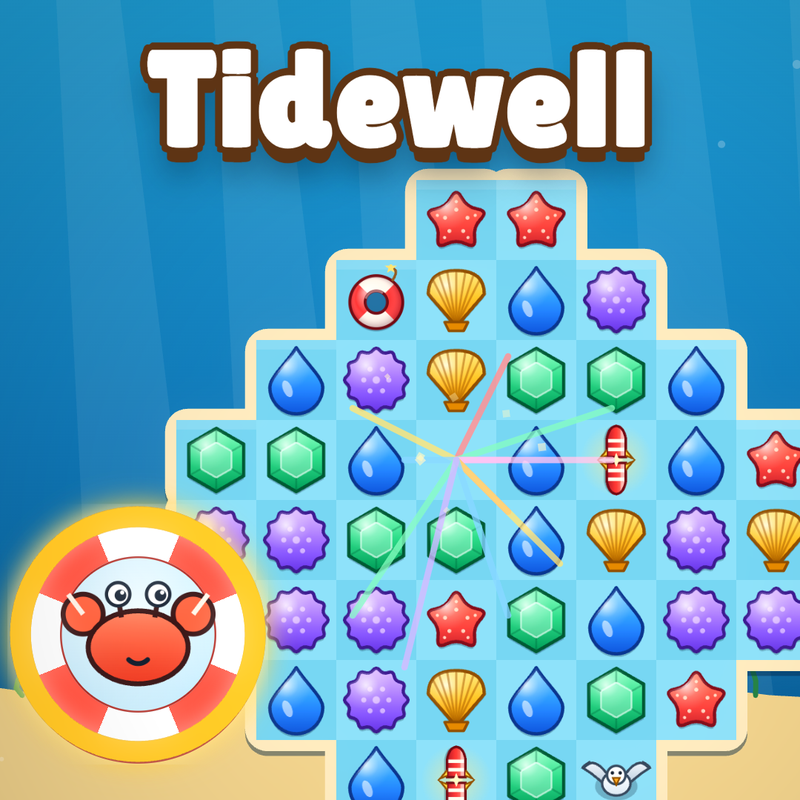
Looking for a cozy match-3 puzzle you can play at school? Tidewell loads straight in your browser on Physics Shark: free, unblocked and nothing to install. Play it on a school Chromebook, a laptop, a phone or a tablet.
Show moreShow less
Play Tidewell unblocked
Looking for a cozy match-3 puzzle you can play at school? Tidewell loads straight in your browser on Physics Shark: free, unblocked and nothing to install. Play it on a school Chromebook, a laptop, a phone or a tablet.
What is Tidewell?
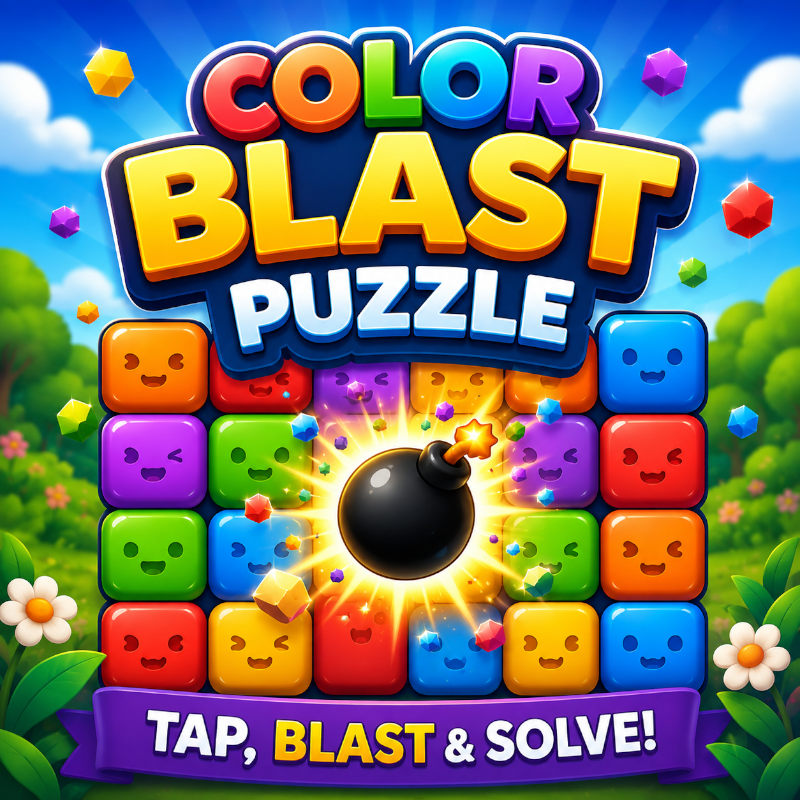
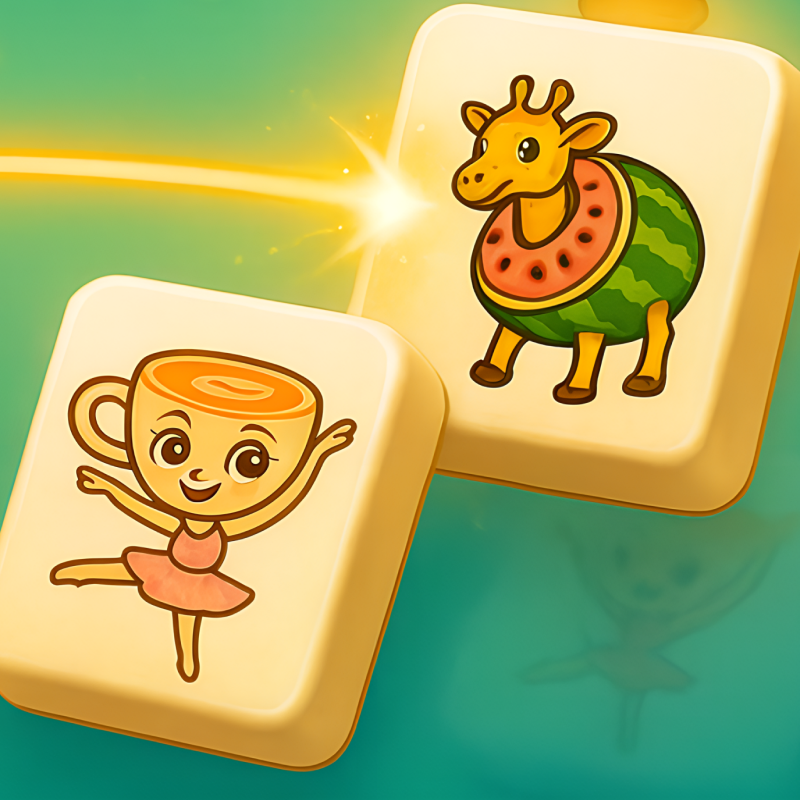
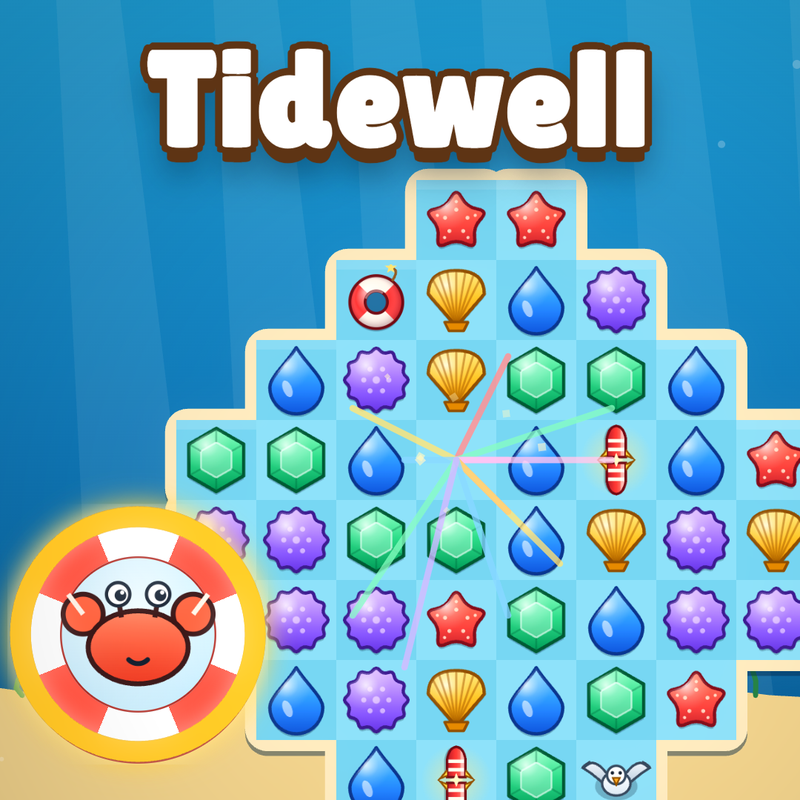
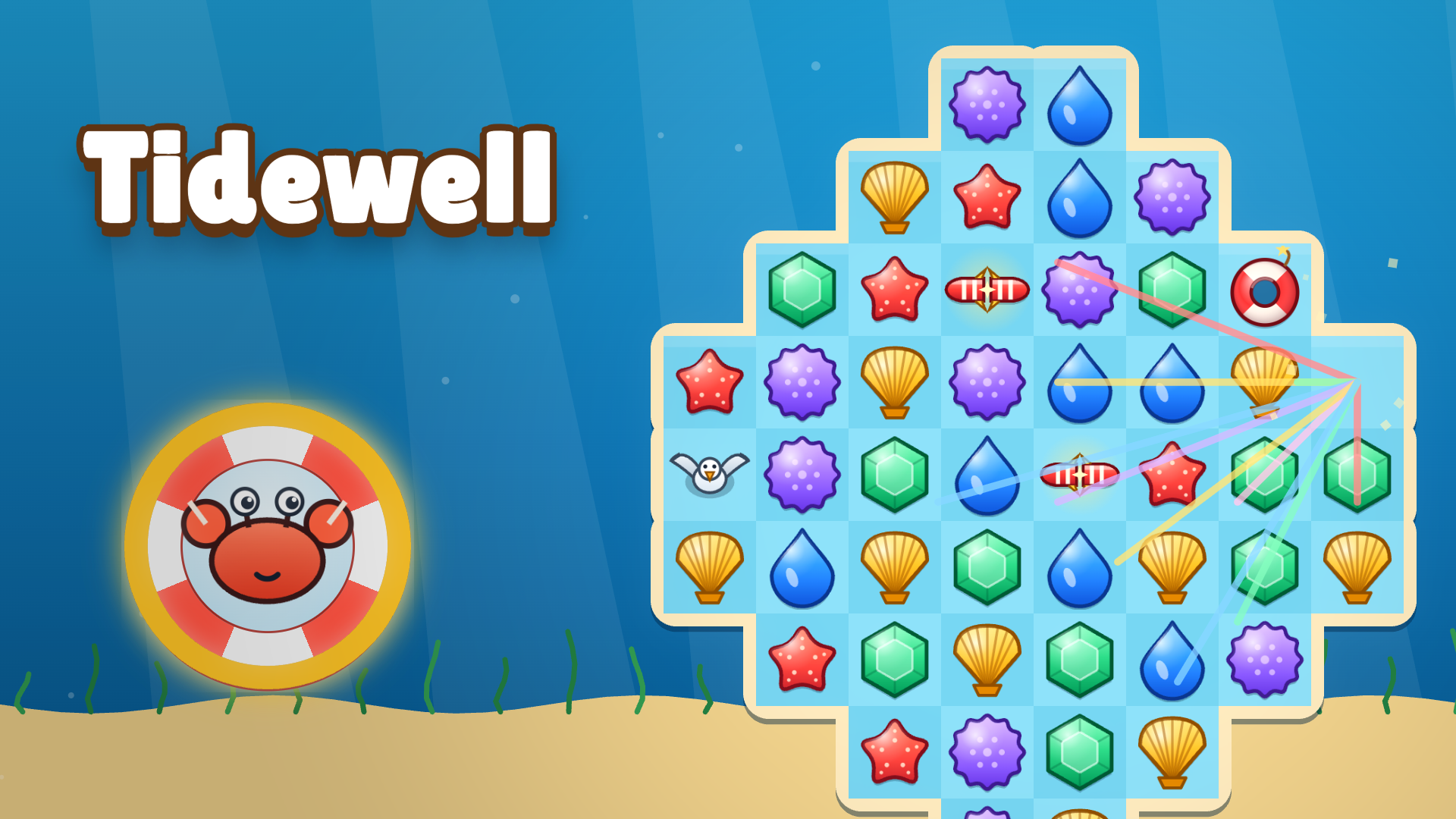
Tidewell is a cozy match-3 puzzle about rebuilding a storm-battered harbor. Swap sea treasures to make matches, craft flares, buoys, gulls and tide pearls, and combine them for huge chain reactions. Clear crates, sand, nets and message bottles across 100 handcrafted levels, then spend your stars to restore the pier, lighthouse, market, boatyard and café. Bring a Harbor Pal into every level: the crab, puffin, octopus and turtle each have a special power that charges as you play.
How to play Tidewell
Swipe a tile, or tap one tile and then a neighbour (mouse or touch). Tap a power-up to fire it, and swap two power-ups to combine them. Boosters: tap the button, then the board. Keys: M mutes, Esc opens pause or closes a panel, Enter plays from the harbor.
Tidewell FAQ
Is Tidewell free to play?
Yes. Tidewell is free on Physics Shark, with nothing to download and no account to make.
Can I play Tidewell unblocked at school?
Tidewell runs in a normal browser tab with no install, so it plays on school Chromebooks and laptops, with nothing to install and no account.
Does Tidewell work on phones and tablets?
Yes. It works with touch controls on phones and tablets, and with a keyboard and mouse on computers.
- LikedNo votes yet
- Rank#714 of 2870
- PlaysBe the first!
- UpdatedNovember 2026
Gameplay
About this game
- Supported devices
- Desktop, phone and tablet














